'%20d='M0%208a8%208%200%200%201%208-8h24a8%208%200%200%201%208%208v24a8%208%200%200%201-8%208H8a8%208%200%200%201-8-8V8Z'/%3e%3cpath%20fill='%23fff'%20d='M10.41%206v3.779h15.048v19.537h4.132V6H10.41Z'/%3e%3cpath%20fill='%23fff'%20d='M20.967%2034V13.837L10.41%209.78v20.166L20.967%2034Z'/%3e%3cdefs%3e%3clinearGradient%20id='reapit-sales__a'%20x1='20.702'%20x2='20.702'%20y1='.351'%20y2='31.228'%20gradientUnits='userSpaceOnUse'%3e%3cstop%20stop-color='%235573FD'/%3e%3cstop%20offset='.575'%20stop-color='%234E56EA'/%3e%3c/linearGradient%3e%3c/defs%3e%3c/svg%3e)
Marketing Packages
This article covers the marketing package settings in Reapit Sales.
Marketing Packages
This article covers the marketing package settings in Reapit Sales.
*Note: Master Users or those with the permission 'Manage Office Configuration' can access this configuration location.
Offices can create pre-defined Marketing Packages for greater efficiency when adding marketing/expense items to a Listing.
A Marketing Package is made up of a collection of 'Supplier Items' allowing Users to apply multiple Items to a Listing's Campaign in one action. *Note: Supplier items must be entered into the system to be able to create a package
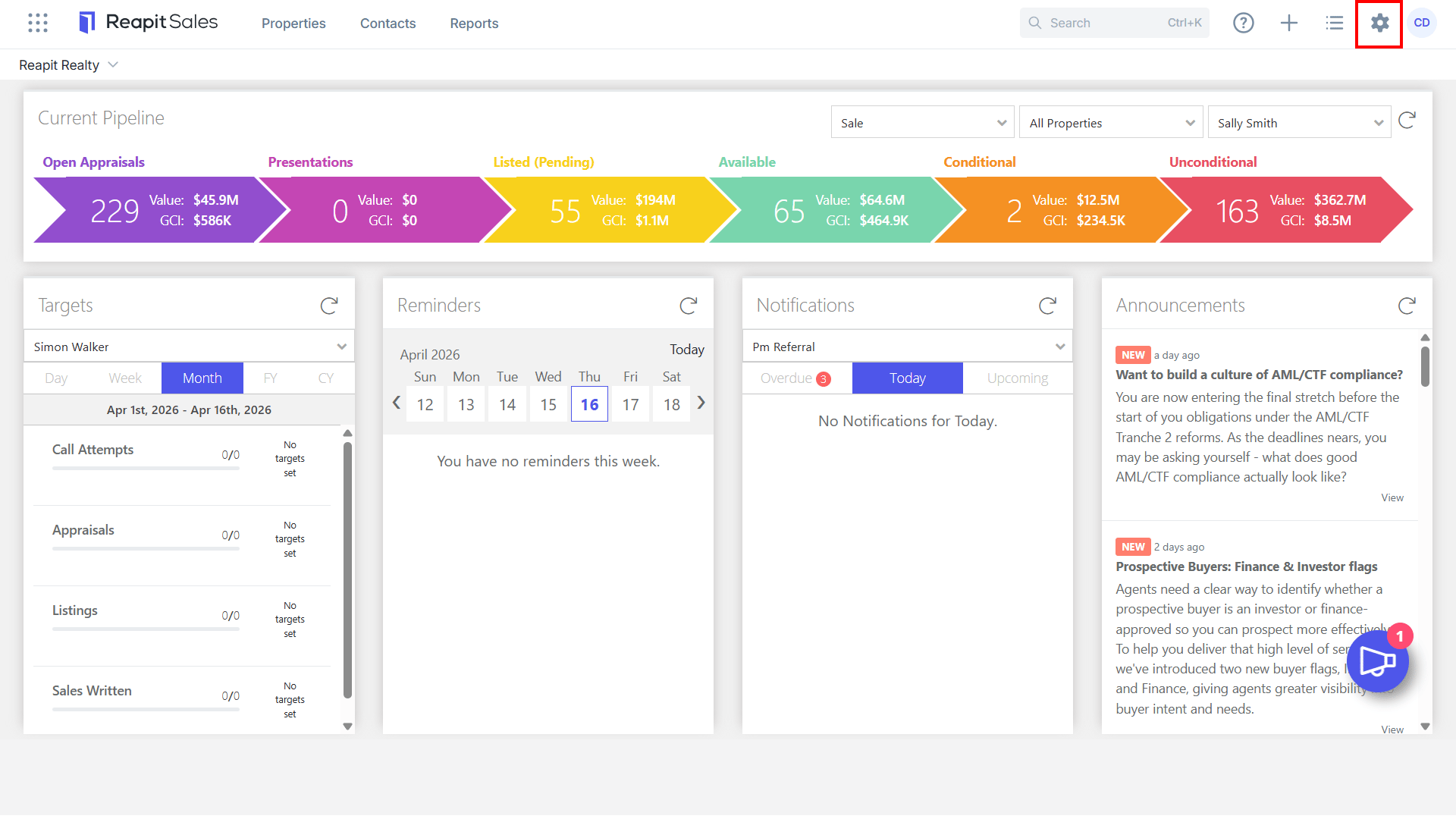
- Click My Office on the main menu.
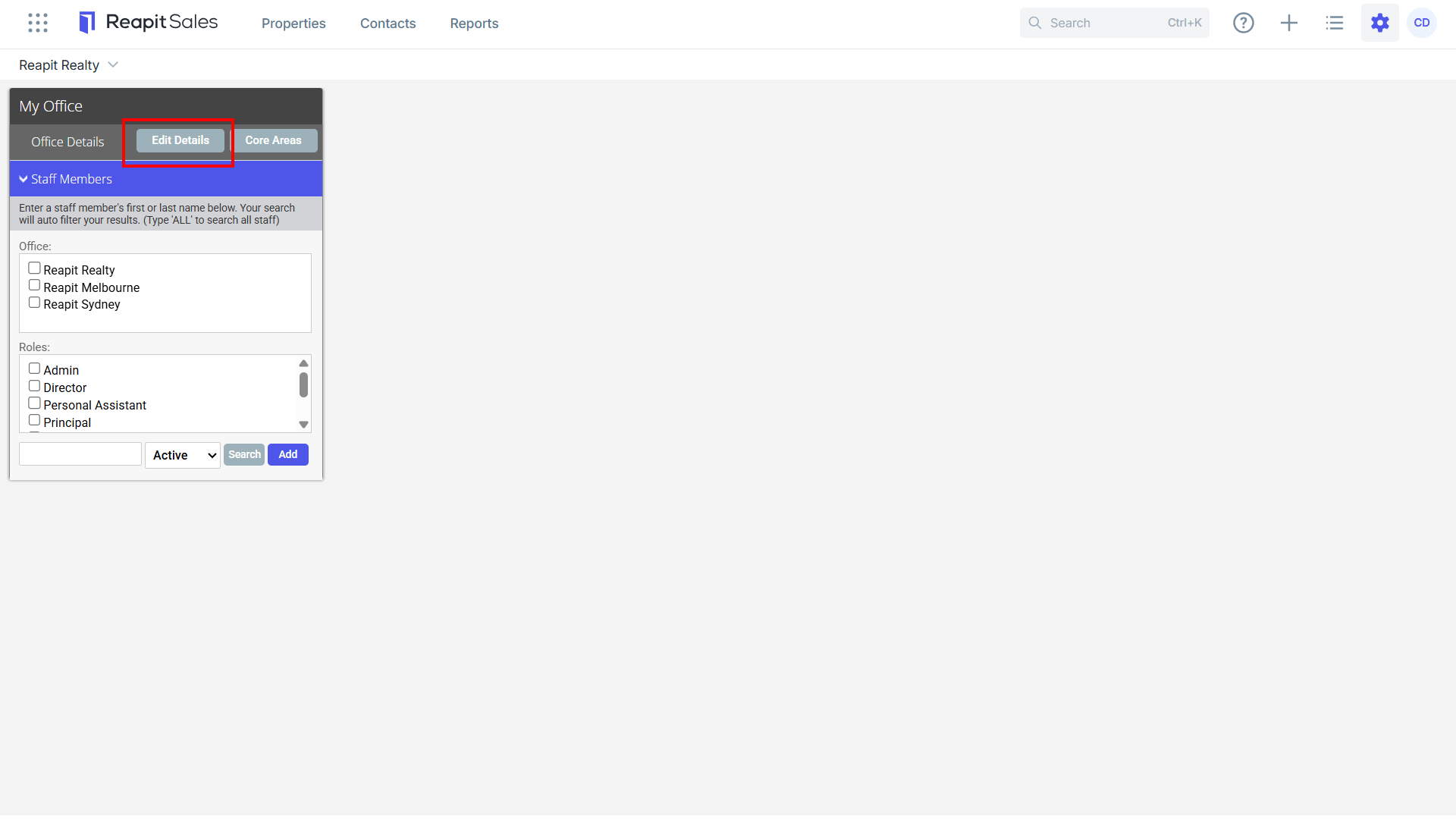
- Click Edit Details on the left panel.
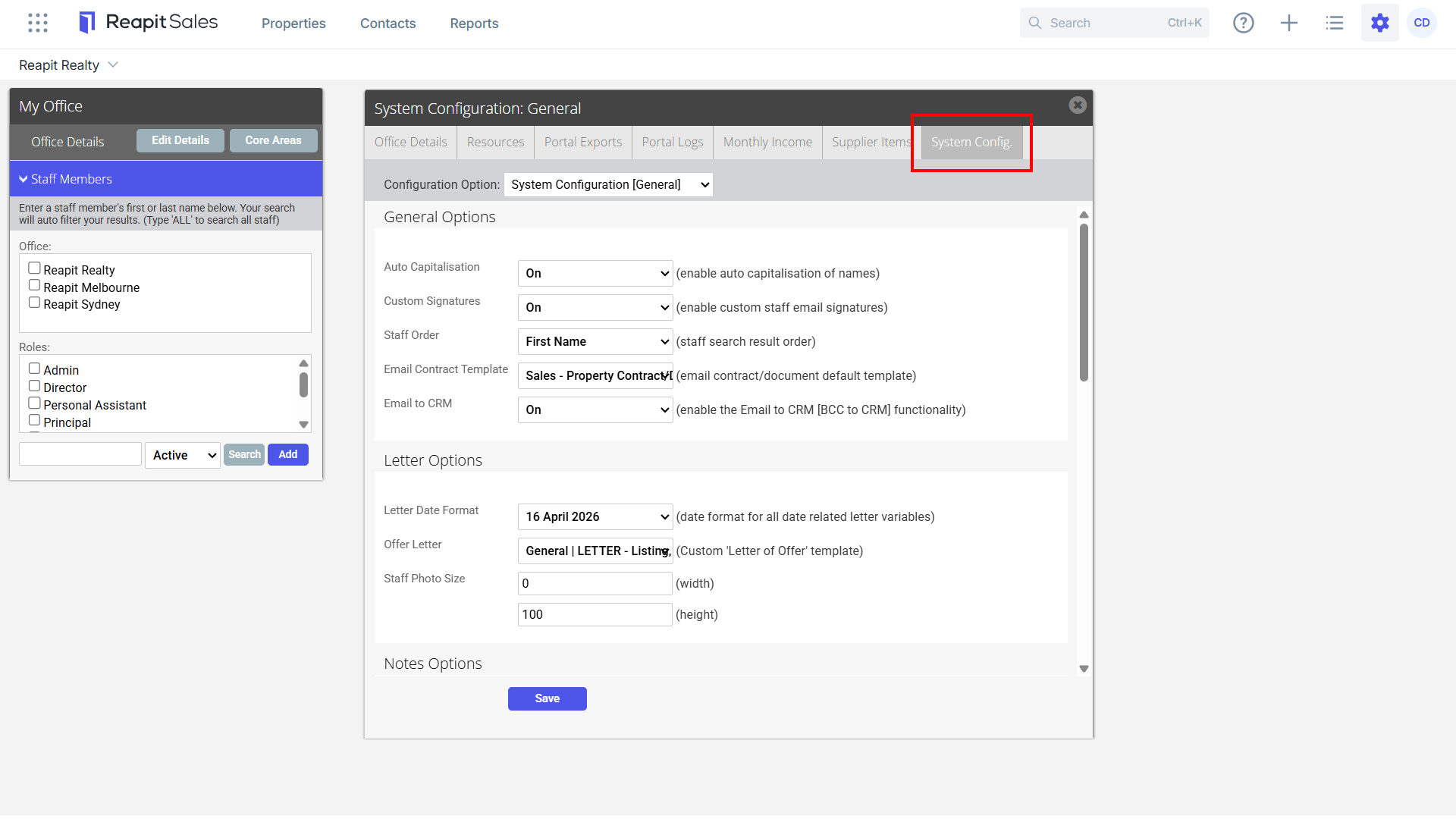
- Click the System Configuration tab.
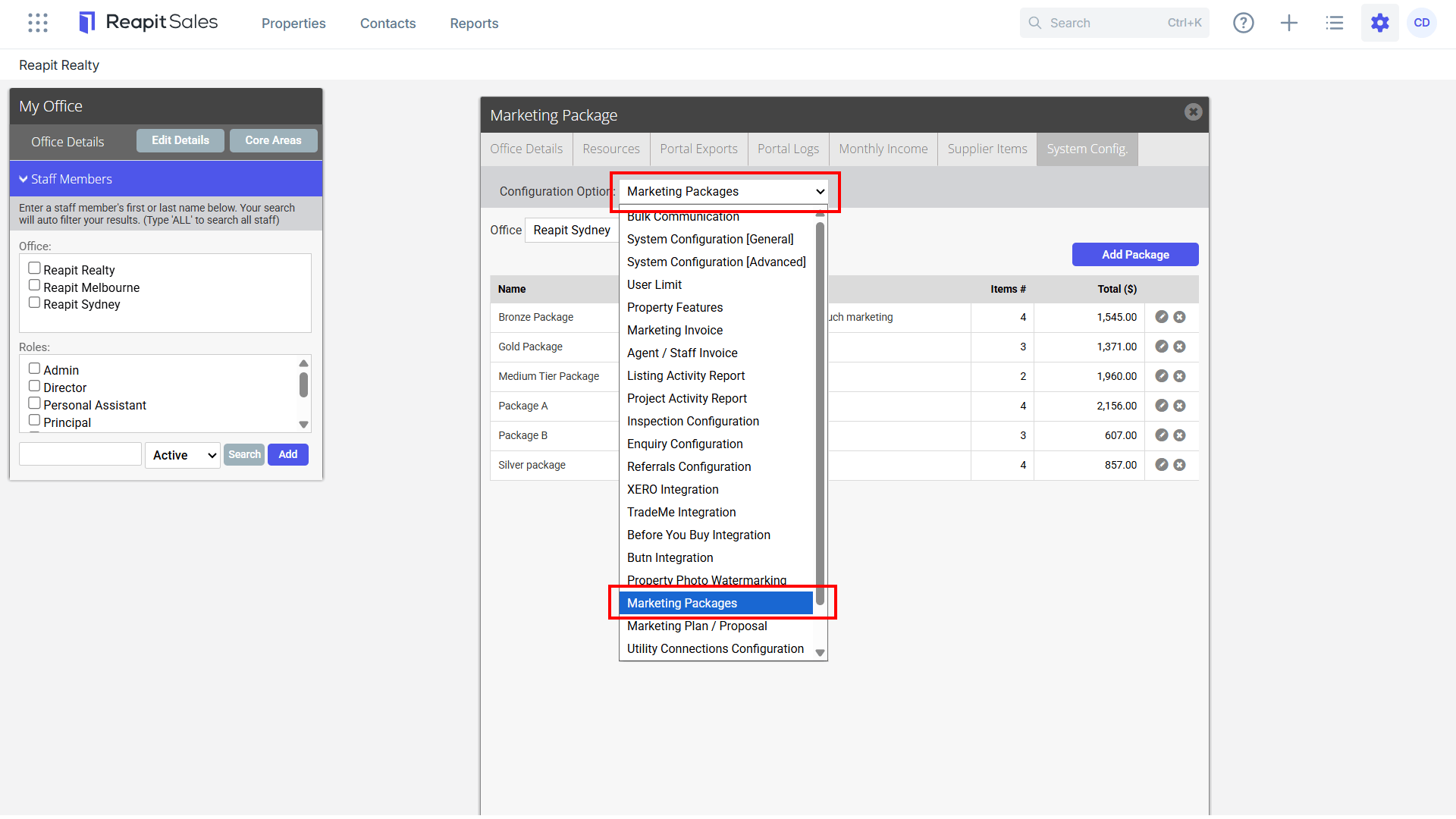
- Select Marketing Packages ****from the Configuration Option drop-down.
- Click Add Package to create a new Package Template.
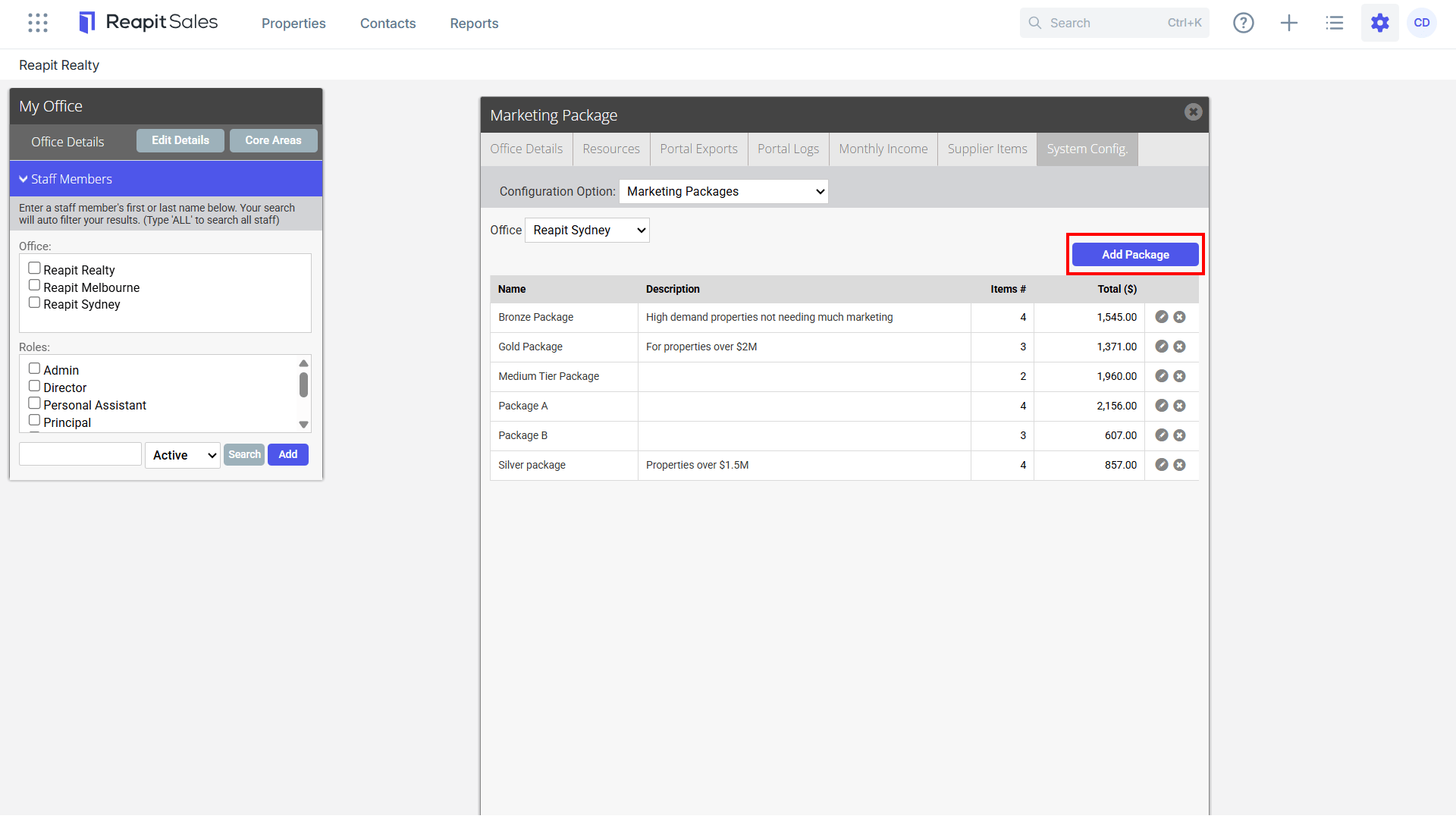
- Select an Office (only applicable in a branch system), Complete Package Name and Description.
- Add Package Items. *Note: supplier items must be entered into the system to be able to create a package. Please refer to How to add a supplierand How to add supplier items
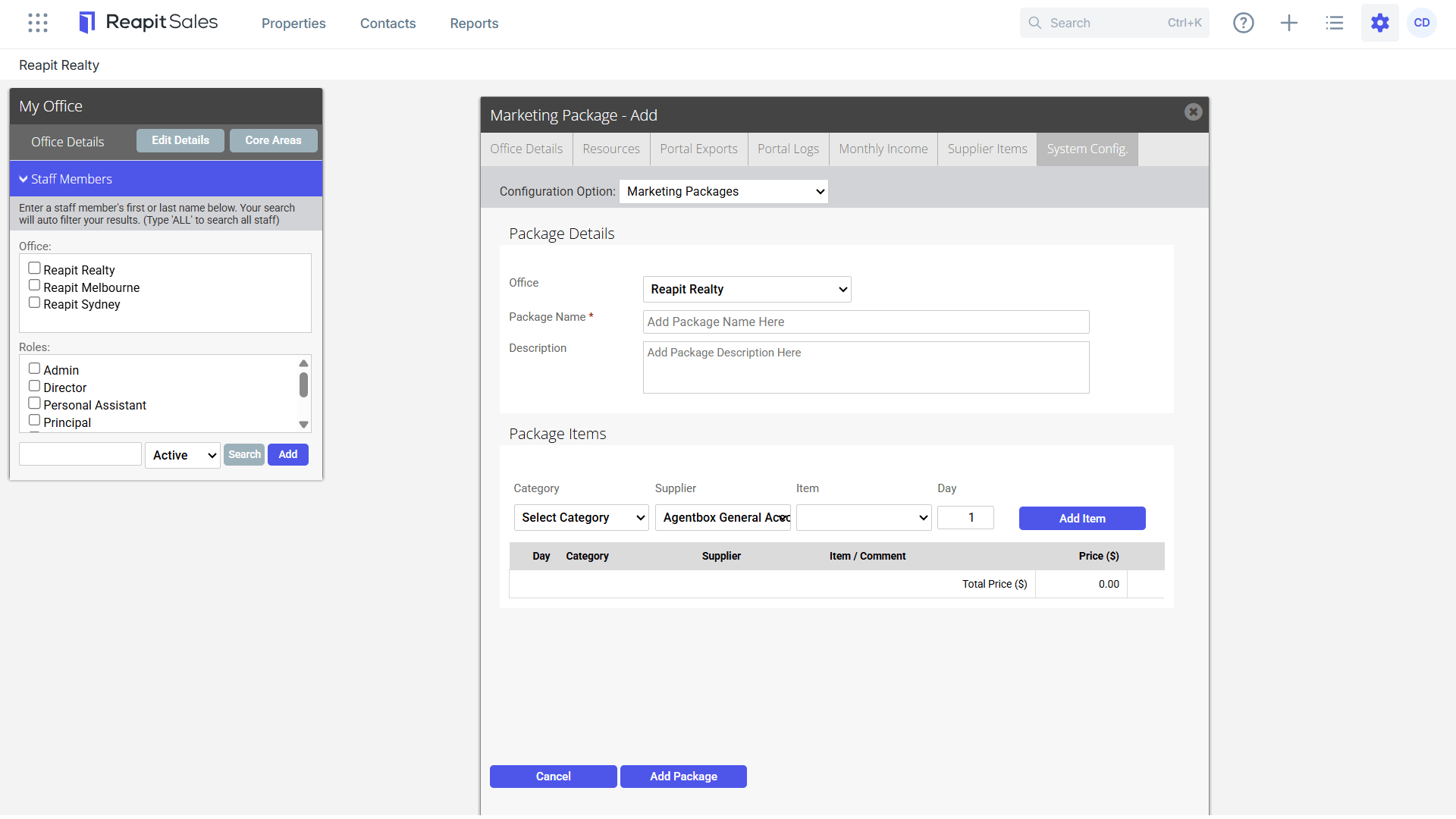
- Once all Items have been added, click Add Package to save the Package template.