'%20d='M0%208a8%208%200%200%201%208-8h24a8%208%200%200%201%208%208v24a8%208%200%200%201-8%208H8a8%208%200%200%201-8-8V8Z'/%3e%3cpath%20fill='%23fff'%20d='M10.41%206v3.779h15.048v19.537h4.132V6H10.41Z'/%3e%3cpath%20fill='%23fff'%20d='M20.967%2034V13.837L10.41%209.78v20.166L20.967%2034Z'/%3e%3cdefs%3e%3clinearGradient%20id='reapit-sales__a'%20x1='20.702'%20x2='20.702'%20y1='.351'%20y2='31.228'%20gradientUnits='userSpaceOnUse'%3e%3cstop%20stop-color='%235573FD'/%3e%3cstop%20offset='.575'%20stop-color='%234E56EA'/%3e%3c/linearGradient%3e%3c/defs%3e%3c/svg%3e)
Create Appointments via Contact In Mobile App
This article runs through how to create appointments via contact in Reapit Sales App.
Create Appointments via Contact in Mobile App
This article runs through how to create appointments via contact in Reapit Sales App.
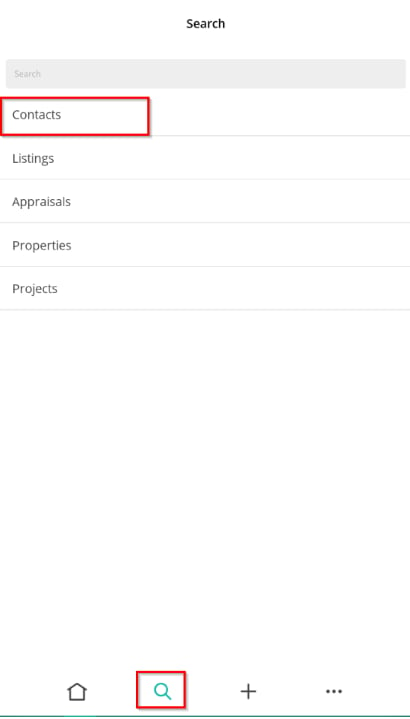
- To access contacts, tap on ****the magnifying glass icon from the main menu and select 'Contacts'.
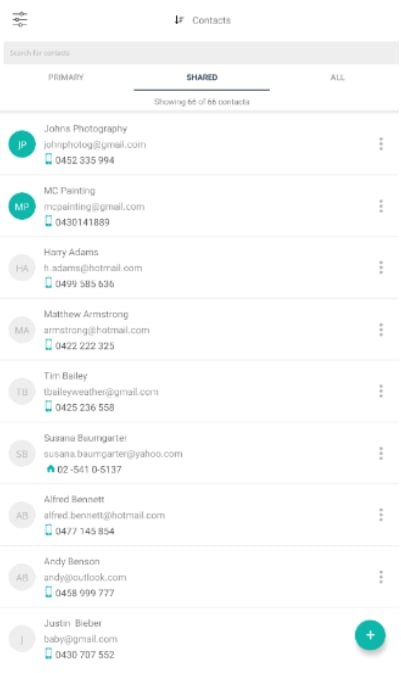
- Here you can filter by contacts you are the primary owner of, shared or All (subject to access permissions) or search for contacts.
- Once you have found the contact, tap to open.
- Tap the Appointments tab to open. Here you can view all previous appointments.
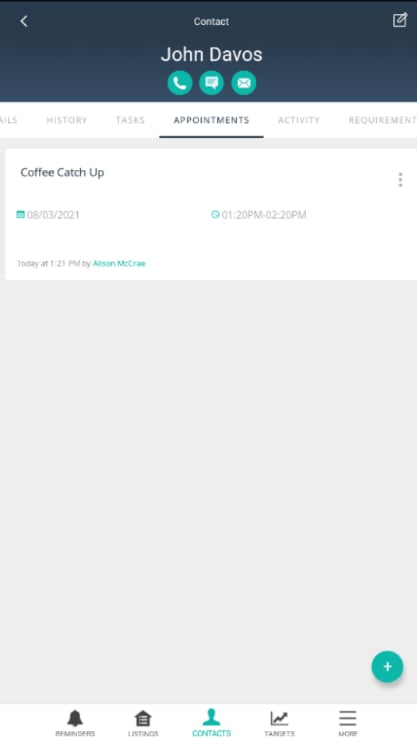
- Tap the + icon to add new ones. Enter a Headline and Description if applicable. Tap the Date field to enter the appointment start and finish time.
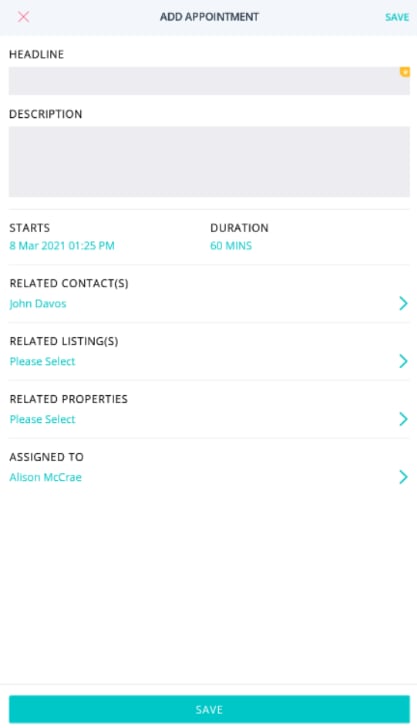
- Tap Save.
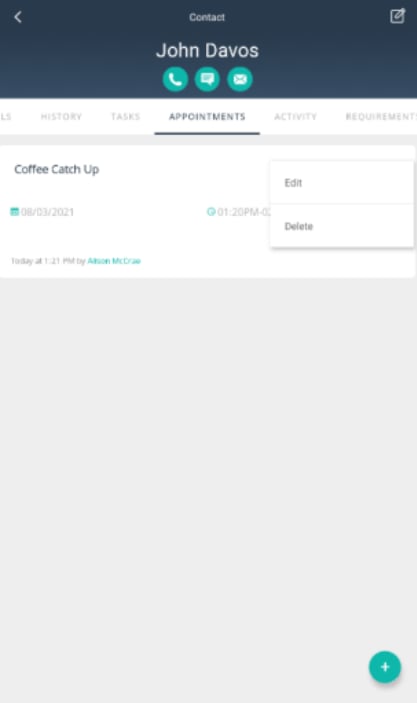
- To edit/delete an Appointment tap the quick edit icon next to the appointment and make required changes.