'%20d='M0%208a8%208%200%200%201%208-8h24a8%208%200%200%201%208%208v24a8%208%200%200%201-8%208H8a8%208%200%200%201-8-8V8Z'/%3e%3cpath%20fill='%23fff'%20d='M10.41%206v3.779h15.048v19.537h4.132V6H10.41Z'/%3e%3cpath%20fill='%23fff'%20d='M20.967%2034V13.837L10.41%209.78v20.166L20.967%2034Z'/%3e%3cdefs%3e%3clinearGradient%20id='reapit-sales__a'%20x1='20.702'%20x2='20.702'%20y1='.351'%20y2='31.228'%20gradientUnits='userSpaceOnUse'%3e%3cstop%20stop-color='%235573FD'/%3e%3cstop%20offset='.575'%20stop-color='%234E56EA'/%3e%3c/linearGradient%3e%3c/defs%3e%3c/svg%3e)
Enquiry Configuration
This article covers the enquiry configuration settings in Reapit Sales.
Enquiry Configuration
This article covers the enquiry configuration settings in Reapit Sales.
*Note: Only Master Users can access this configuration location.
**Note: System Configuration [Advanced] Req. Price Mandatory & Req. Location Mandatory does not override inspection default requirements.
Set default settings e.g. subscription options to new contacts created via Enquiry.
- Click My Office on the main menu.
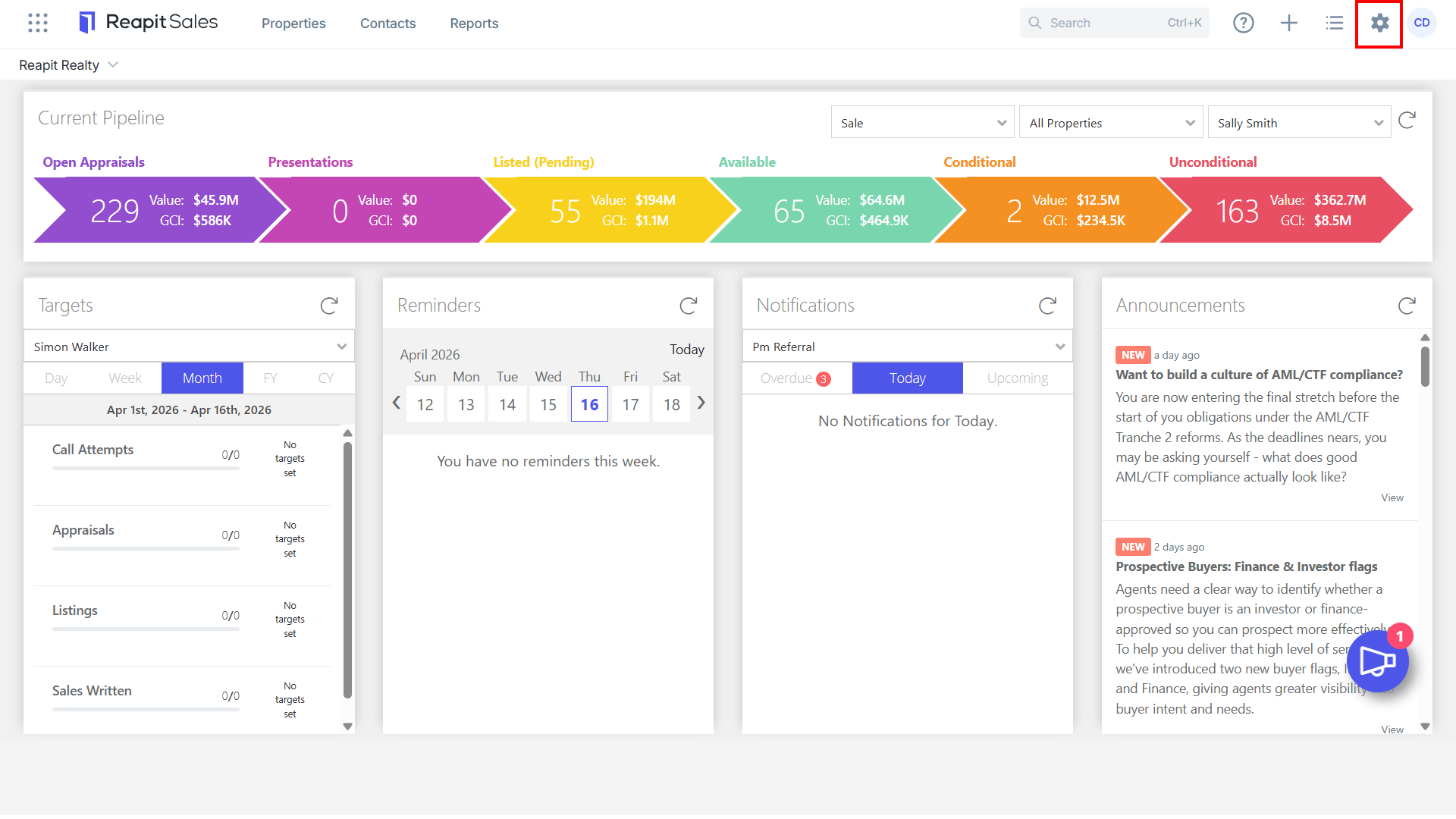
- Click Edit Details on the left panel.
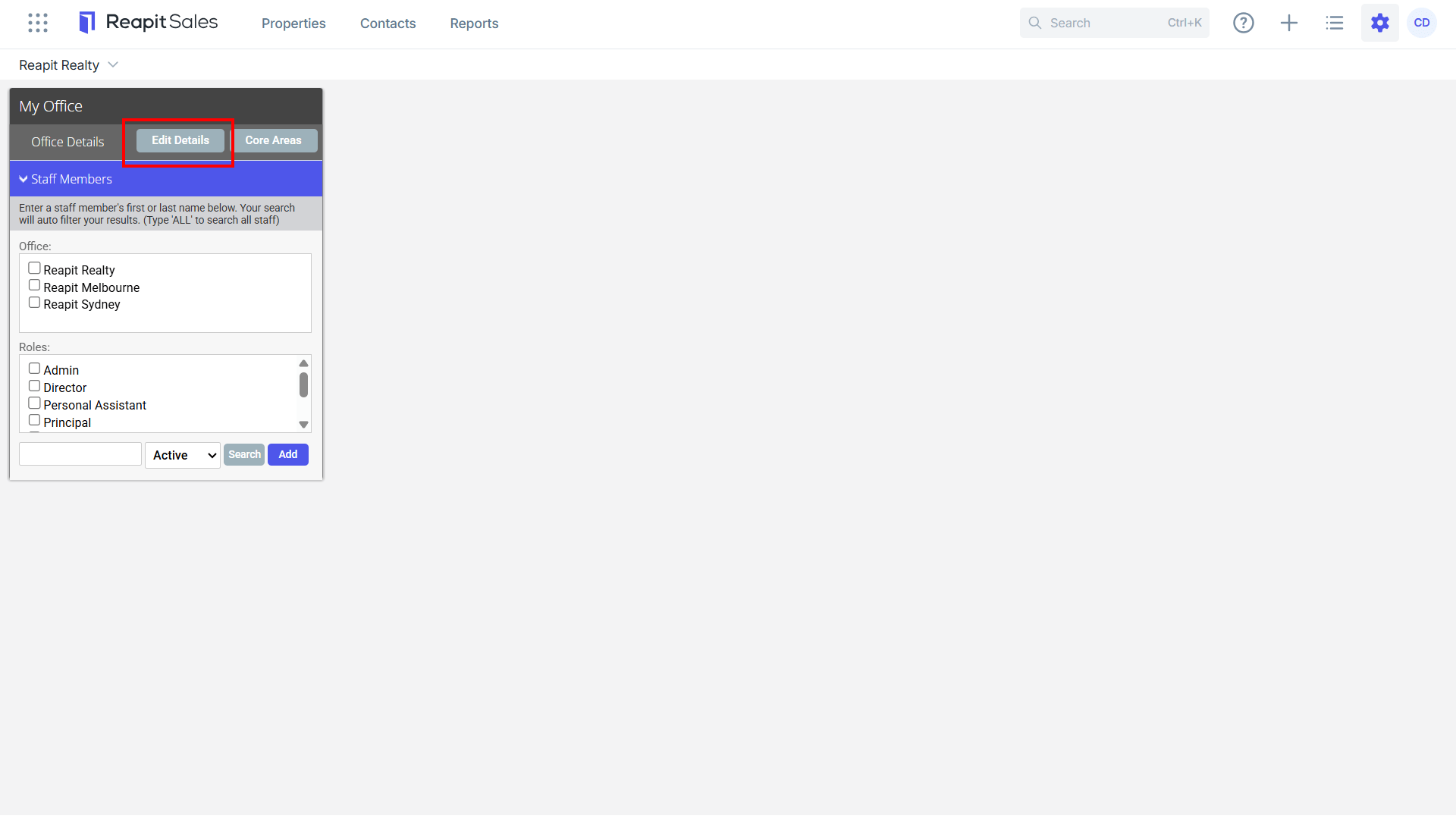
- Click the System Configuration tab.
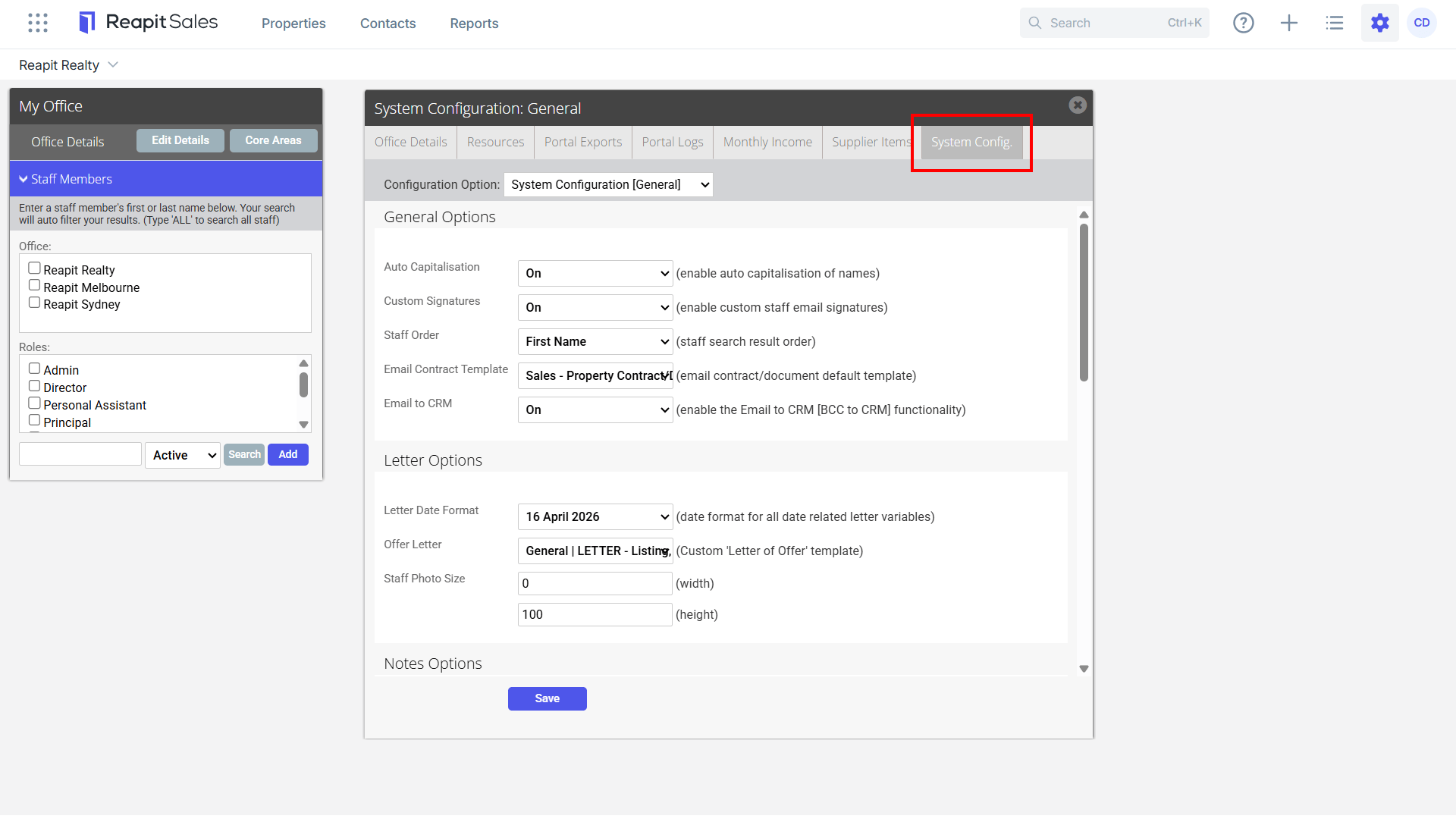
- Select Enquiry Configuration ****from the Configuration Option drop-down.
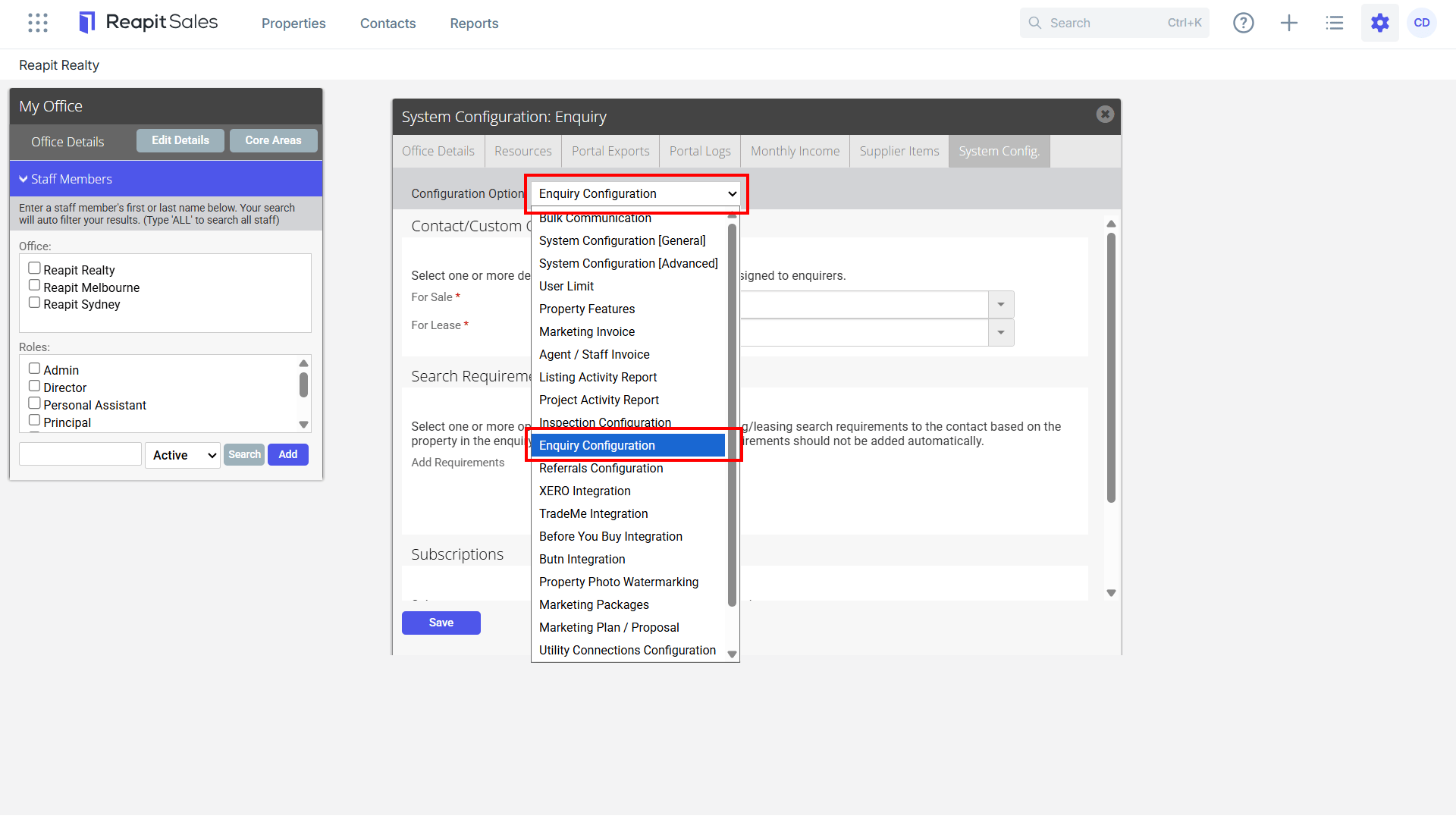
Note: The following defaults applied can be manually adjusted per enquiry if required when adding to database.
- Contact/Custom Classes - Select one or more default contact/custom classes to be assigned to new contacts added as inspection attendees at properties For Sale or For Lease.
- Search Requirements - Select one or more options below to automatically add buying/leasing search requirements to the contact based on the property they have inspected. Leave all options blank if search requirements should not be added automatically.
- Subscriptions - Select one or more options below to automatically subscribe the contact.

- Click Save.
