'%20d='M0%208a8%208%200%200%201%208-8h24a8%208%200%200%201%208%208v24a8%208%200%200%201-8%208H8a8%208%200%200%201-8-8V8Z'/%3e%3cpath%20fill='%23fff'%20d='M10.41%206v3.779h15.048v19.537h4.132V6H10.41Z'/%3e%3cpath%20fill='%23fff'%20d='M20.967%2034V13.837L10.41%209.78v20.166L20.967%2034Z'/%3e%3cdefs%3e%3clinearGradient%20id='reapit-sales__a'%20x1='20.702'%20x2='20.702'%20y1='.351'%20y2='31.228'%20gradientUnits='userSpaceOnUse'%3e%3cstop%20stop-color='%235573FD'/%3e%3cstop%20offset='.575'%20stop-color='%234E56EA'/%3e%3c/linearGradient%3e%3c/defs%3e%3c/svg%3e)
System Configuration
This article covers the configuration settings in Reapit Sales.
System Configuration
This article covers the configuration settings in Reapit Sales.
*Note: Only Master Users can access this configuration location.
On the System Config. Tab master users can tailor certain system features for the entire office.
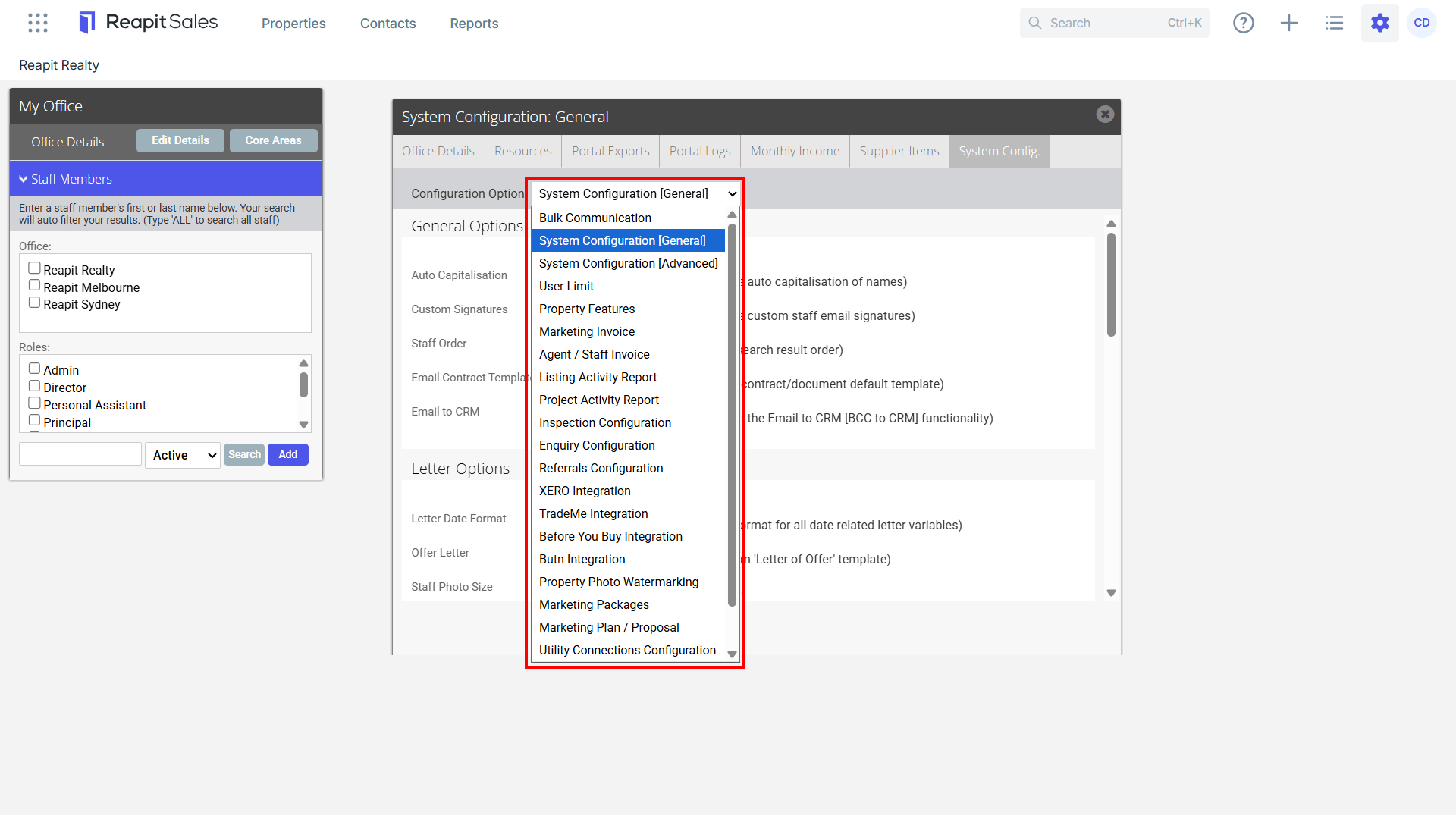
The areas you can customise include:
- Bulk Communication Allows you customise what bulk communication activies can be used.
- System Configuration (General)Allows you to edit General system settings such as letter date format and Notes settings such as can they be edited or deleted etc.
- System Configuration (Advanced) ****Allows you to edit Advanced system settings such as custom classes, appraisal and contact sources, buyer/tenant enquiry settings, letter margins etc.
- Property Features Allows you to filter which property features can be selected per property type when creating a new appraisal/listing.
- Marketing InvoiceAllows you to edit the default header/footer used on the Marketing Invoice.
- Agent/Staff Invoice Allows you to edit the default header/footer used on the Marketing Invoice.
- Core Logic/RP DataProspector Module users only.
- Listing Activity Report Allows you to edit the default header and set display defaults.
- Project Activity Report Allows you to edit the default header and set display defaults.
- Leads ****Leads Capture Module users only.
- HomepassAllows you to apply settings to contacts create via Homepass 'Check-Ins'.
- Inspection Configuration Allows you to customise search requirements, subscriptions and mandatory fields on contacts created via inspections.
- Enquiry ConfigurationAllows you to customise search requirements, subscriptions and mandatory fields on contacts created via enquiries.
- TradeMe Integration This integration allows authorised Users to push listings to TradeMe.co.nz to a single TradeMe account.
- Property Photo Watermarking Allows you to configure watermark settings such as location, size, opacity and change image.
- Marketing Packages ****Allows you to create default Marketing Packages.
- Marketing Plan/ProposalAllows you to edit the default header/footer used on the Marketing Plan. Edit colour and font configurations and default layout options.
- Utility Connections Configuration Allows Agencies to create their own utility connection brand / concierge service for their clients (powerered by Movinghub.com.au).
Access System Configuration
*Note: Master Users Only
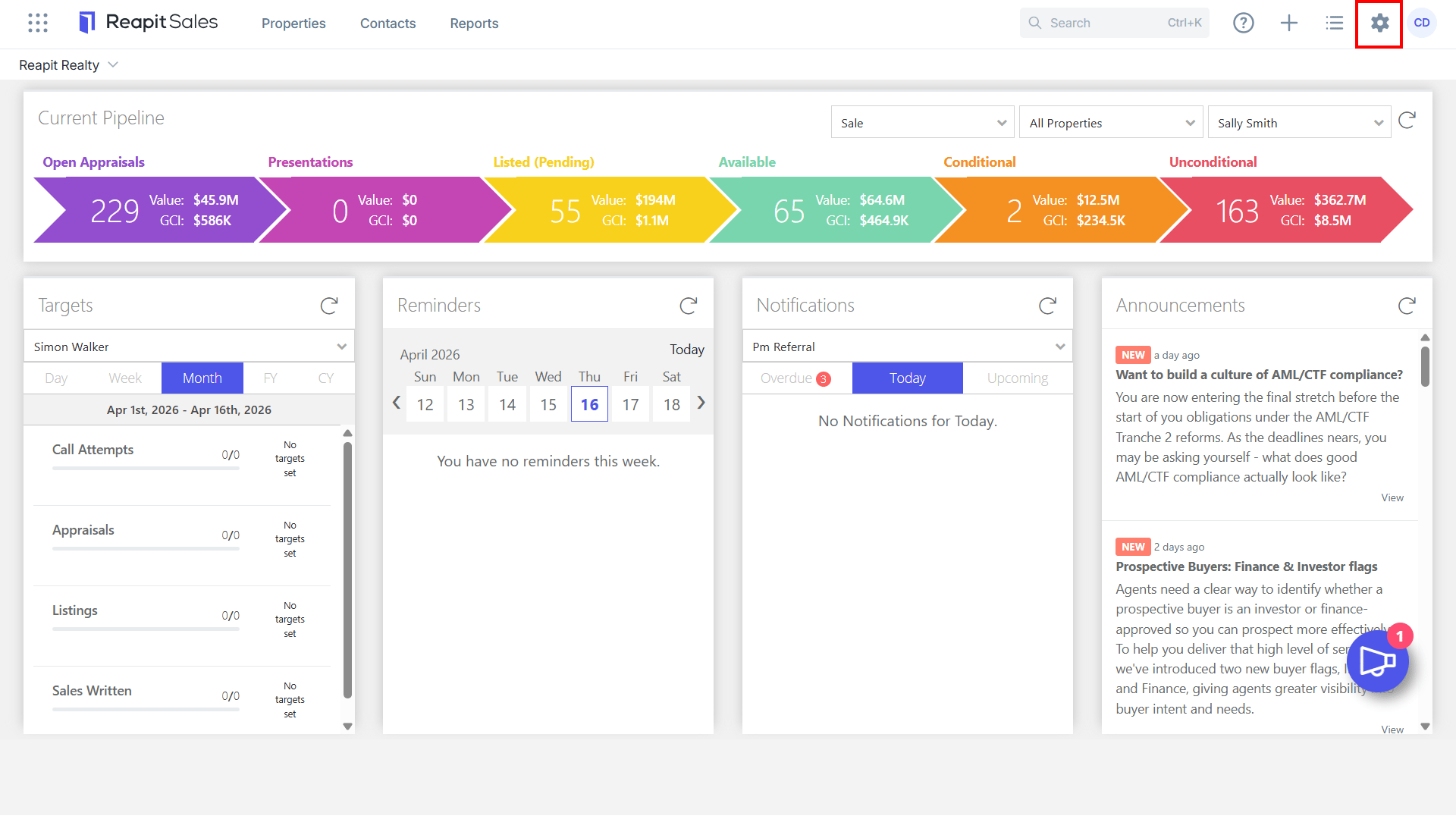
- Click My Office.
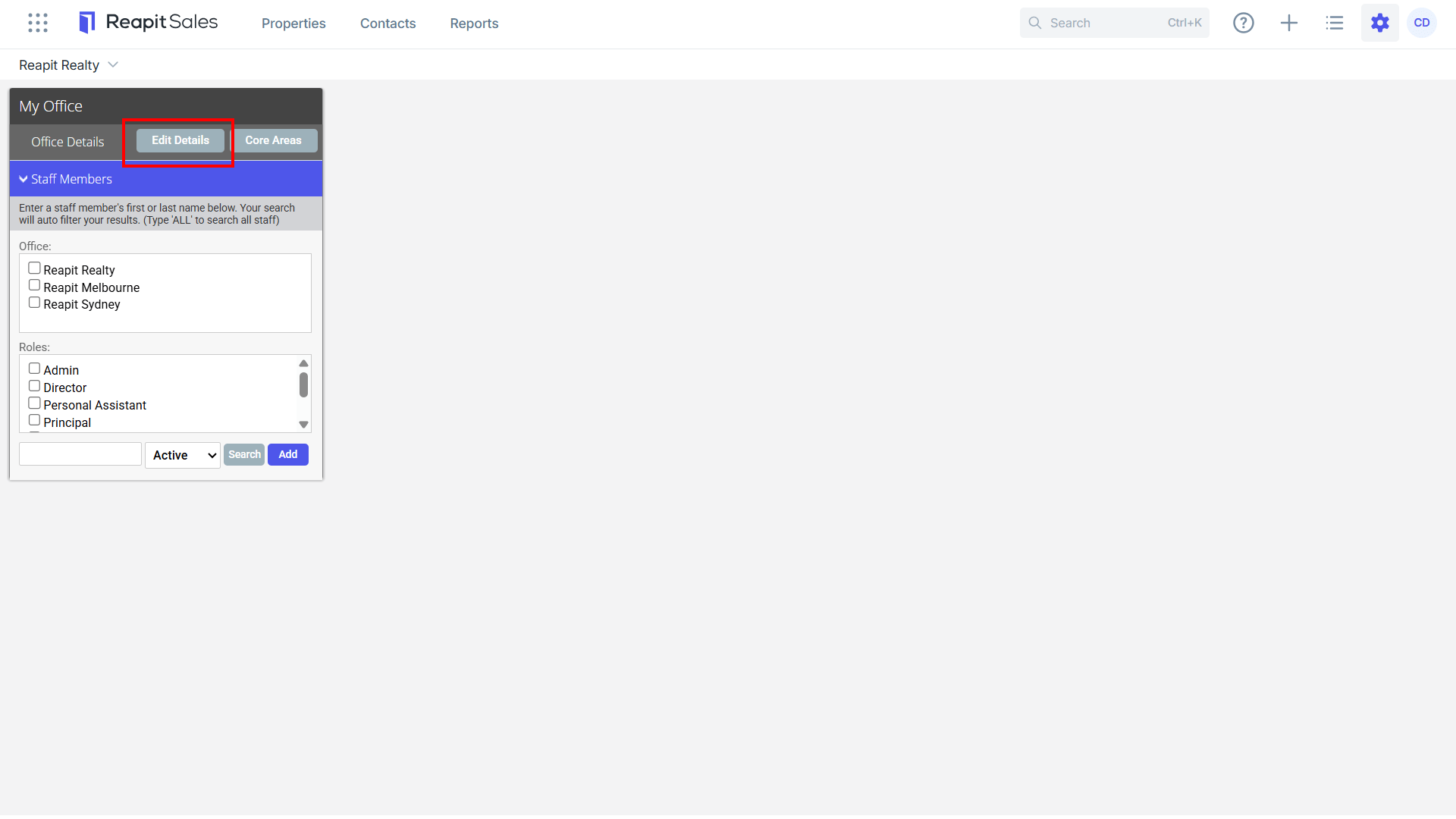
- Click Edit Details on the left panel.
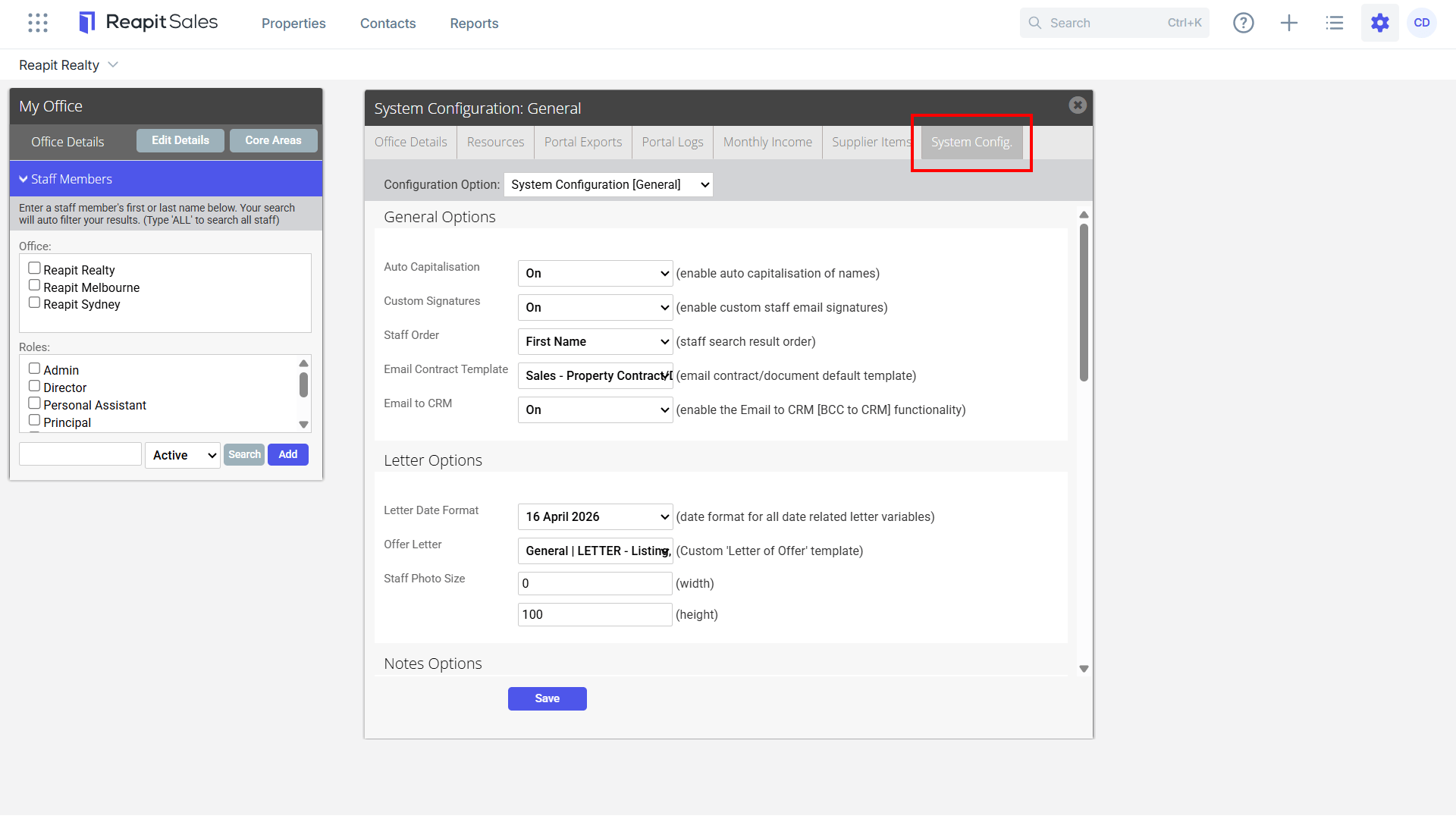
- Click on the System Configuration tab.
- Select item from the Configuration Option drop-down to edit.