'%20d='M0%208a8%208%200%200%201%208-8h24a8%208%200%200%201%208%208v24a8%208%200%200%201-8%208H8a8%208%200%200%201-8-8V8Z'/%3e%3cpath%20fill='%23fff'%20d='M10.41%206v3.779h15.048v19.537h4.132V6H10.41Z'/%3e%3cpath%20fill='%23fff'%20d='M20.967%2034V13.837L10.41%209.78v20.166L20.967%2034Z'/%3e%3cdefs%3e%3clinearGradient%20id='reapit-sales__a'%20x1='20.702'%20x2='20.702'%20y1='.351'%20y2='31.228'%20gradientUnits='userSpaceOnUse'%3e%3cstop%20stop-color='%235573FD'/%3e%3cstop%20offset='.575'%20stop-color='%234E56EA'/%3e%3c/linearGradient%3e%3c/defs%3e%3c/svg%3e)
The Reapit Sales(mobile)
This article explains about Reapit Sales(mobile).
The Reapit Sales(mobile)
This article explains about Reapit Sales(mobile).
Power your business from your pocket!

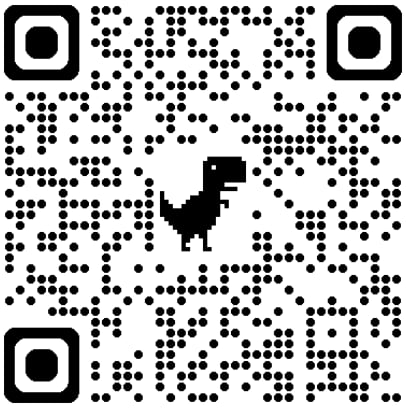
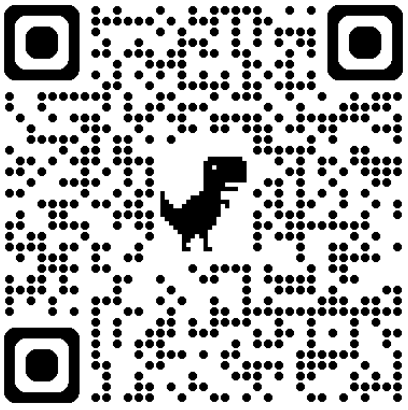
Download the App from the App Store for iPhone or iPad or the Google Play Store for Android Devices.
Manage Your Day
Never miss an appointment & complete your tasks on the couch or on the go.
Access Your Listings
Run your OFIs with simplicity & capture attendees directly into the App with full sync to your Reapit Sales CRM. Take control of your data!
Nurture Your Clients
Click to call, track outcomes, and make notes with full visibility of contact details from your Reapit Sales database wherever you are.
Measure Your Results
Access to your targets dashboard from anywhere, anytime. Get motivated to make calls, book appointments and build your pipeline.
How do I download the app?
The Reapit Sales(mobile) is currently available to download via iTunes and the Google Play Store for use on IOS (Apple) and Android devices at no charge.
You can connect and utilise the app with or without an internet connection.
Apple - iOS App Store
Android - Google Play Store
What version do I need?
To ensure you are getting the most out of the app, you will need to ensure you keep the app and device up to date so you can benefit from any feature releases and bug fixes.
We suggest keeping an eye on the announcements panel on your dashboard, so you are aware of all the new features we are releasing on the Reapit Sales(mobile).
Do I need an internet connection?
An active internet connection is required to log in, search and navigate database records and synchronise data to your Reapit Sales CRM. Limited offline functionality exists to handle intermittent internet connection issues and wifi/reception dead spots. For example, you can add an inspection attendee while offline if you have already loaded your listings with an active internet connection prior to losing your internet connection.
The updates you make on the app will be applied when your mobile device is back in range.