'%20d='M0%208a8%208%200%200%201%208-8h24a8%208%200%200%201%208%208v24a8%208%200%200%201-8%208H8a8%208%200%200%201-8-8V8Z'/%3e%3cpath%20fill='%23fff'%20d='M10.41%206v3.779h15.048v19.537h4.132V6H10.41Z'/%3e%3cpath%20fill='%23fff'%20d='M20.967%2034V13.837L10.41%209.78v20.166L20.967%2034Z'/%3e%3cdefs%3e%3clinearGradient%20id='reapit-sales__a'%20x1='20.702'%20x2='20.702'%20y1='.351'%20y2='31.228'%20gradientUnits='userSpaceOnUse'%3e%3cstop%20stop-color='%235573FD'/%3e%3cstop%20offset='.575'%20stop-color='%234E56EA'/%3e%3c/linearGradient%3e%3c/defs%3e%3c/svg%3e)
How do I create a new REI form?
This article covers how to create a new REI form in Reapit Sales.
Overview
How do I create a new REI form?
This article covers how to create a new REI form in Reapit Sales.
- Search and open an Open Appraisal or Listing.
- Click green REI Forms Live button.
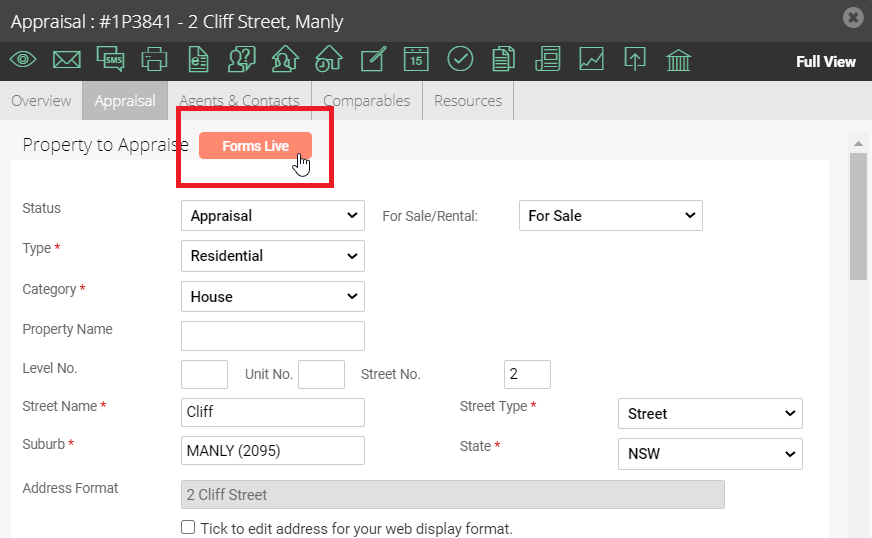
- Select either a Create New Form (Default Template) or Create New Form (Custom Template) option from the Action drop-down:
Option 1: For a Standard REI Form, select Create New Form (Default Template):
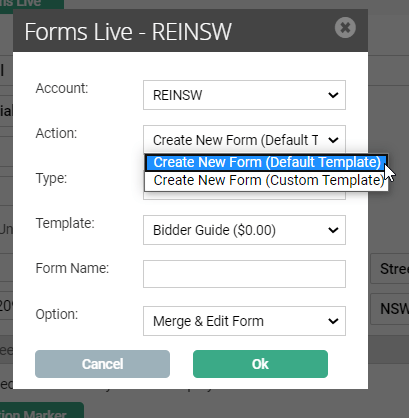
Complete the rest of the fields as below:
- Type: Property Management Form, Commercial Sales Form or Commercial Property Management Form.
- Template: Select the required template from the Template drop-down.
- Form Name: Enter a name to save the form you are creating.
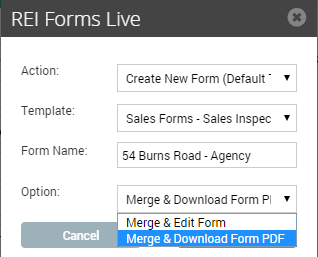
- Option: Merge & Edit Form, or Merge & Download Form PDF.
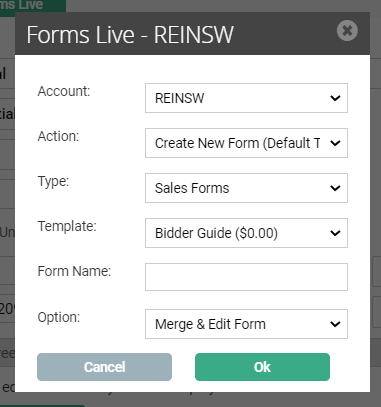
Option 2: For a Custom Form select Create New Form (Custom Template):
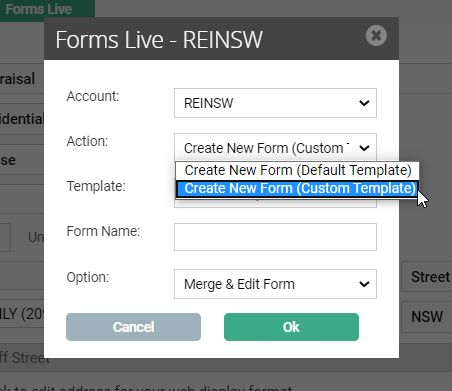
Complete the rest of the fields as below:
- Template: Select the required template from the Template drop-down.
- Form Name: Enter a name to save the form you are creating.
- Option: Merge & Edit Form, or Merge & Download Form PDF.
- Once this is finished, complete the process by clicking ok.
Note: If you select to Merge & Edit in the Option drop-down you will be taken to REI Forms Live to make additions and changes to the form.
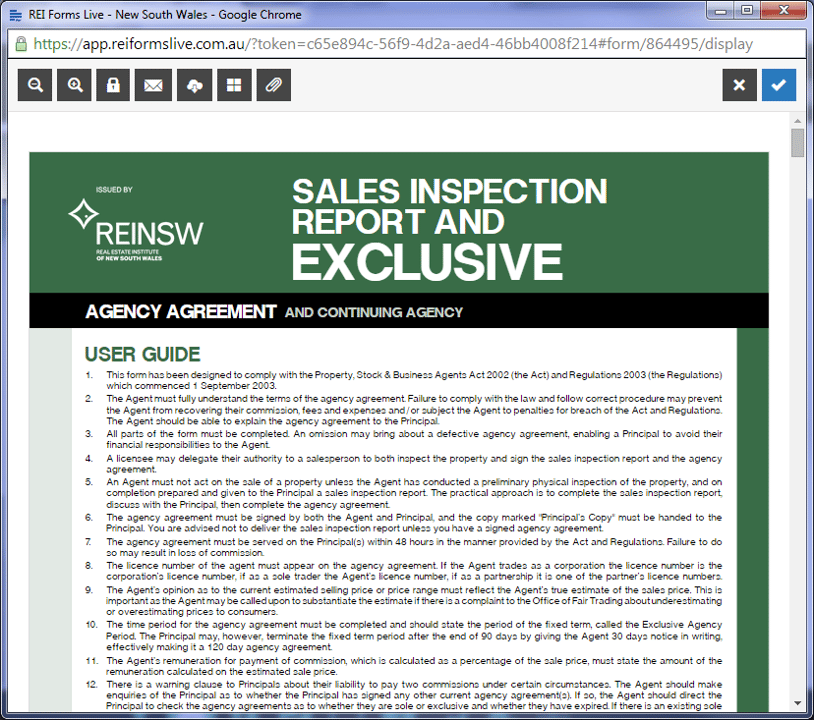
If you select Download Form to PDF it will automatically download a copy of the form which you will not be able to edit.