'%20d='M0%208a8%208%200%200%201%208-8h24a8%208%200%200%201%208%208v24a8%208%200%200%201-8%208H8a8%208%200%200%201-8-8V8Z'/%3e%3cpath%20fill='%23fff'%20d='M10.41%206v3.779h15.048v19.537h4.132V6H10.41Z'/%3e%3cpath%20fill='%23fff'%20d='M20.967%2034V13.837L10.41%209.78v20.166L20.967%2034Z'/%3e%3cdefs%3e%3clinearGradient%20id='reapit-sales__a'%20x1='20.702'%20x2='20.702'%20y1='.351'%20y2='31.228'%20gradientUnits='userSpaceOnUse'%3e%3cstop%20stop-color='%235573FD'/%3e%3cstop%20offset='.575'%20stop-color='%234E56EA'/%3e%3c/linearGradient%3e%3c/defs%3e%3c/svg%3e)
On the Market Search
This article will cover searching with On the Market in Prospector and Reapit Sales.
On the Market Search
This article will cover searching with On the Market in Prospector and Reapit Sales.
An On the Market search enables users to access On the Market data from Core Logic without leaving Agentbox, allowing users to access key listing information for listings inside and outside of the Reapit Sales database. This information can be used to prospect ageing listings, identify missed opportunities, and refresh the Reapit Sales database.
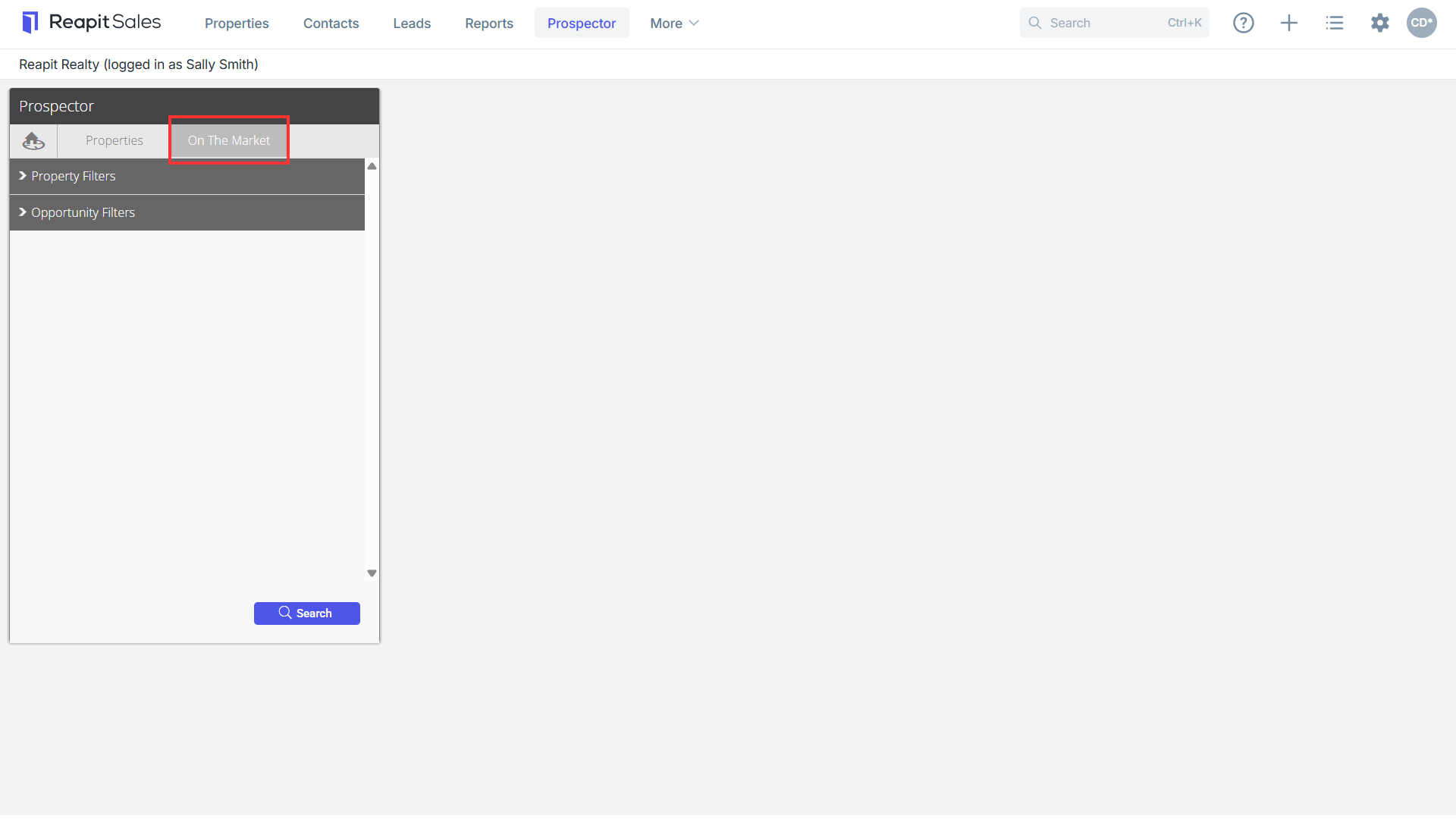
- Access Prospector and navigate to the On the Market tab.
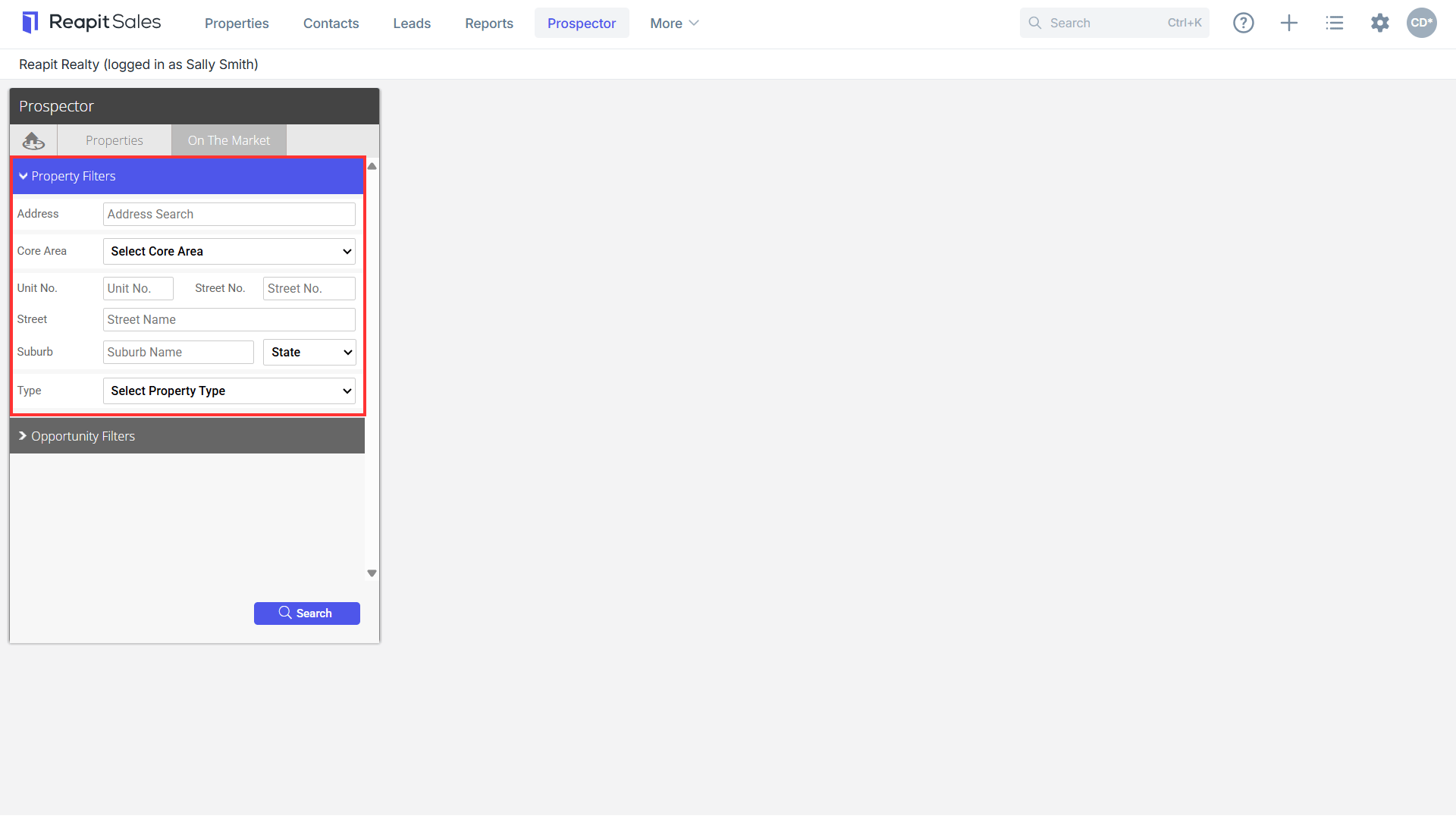
- Enter key Property Filters, including Core Area, and narrow down to a particular address or property type as applicable.
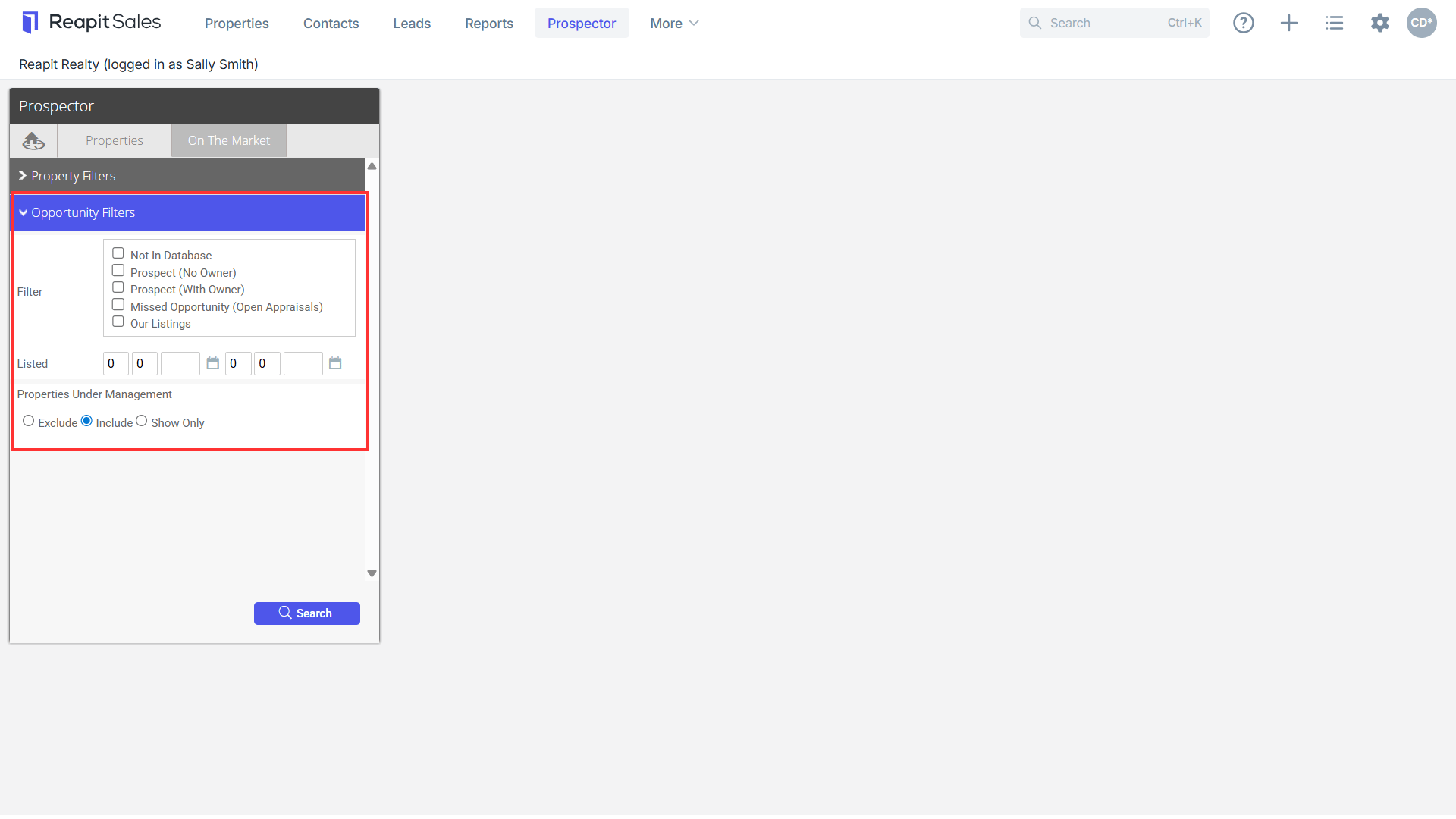
- Enter any Opportunity Filters as applicable to narrow down the listing search to filter for and identify missed opportunities, or define listings by listed date. Hit Search.
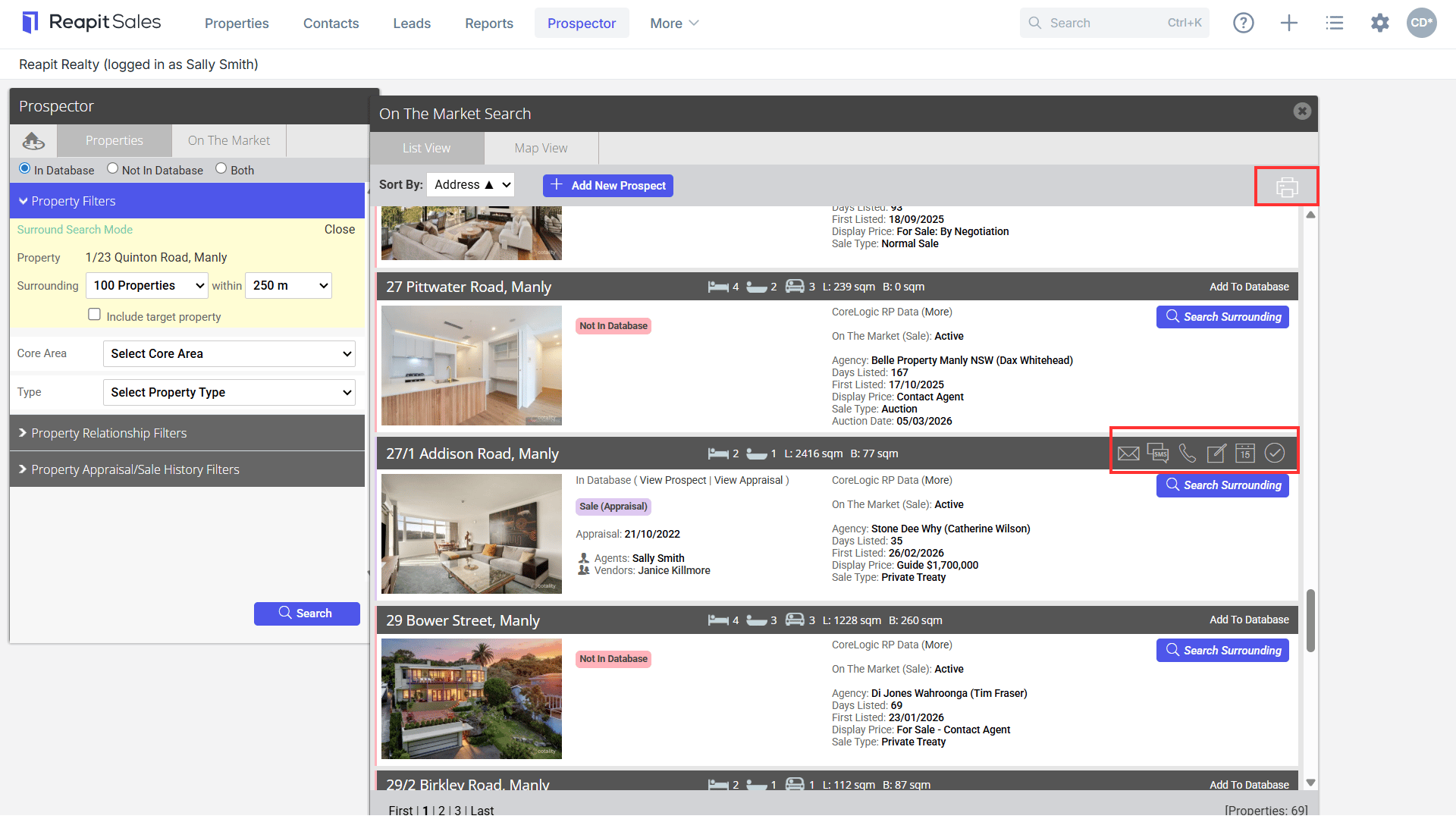
- Within the List View, you can Identify On the Market Status and Listing information, relationships with owners and properties, and live comparison of Reapit Sales data with Corelogic.
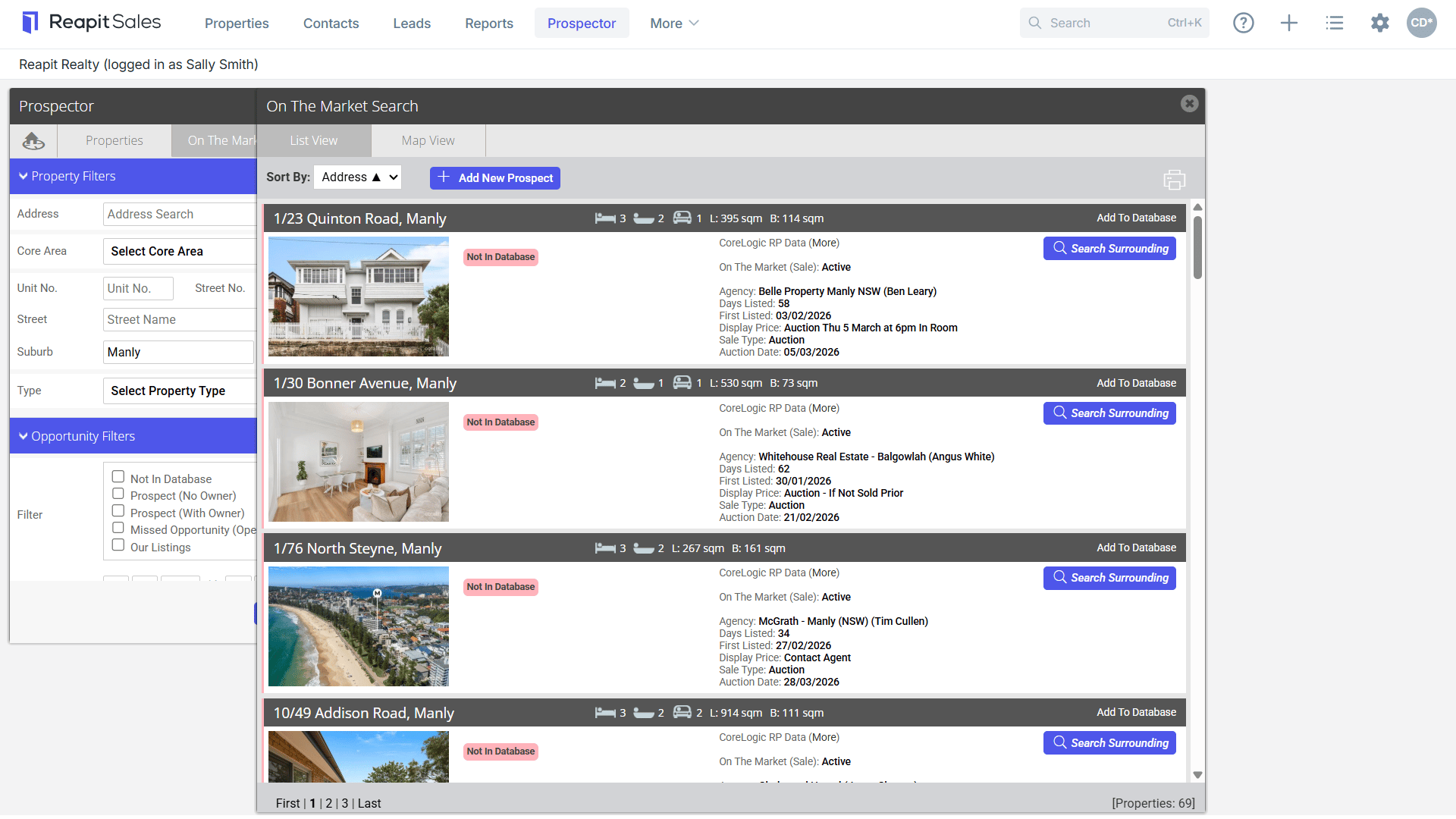
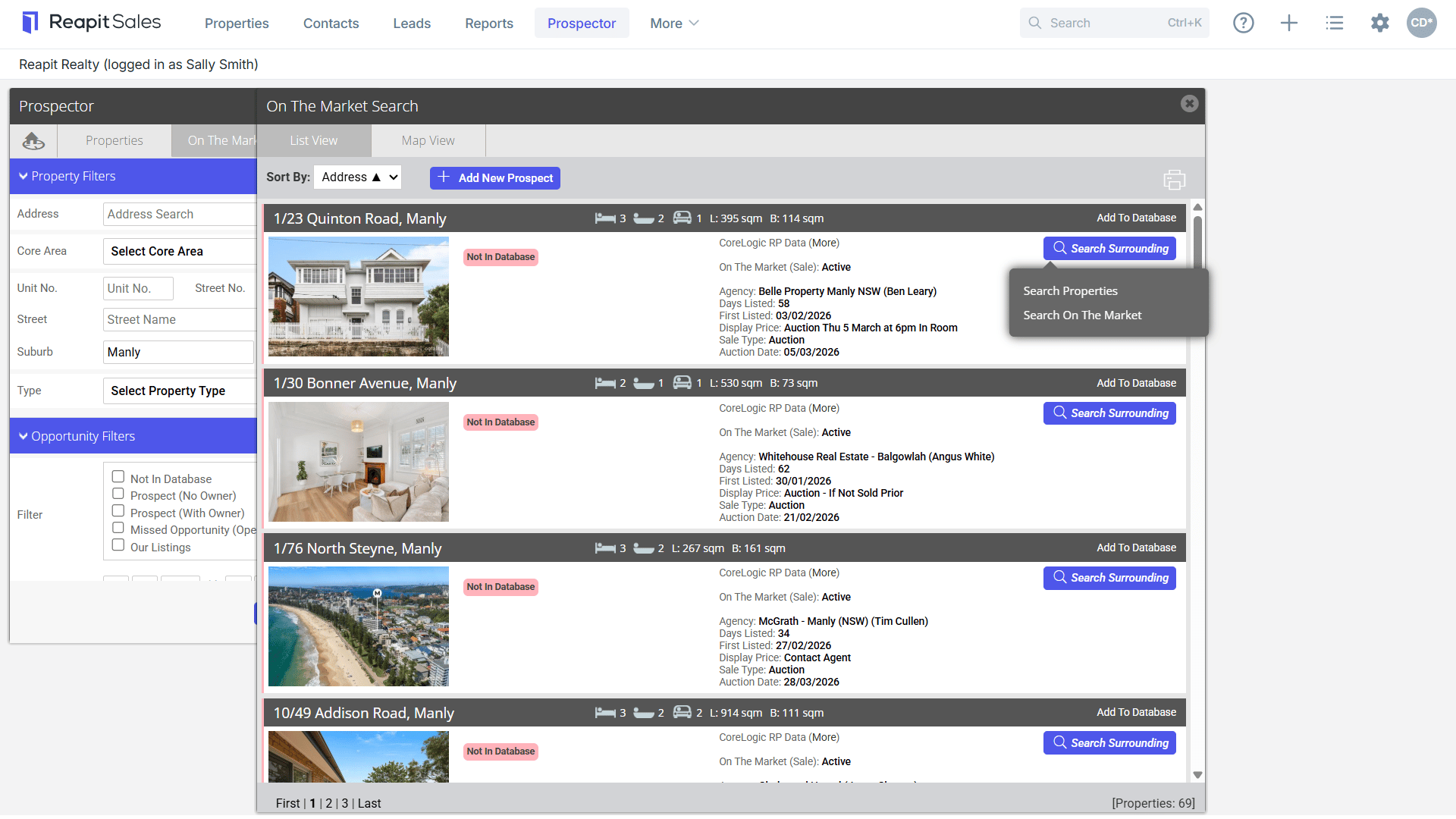
- Click on the Surround Search to conduct a search of Properties or On the Market listings in the vicinity of the selected property.
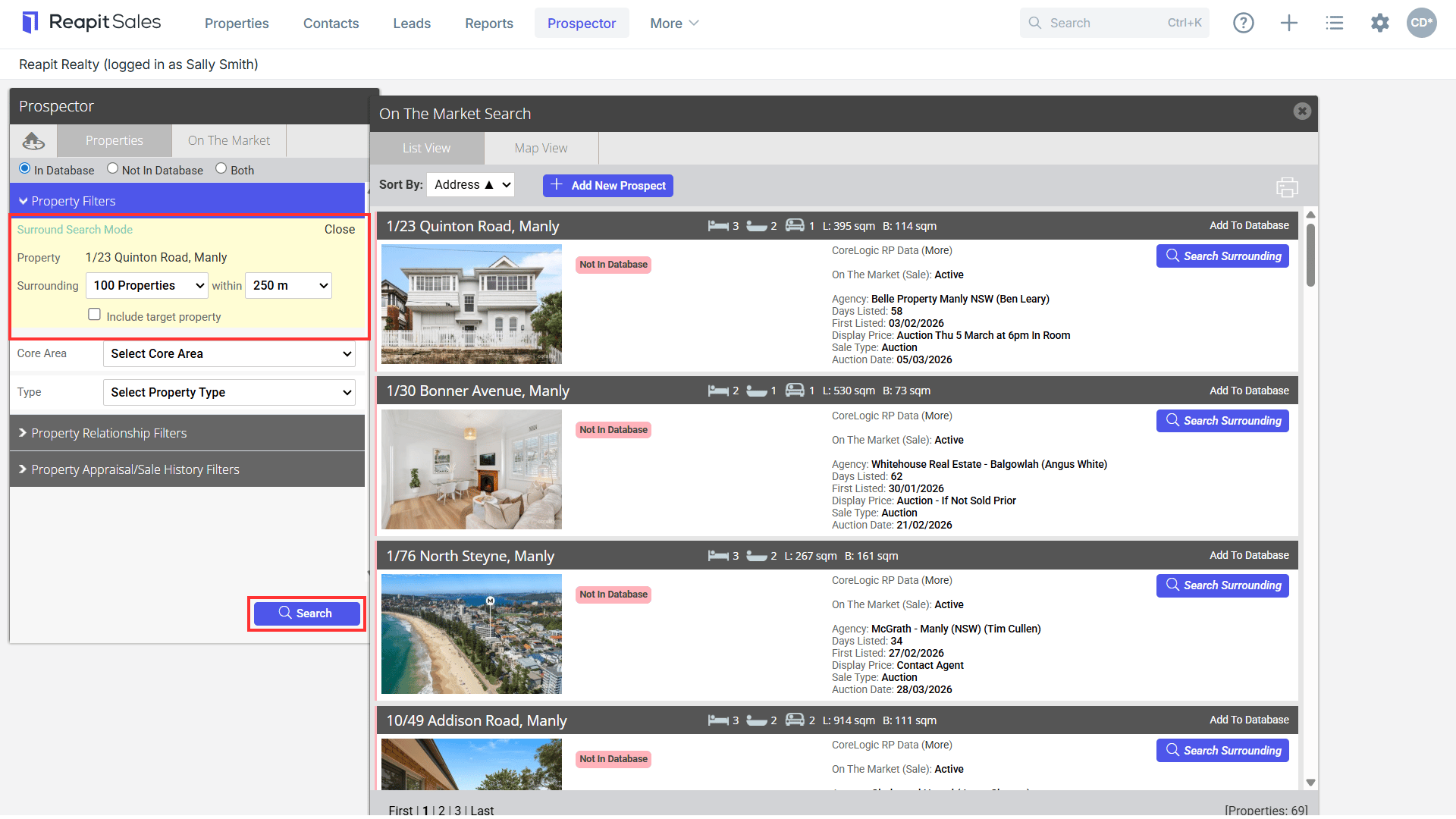
Filter Surrounding property numbers in a particular radius and hit Search.
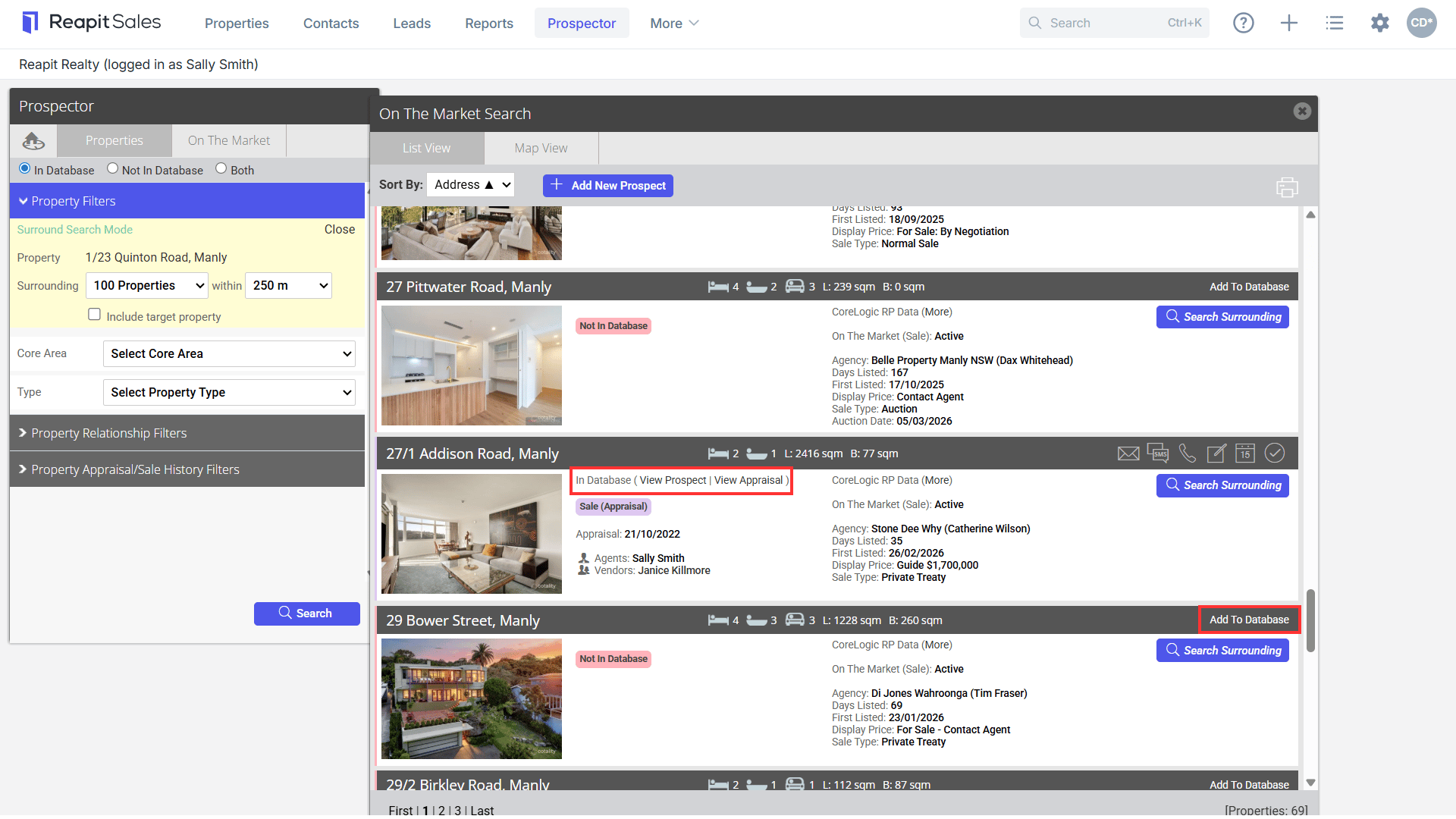
- Click on Add to Database to add properties not in your database into Reapit Sales, In Database to View Prospect or View Appraisal as appropriate, or CoreLogic RP Data (More) to access the record in RP Data.
- Click on Communication Icons to communicate to an individual Owner, or the Bulk Communication Icons to perform bulk SMS, Email, eNewsletter or Letter communications as appropriate.