'%20d='M0%208a8%208%200%200%201%208-8h24a8%208%200%200%201%208%208v24a8%208%200%200%201-8%208H8a8%208%200%200%201-8-8V8Z'/%3e%3cpath%20fill='%23fff'%20d='M10.41%206v3.779h15.048v19.537h4.132V6H10.41Z'/%3e%3cpath%20fill='%23fff'%20d='M20.967%2034V13.837L10.41%209.78v20.166L20.967%2034Z'/%3e%3cdefs%3e%3clinearGradient%20id='reapit-sales__a'%20x1='20.702'%20x2='20.702'%20y1='.351'%20y2='31.228'%20gradientUnits='userSpaceOnUse'%3e%3cstop%20stop-color='%235573FD'/%3e%3cstop%20offset='.575'%20stop-color='%234E56EA'/%3e%3c/linearGradient%3e%3c/defs%3e%3c/svg%3e)
Assign Core Areas to a Staff Card
This article will cover assigning a core area to a staff card in Reapit Sales.
*Note: This can be actioned by amaster user or someone with the relevant permission - Manage Staff Members.
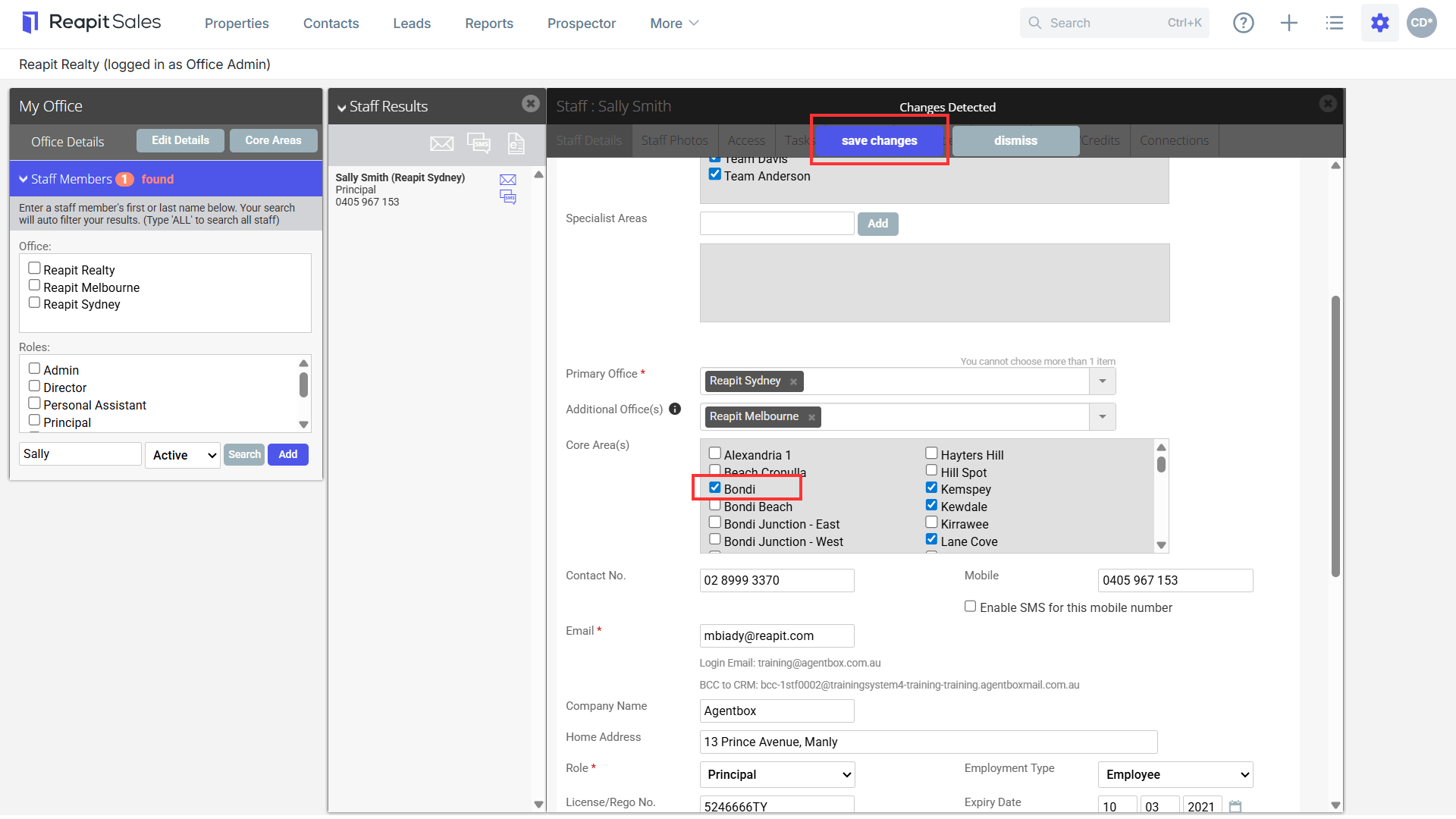
1. Navigate to My Office.
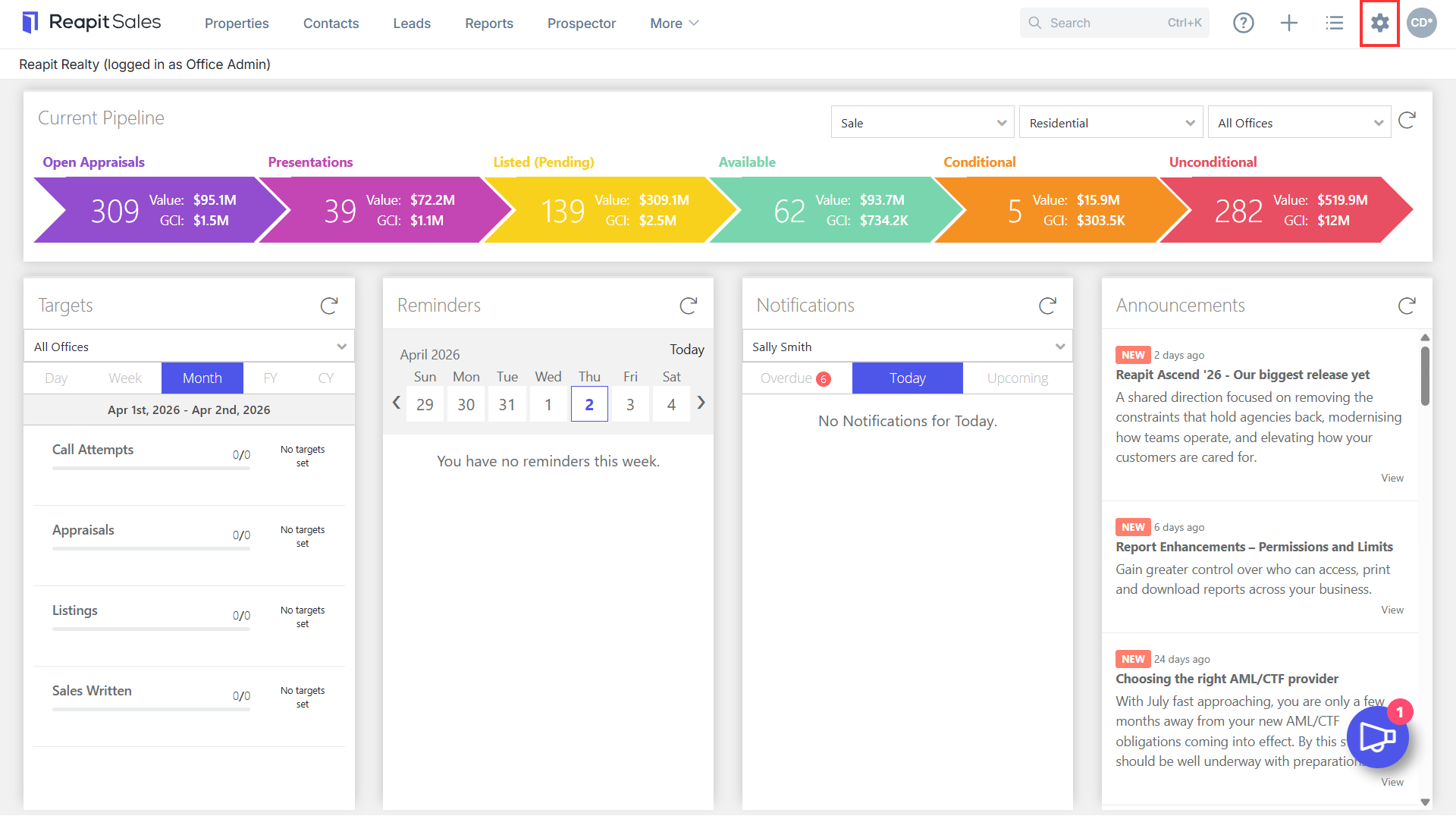
2. Type the staff's name in the text box and click Search. Select the user's name.
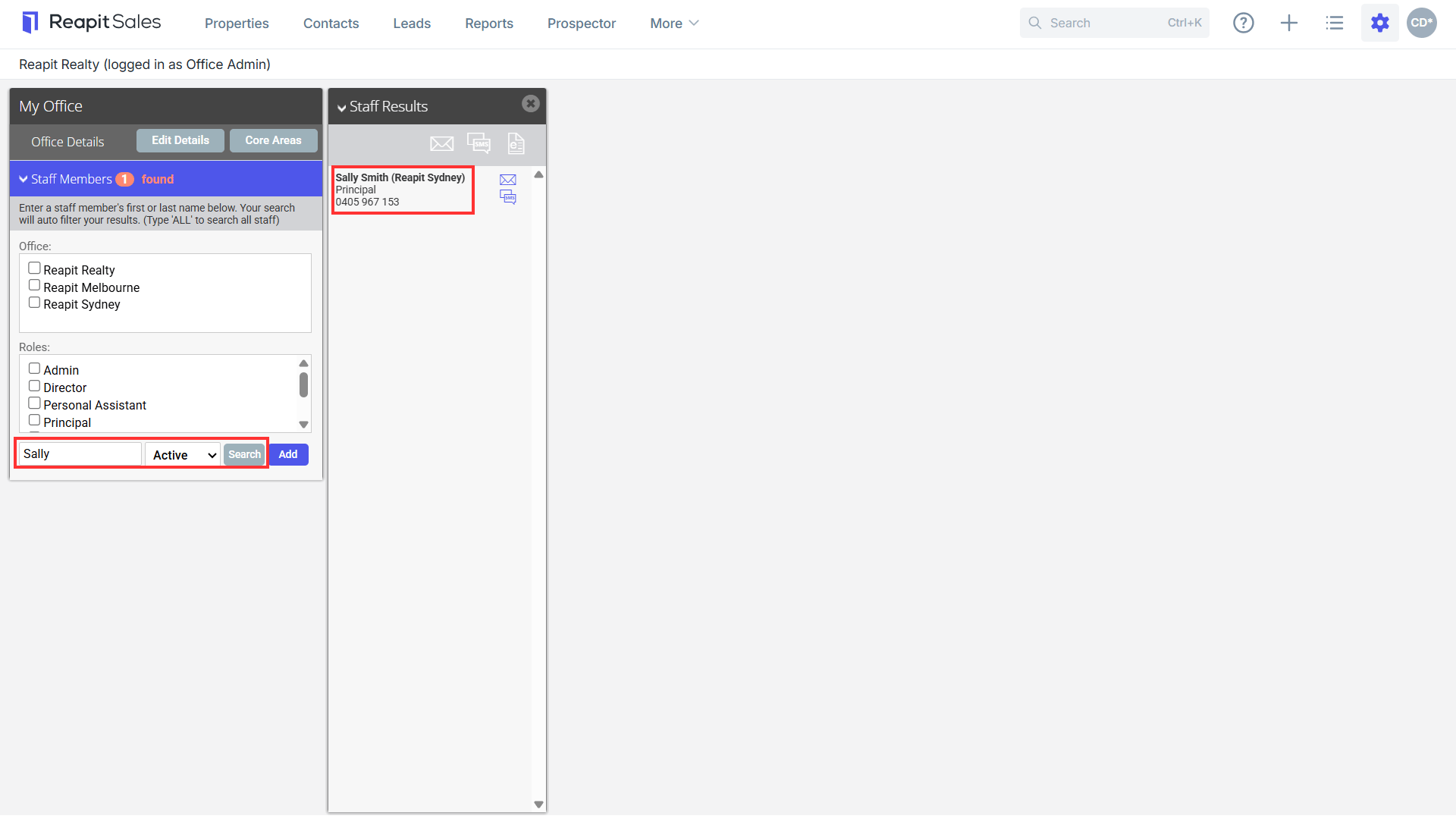
3. Within the Staff Details tab, scroll down to the Core Area(s) section.
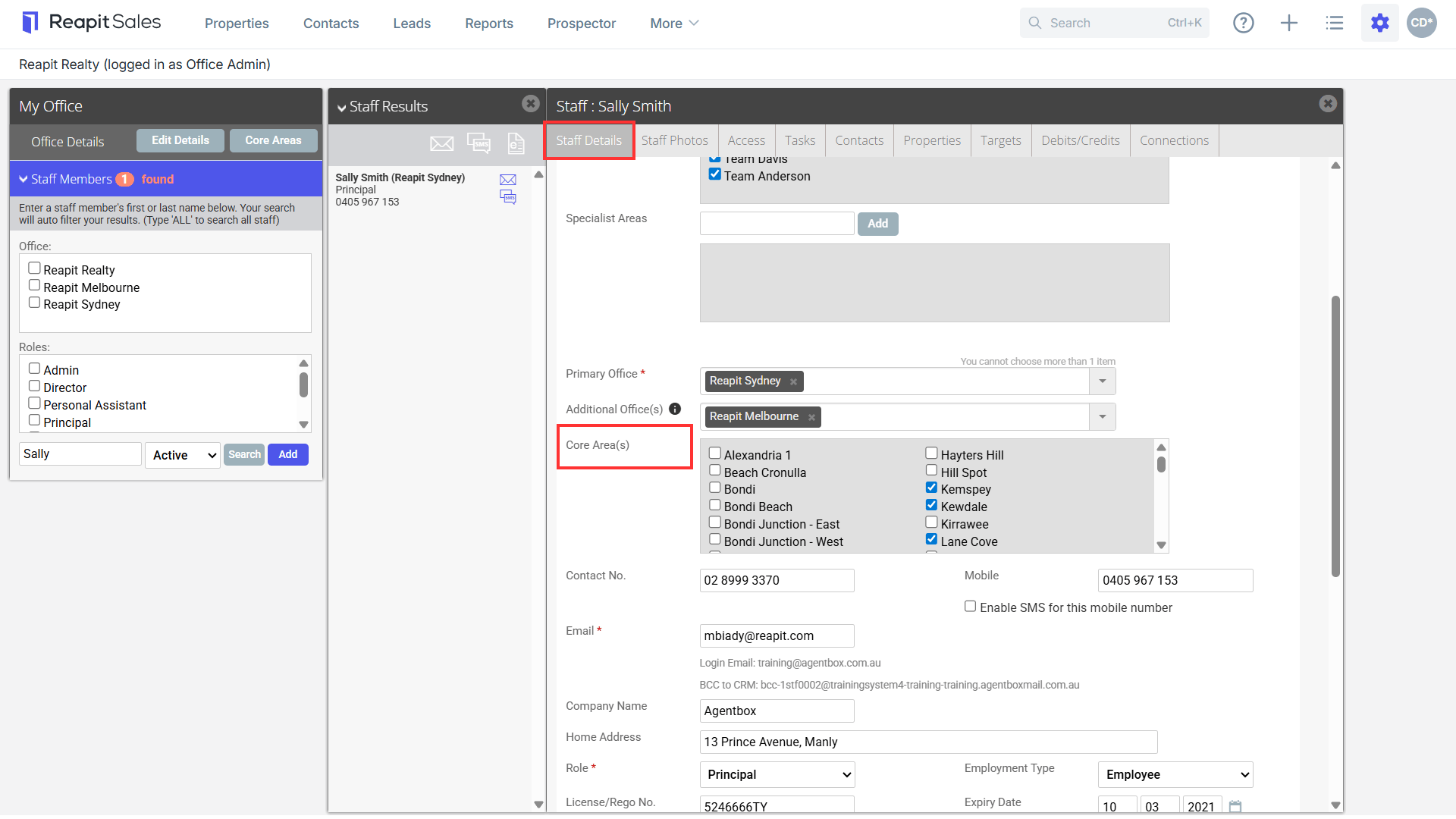
4. Select the tick box for the appropriate Core Area. Click Save Changes.