'%20d='M0%208a8%208%200%200%201%208-8h24a8%208%200%200%201%208%208v24a8%208%200%200%201-8%208H8a8%208%200%200%201-8-8V8Z'/%3e%3cpath%20fill='%23fff'%20d='M10.41%206v3.779h15.048v19.537h4.132V6H10.41Z'/%3e%3cpath%20fill='%23fff'%20d='M20.967%2034V13.837L10.41%209.78v20.166L20.967%2034Z'/%3e%3cdefs%3e%3clinearGradient%20id='reapit-sales__a'%20x1='20.702'%20x2='20.702'%20y1='.351'%20y2='31.228'%20gradientUnits='userSpaceOnUse'%3e%3cstop%20stop-color='%235573FD'/%3e%3cstop%20offset='.575'%20stop-color='%234E56EA'/%3e%3c/linearGradient%3e%3c/defs%3e%3c/svg%3e)
Social Media Accounts
This article runs through about social media account in contact card within Reapit Sales.
Note:
- Only contacts which have a valid email address with an accessible association to social media accounts will display the additional information.
- There is no way to unlink/remove a social media account once it has been linked to the contact card. The only way it will be unlinked/removed is if the email address is removed or updated within the contact card.
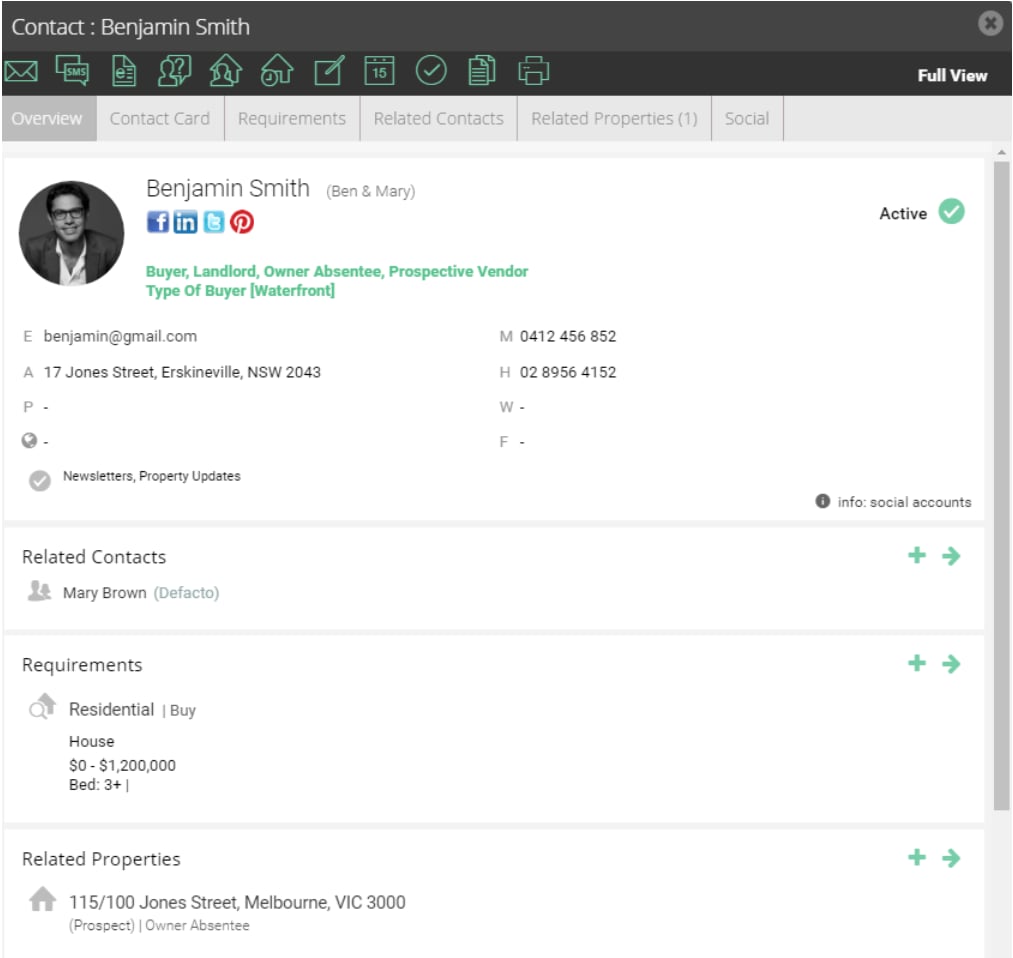
The Contact Overview page will display a photo & links to any relevant social media accounts (e.g. Facebook, Twitter, LinkedIn, etc.) that can be identified by the Contact's associated email address.
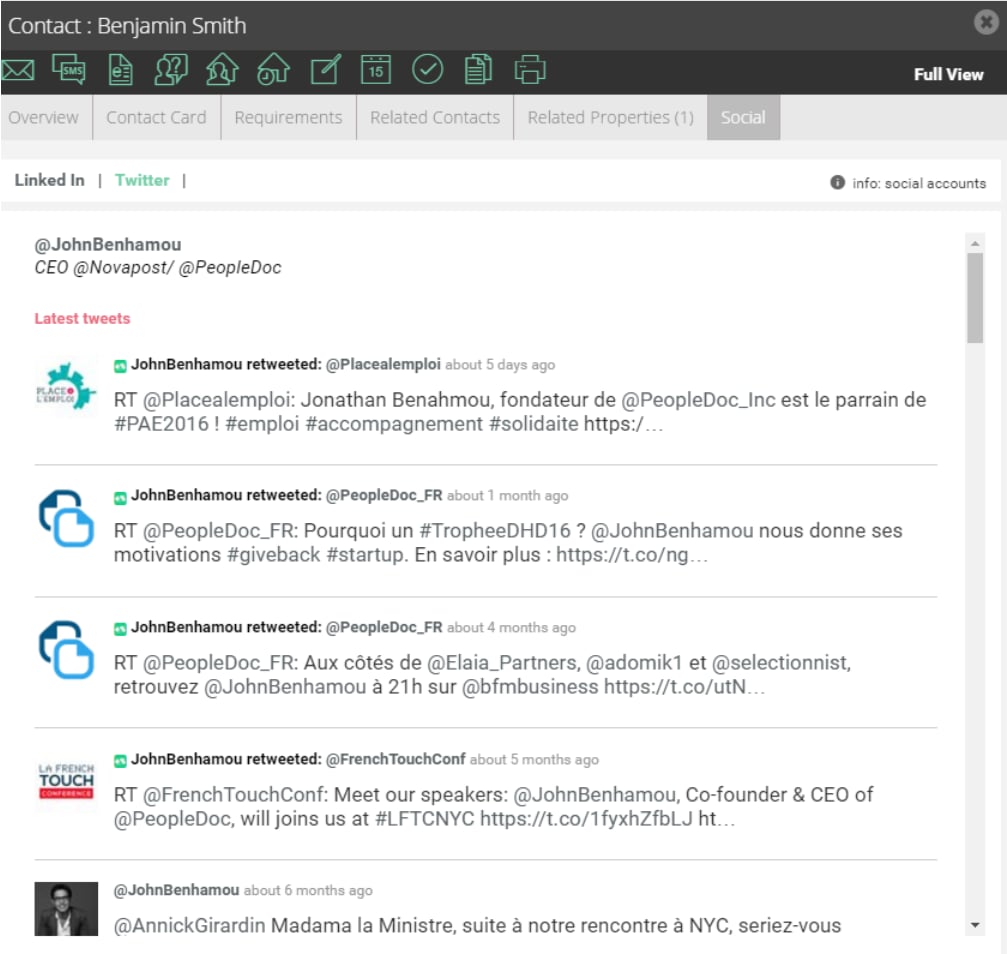
A Social tab will display additional publicly accessible information from social accounts (e.g. list of public Twitter posts, etc.).