'%20d='M0%208a8%208%200%200%201%208-8h24a8%208%200%200%201%208%208v24a8%208%200%200%201-8%208H8a8%208%200%200%201-8-8V8Z'/%3e%3cpath%20fill='%23fff'%20d='M10.41%206v3.779h15.048v19.537h4.132V6H10.41Z'/%3e%3cpath%20fill='%23fff'%20d='M20.967%2034V13.837L10.41%209.78v20.166L20.967%2034Z'/%3e%3cdefs%3e%3clinearGradient%20id='reapit-sales__a'%20x1='20.702'%20x2='20.702'%20y1='.351'%20y2='31.228'%20gradientUnits='userSpaceOnUse'%3e%3cstop%20stop-color='%235573FD'/%3e%3cstop%20offset='.575'%20stop-color='%234E56EA'/%3e%3c/linearGradient%3e%3c/defs%3e%3c/svg%3e)
Reprint Receipt
Transactions - Receipts This article shows how to reprint receipt in Reapit Sales.
Transactions - Receipts
This article shows how to reprint receipt in Reapit Sales.
If you would like to reprint a sales trust receipt you can do so by editing the transaction record. Please ensure Pop-Ups are enabled.
1. Click on the Trust icon from the dashboard.

2. Select Transactions.
3. Click Search Transactions.
4. Click Receipts.
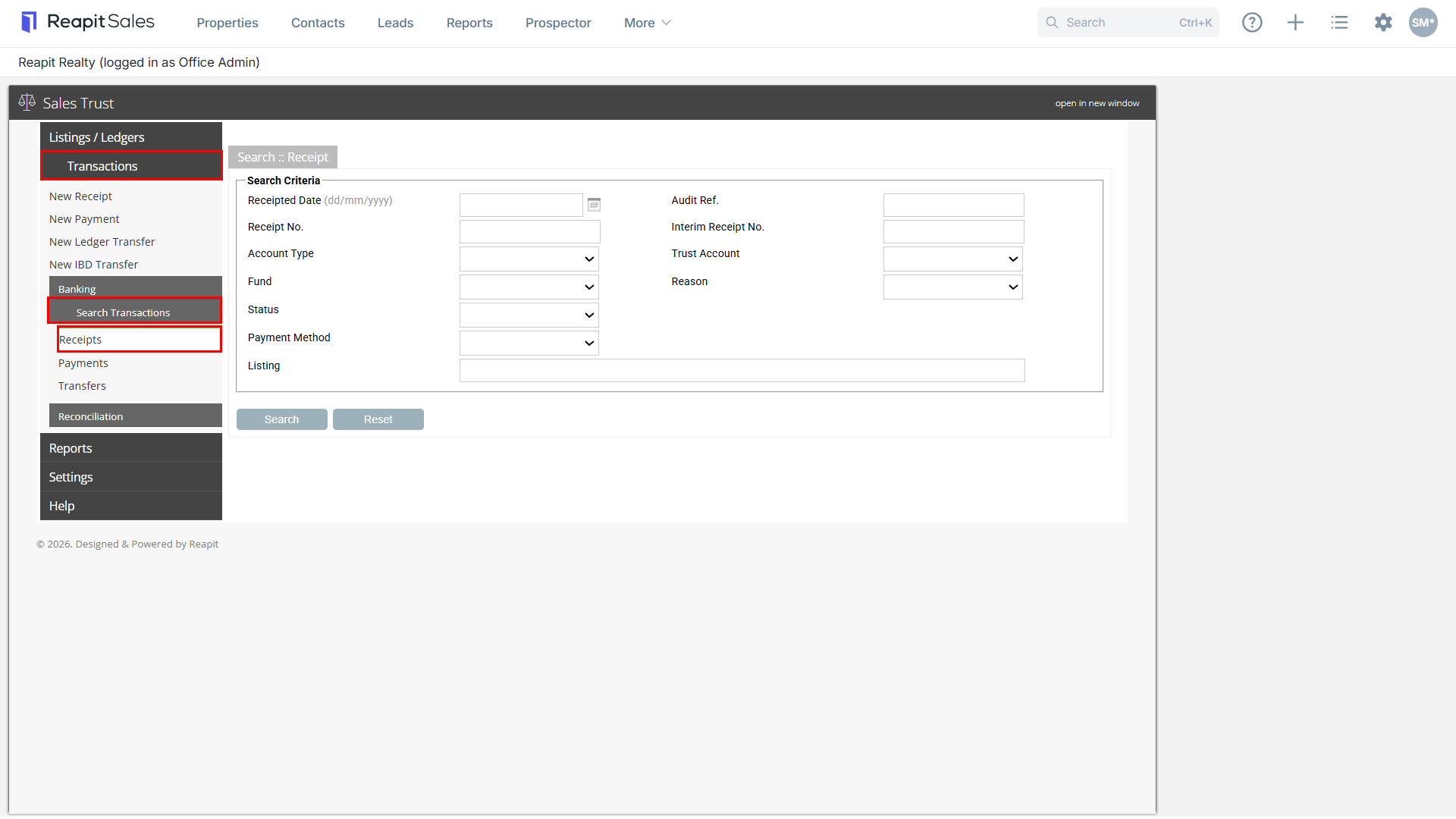
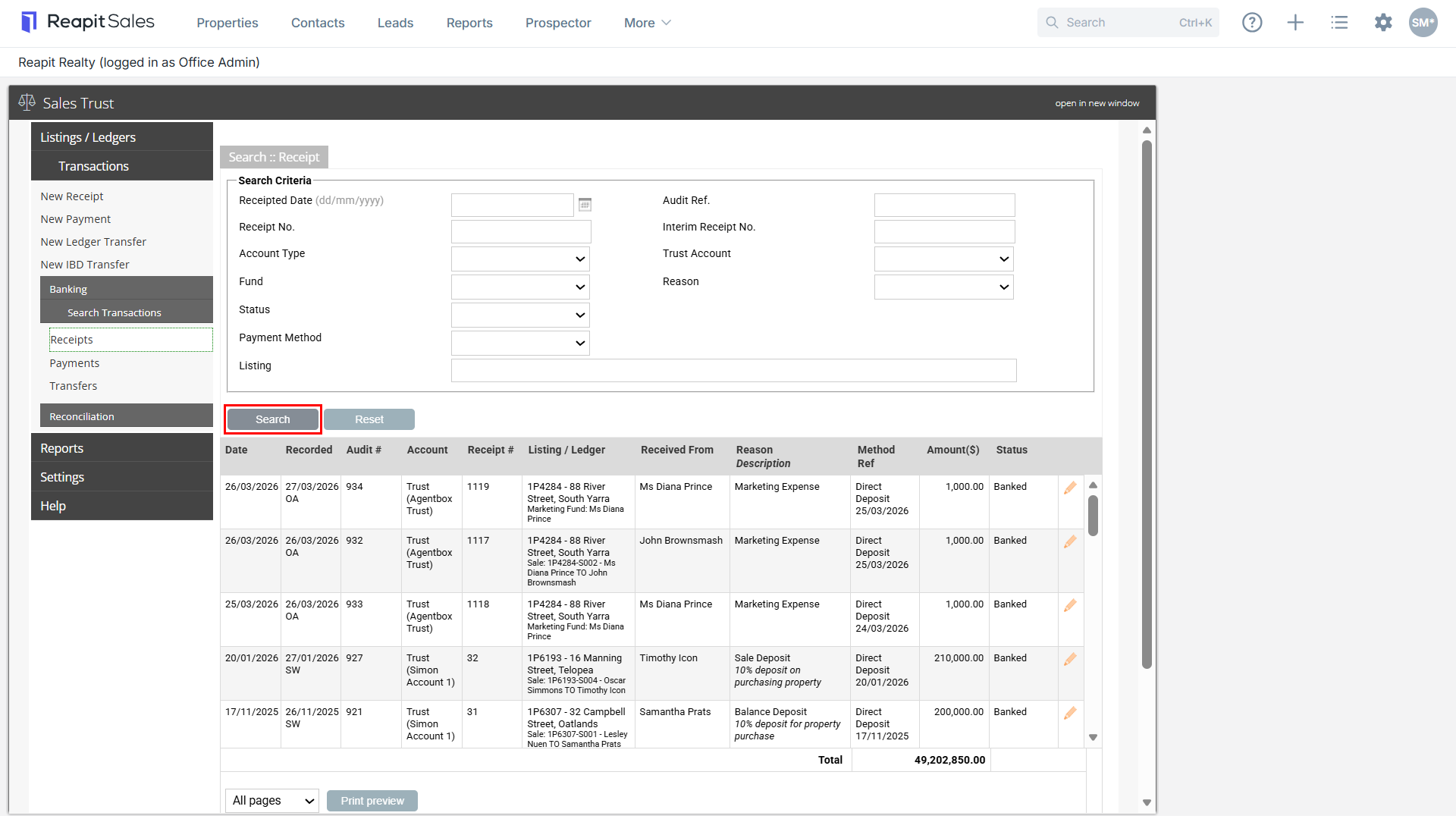
5. Enter your Search Criteria and select Search: If you select search without any criteria entered, it will show all receipts entered (most recent at the top)
- Receipted Date
- Audit Ref.
- Receipt No.
- Interim Receipt No.
- Account Type
- Trust Account
- Fund
- Reason
- Status
- Payment method
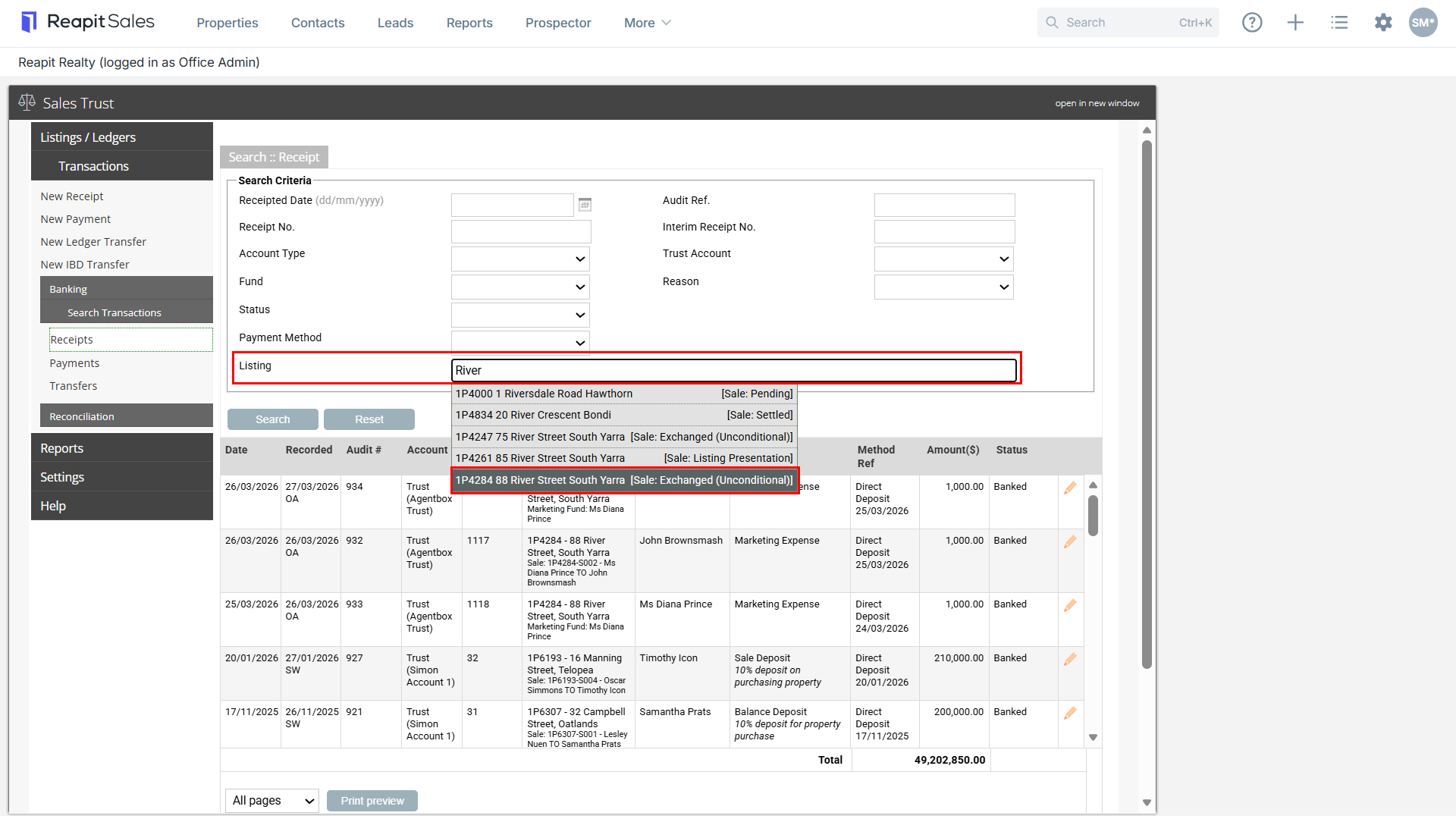
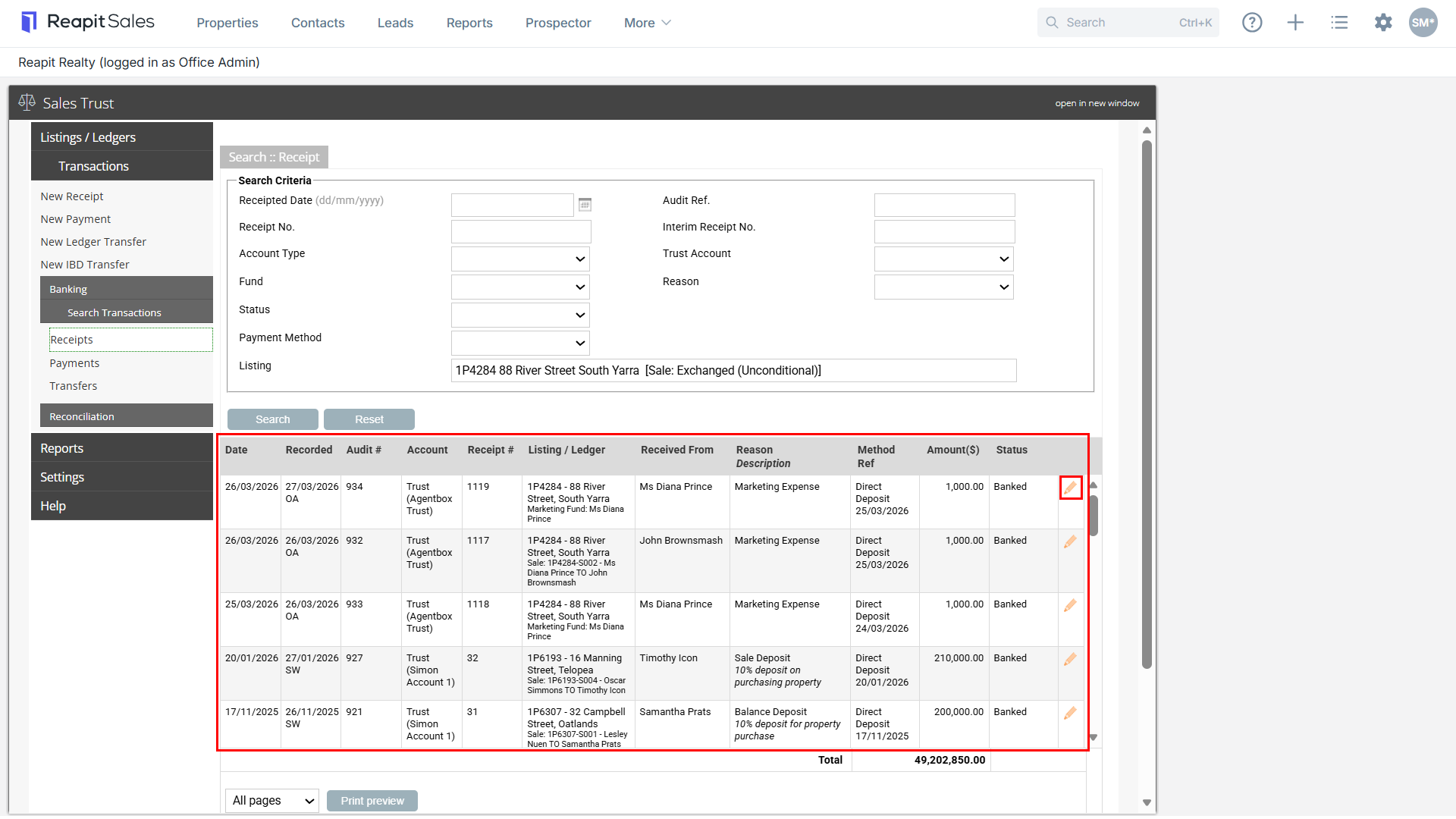
6. Alternatively, begin typing the listing address or ID number into the Listing field and select the listing from the drop-down
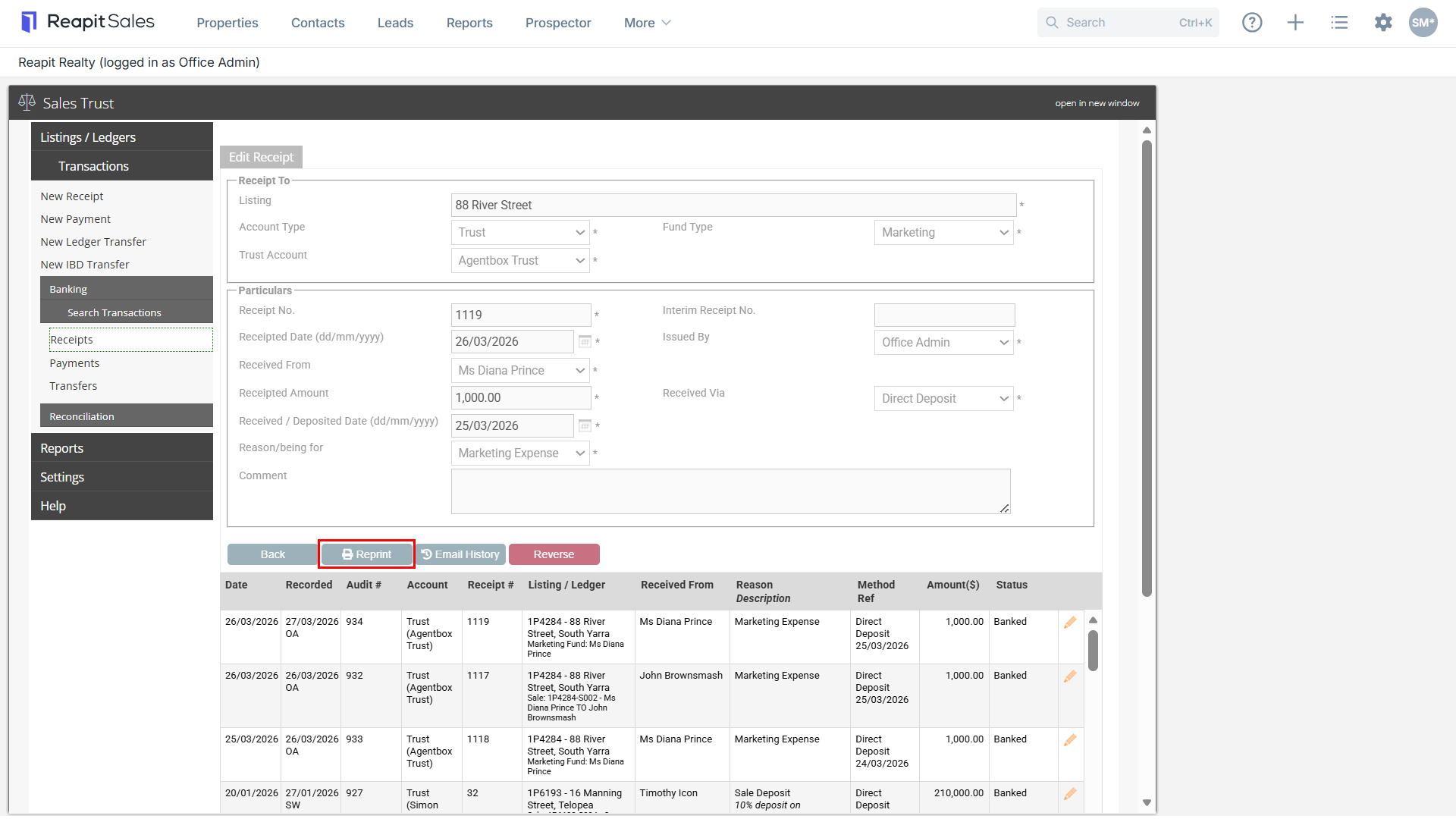
7. This will show you all receipts entered against this listing. Select the pencit edit Icon to open the transaction record.
8. Select Reprint to reprint a copy of the receipt