Managing Case Study
This article will show you how to manage case study in Reapit Websites
Managing Case Study
Case Study allows agents to insert featured properties and highlight them on the main page on the website.
The processes in this article include:
- Editing a Case Study
- Quick Edit a Case Study
- Deleting a Case Study
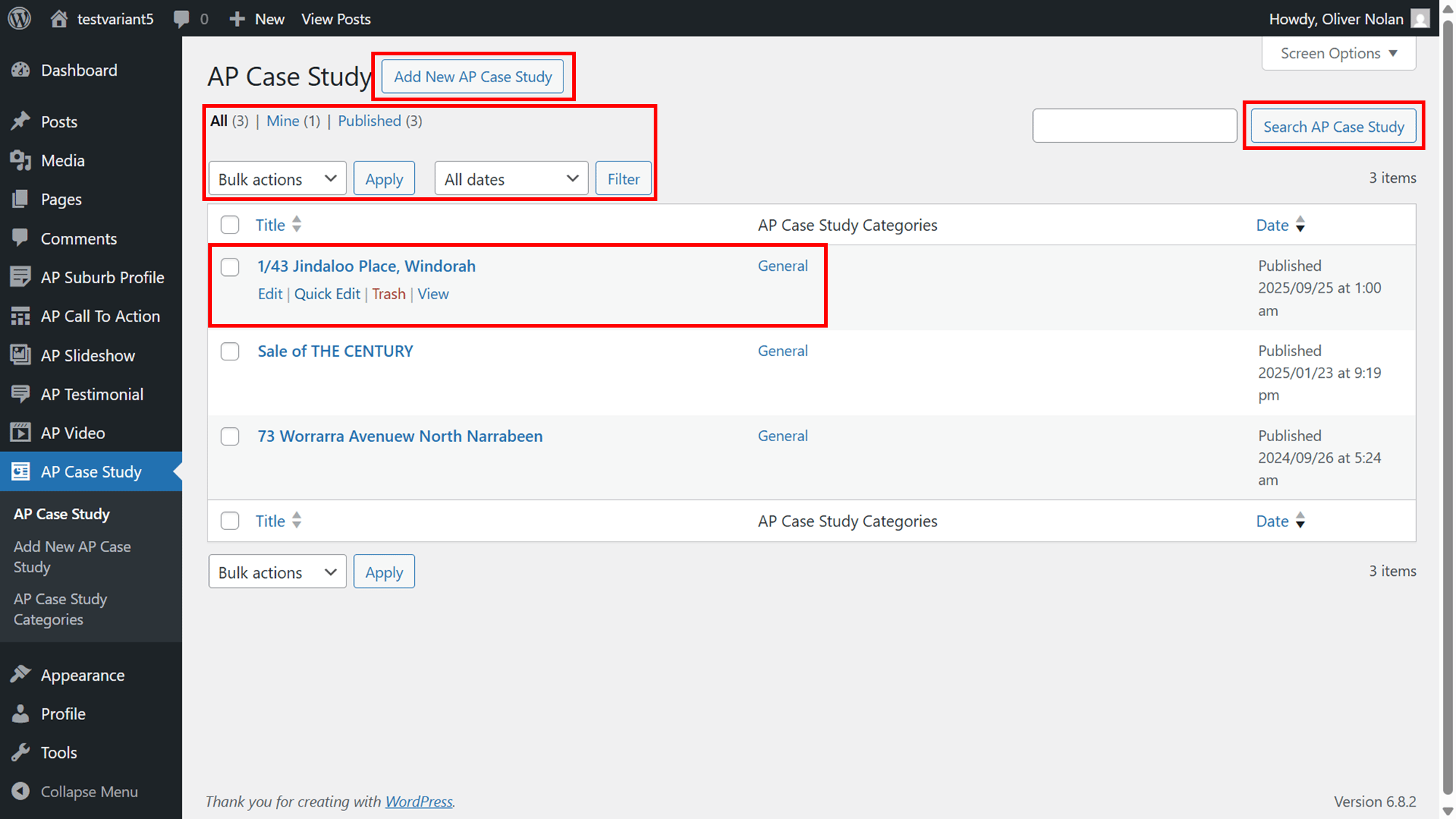
Within your Case Study menu, you can:
- Add new.
- Search for an existing
- Filter and/or apply bulk actions
- View title, categories and published date
- Edit, quick edit and delete the previously created Case Studies.
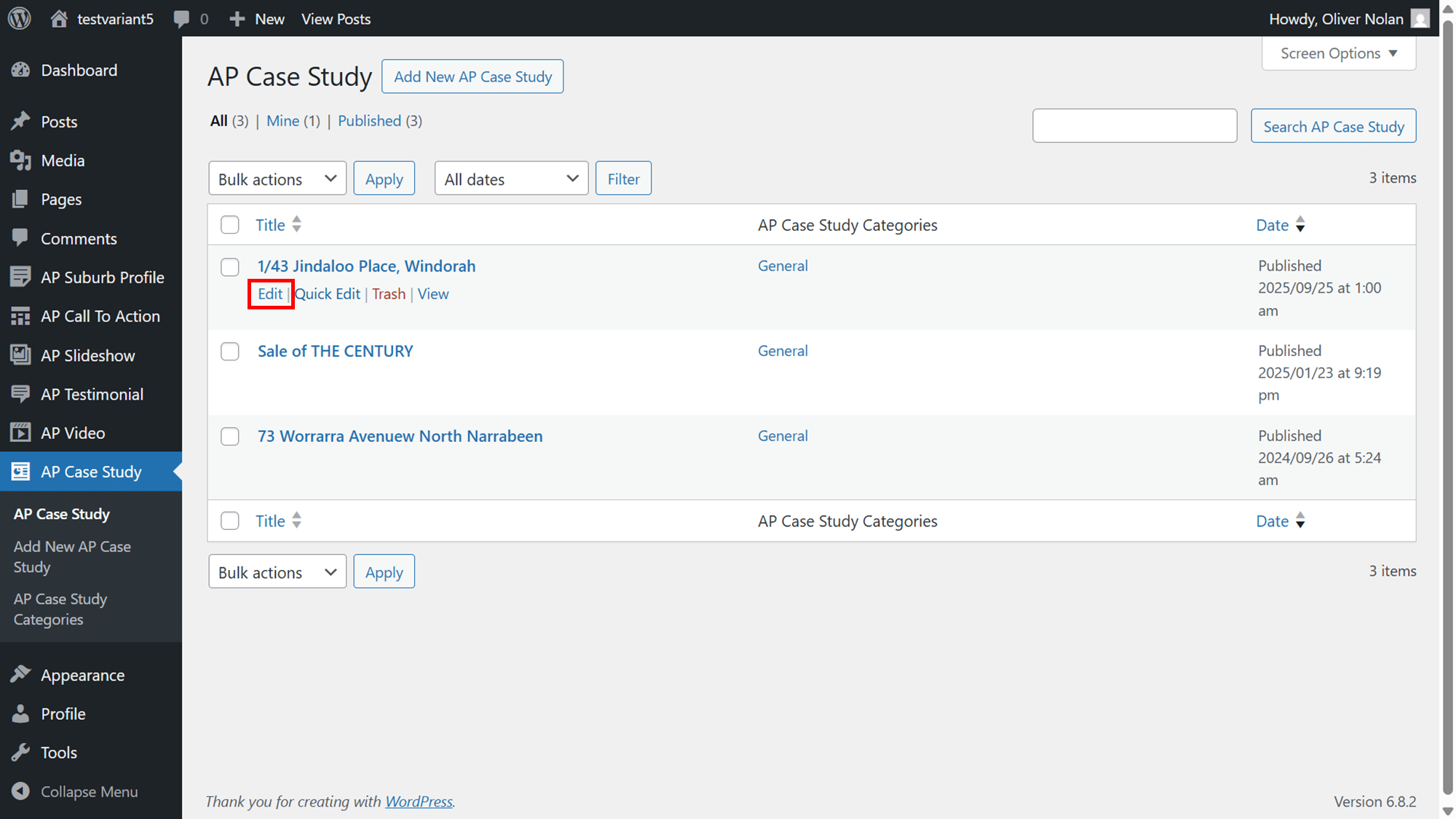
Edit a Case Study
- Hover the cursor over the Case Study and click on Edit.
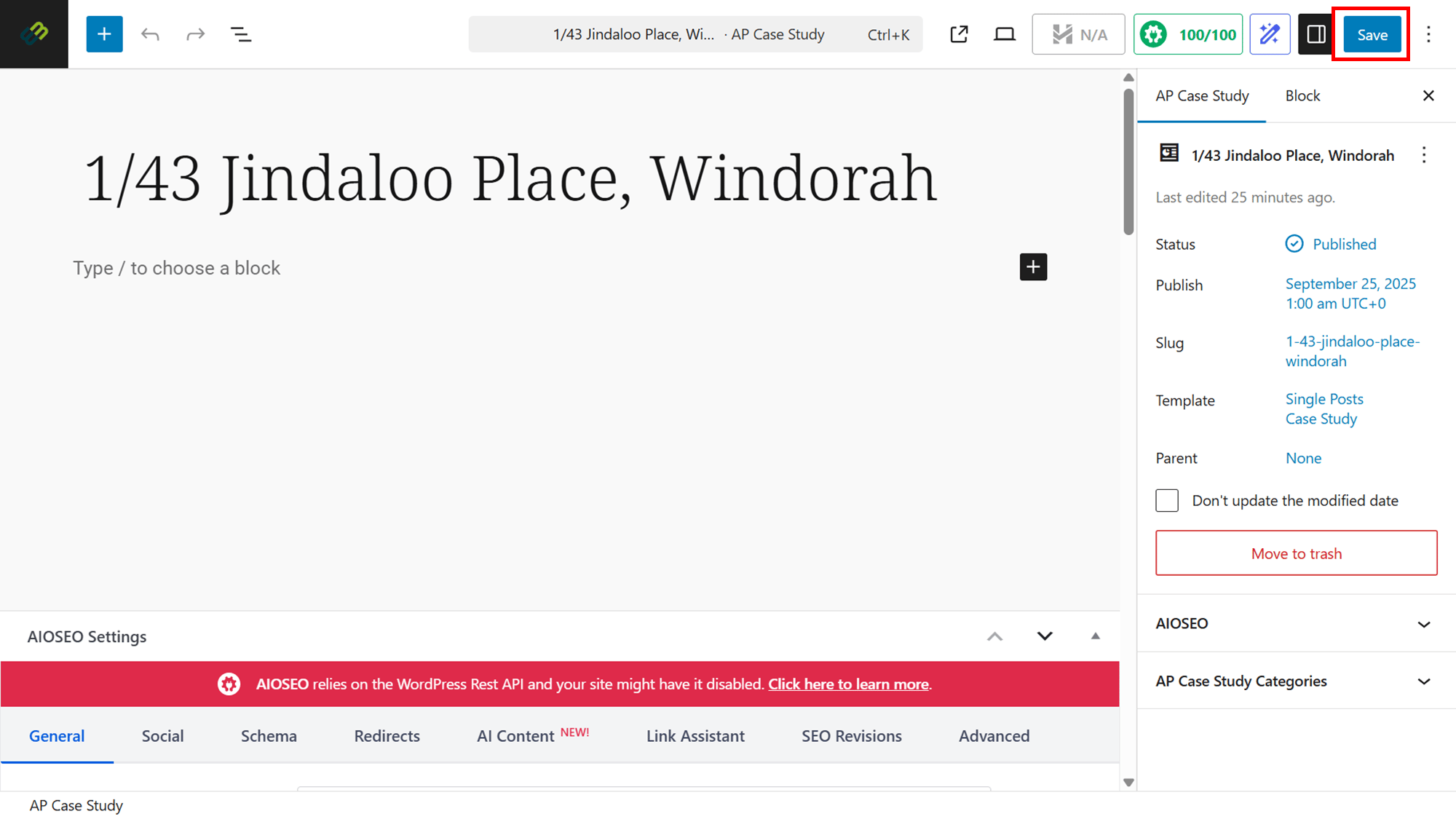
- Edit accordingly.
- Click on Save.
Quick Edit a Case Study
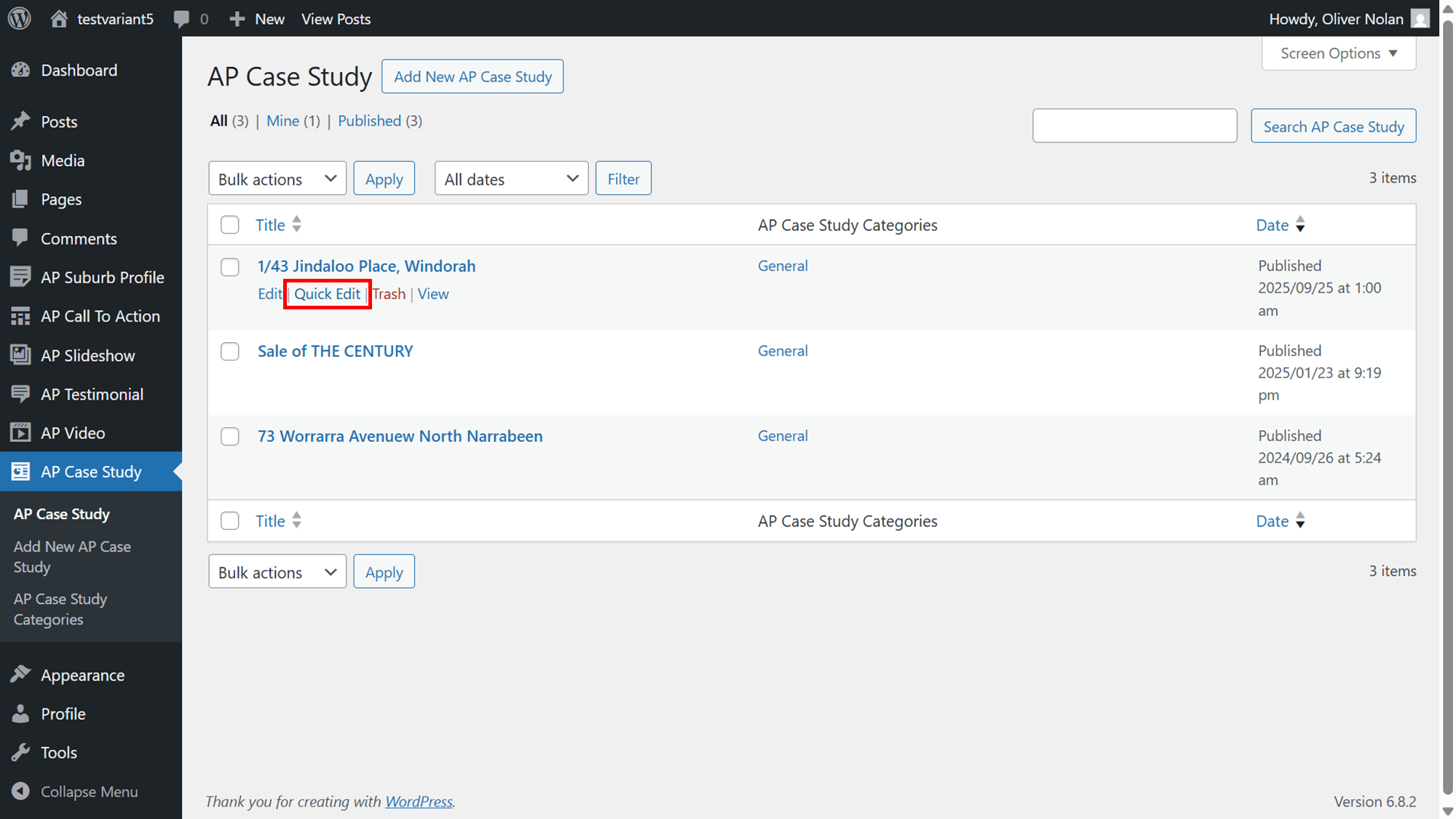
- Hover the cursor over the Case Study and click on Quick Edit.
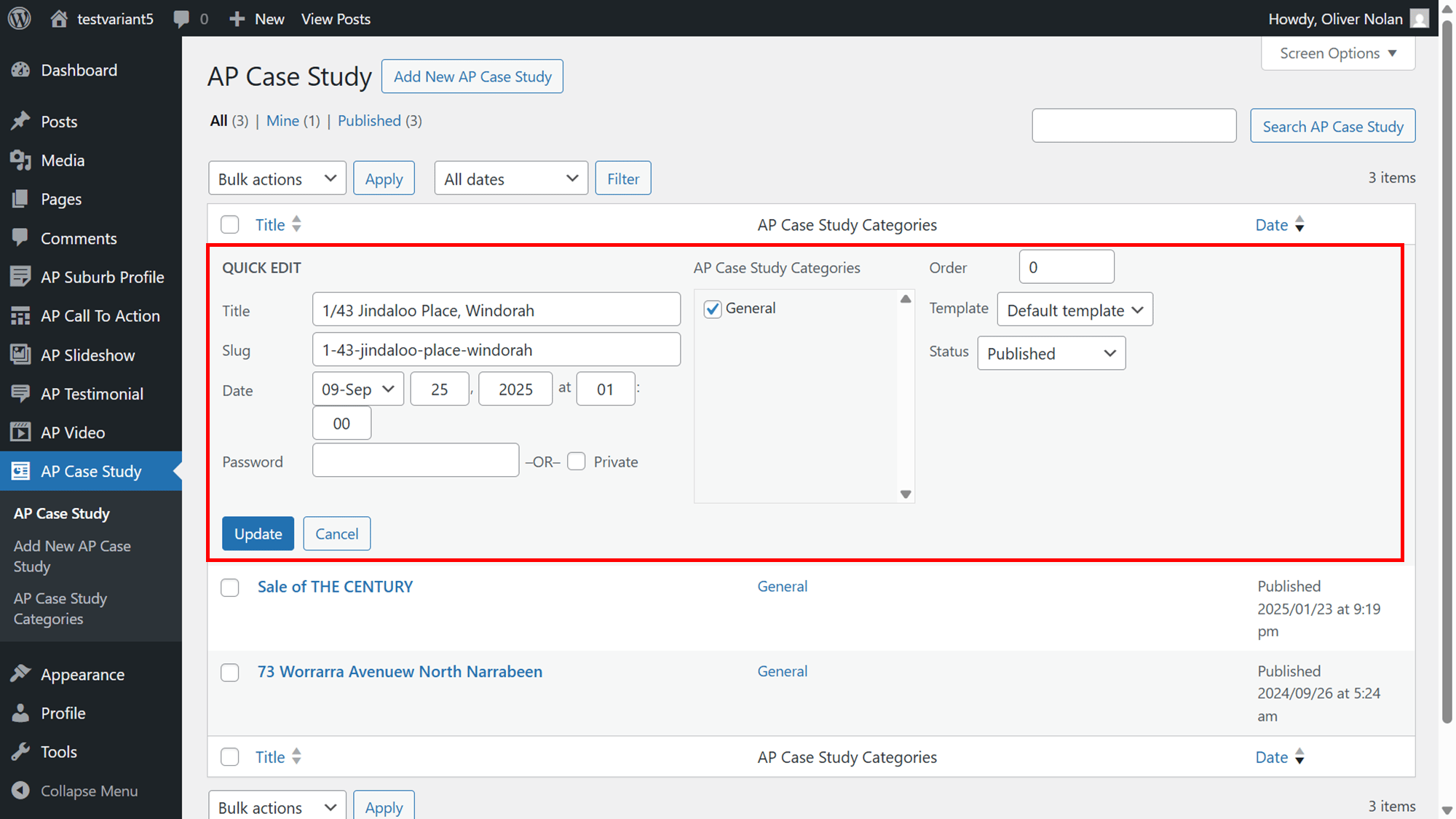
- Edit what is necessary and click Update.
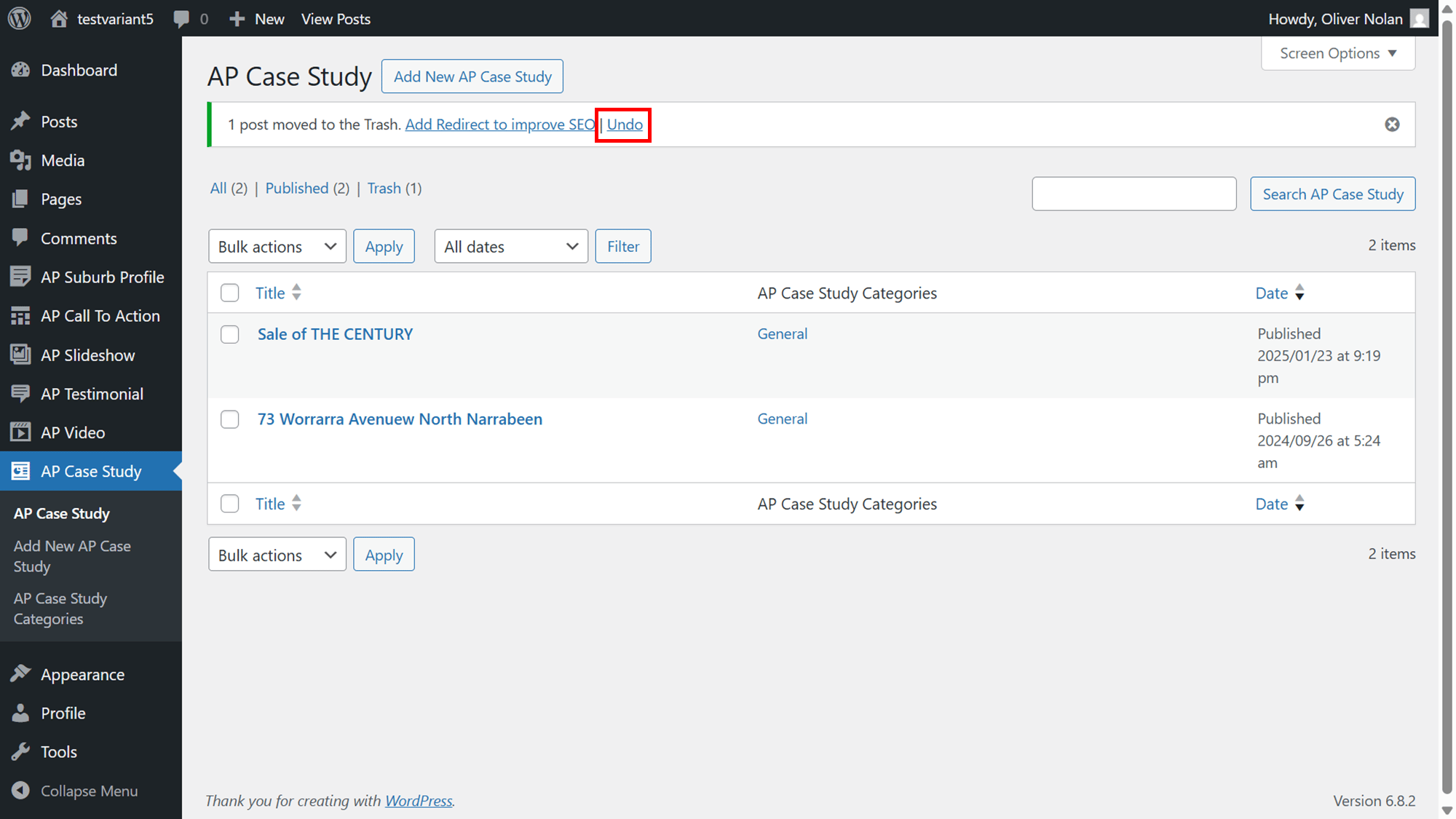
Deleting a Case Study
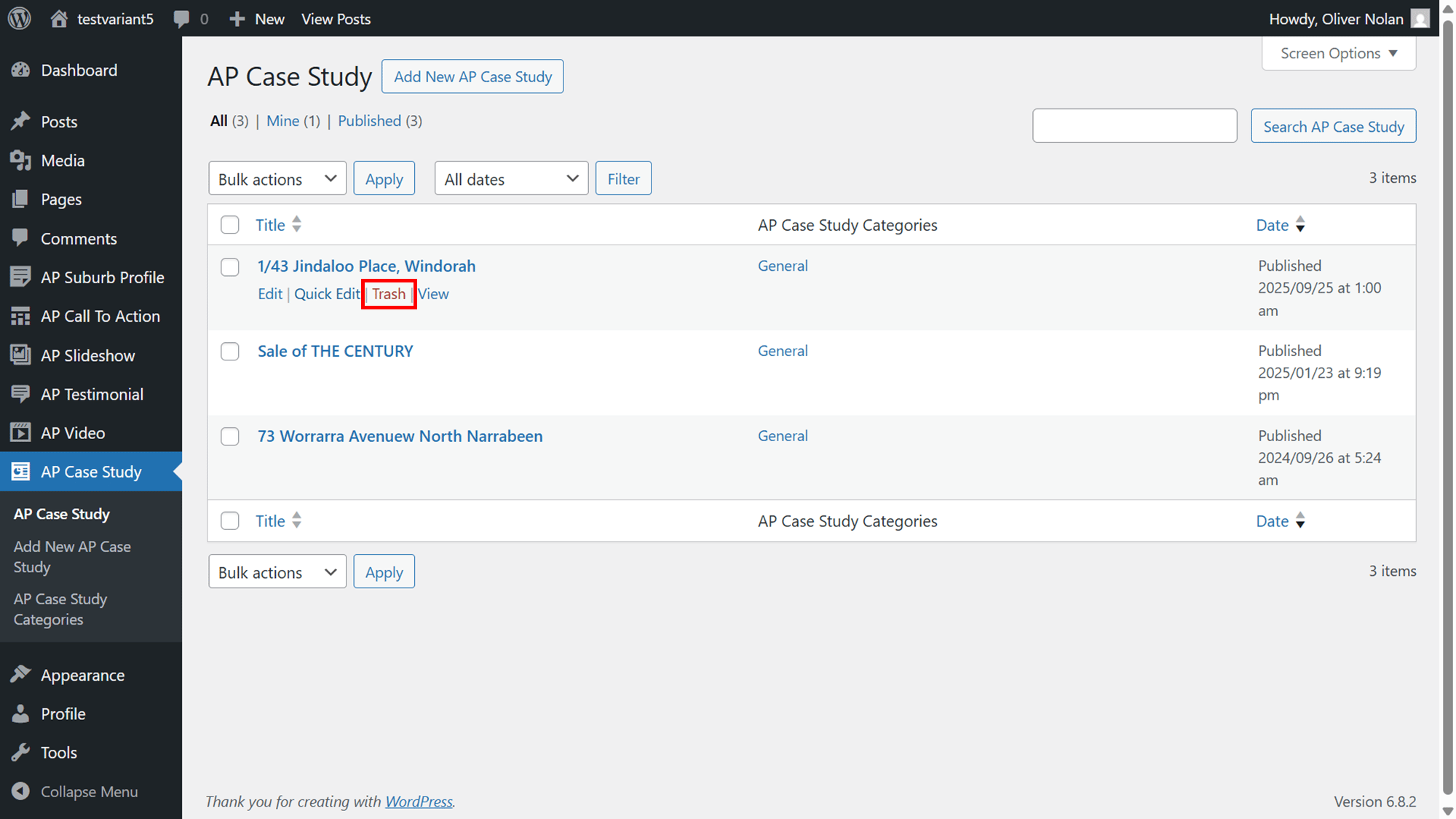
- Hover the cursor over the Case Study and click on Trash.
- Click Undo to recover.