Creating a Page
This article will show you how to create a page in Reapit Websites
A page is an area on your site where you can display content. A page can be about anything at all. Some of the most common pages on a website include Home, About, and Contact pages.
The processes in this article include:
- Create a Page
- Adding a Block Inserter
- Changing your Patterns
- Publishing your Page
Create a Page
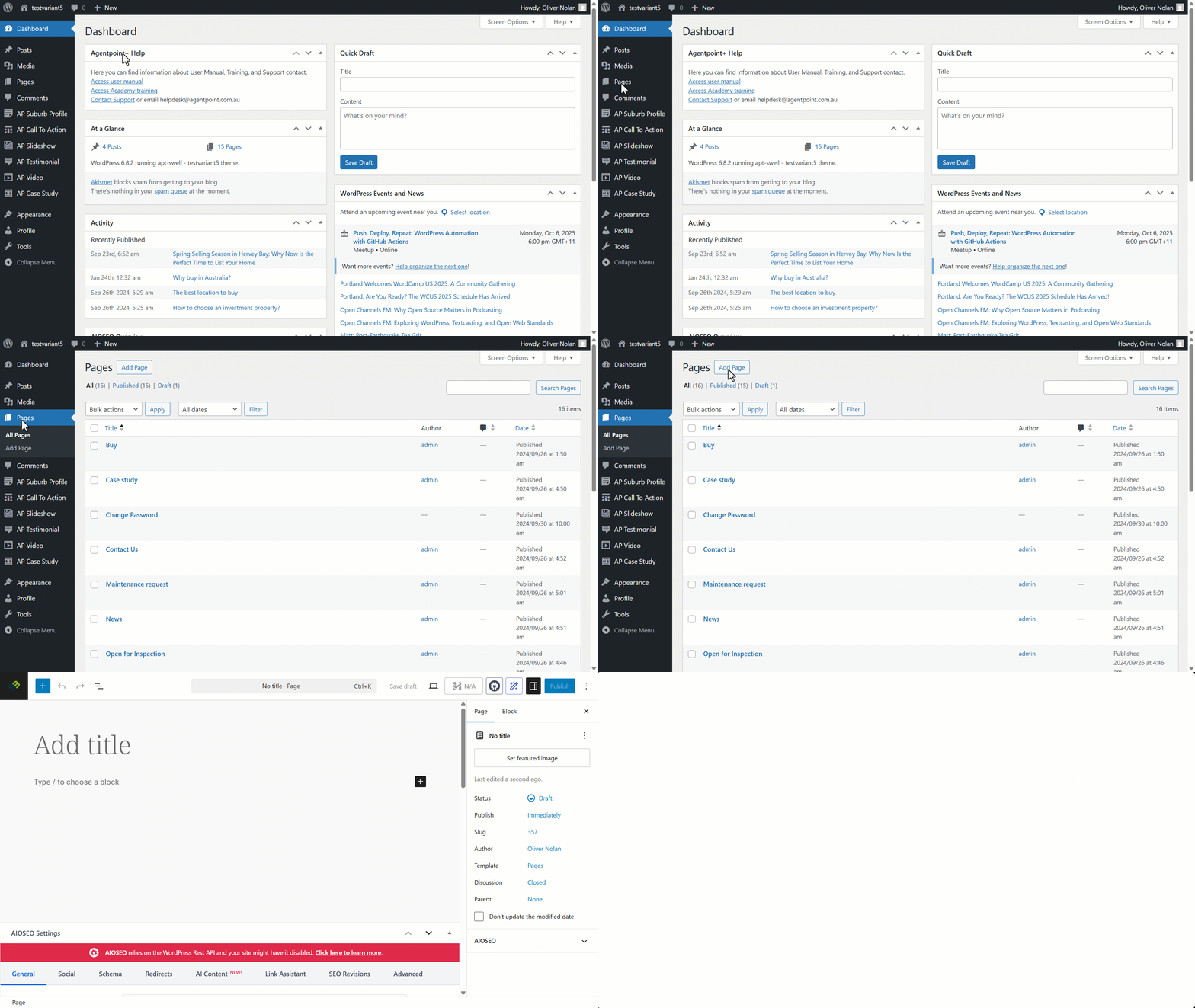
- To add a new page to your Reapit Websites, click on Pages on the left-hand side panel, then click Add New.
- Enter the page title and the body content as desired.
Adding a Block Inserter
Blocks are components used for creating and editing elements on a Page. Various block types are available to add text, media files, and layout elements, giving you more flexibility to build content.
Click here to learn more about block inserters.
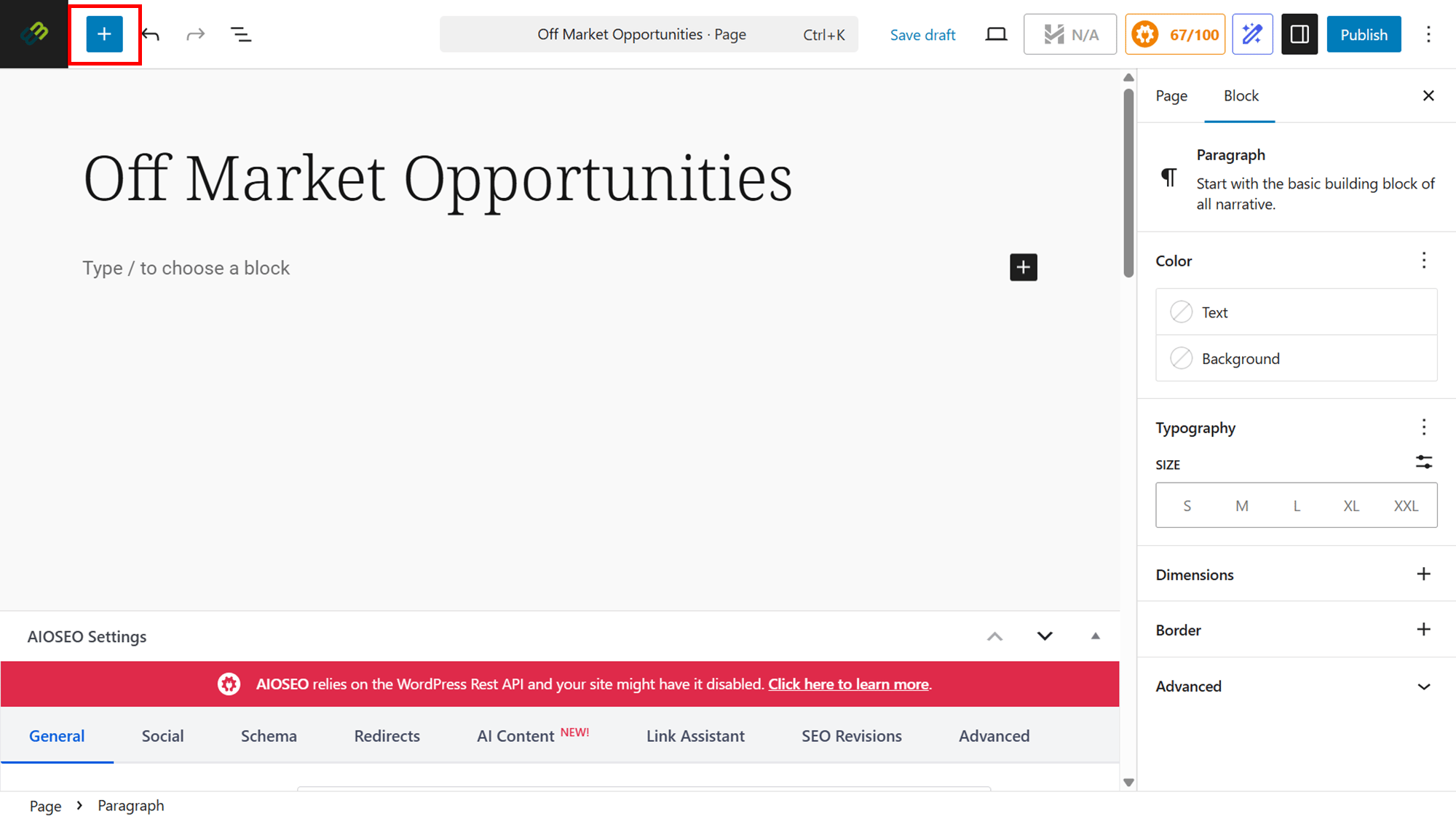
- Click on the Plus icon to insert a block.
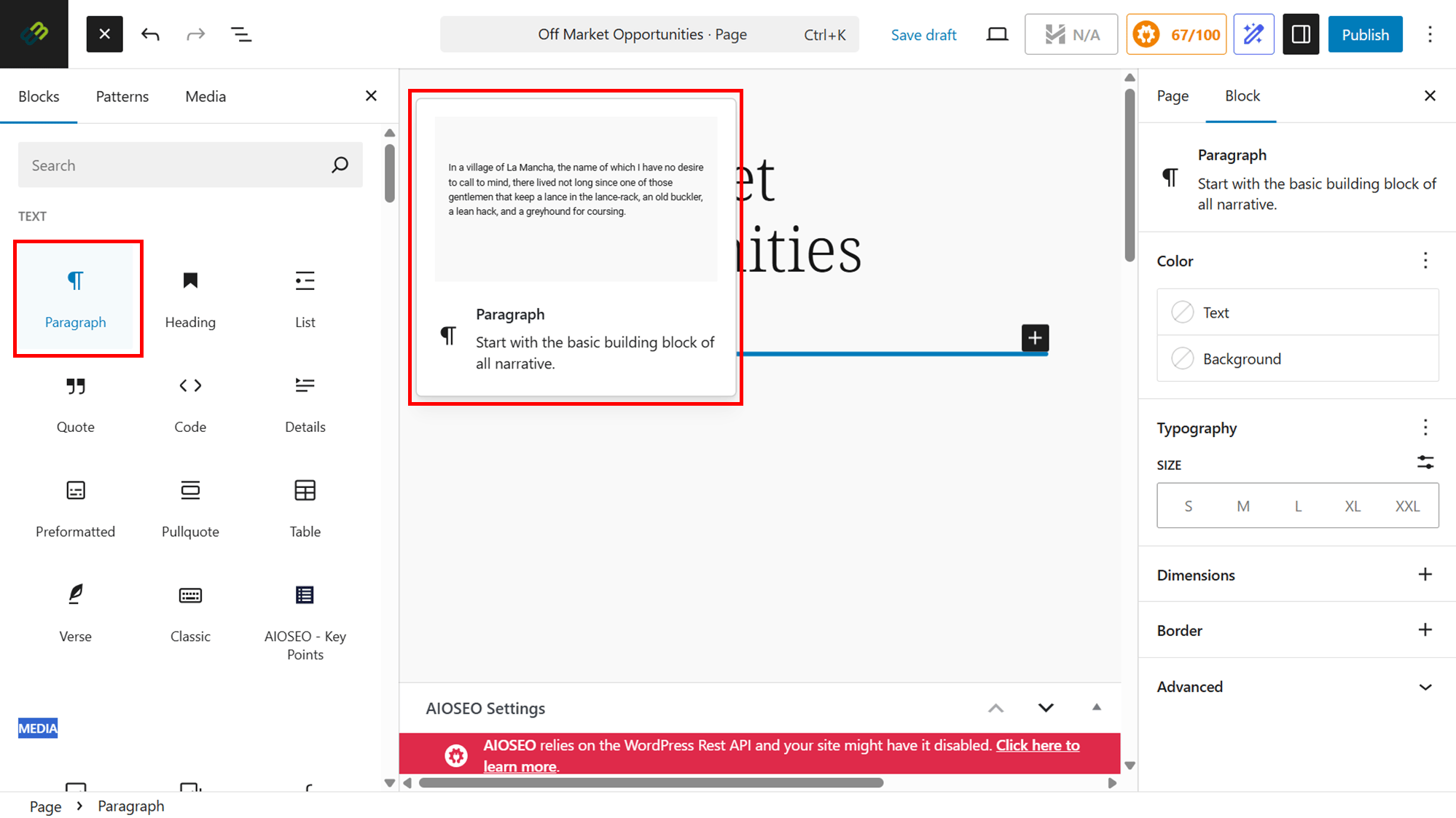
- Click on Blocks then select your desired option.
Note: You can hover over the specific block to view a description of its functionality. - Click in to select the desired block and it will appear on your page.
Changing your Patterns
Patterns are a collection of predefined blocks that you can insert into pages and posts and then customize with your own content.
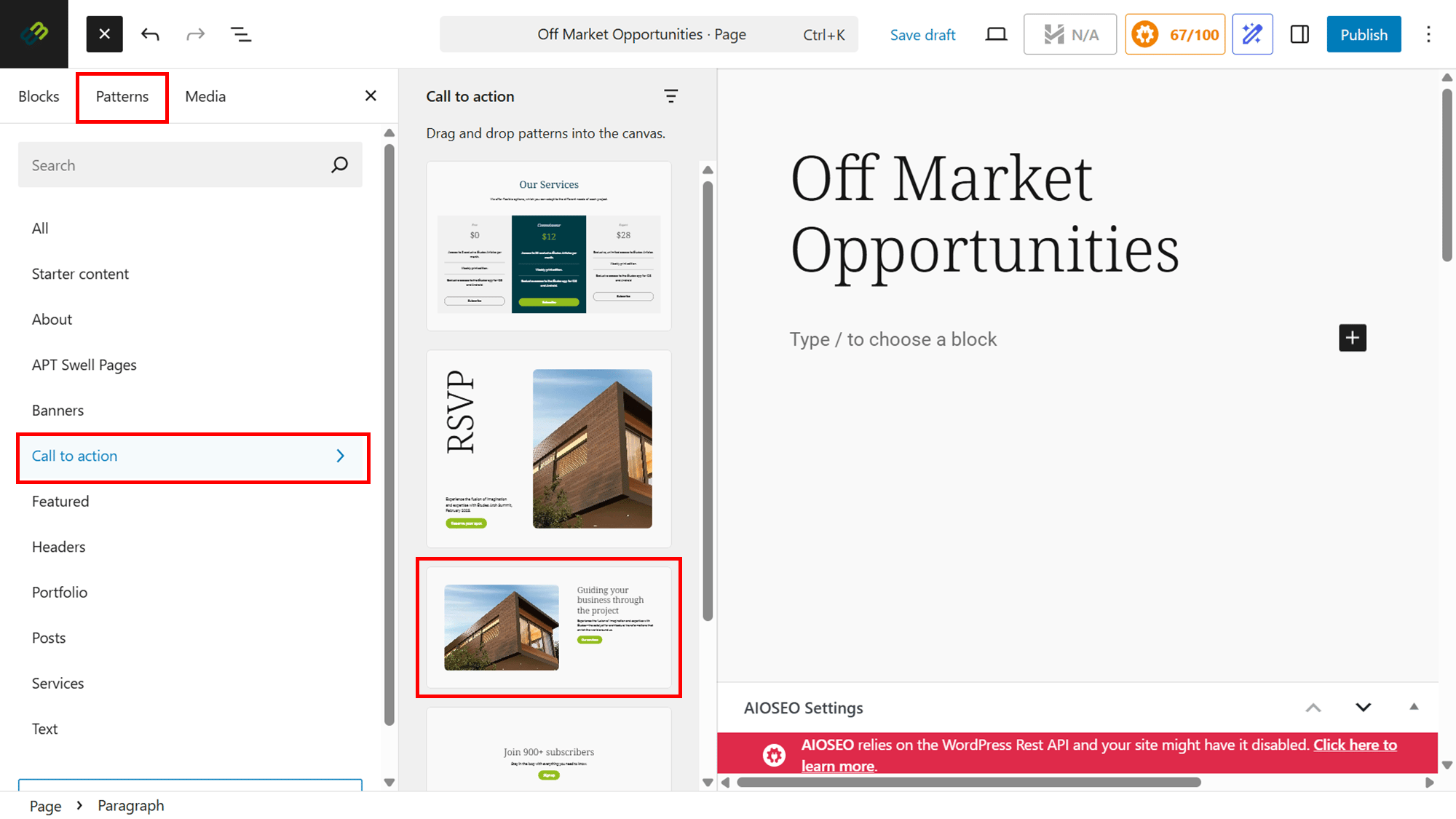
- To change the pattern on your page, click on the plus icon.
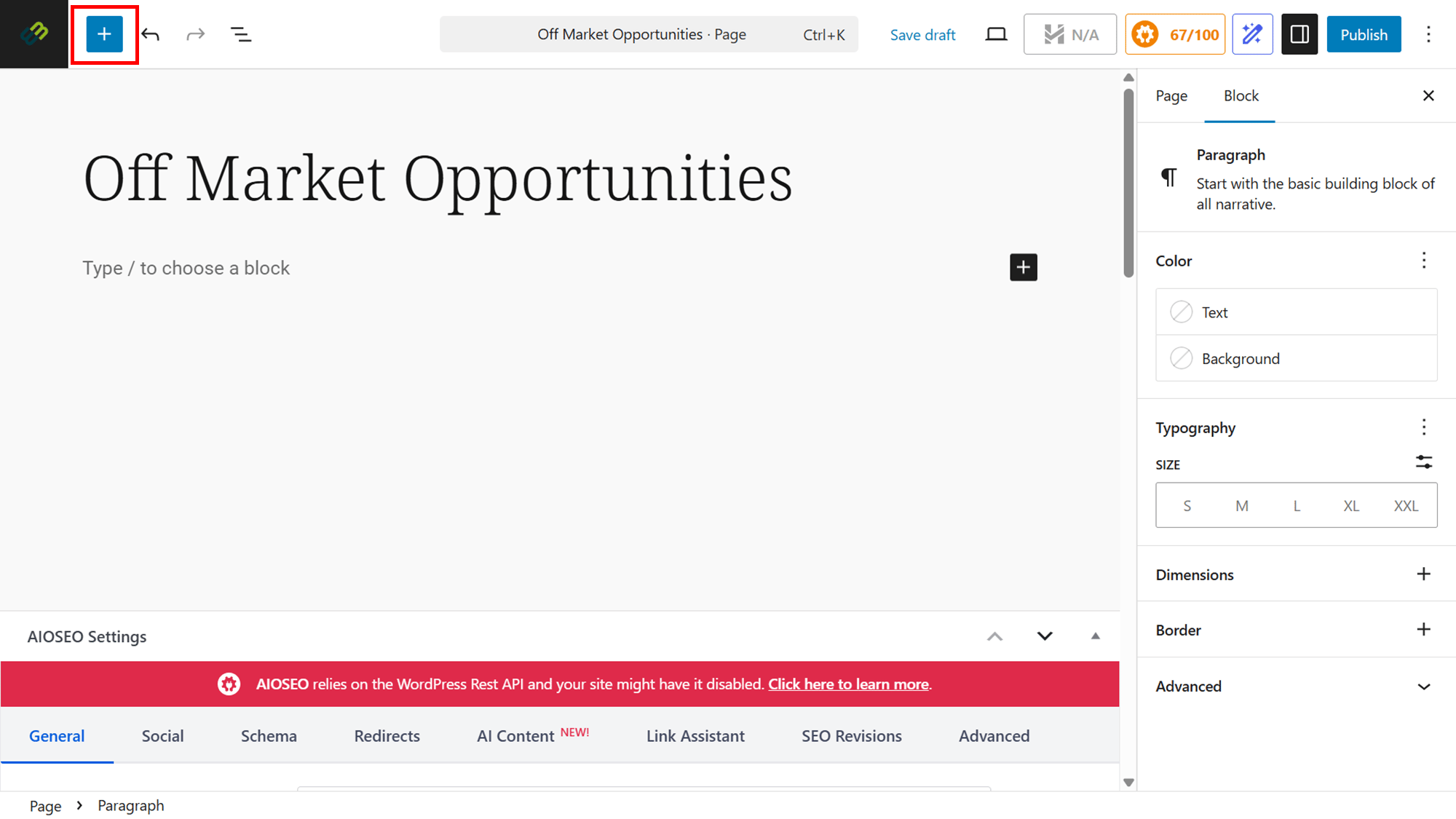
- Click on Patterns then select your desired pattern from the dropdown options.
- Choose the pattern from the option or options provided.
Publishing your Page
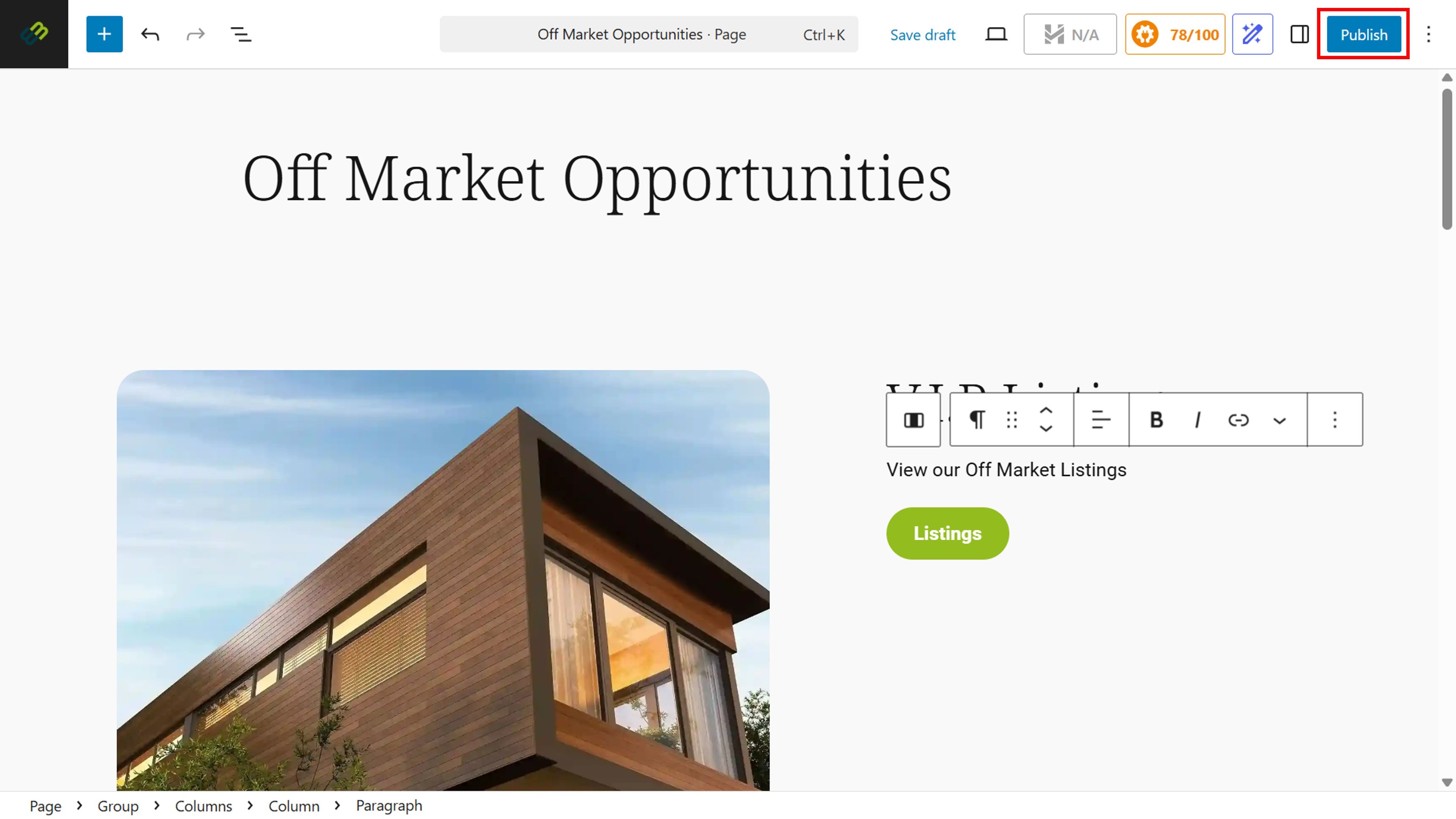
- Click Publish.
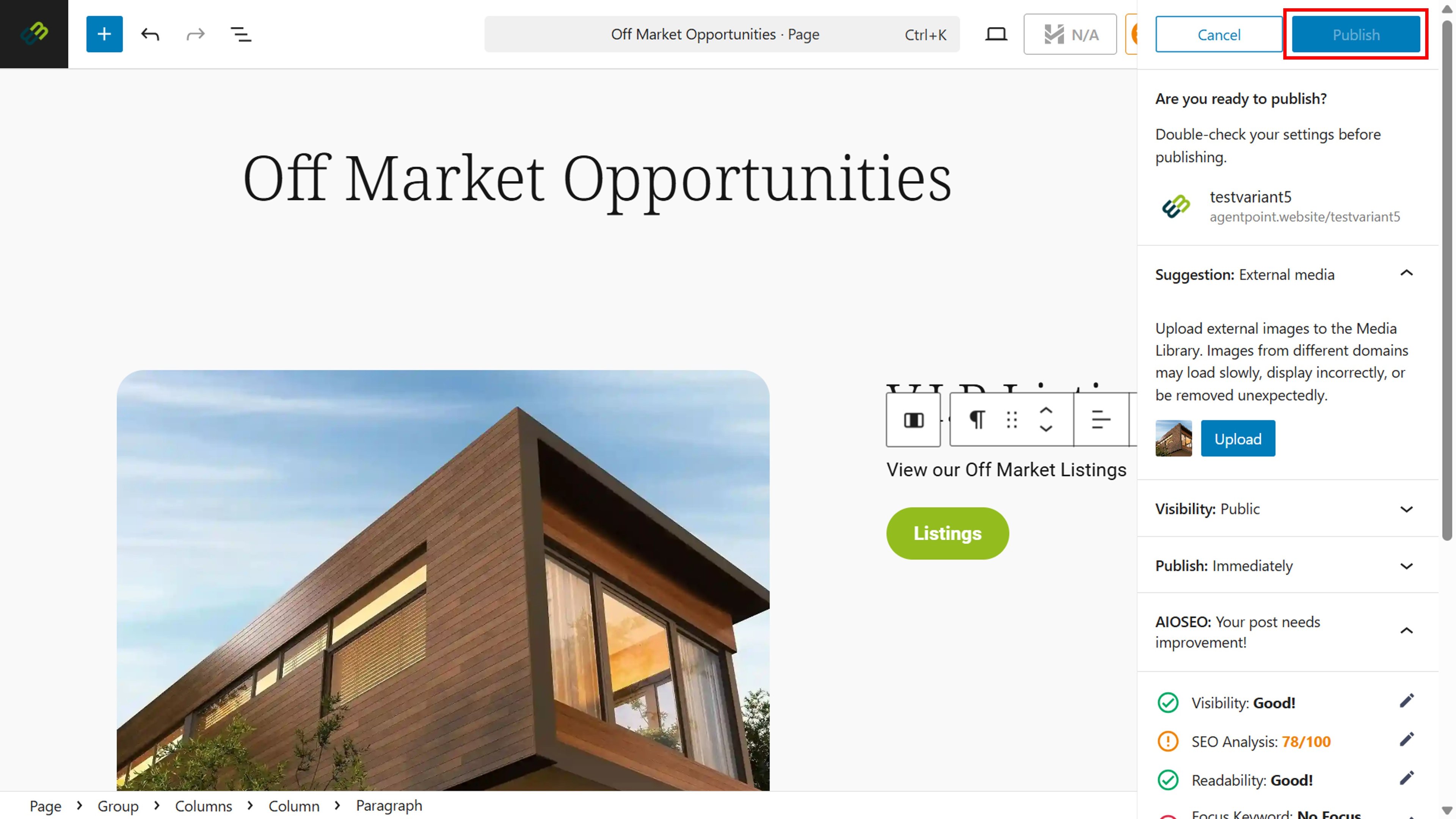
- Adjust your publishing settings to your preference, then click Publish.
Your changes will feed through to your Reapit Website, as per the example below: