Accessing the Editor and Overview of the Interface
This article will show you how to access the Editor and Overview of the Interface in Reapit Websites
The Swell Editor is a user-friendly WordPress tool designed to help users easily create and manage content. Built on the Gutenberg block editor, it allows for a smooth, drag-and-drop editing experience, making it ideal for building dynamic pages and posts without needing coding knowledge.
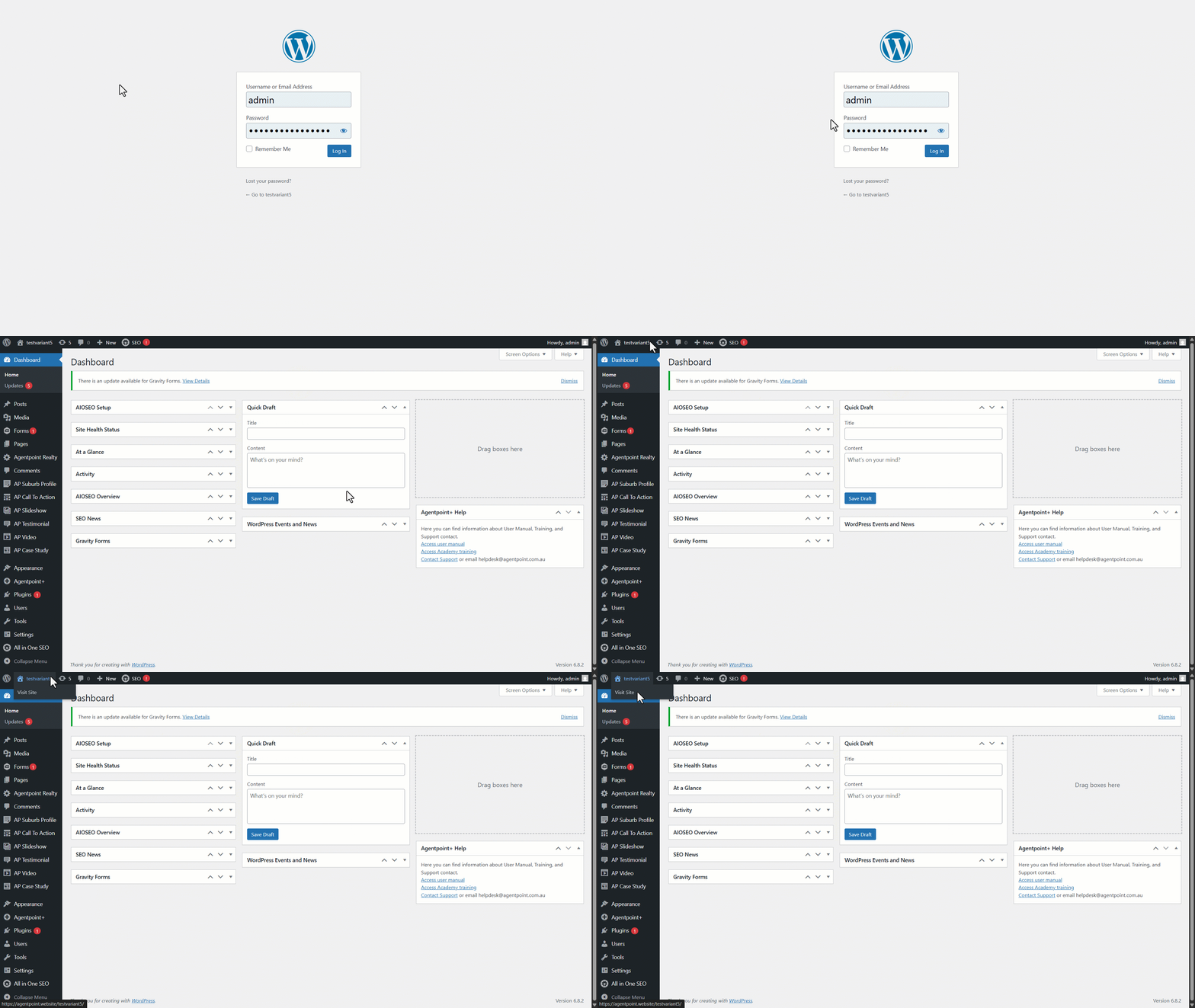
- To access the editor, sign in to your Reapit Websites account through - https://agentpoint.website/
Note: If you do not have a sign-in, you will need to request access from the user with administrator privileges. - Once signed in, accessing the Editor can be done by navigating to the site name and selecting Visit Site.
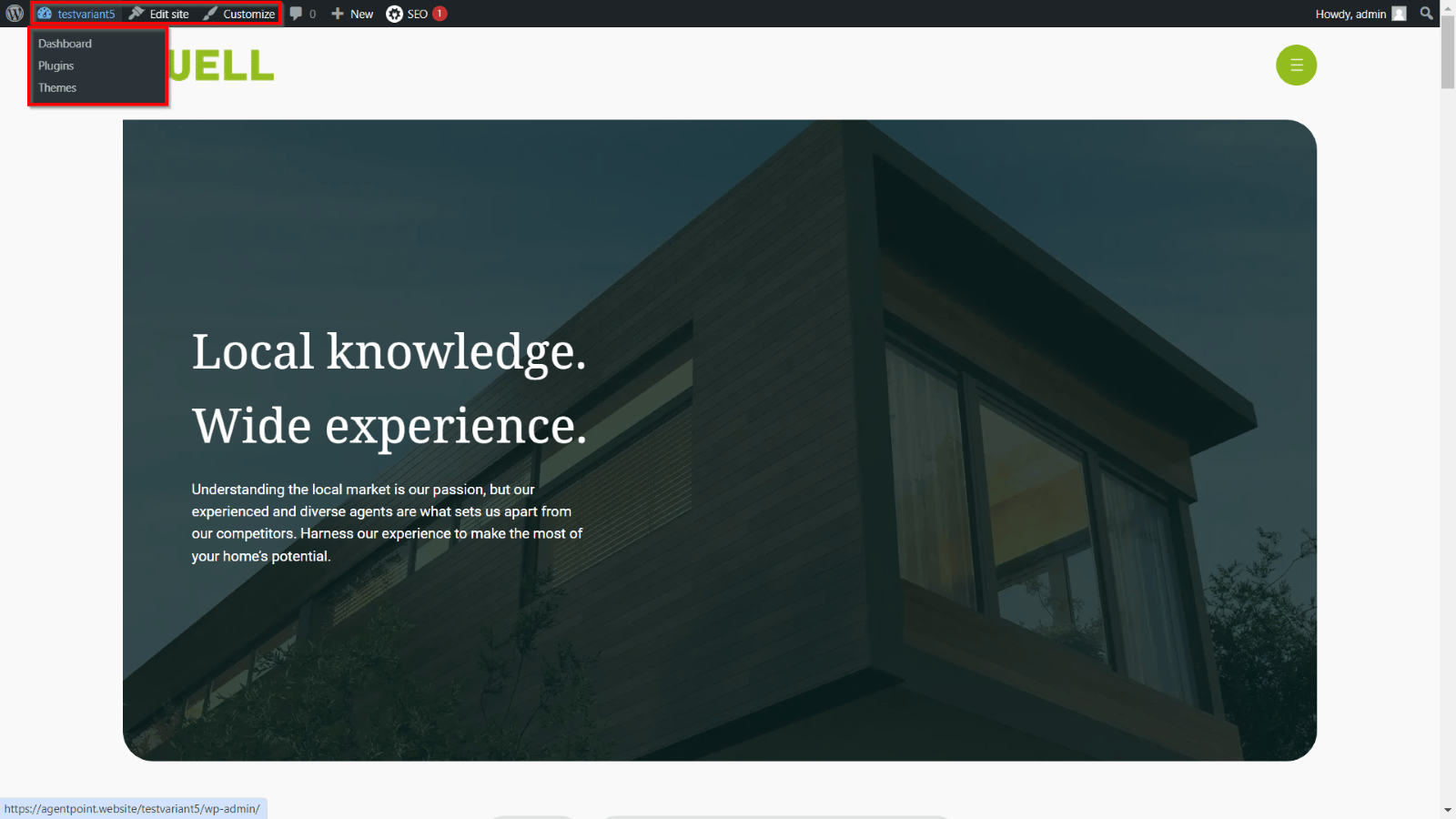
- Visit Site will display the home page as it currently functions. You can navigate to the site name for returning to dashboard, view Plugins or Themes, Edit the site, or customise page functions as needed. To get started with any editing changes, click Edit site.
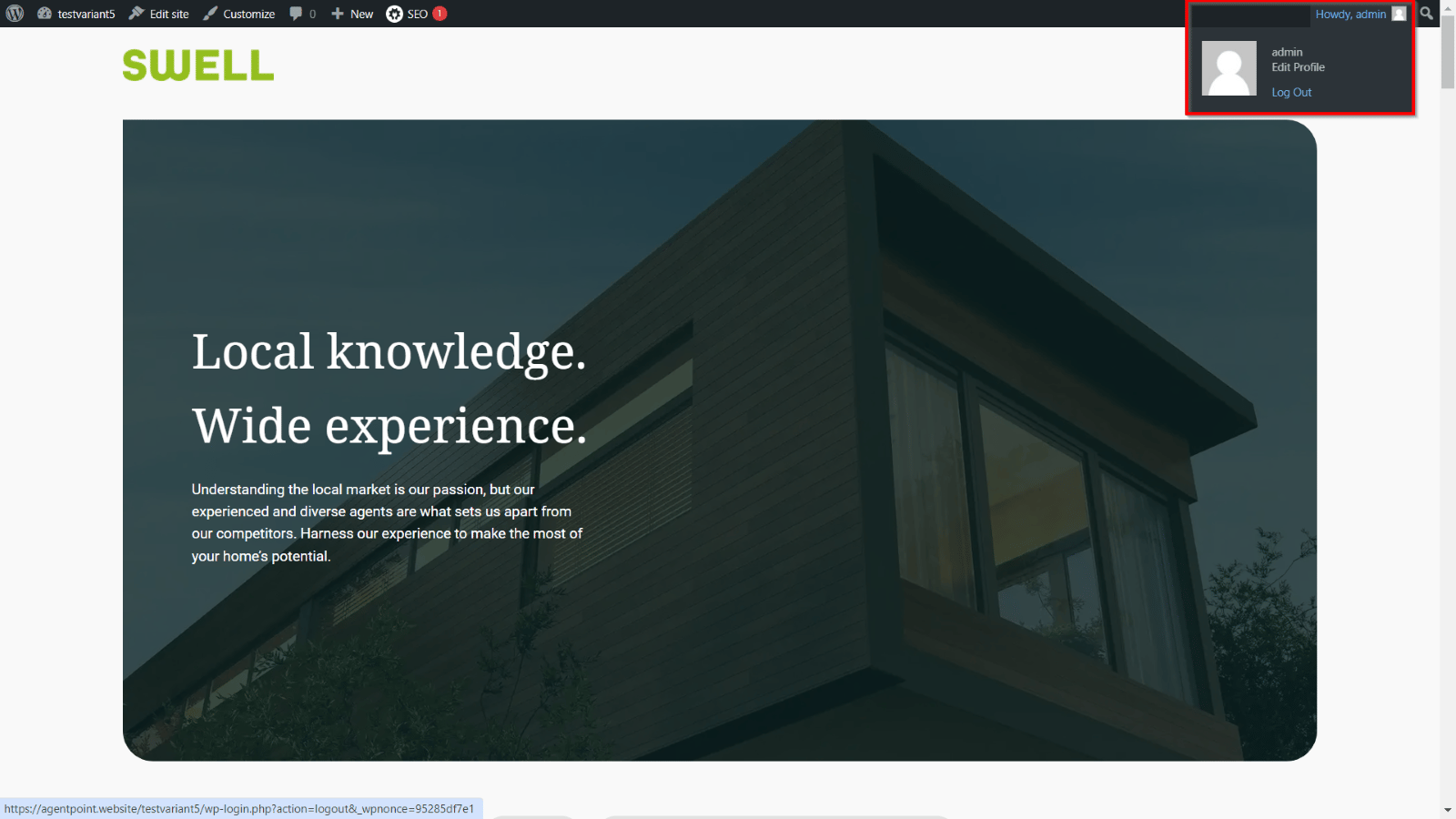
- Once you have completed your tasks, navigate to the username on the top right of the page and select Log Out.