Adding Slide Show
This article will show you how to add Slide Show
Adding Slide Show
An Slideshow is a group of images put together on an electronic display, in a prearranged sequence.
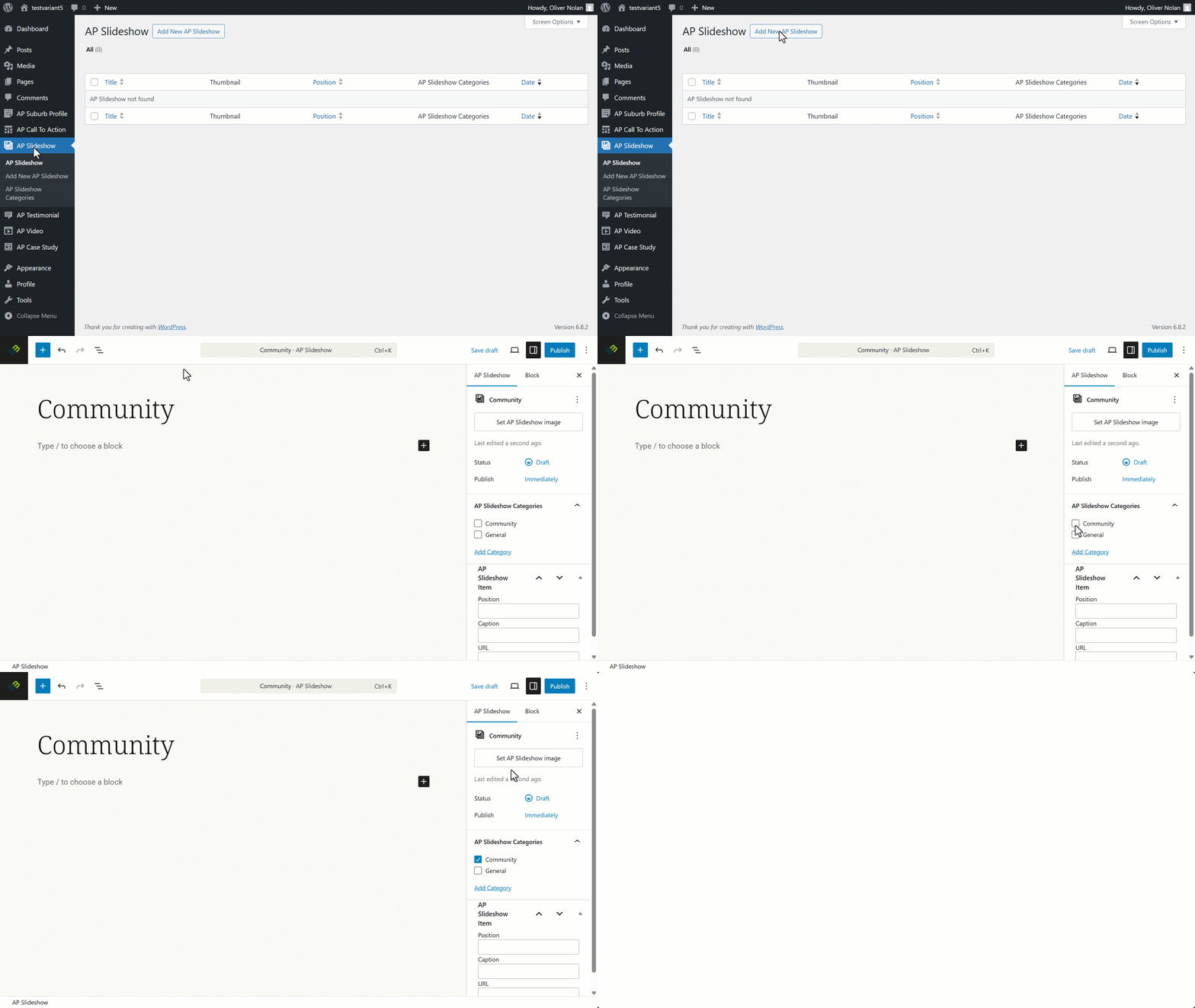
- Click on Slideshow
- Click on Add New.
- Enter a slideshow title.
- Click on Settings.
- Click on Slideshow Categories to apply to the desired category.
- Click Set Call to Action Image.
Please click here to find out how to create new slide show categories.
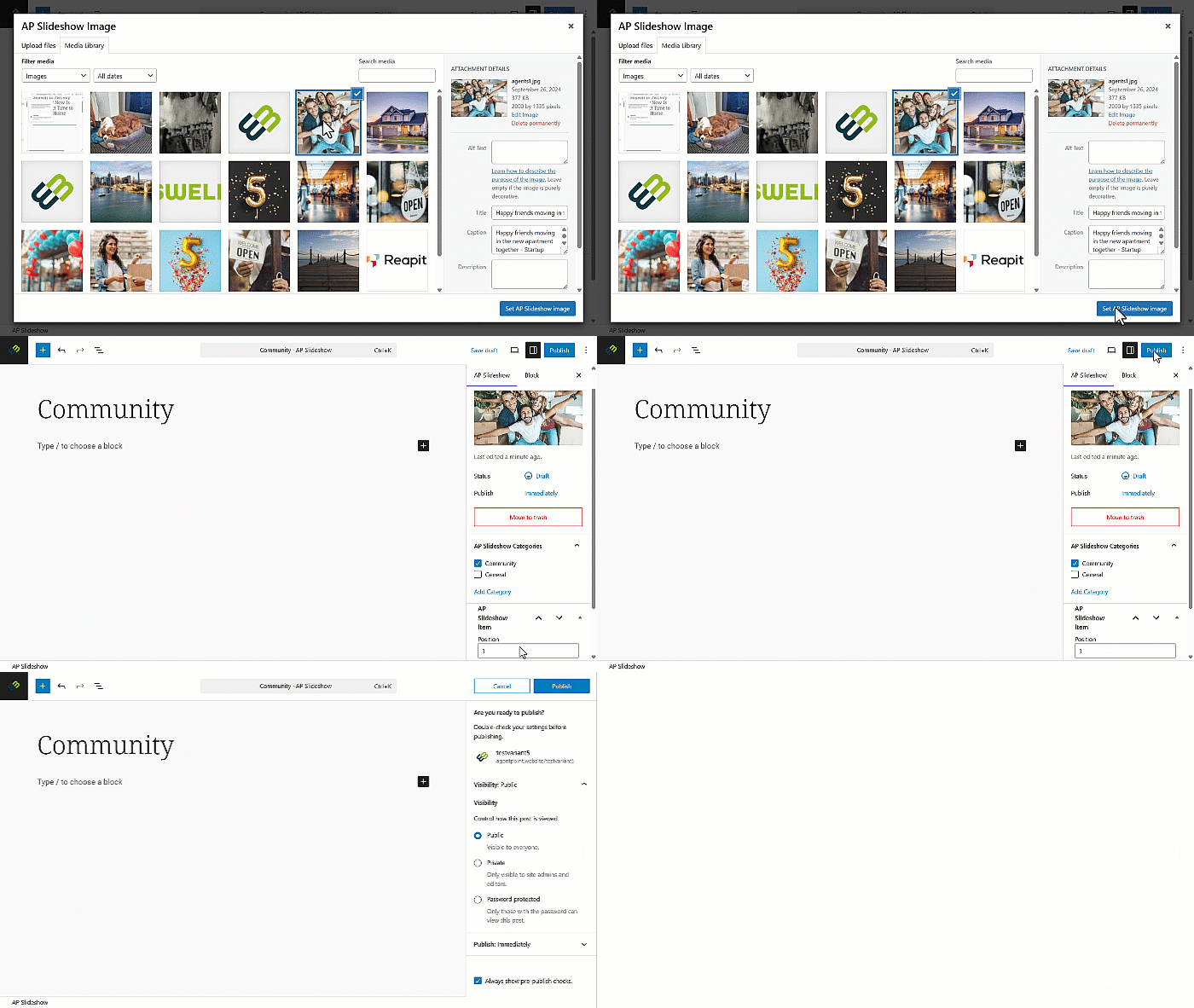
- Select the image from your media library, then click Set Call to Action Image.
- Enter the desired position for the slideshow, then click Publish
- Set your visibility and publishing options and click Publish.
Please click here to find out how to add new images to your library.