
Editing the Statistics Module
This article will show you a great way to display statistical data you would like to display on your website
The Statistics module is a great way to display statistical data you would like to display on your website.
- From the site editor menu, navigate to the Facts & Figures section. You can also select Column Text under the Group menu drop-down to have the page display this section.
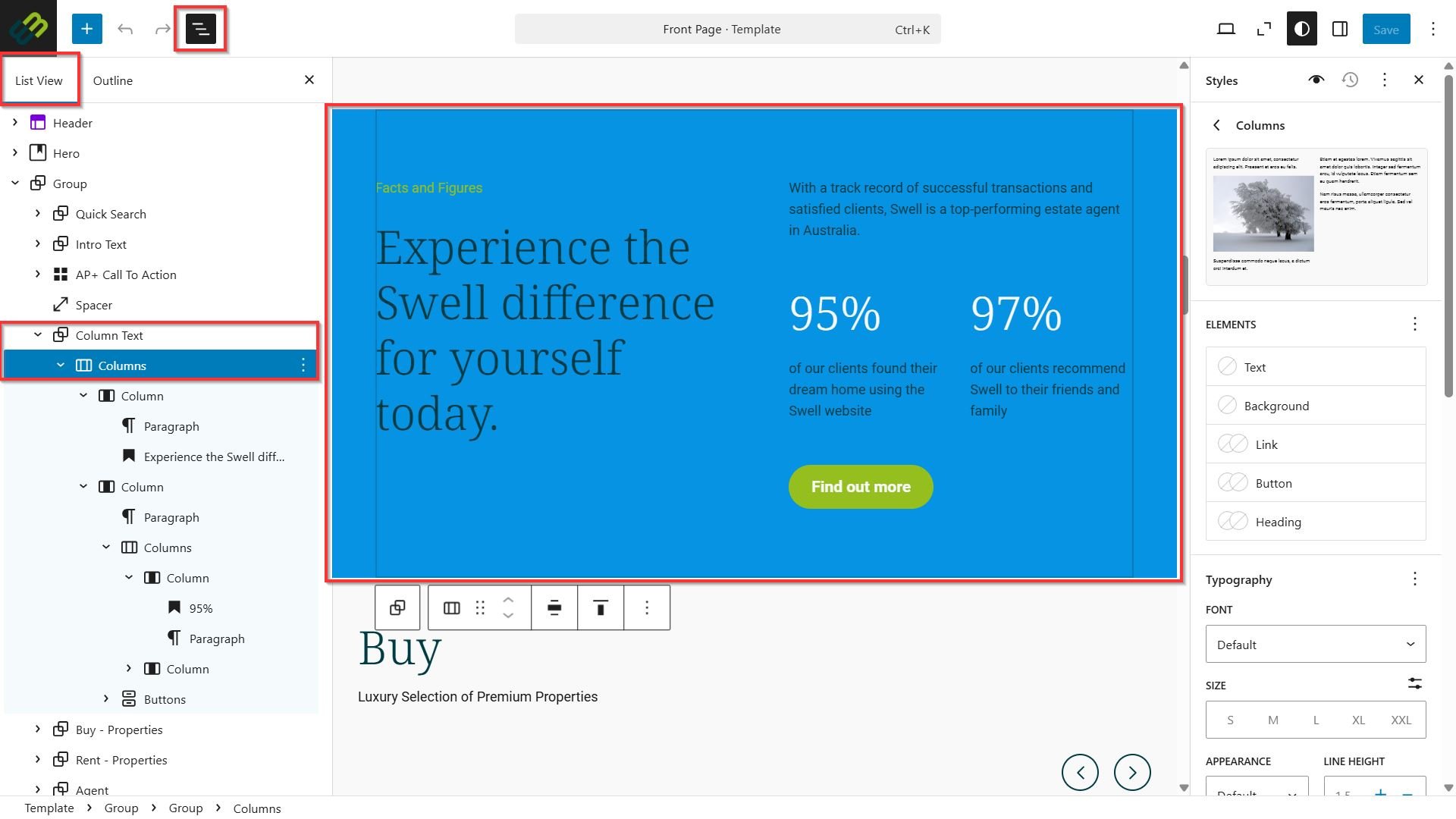
- The background colour, typography, dimensions, and border & shadow options can be changed using the Styles menu of the block editor.
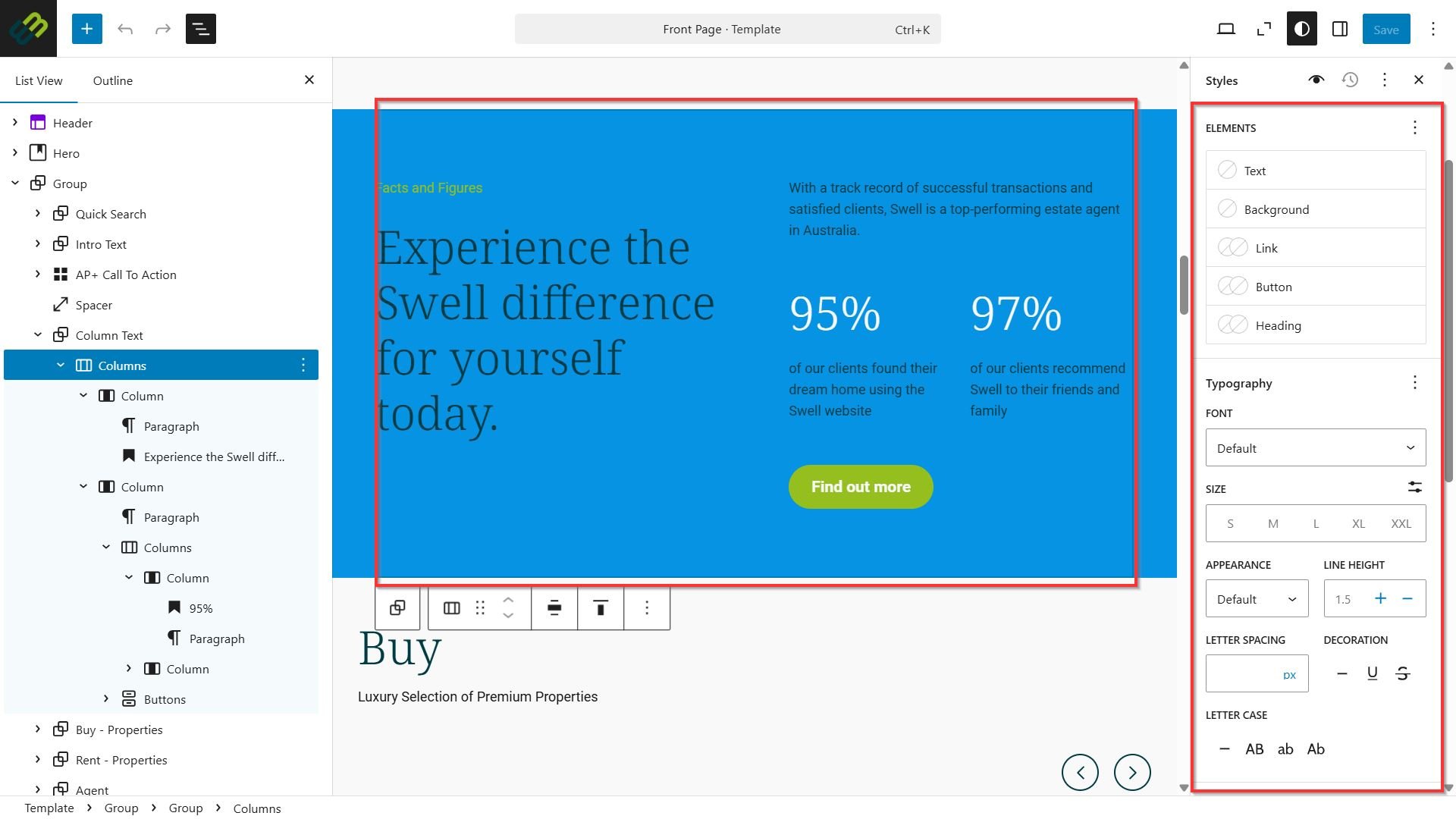
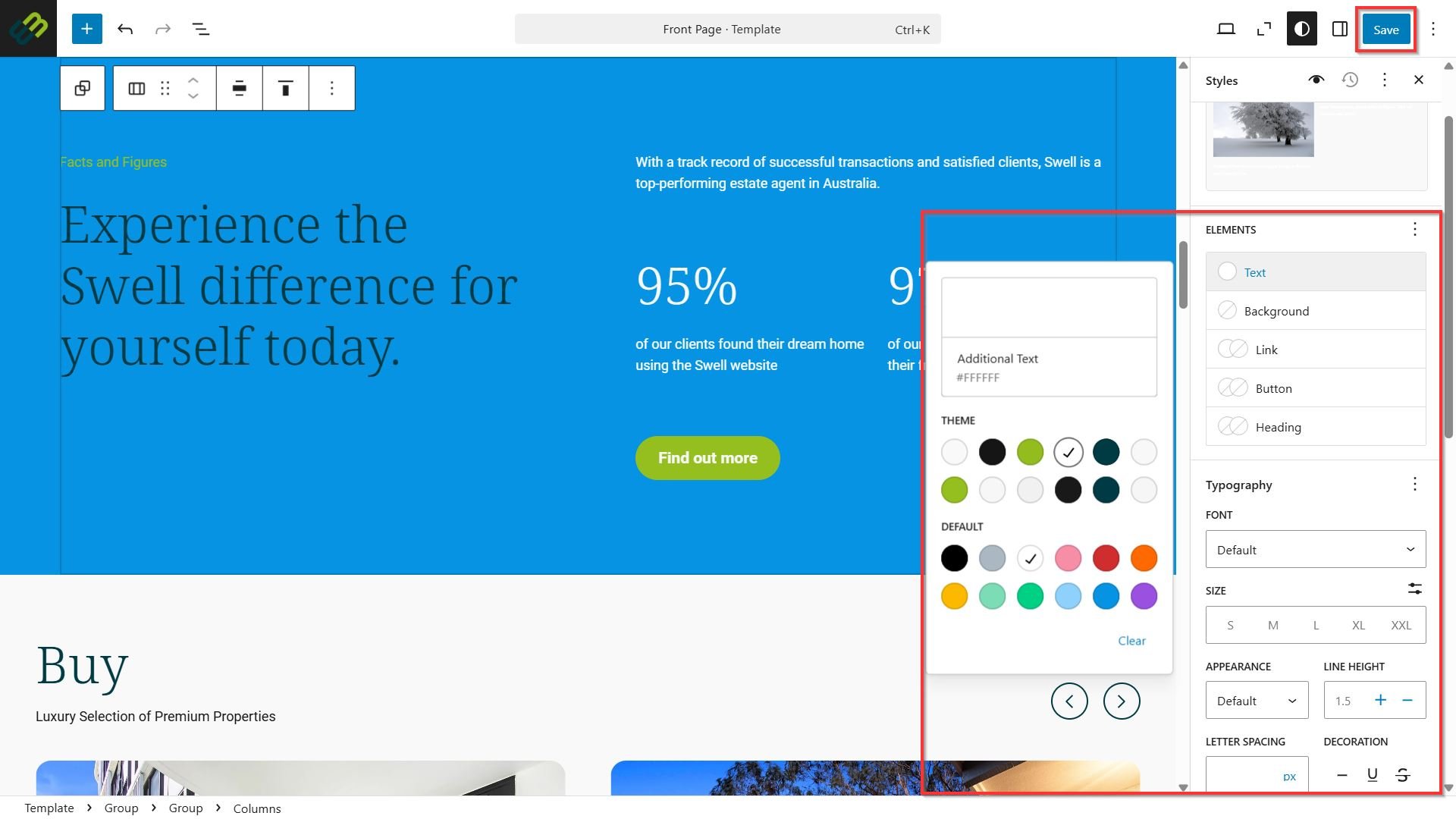
- Enter any adjustments to your statistical data if required. You will have the option to edit the colour, typography, and dimensions used for these values.
- Once you are done with any changes, click Save.
- You can adjust the Statistics content as desired. However, for the best visual and functional results, we recommend using the default Swell layout format.
On the left side:
Section title > “Facts and figures”
Block title > “Experience the swell difference for yourself today.”
On the right side:
One introductory paragraph
Two percentage-based data points
A short paragraph beneath the numbers
A button to re-direct for more information
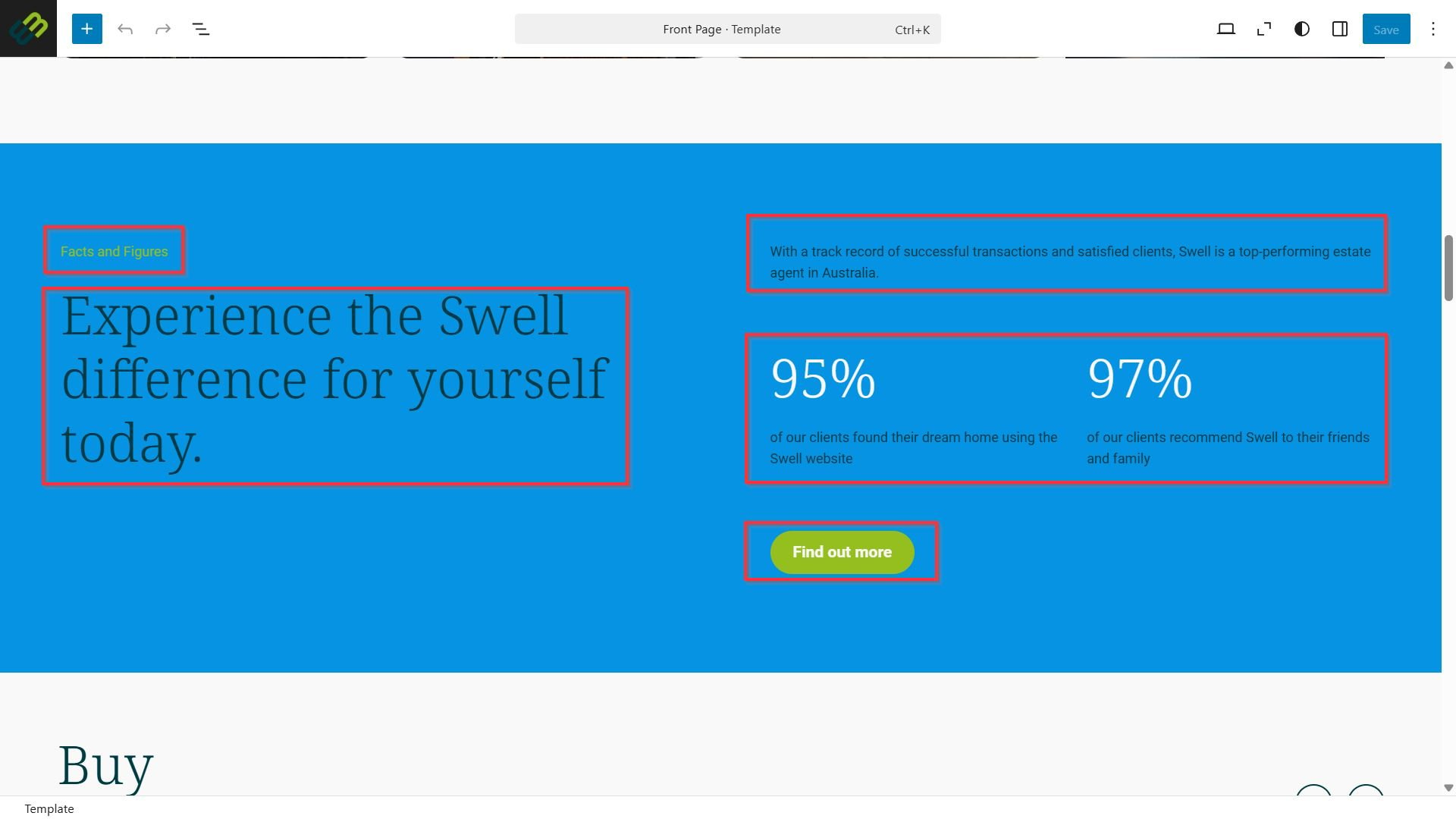
Following this layout ensures a balanced and visually appealing design while maintaining the intended Swell style and user experience.