Adding Case Study
This article will show you how to add a case study in Reapit Websites
Adding Case Study
Case Study allows agents to insert featured properties and highlight them on the main page on the website.
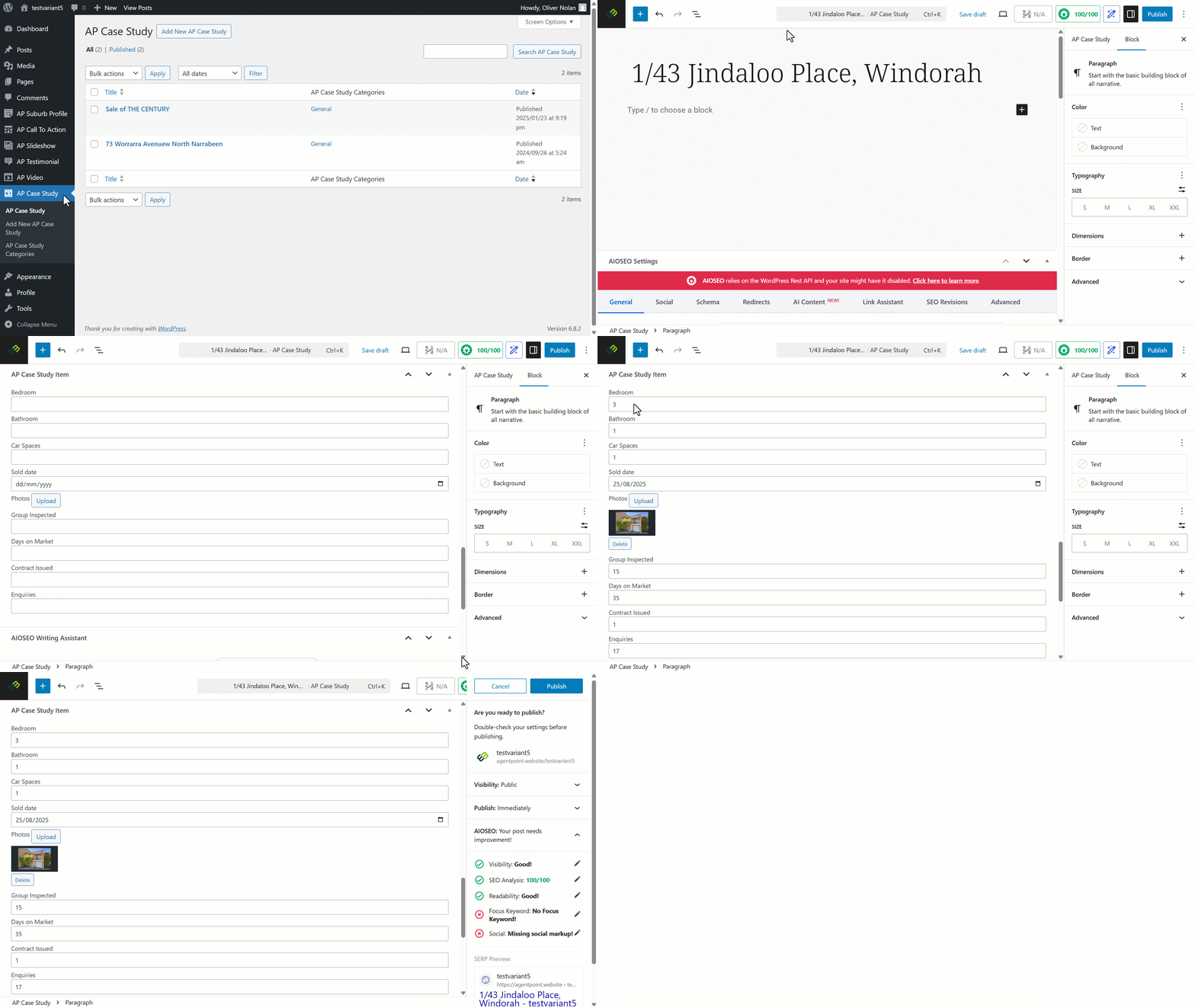
- Click on AP Case Study.
- Click on Add New AP Case Study.
- Enter Case Study title.
- Scroll down to the 'Case Study Item' section and fill out the relevant information.
- Click on Publish.
- Confirm settings and click on Publish.
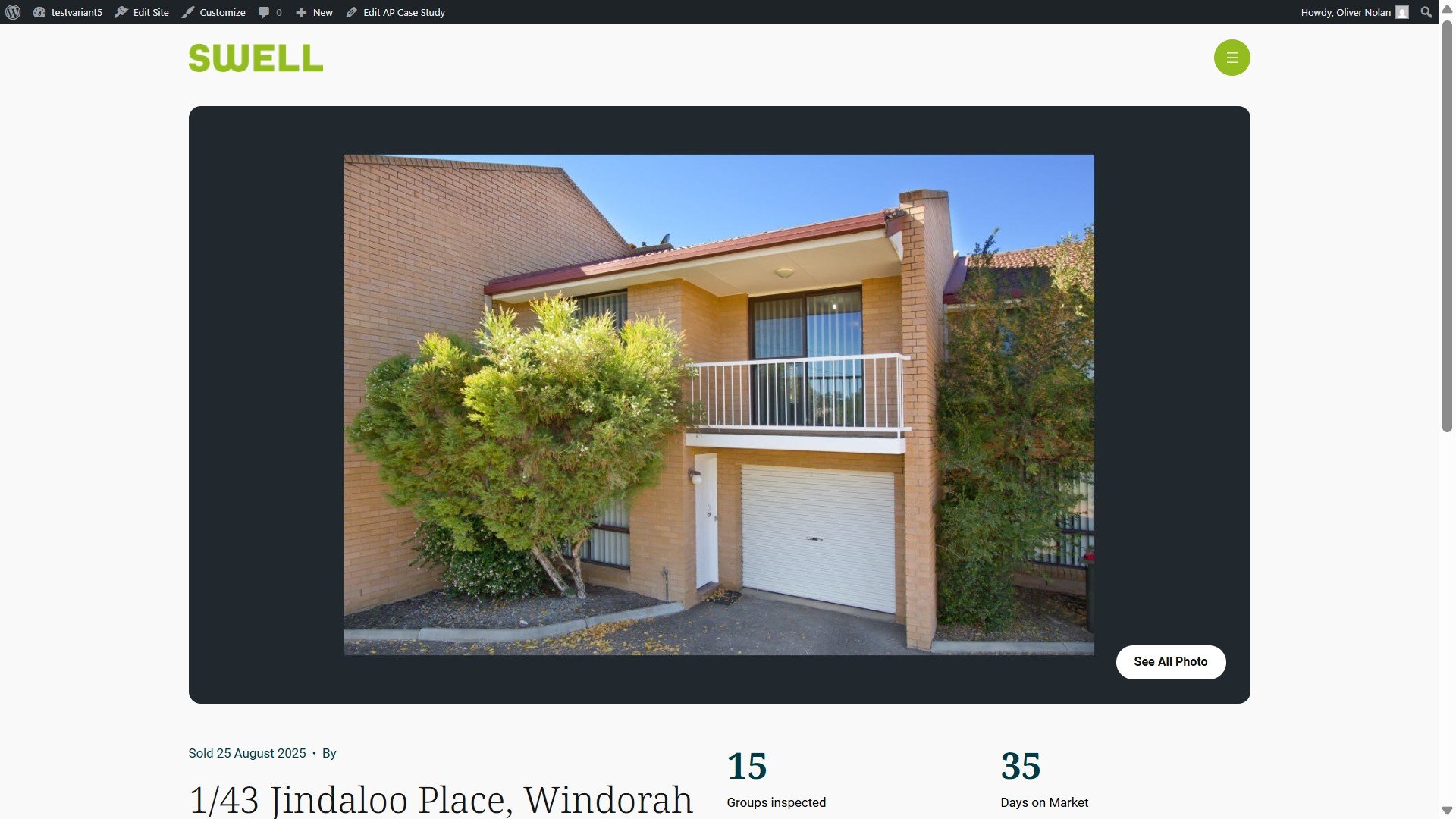
The changes will be reflected on your website as per the example below: