
Editing and Deleting Content Blocks
This article will show you how to Edit and Delete Content Blocks in Reapit Websites.
The website delivery team will collaborate with you to build your site, ensuring it meets your needs and goals. Once live, the Swell Editor gives you the flexibility to make updates and customise content blocks, helping keep your site fresh and aligned with your evolving objectives.
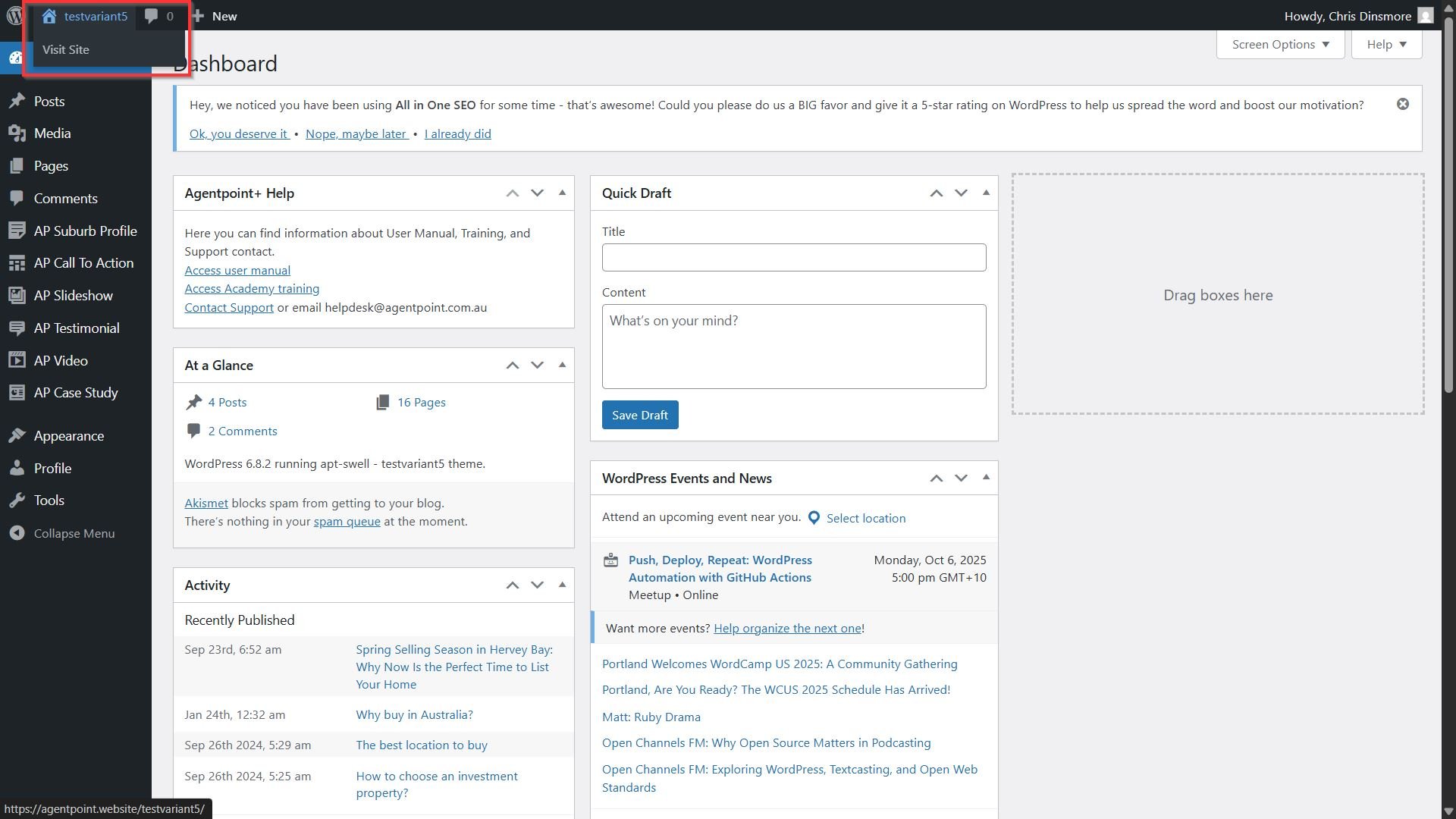
- To access the editor, navigate and sign into your Reapit Website - https://agentpoint.website/, navigate to the site name on the top left of the page.
- Click Visit Site.
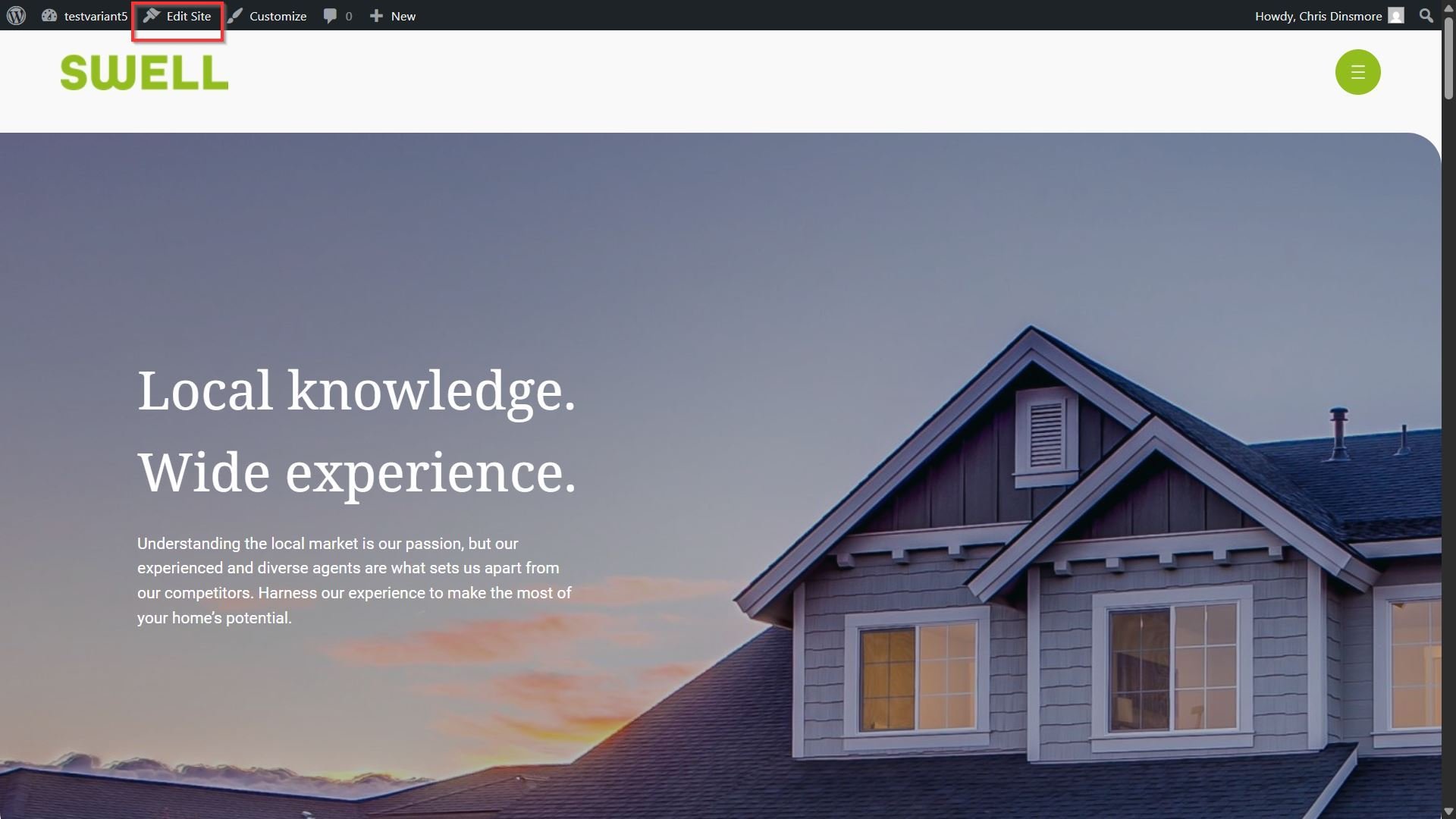
- The Home page will load displaying your website's current appearance. Click Edit Site.
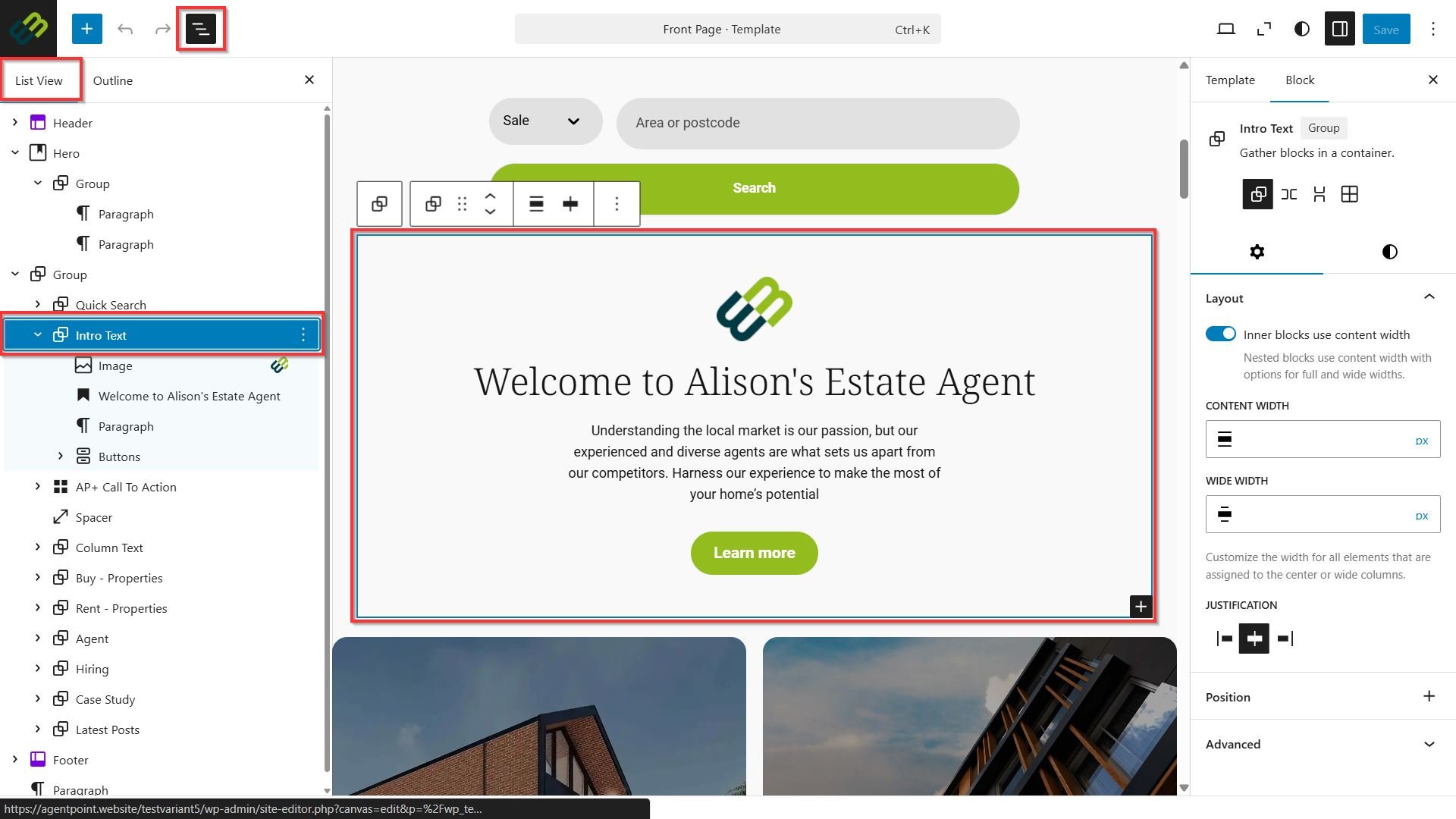
- From the site editor menu, navigate to Document Overview > List View menu to locate the block. From the list view, you can easily navigate and manage block-based content. It provides a structured outline of all the blocks on your page, helping you locate specific elements quickly.
As you search for a block in the List View, it dynamically filters and highlights matching results, making it easy to jump directly to the block you are looking for. After you select the block from the List View the editor will automatically scroll to that block on your page without the need for manual searching. This feature streamlines content management by improving accessibility to individual blocks.
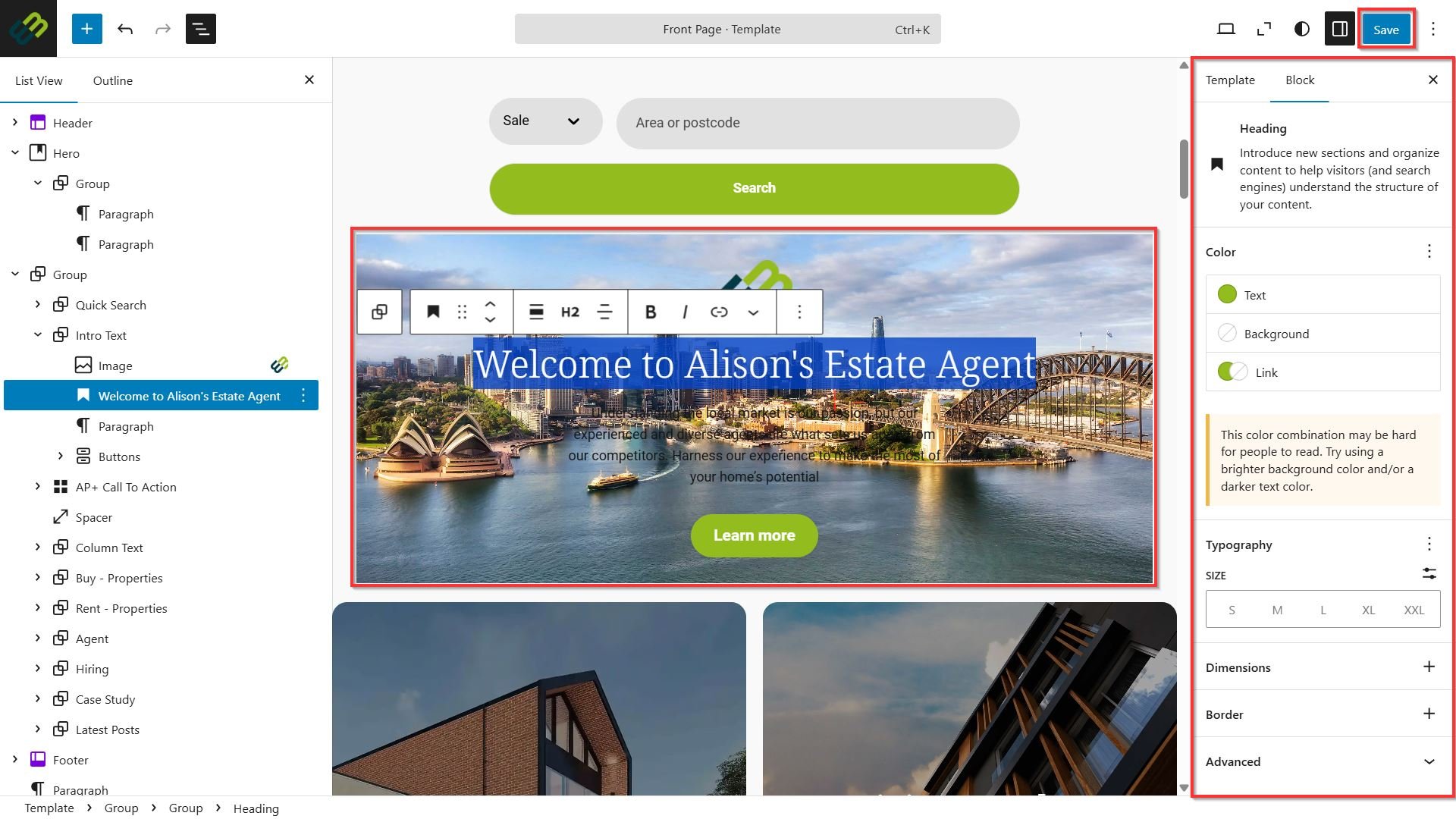
- Once the block has been selected, the edit settings appear on the right side of the page.
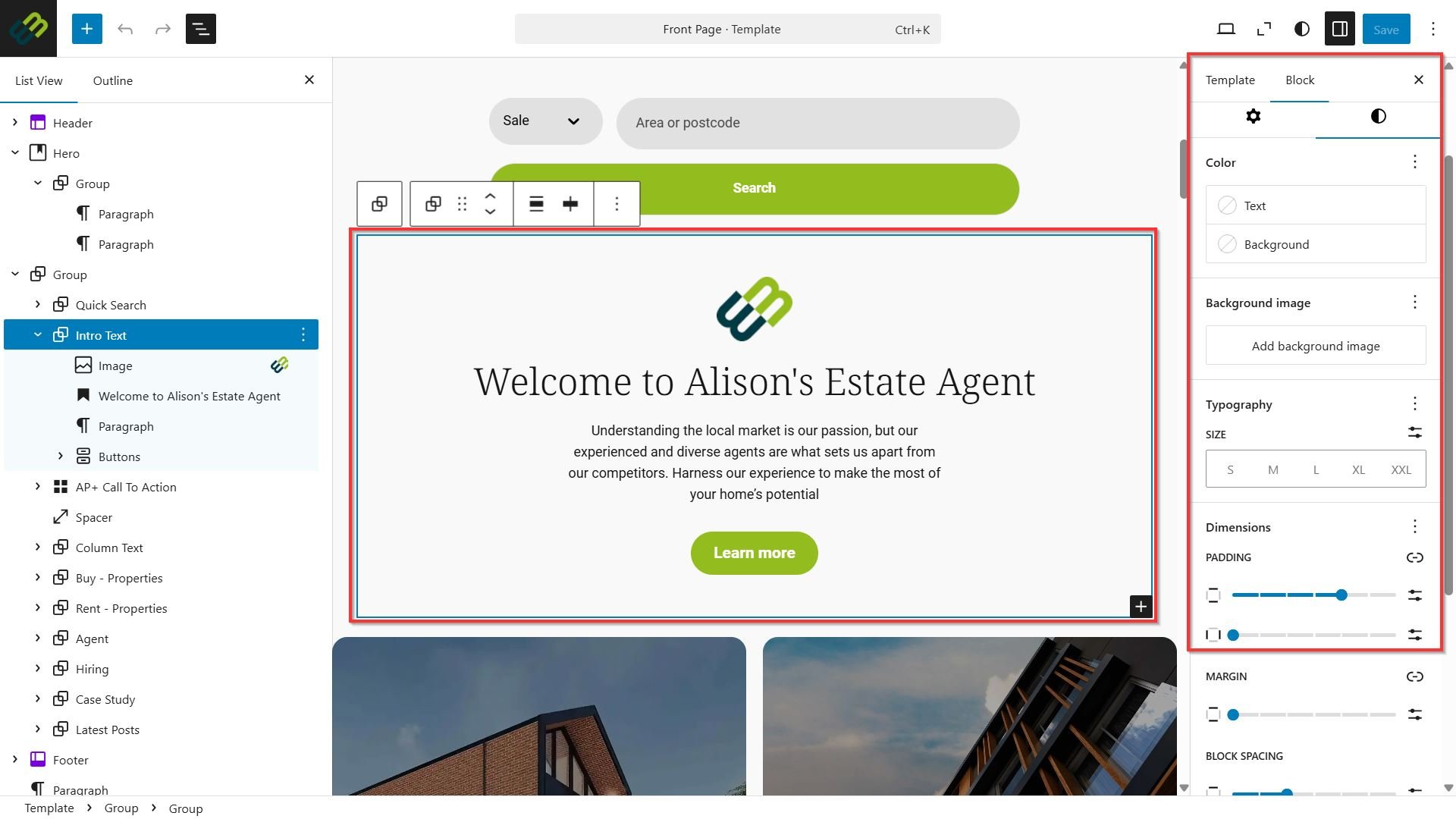
- Make any adjustments to the content block as desired.
- Once you have made changes, click Save.
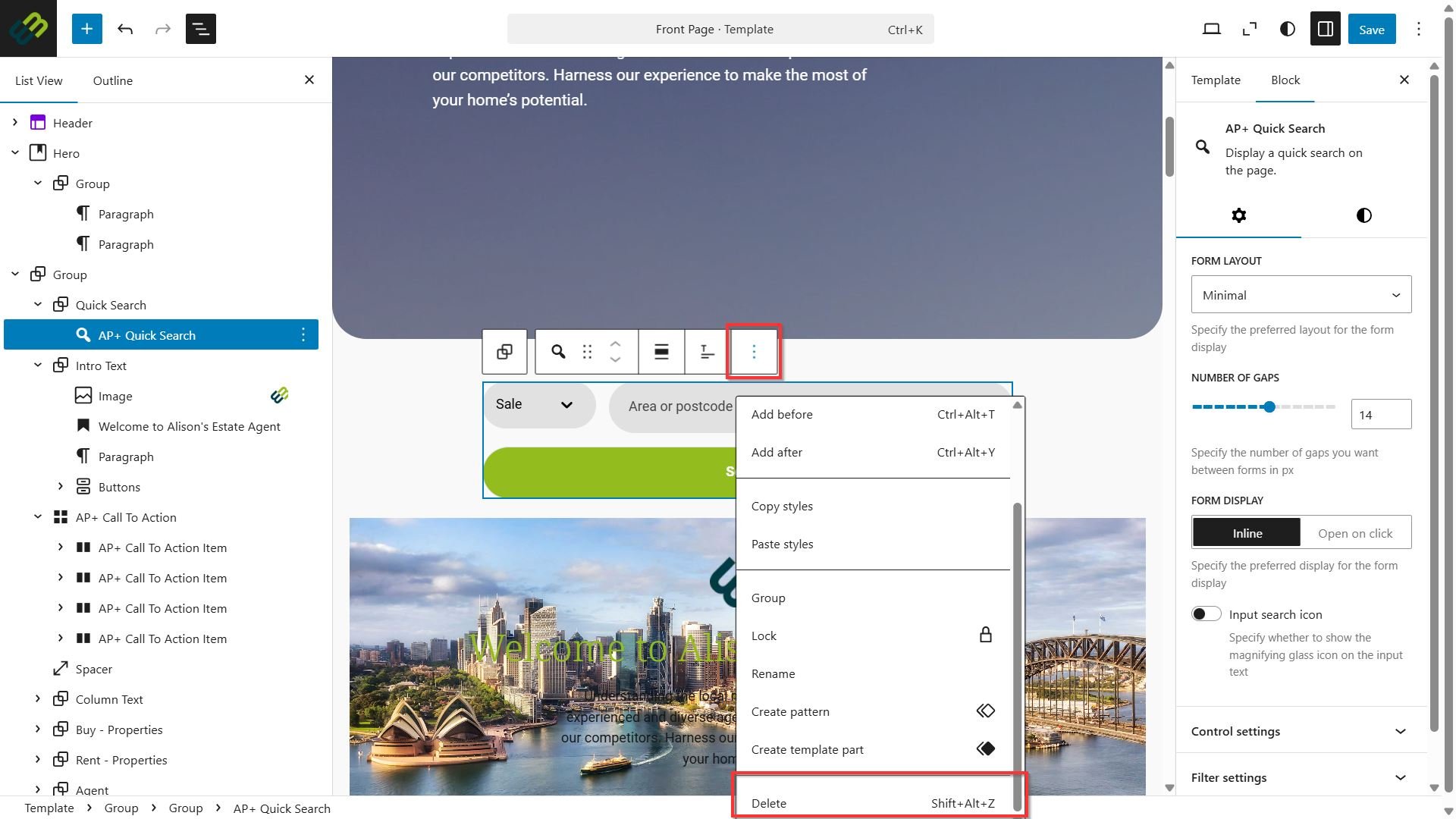
- If you are removing a block from your site that you don’t wish to display, click on the block, click the three dots from the block menu, click Delete.
- Once the block has been removed you may need to adjust some of the surrounding blocks. Once all desired changes have been made, click Save.
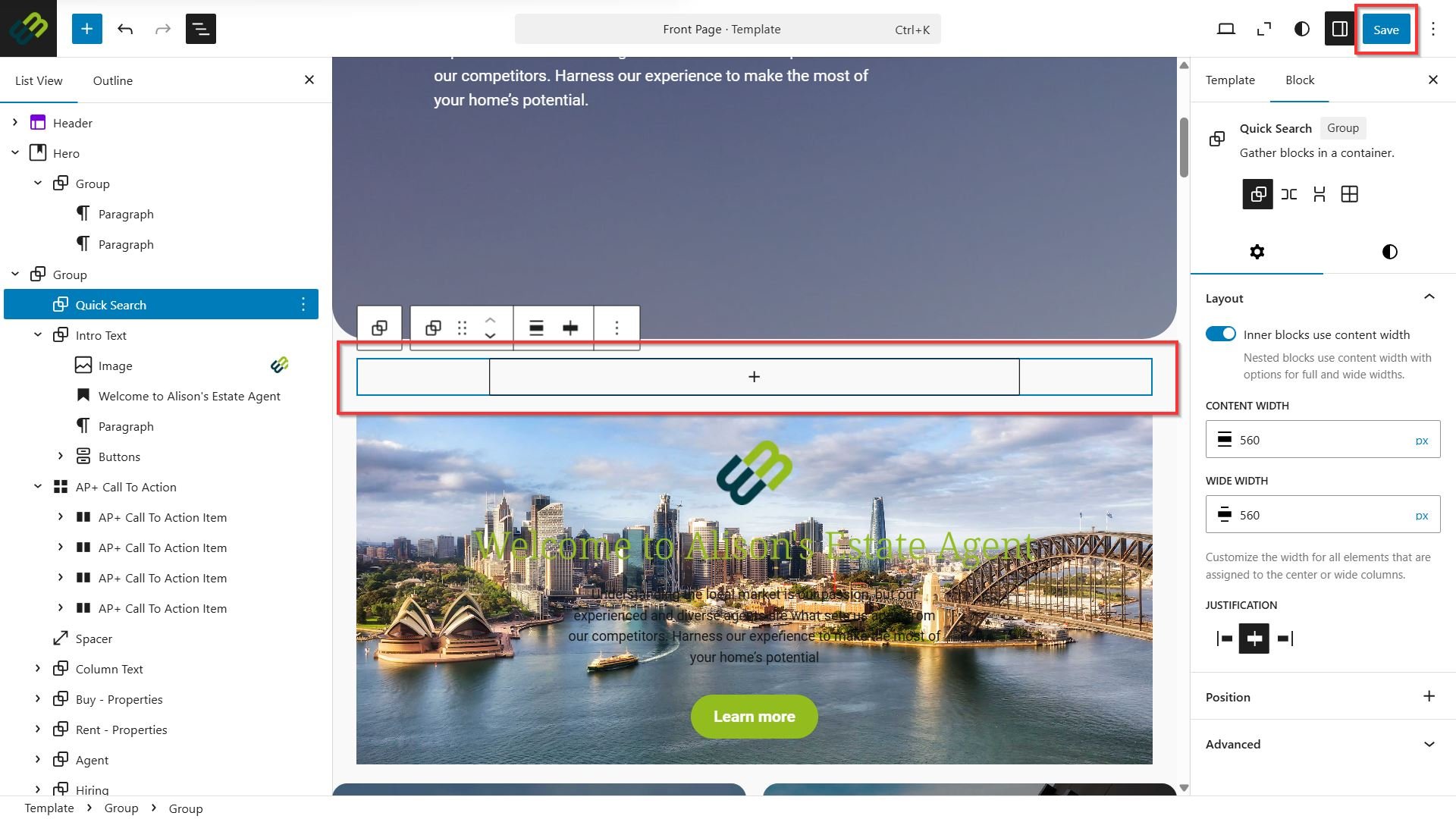
The live site will now be updated to display any amendments made to the blocks.