Basic Product Navigation
This article will show you the backend configuration where you can control for your external website page
This article will show you the backend configuration where you can control for your external website page with Reapit Digital.
*Note: Reapit Digital specific features are additional modules which can be purchased at POS. To enable those additional modules, please reach out to salessupportanz@reapit.com
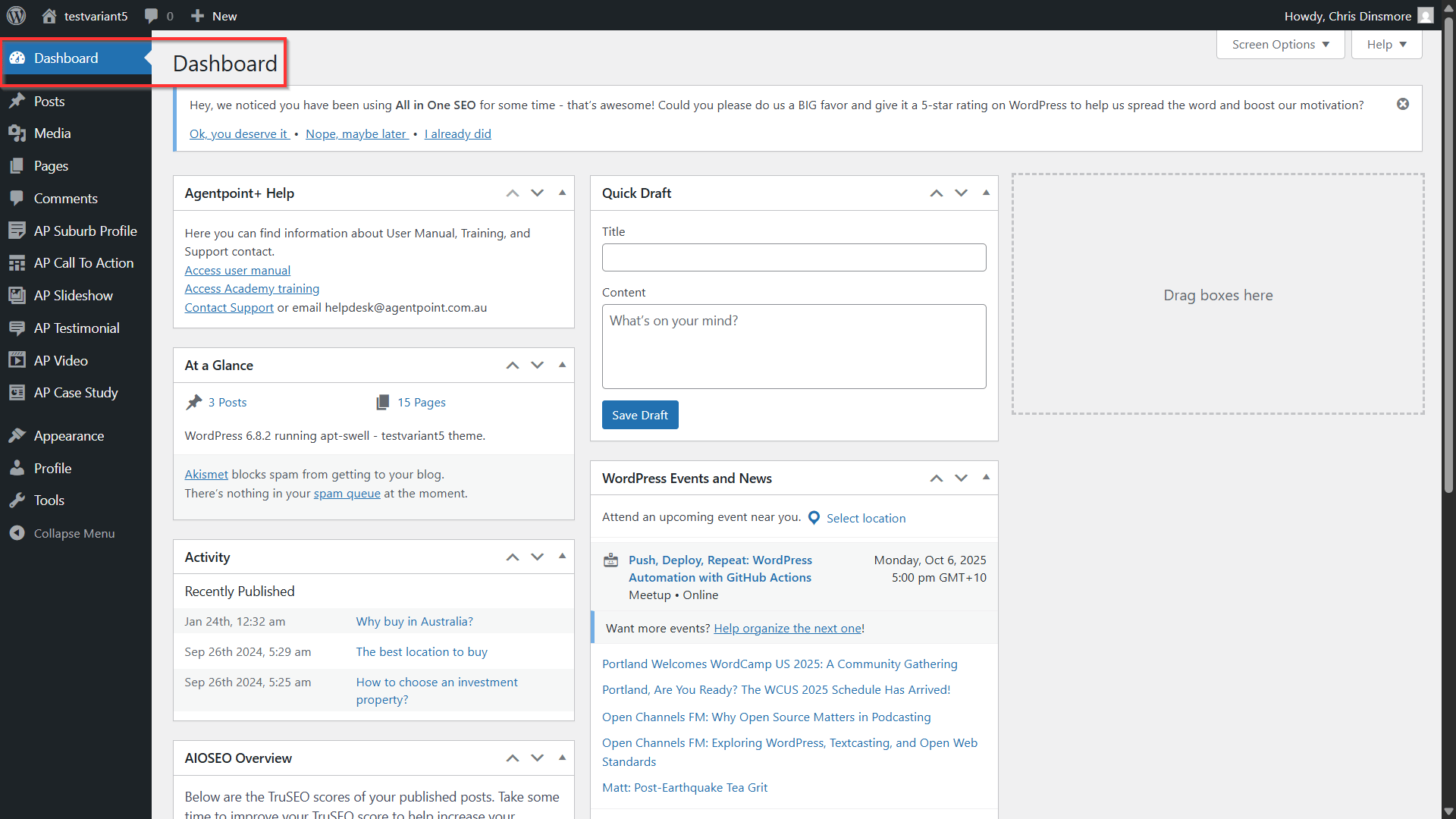
- After you have logged into your Reapit Website, you will be taken to the Dashboard. This is the backend configuration that you can control for your external website page.
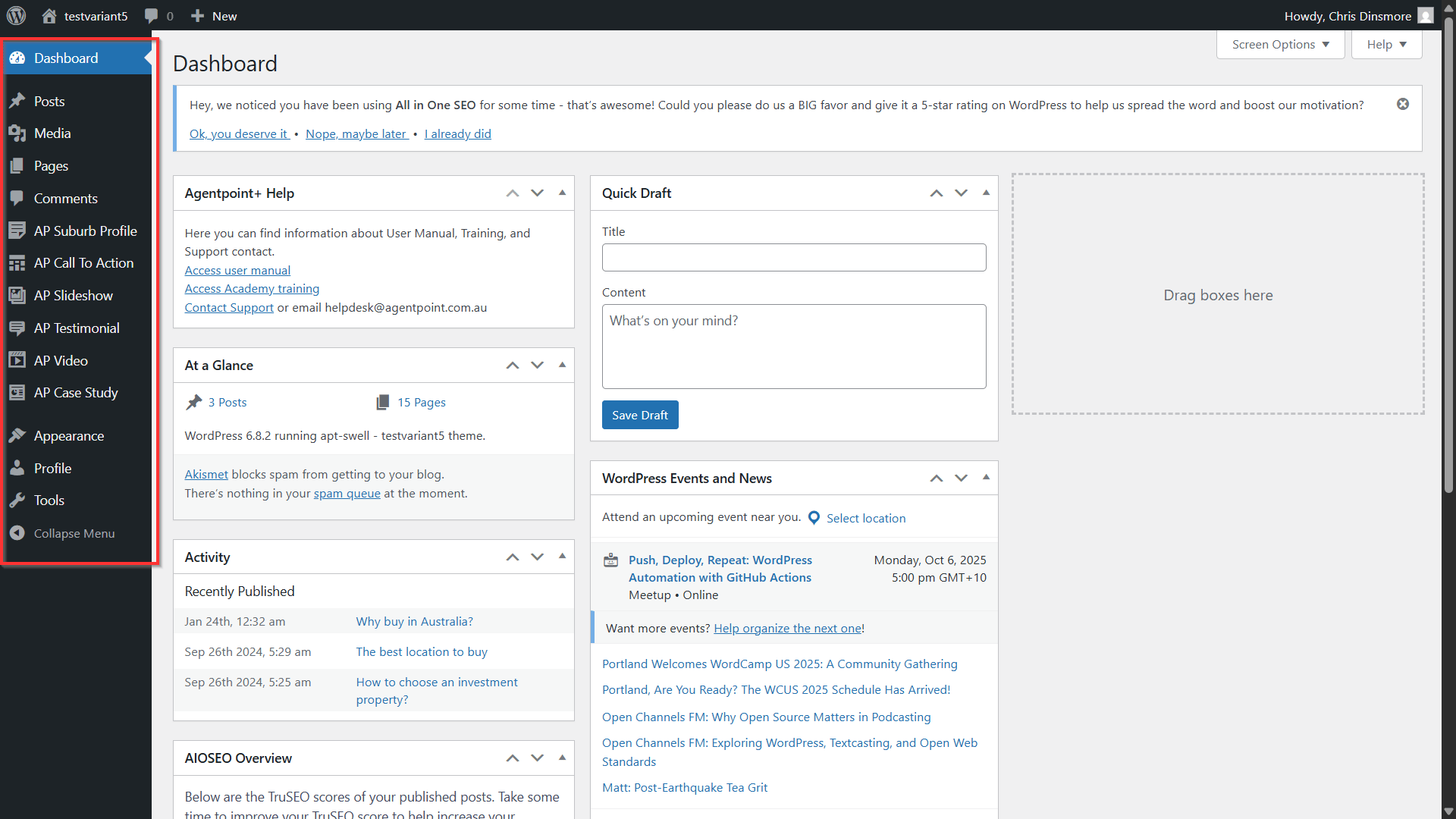
- On the left, you have your Menu:
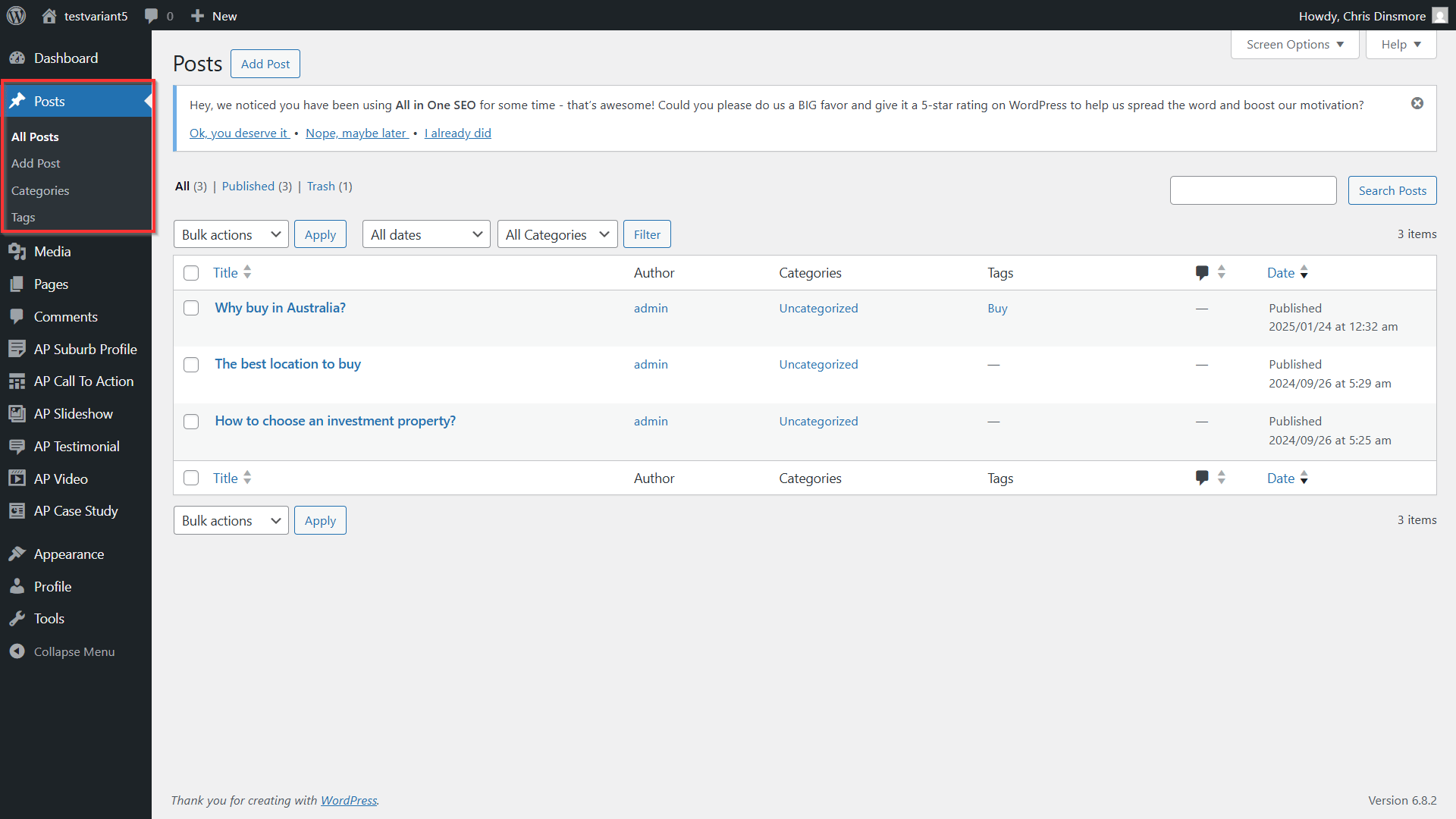
Posts are individual pieces of content on your blog page.
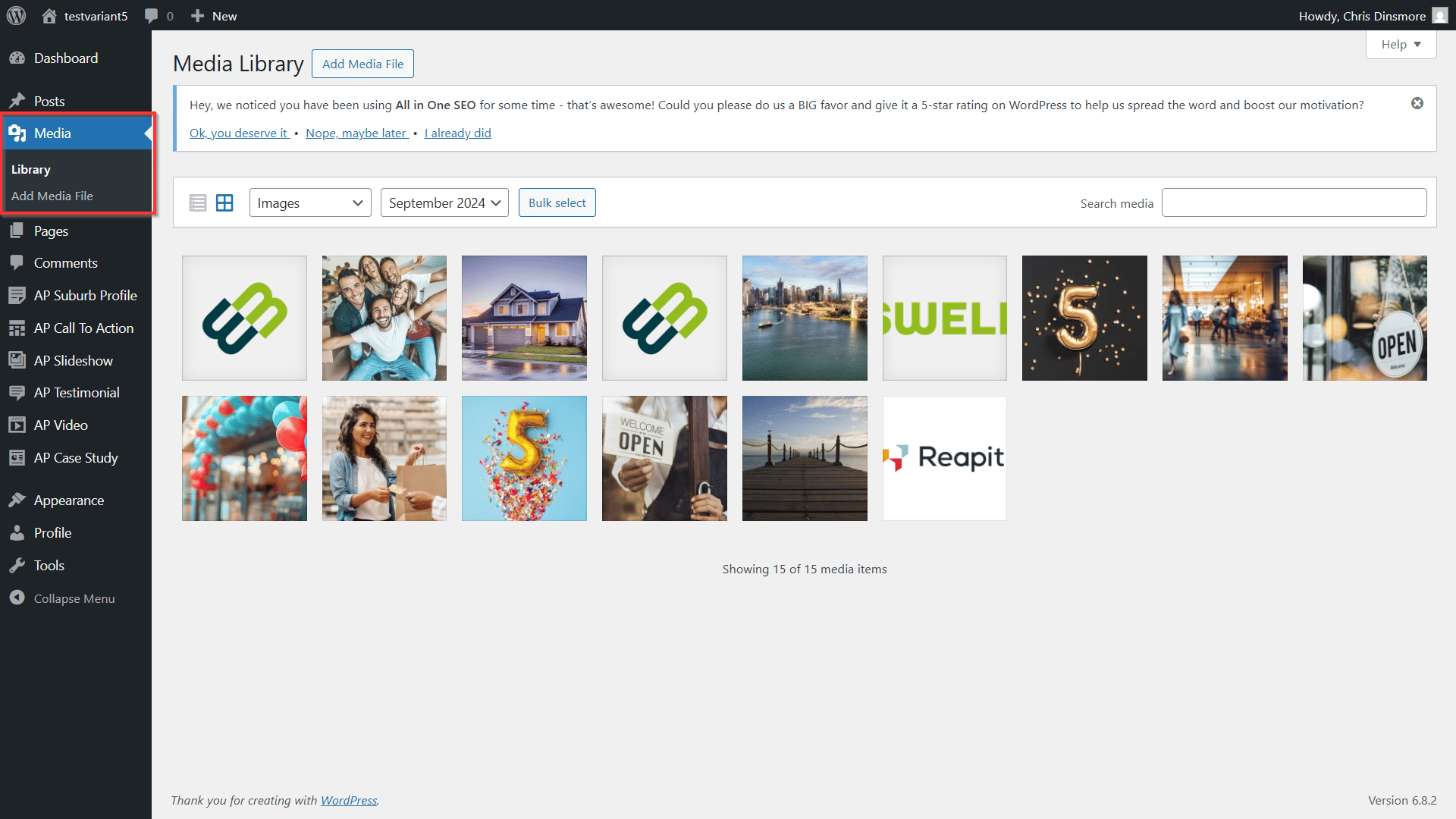
Media Library is where you can manage your images, audio, videos, and documents all in one place.
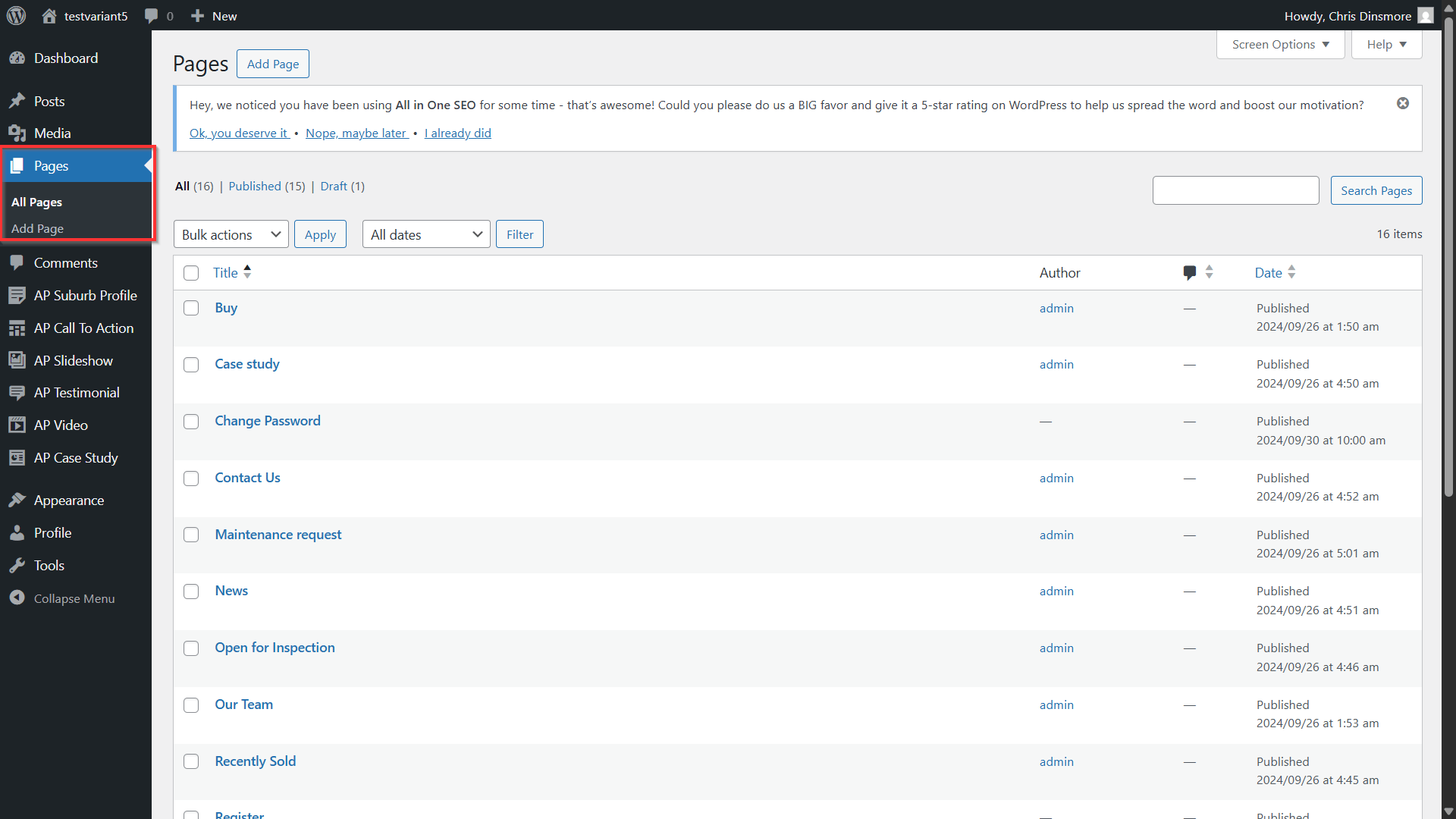
Pages is where you can display content on your site. A page can be about anything at all. Some of the most common pages on a website include Home, About, and Contact pages.
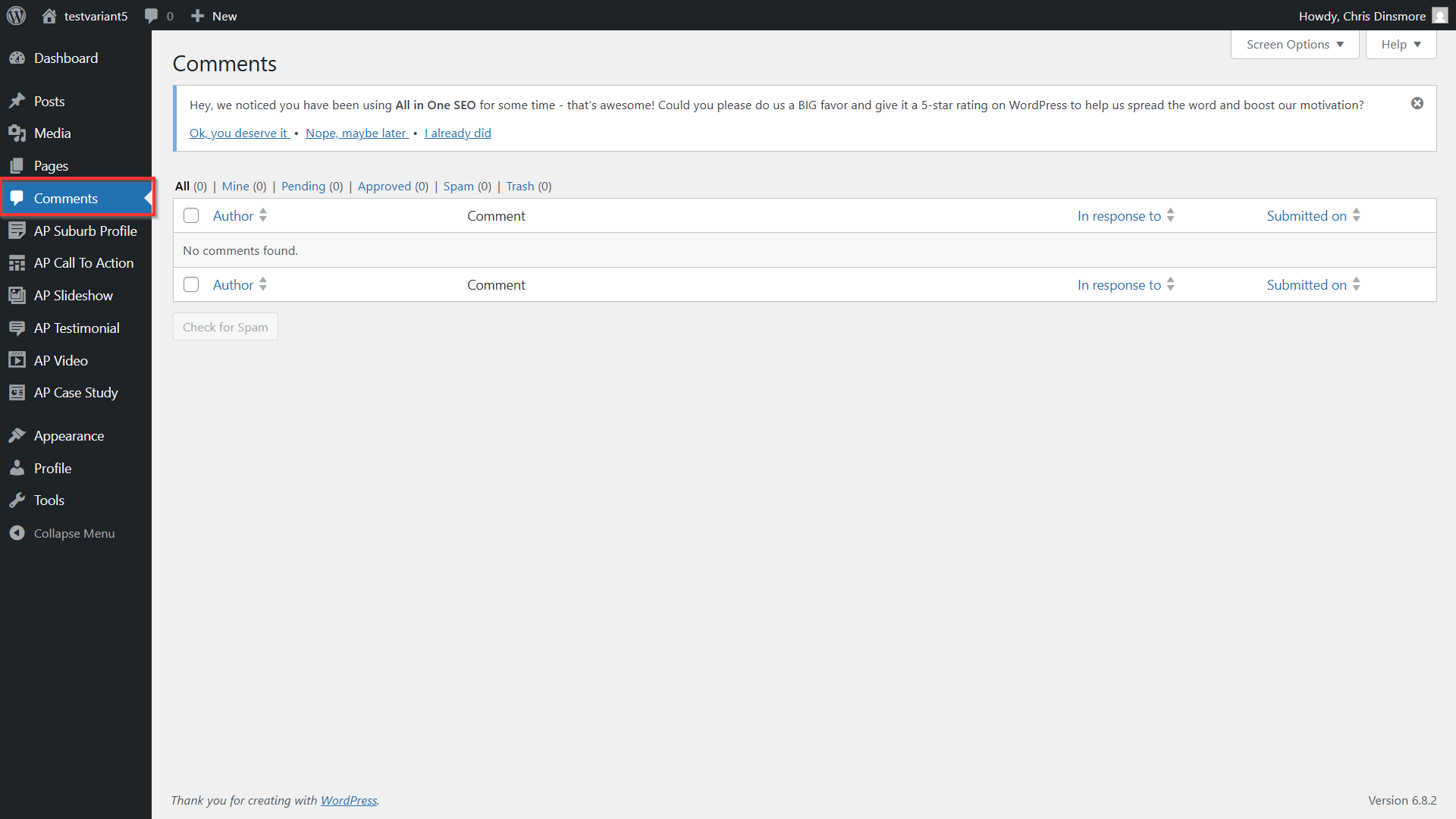
Comments are a way for visitors to add feedback and reply to your posts and pages. If you choose to enable comments on your site, then a comment form will appear at the bottom for people to respond to what you have written.
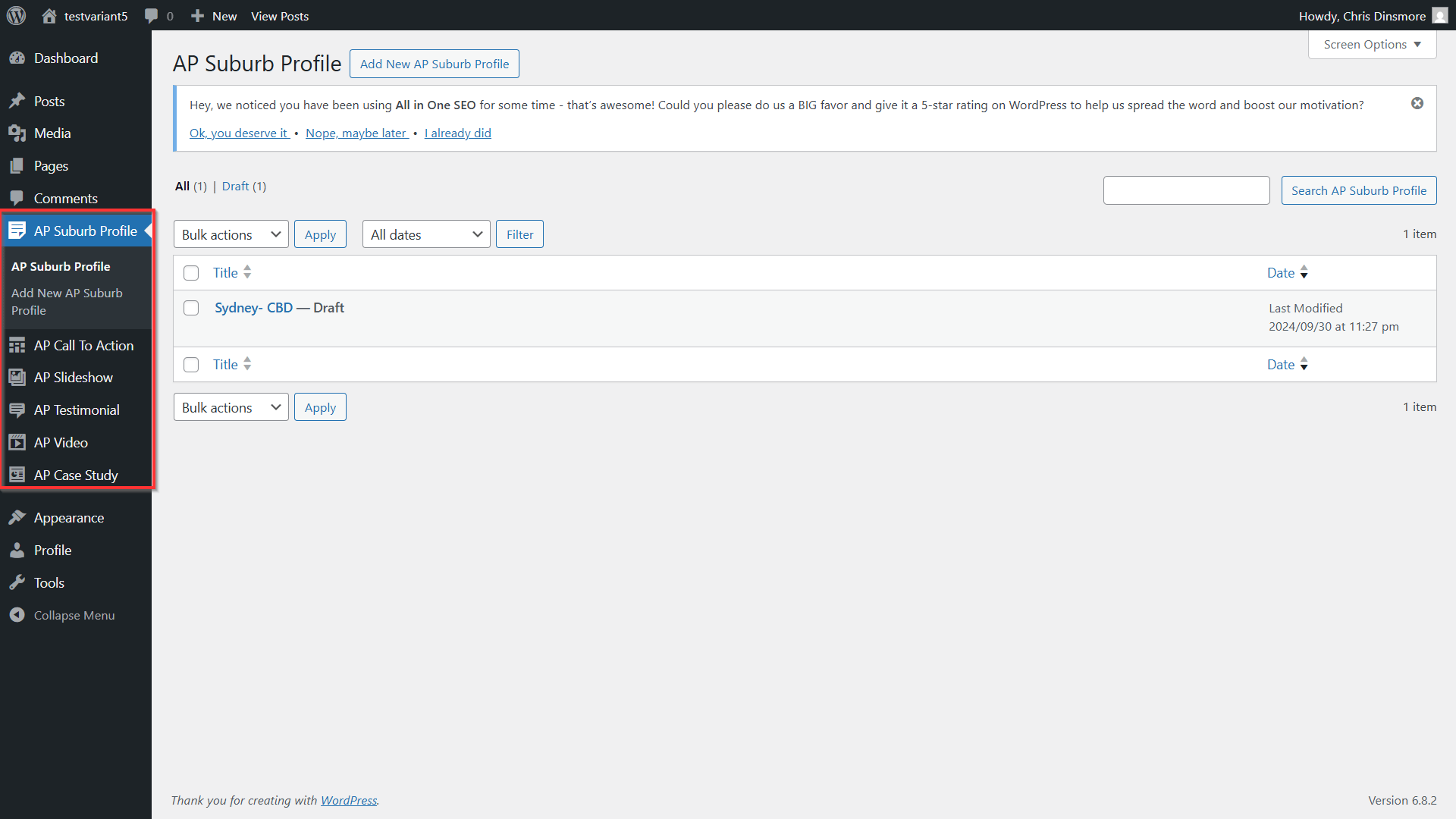
AP Suburb Profile, Call to Action, Slideshow, Testimonial, Video and Case Study are all Reapit Sales Digital specific features.
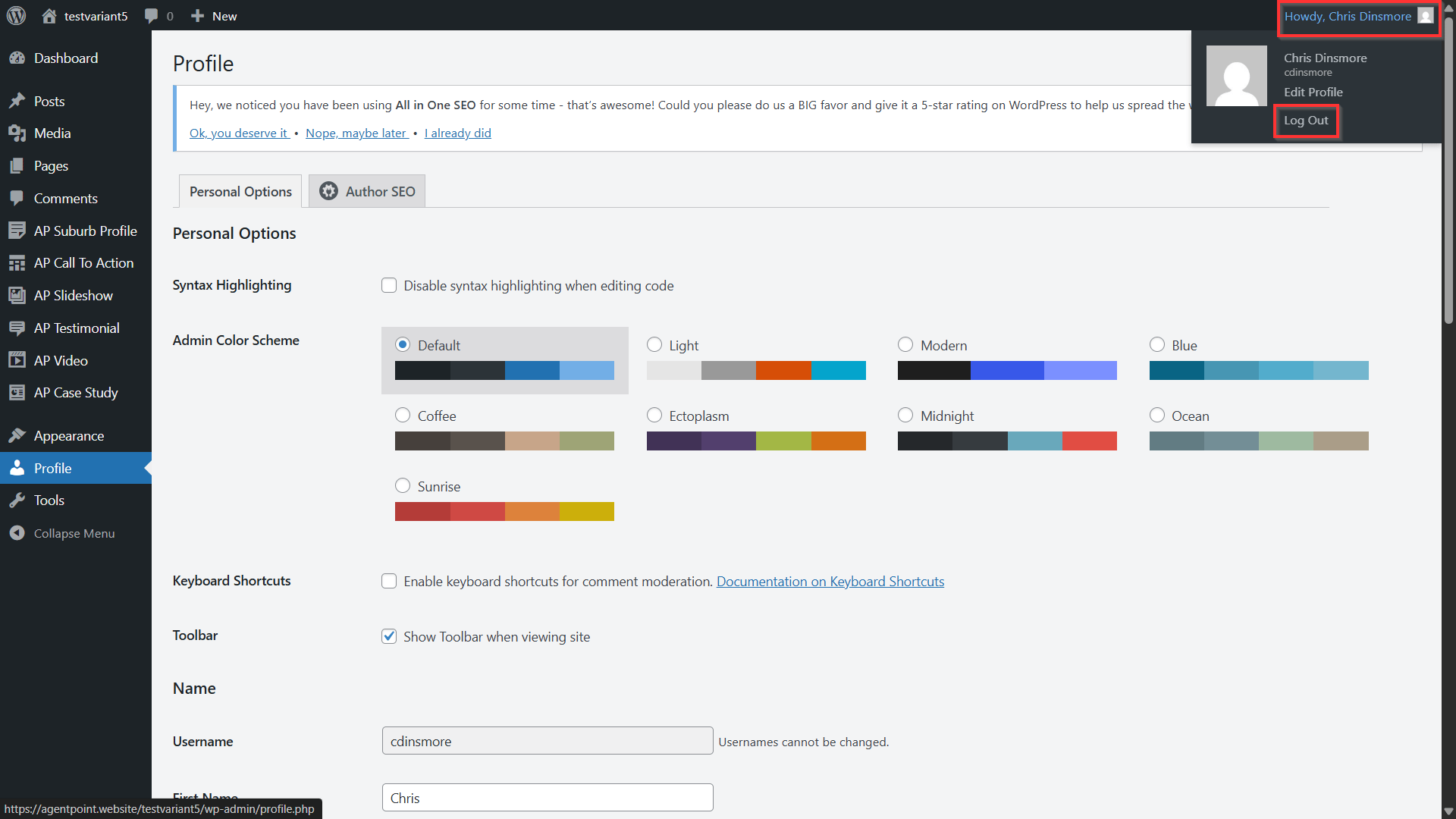
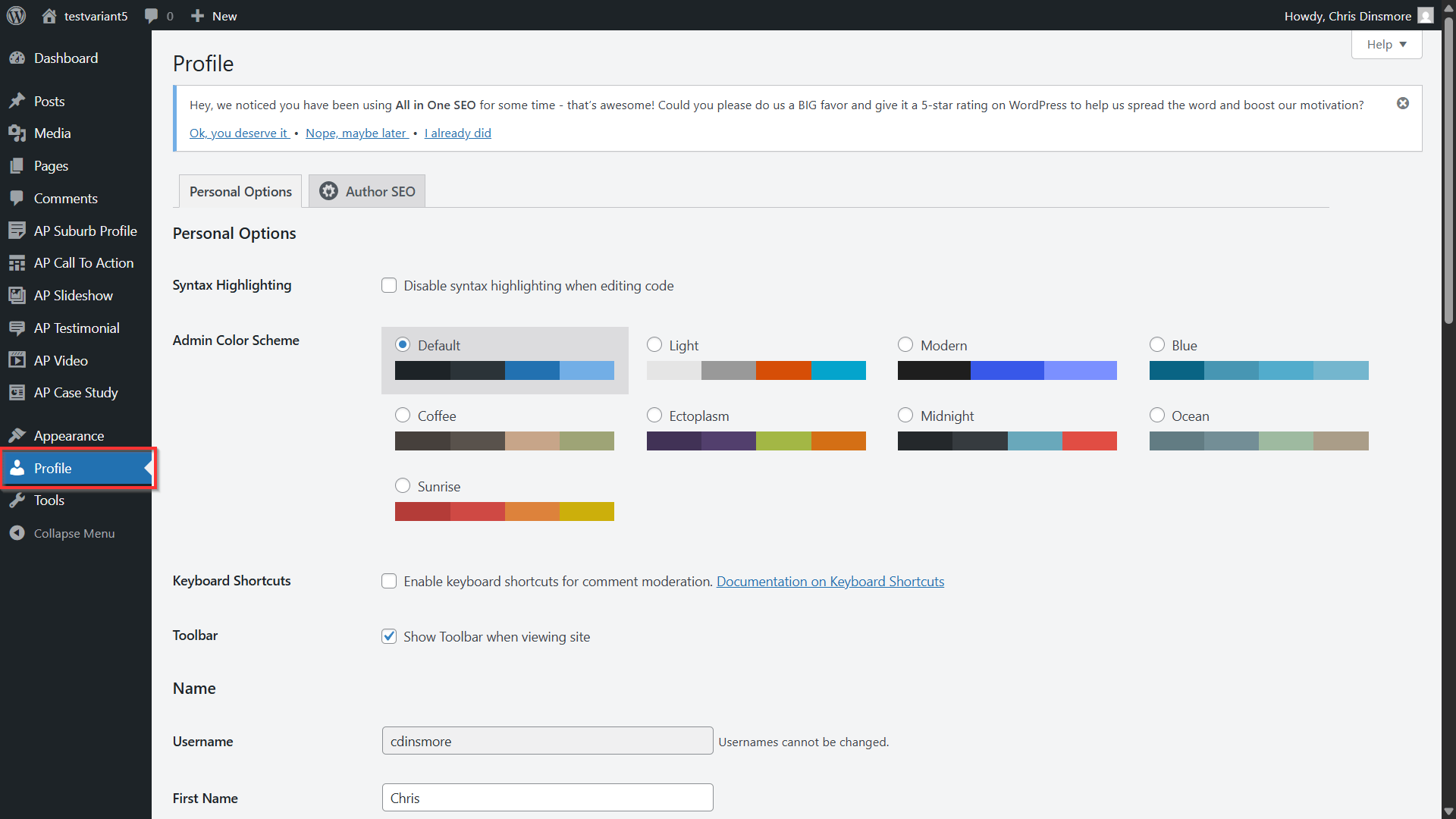
From Profile, you can add, amend and update your user details.
- To log out of your profile, over over your username.
- Click Log Out.