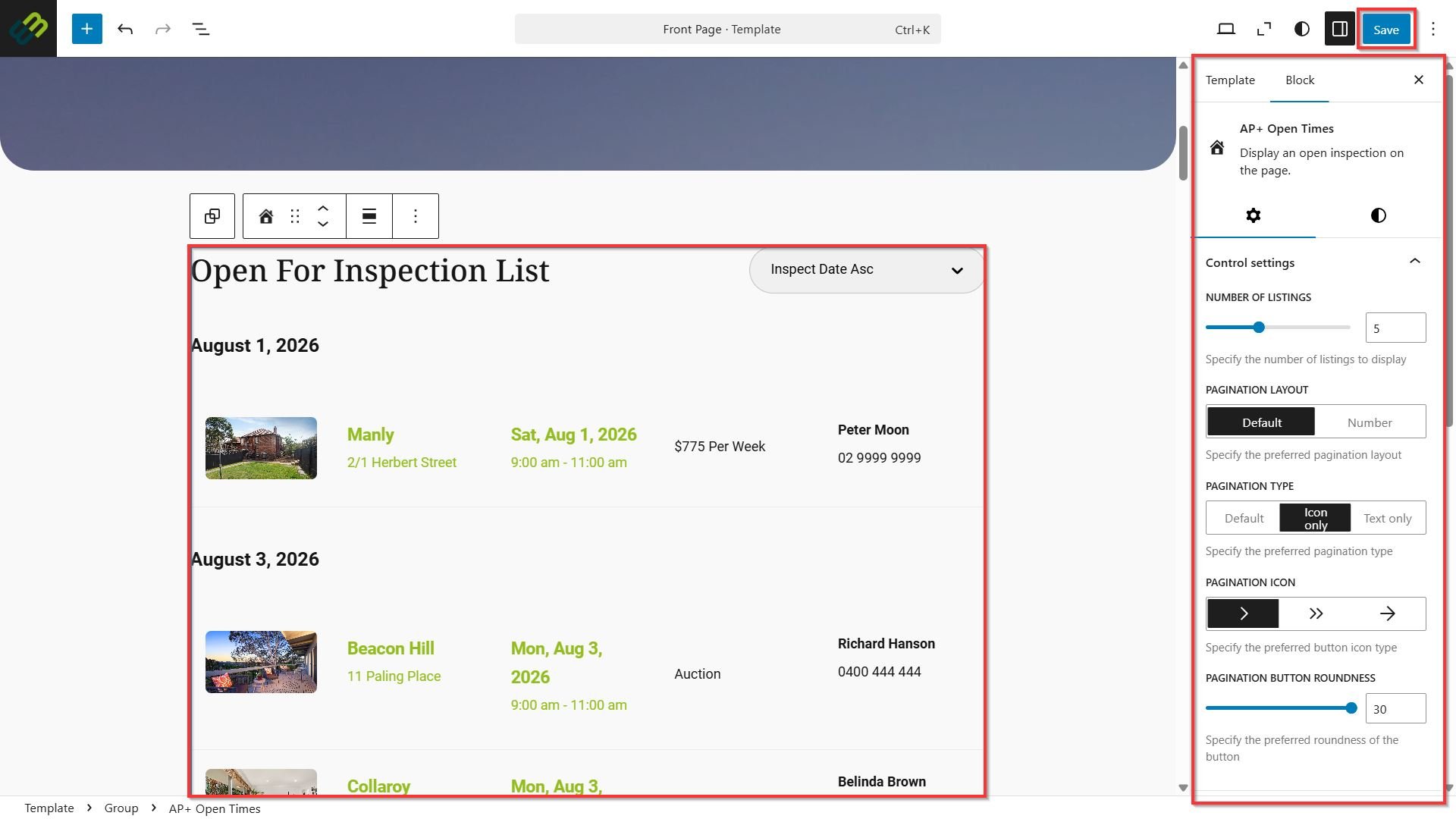
Adding AP+ Features
This article will show you how to add AP+ features in Reapit Websites.
AP+ block suites are all Reapit Sales specific products that will integrate with your Reapit website. You will need to have these items enabled within your subscription to be able to add these content blocks to your site.
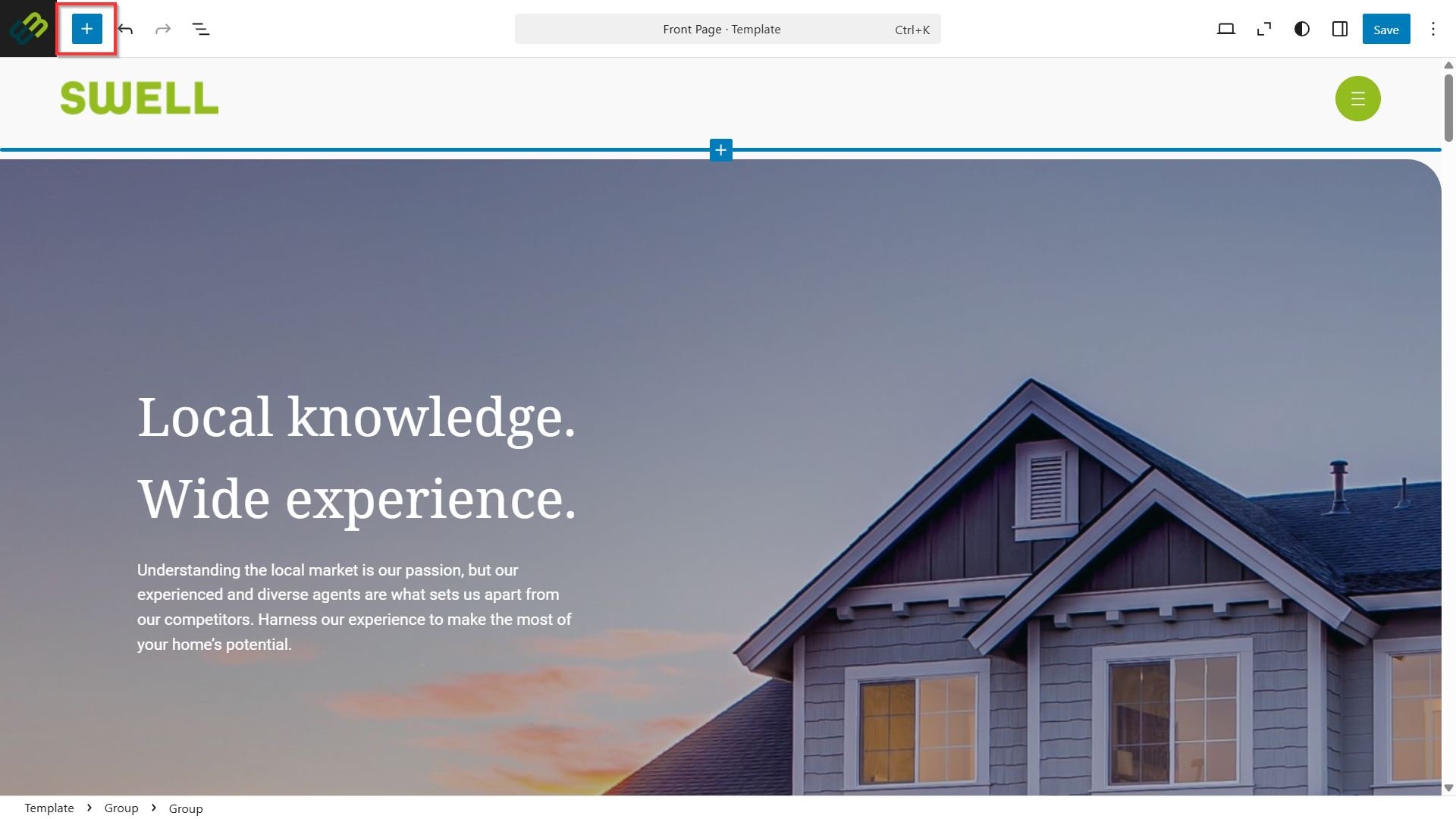
- To add AP+ content to your site, navigate and click + for the toggle block inserter.
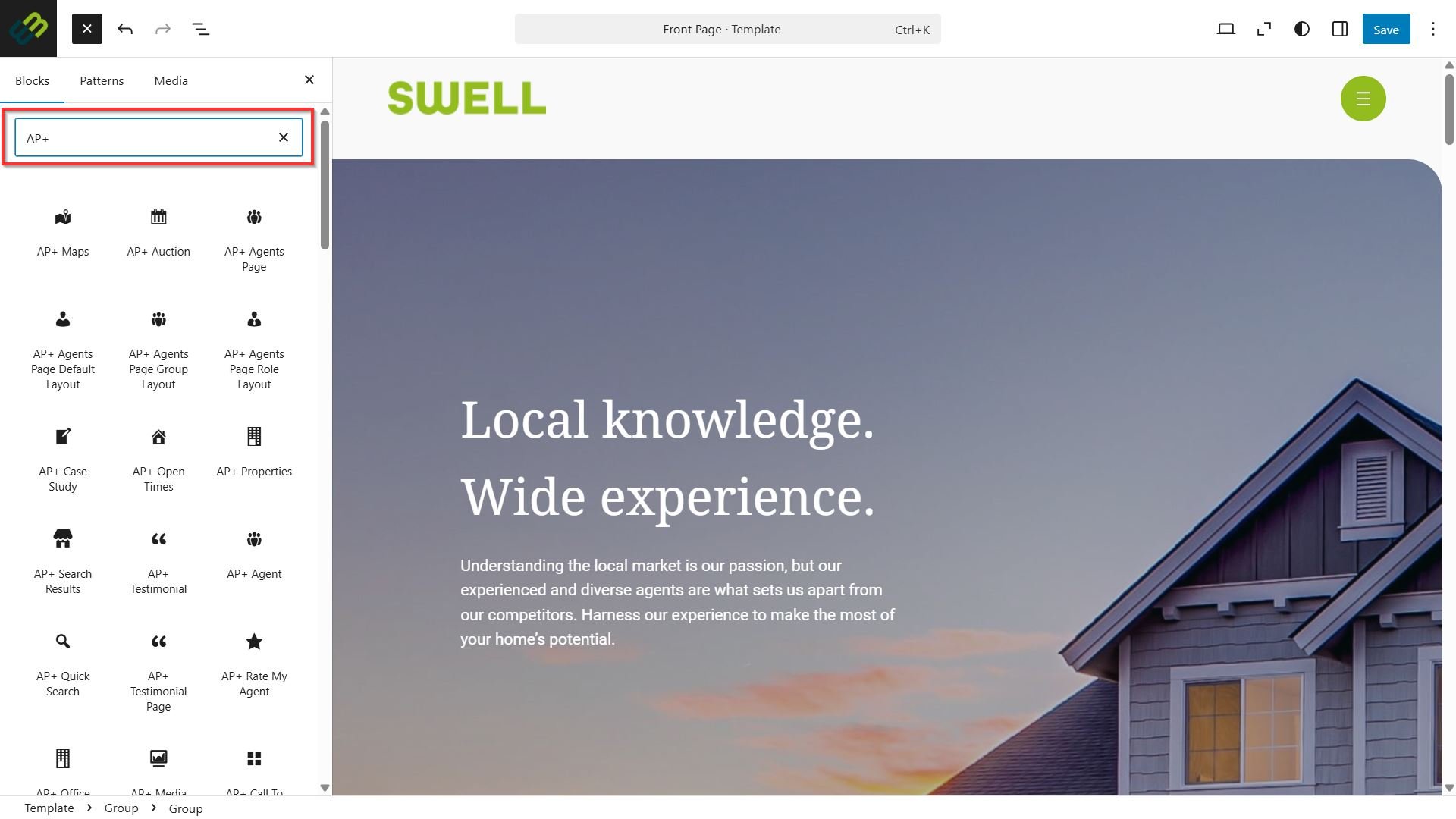
- From the block inserter menu, search for AP+ to locate the desired bocks.
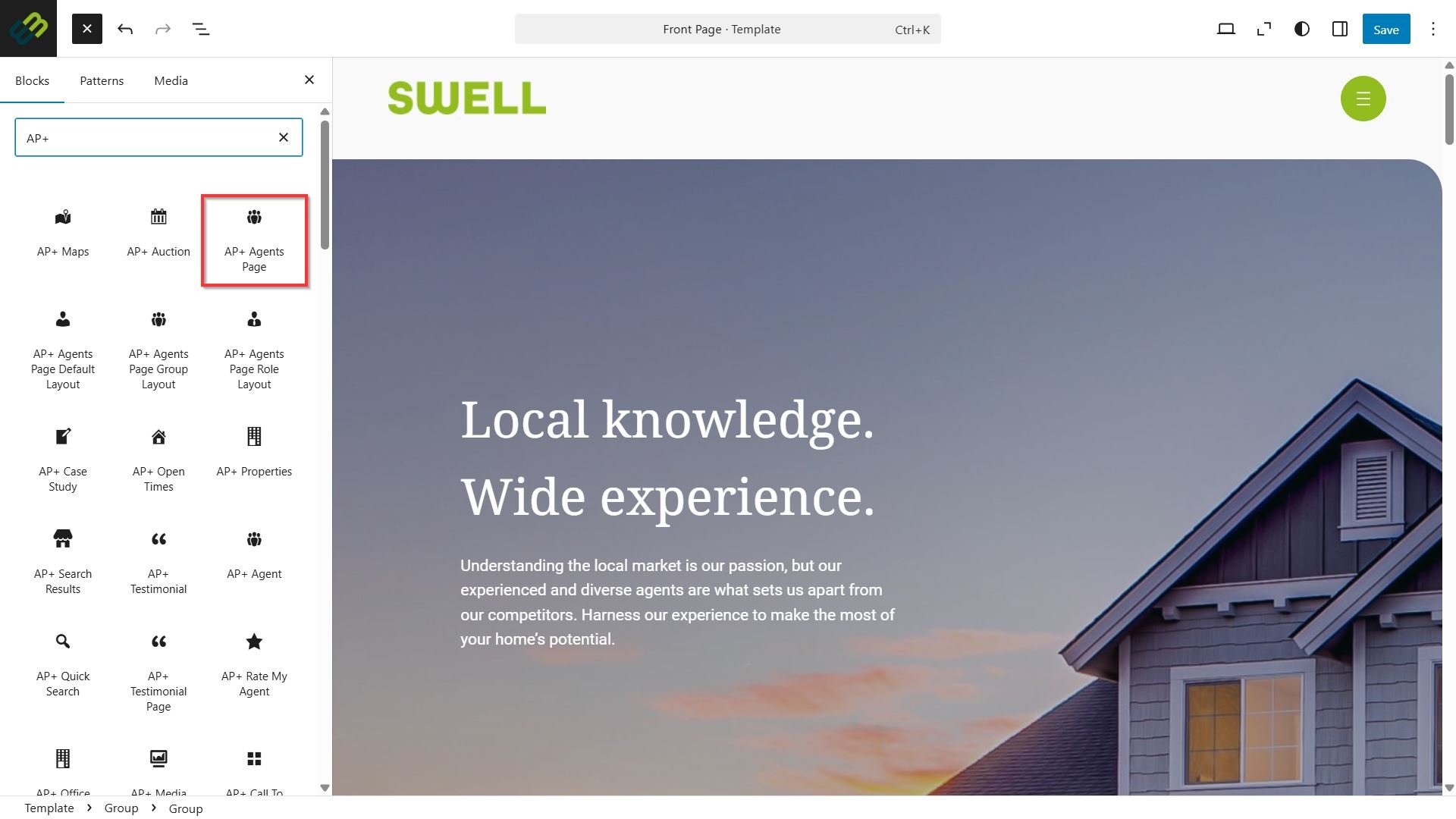
- Select the desired AP+ block to integrate with the site.
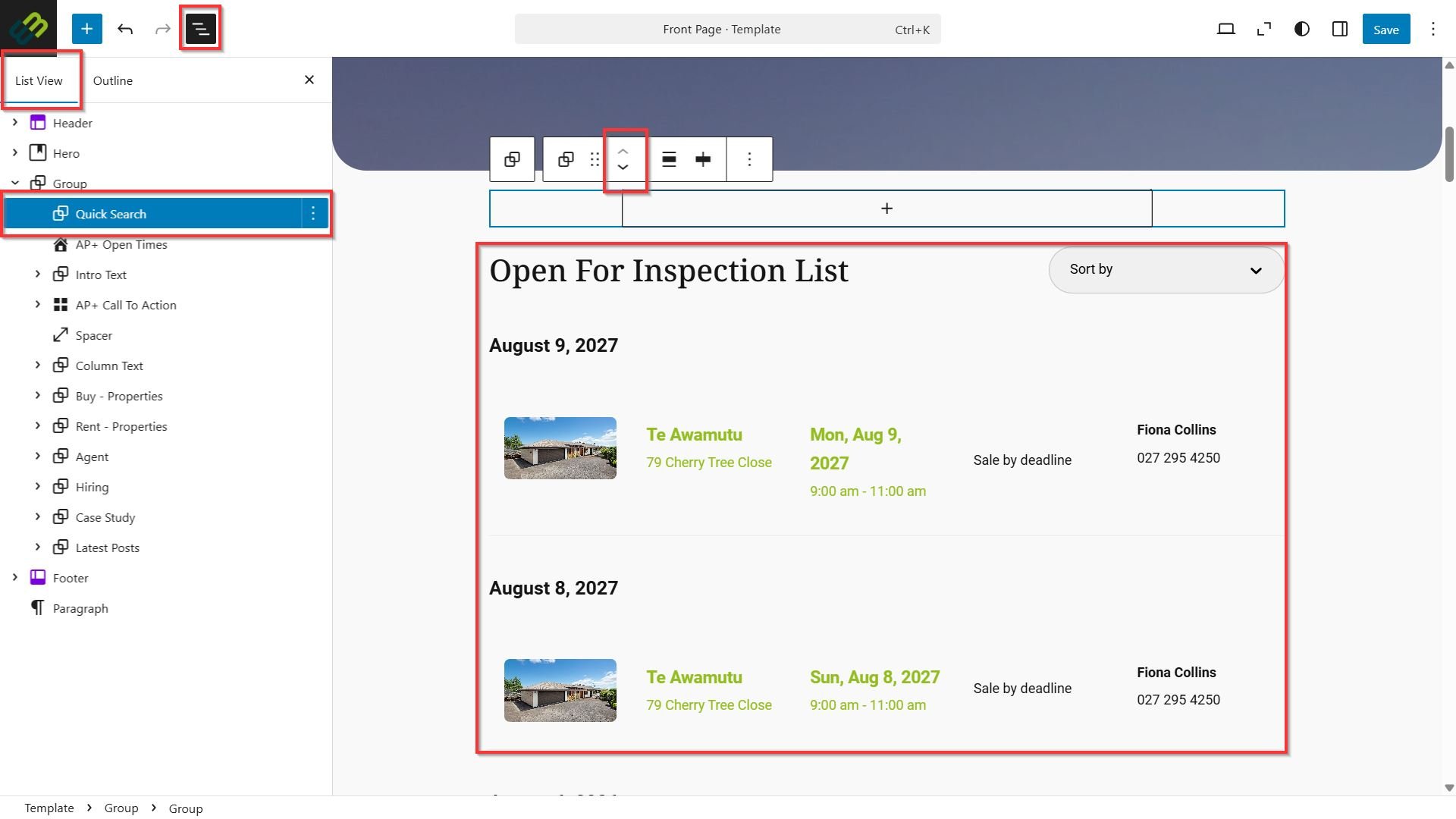
- Once added, you can move the block to its desired location by using the move up/ move down values on the block.
- You can also use the Document Overview button on the top left to display List View allowing you to drag the block value to where it needs to go.
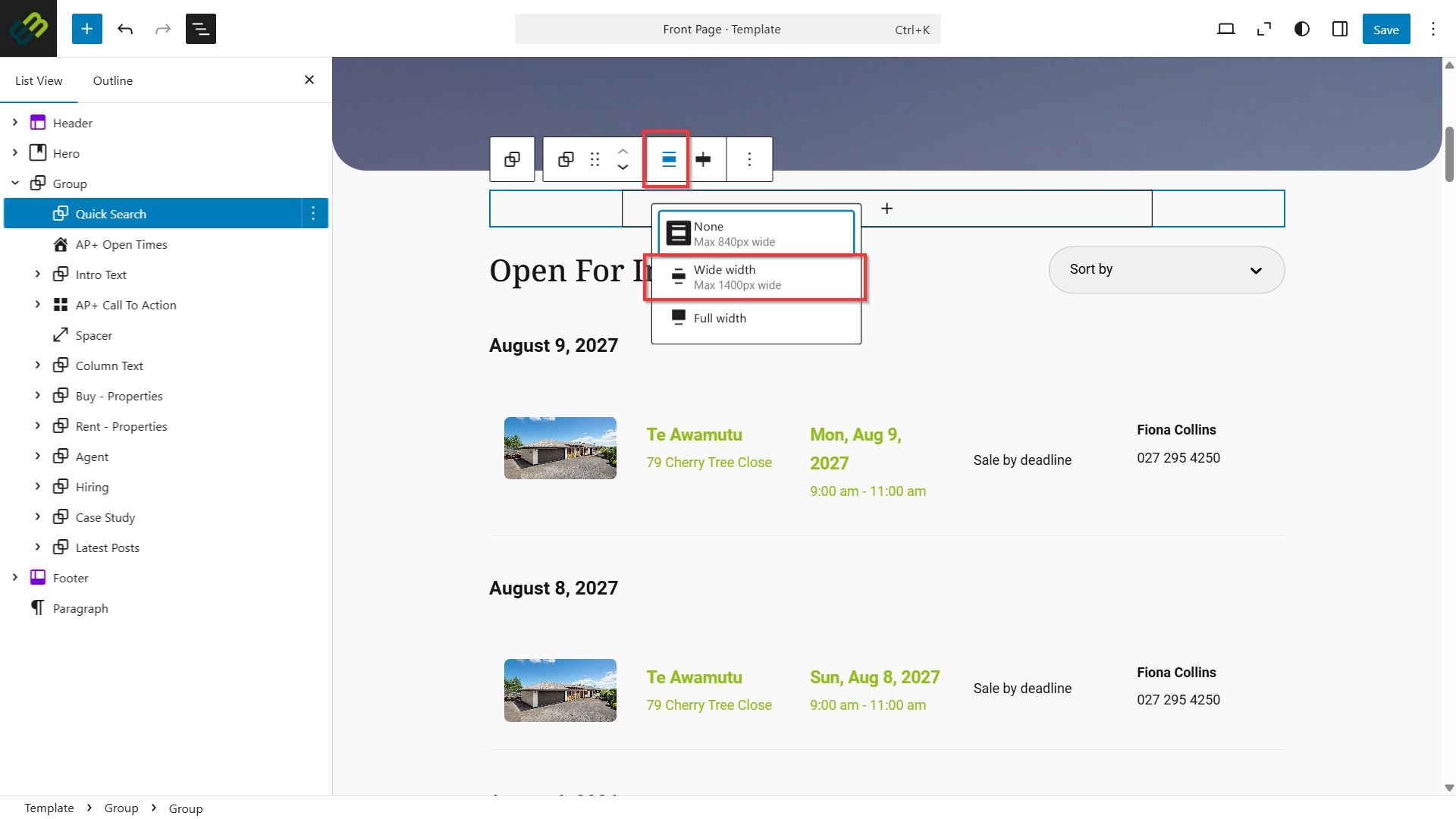
- Use the align menu to change the width of the block on the page. The recommendation is to use max wide width 1400px.
- Using the Settings menu on the top right, make any changes to the block settings or styles as desired.
- Click Save.