Re-ordering Sections of Your Proposal
This article will show you how to re-order the sections on your proposal
This article outlines how to re-order sections within the Edit Proposals tool.
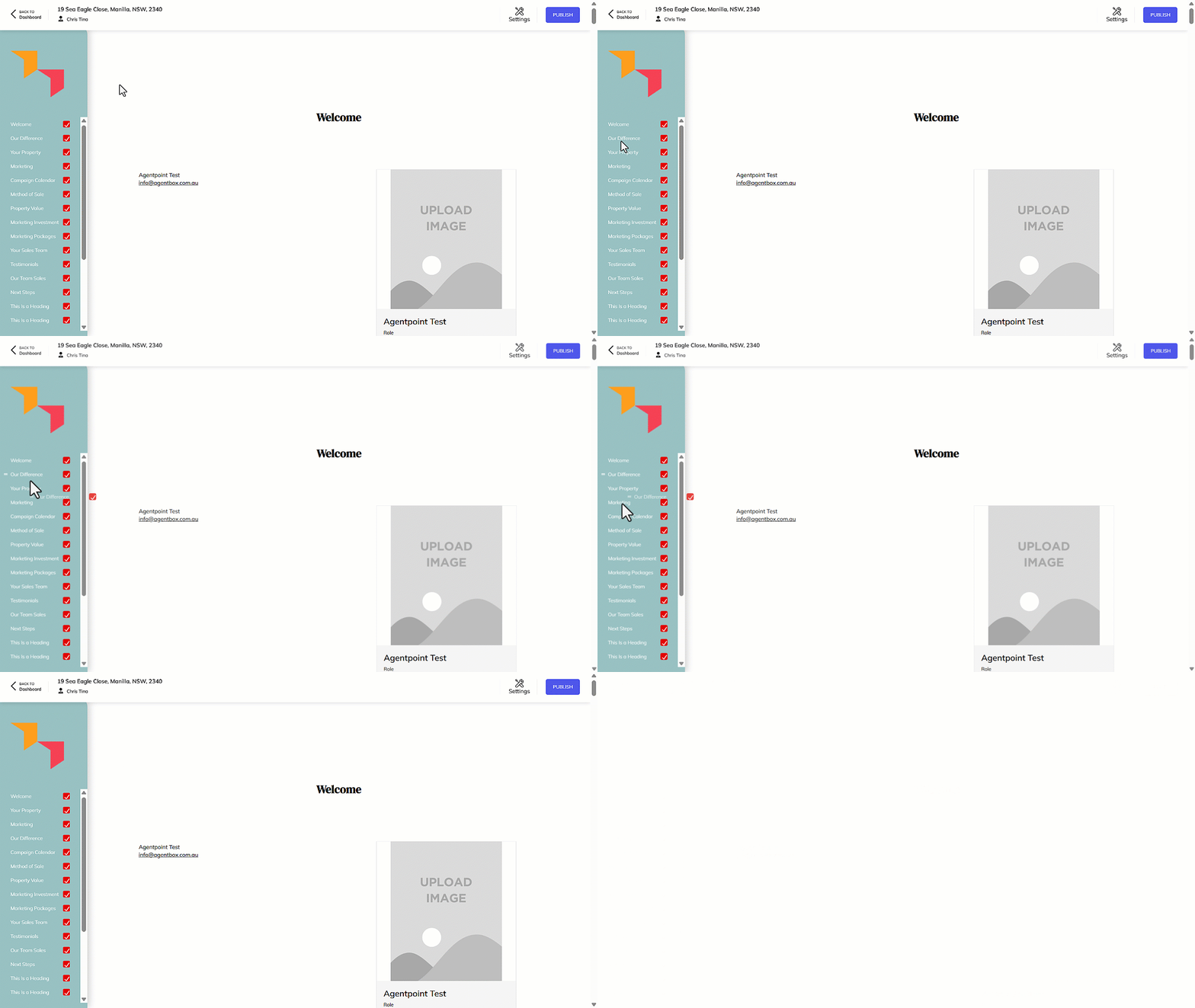
- Click and hold the mouse button on the section you would like to reorder - E.g. Our Difference.
- Drag the section to the required position.
- Release the mouse button to drop the section where desired.
Note: To disable any sections, untick the relevant checkbox.