
Publishing Proposals + Generating URLs
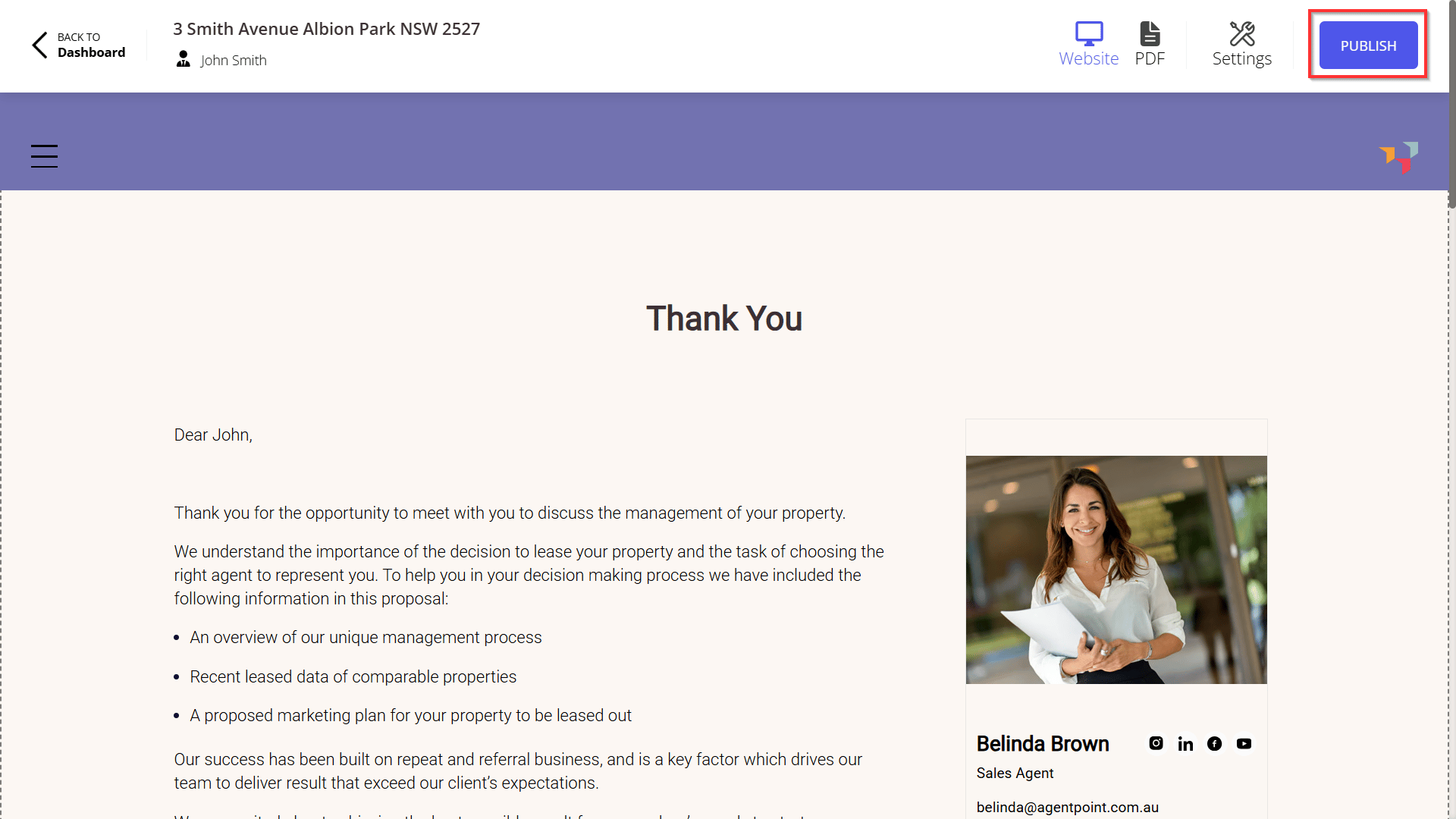
This article will show you how to publish proposal and how to generate a proposal URL
Once you have published the proposal, you will be re-directed to a new page, generating a unique url for the Proposal.
Copy the unique URL from your internet browser.
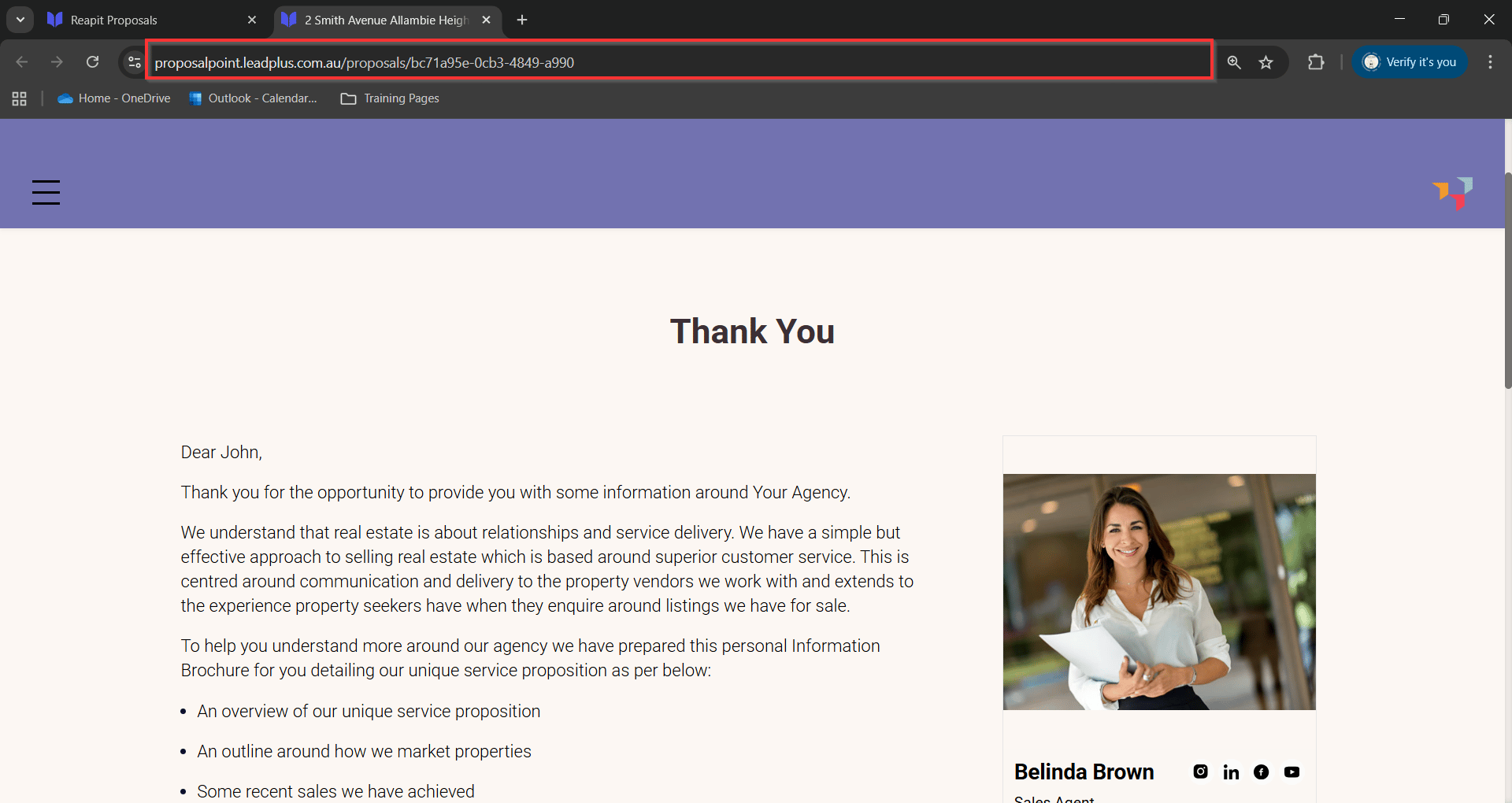
You can now paste the link and send the proposal URL via email or sms.
To re-send a previously published proposal to a client, navigate to Live Link on the top right-hand side of the published proposal.
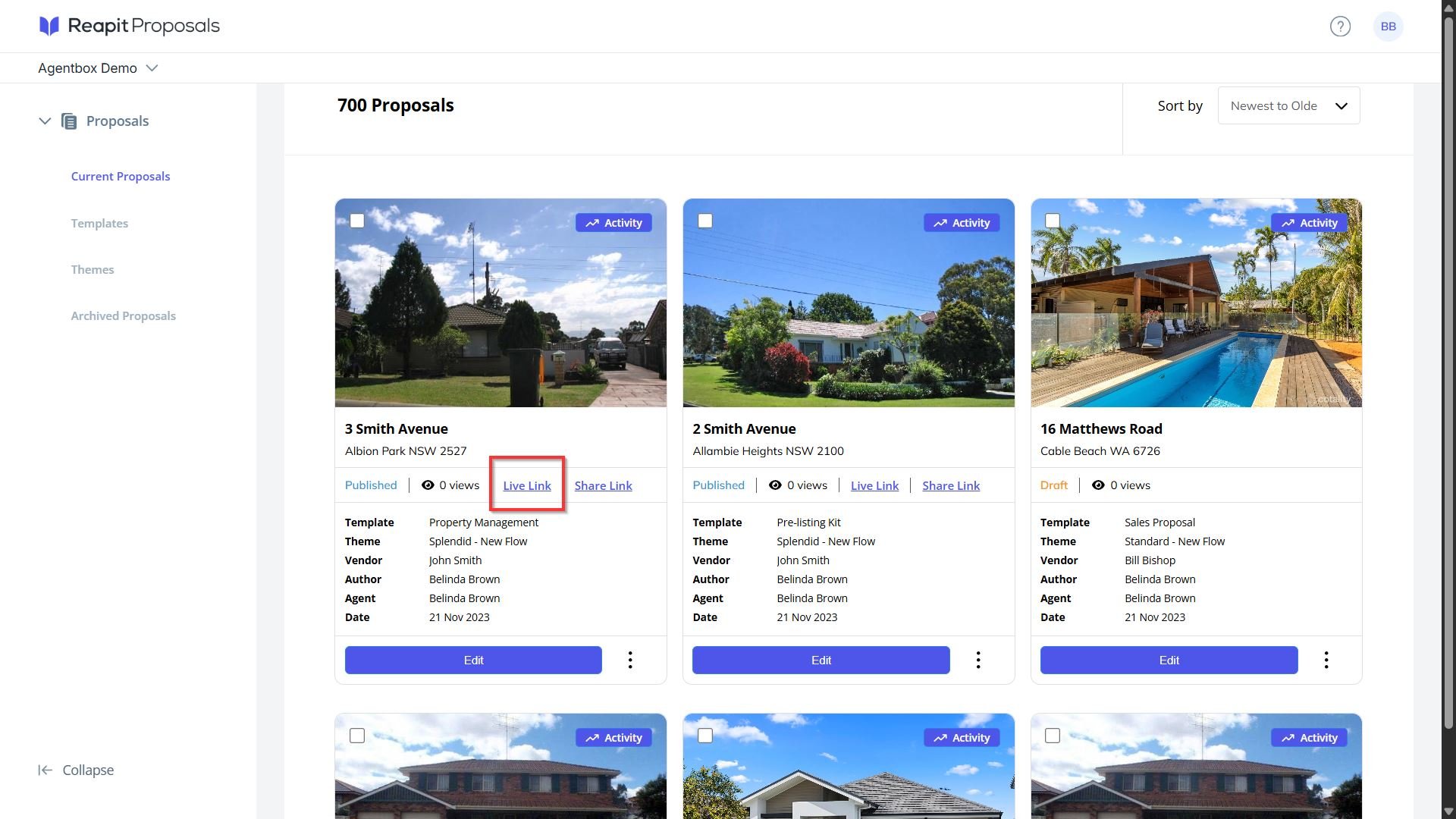
Note: You can now re-send your proposal URL via email or sms.
- After publishing the proposal, you will receive notification via email when the client has viewed the proposal and when the proposal has been accepted.
- If the proposal was created via the appraisal listing in Reapit Sales, a note is also created against the contact of the appraisal, the appraisal listing, along with the URL of the proposal when it is Published, Viewed and Accepted.
- To view the client's interaction with the proposal, review these articles: Proposal Follow Up