Creating and Adding a Marketing Element to Your Proposal
This article will show you how to create and add marketing element to your proposal
This article will cover creating and adding marketing elements to your Reapit Proposal.
Click Here to access the recommended image size user manual article.
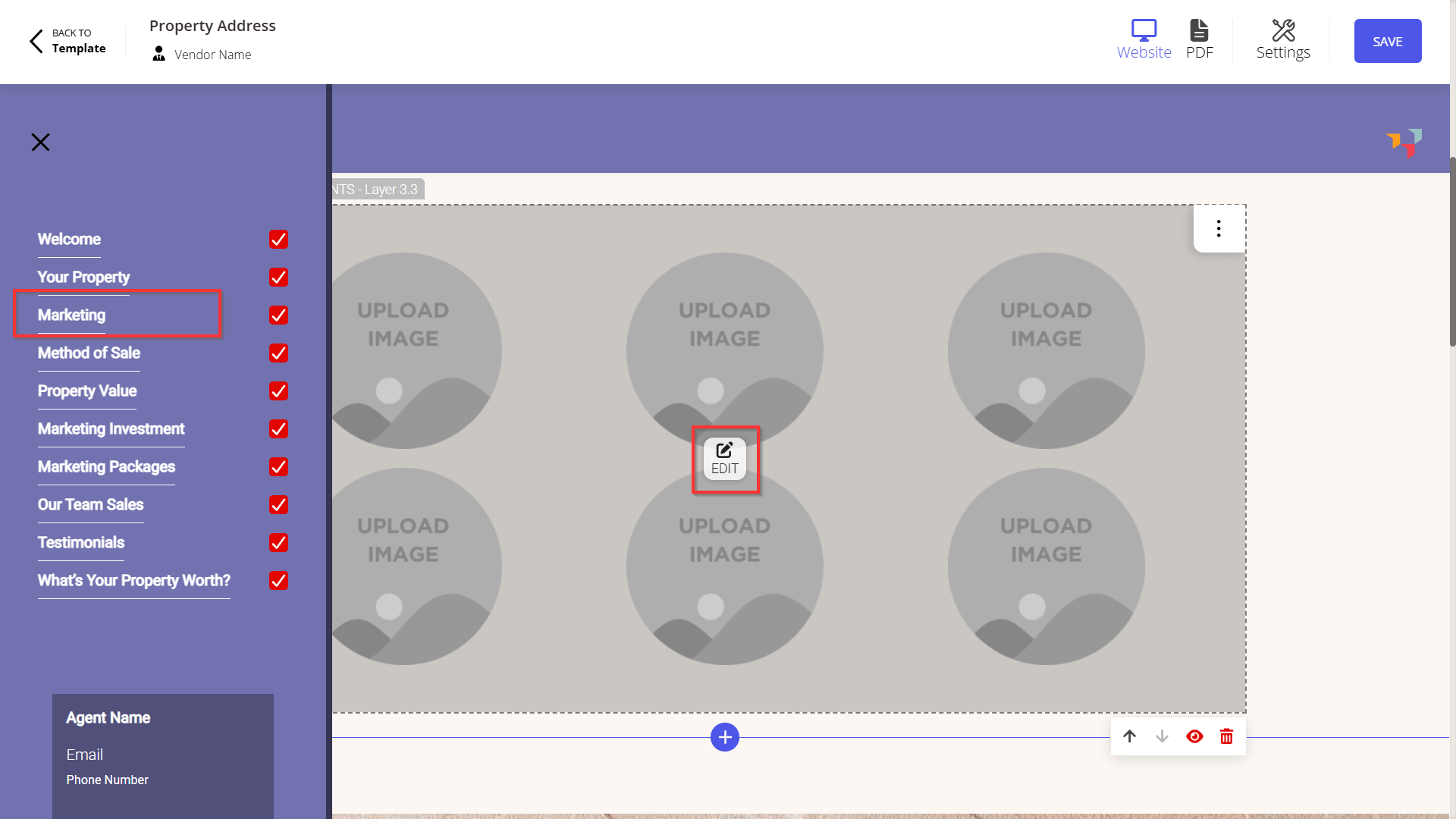
Select your Marketing Element. Click Edit.
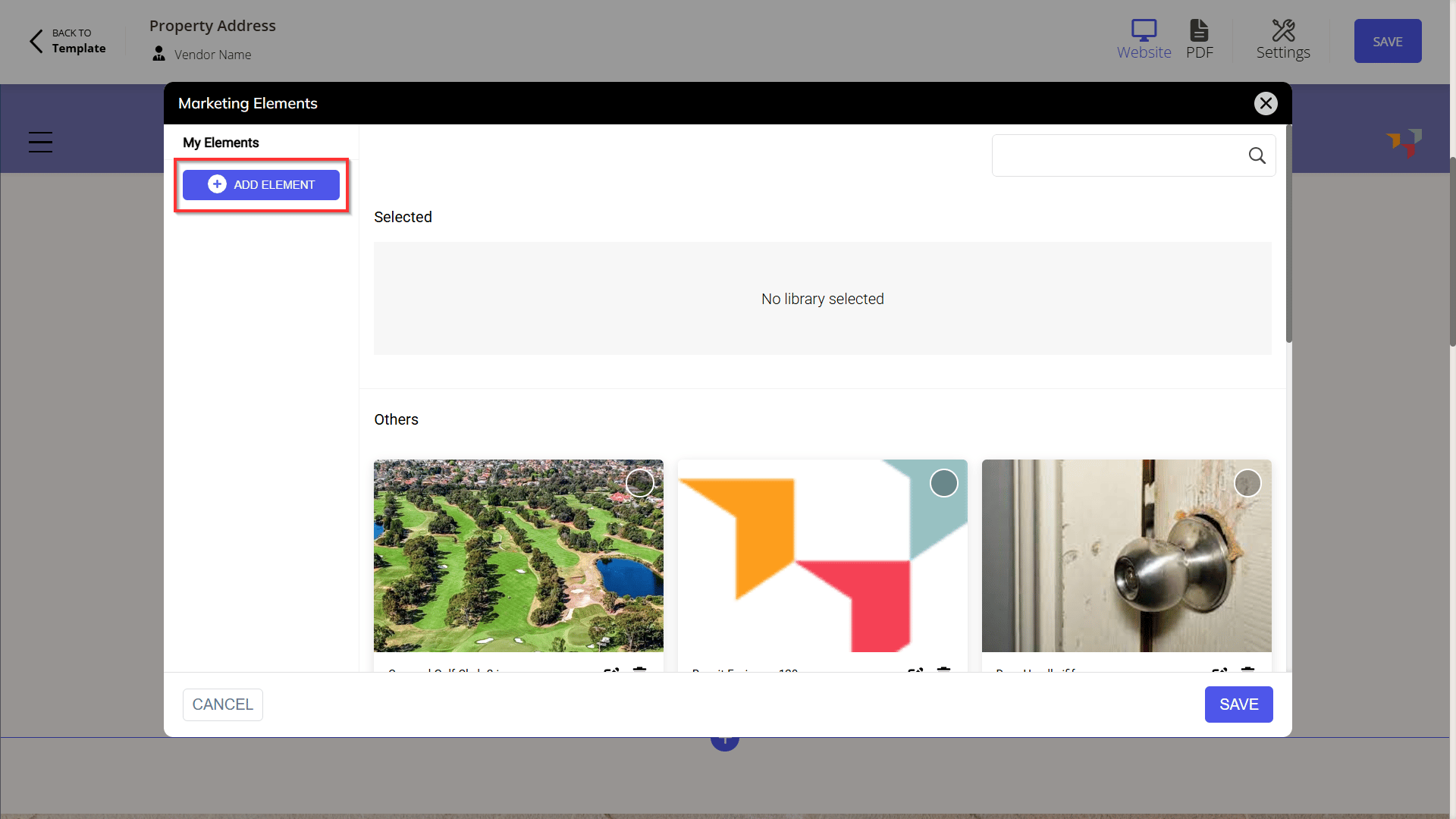
Click the Add Element button.
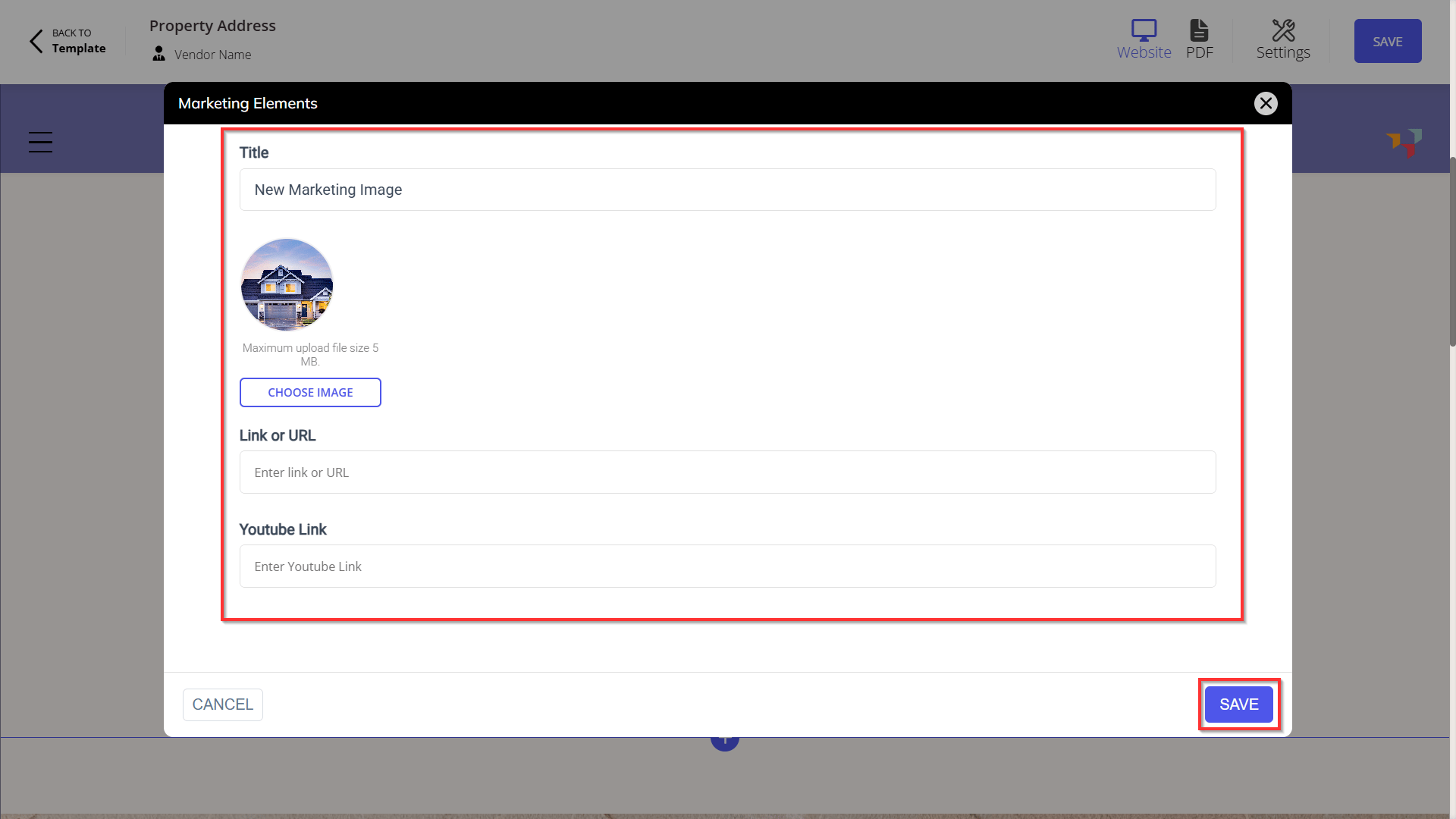
Enter the title, image, URL and Youtube link.
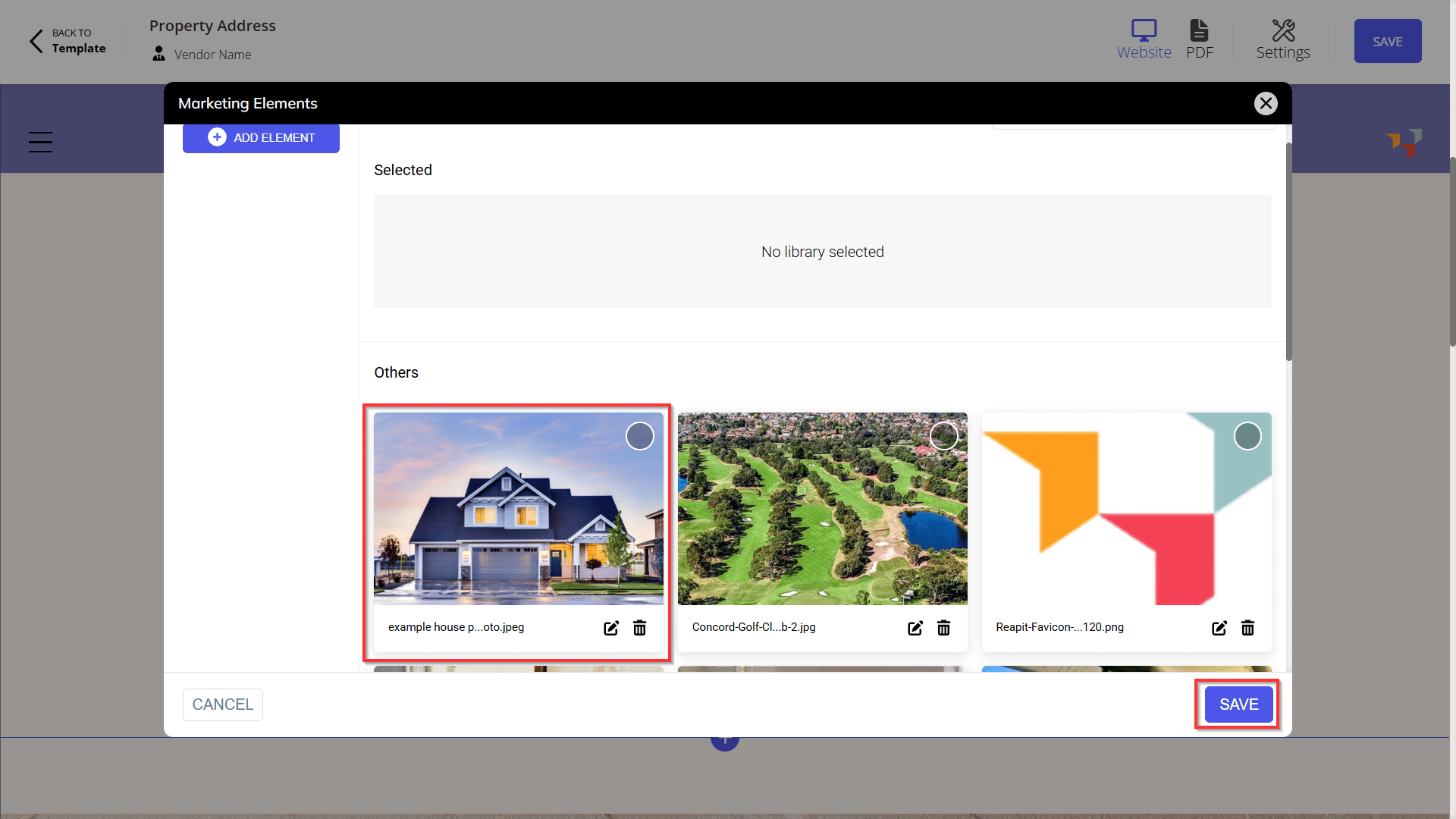
Select the marketing element. Click Save.