Adding an Agent as a Part of Your Support Team
This article will show you how to manage your support team in Reapit Proposals.
Click Here to access the recommended image size user manual article.
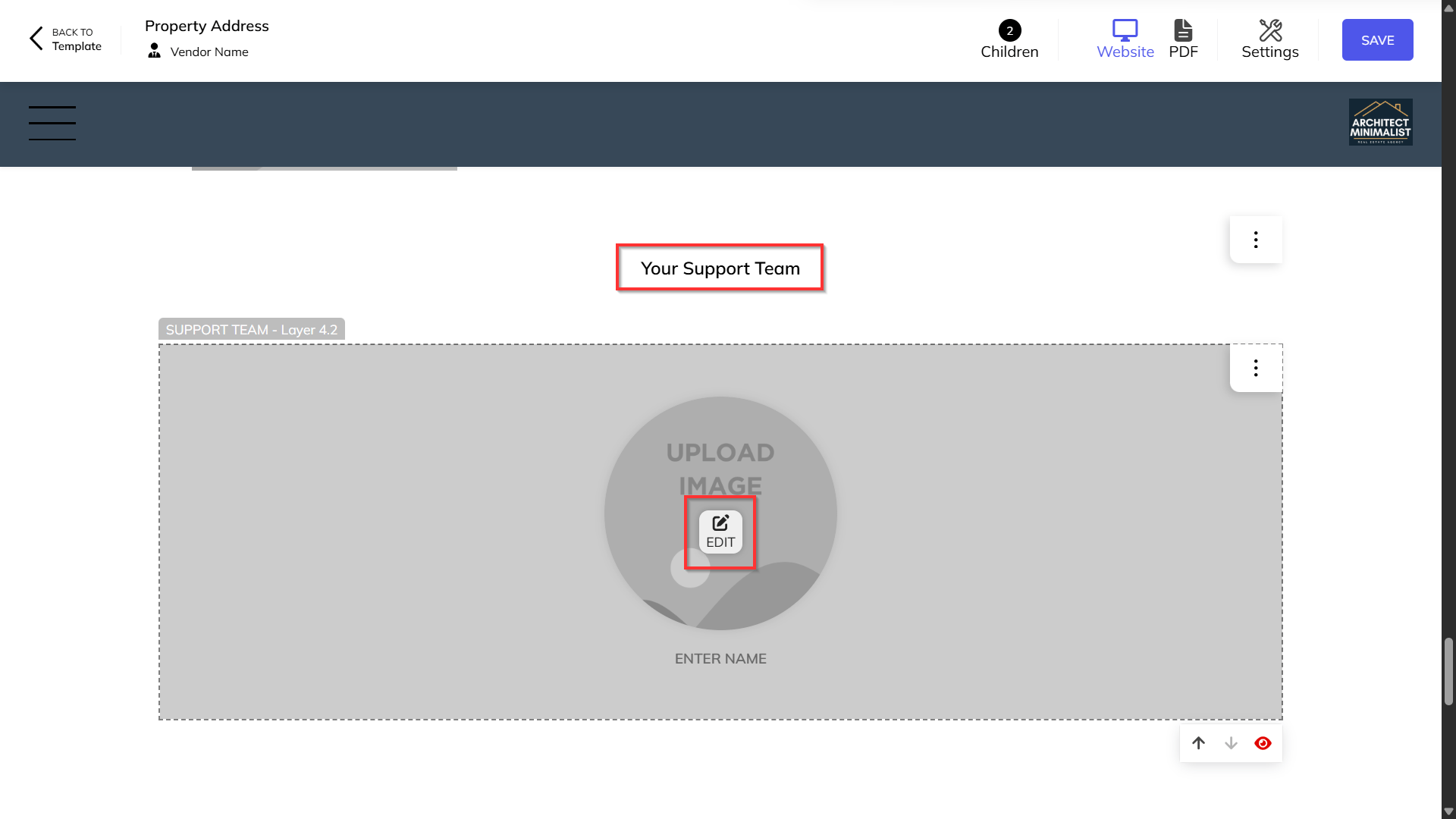
Navigate to the Your Support Team section and click Edit.
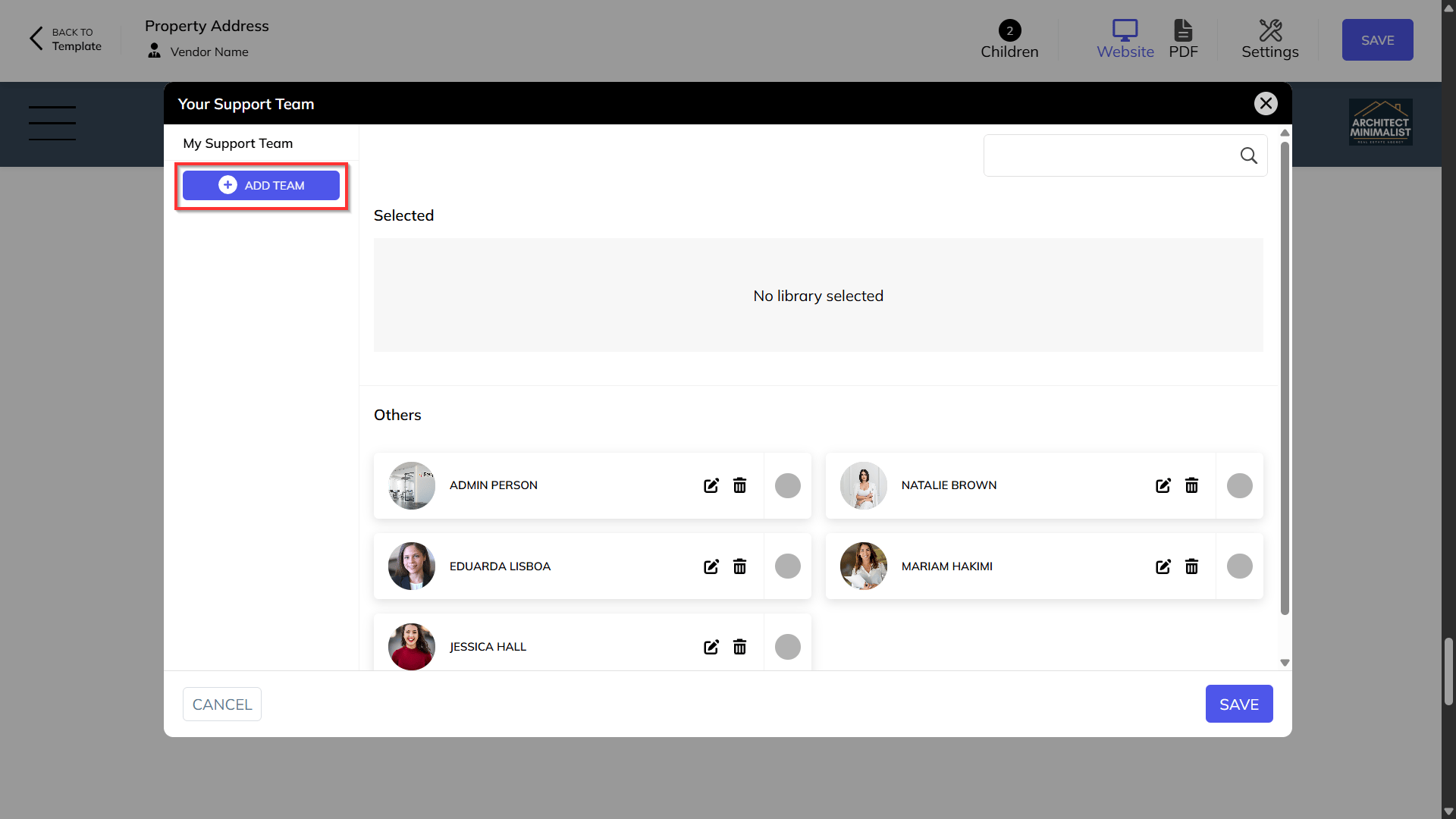
Click Add Team.
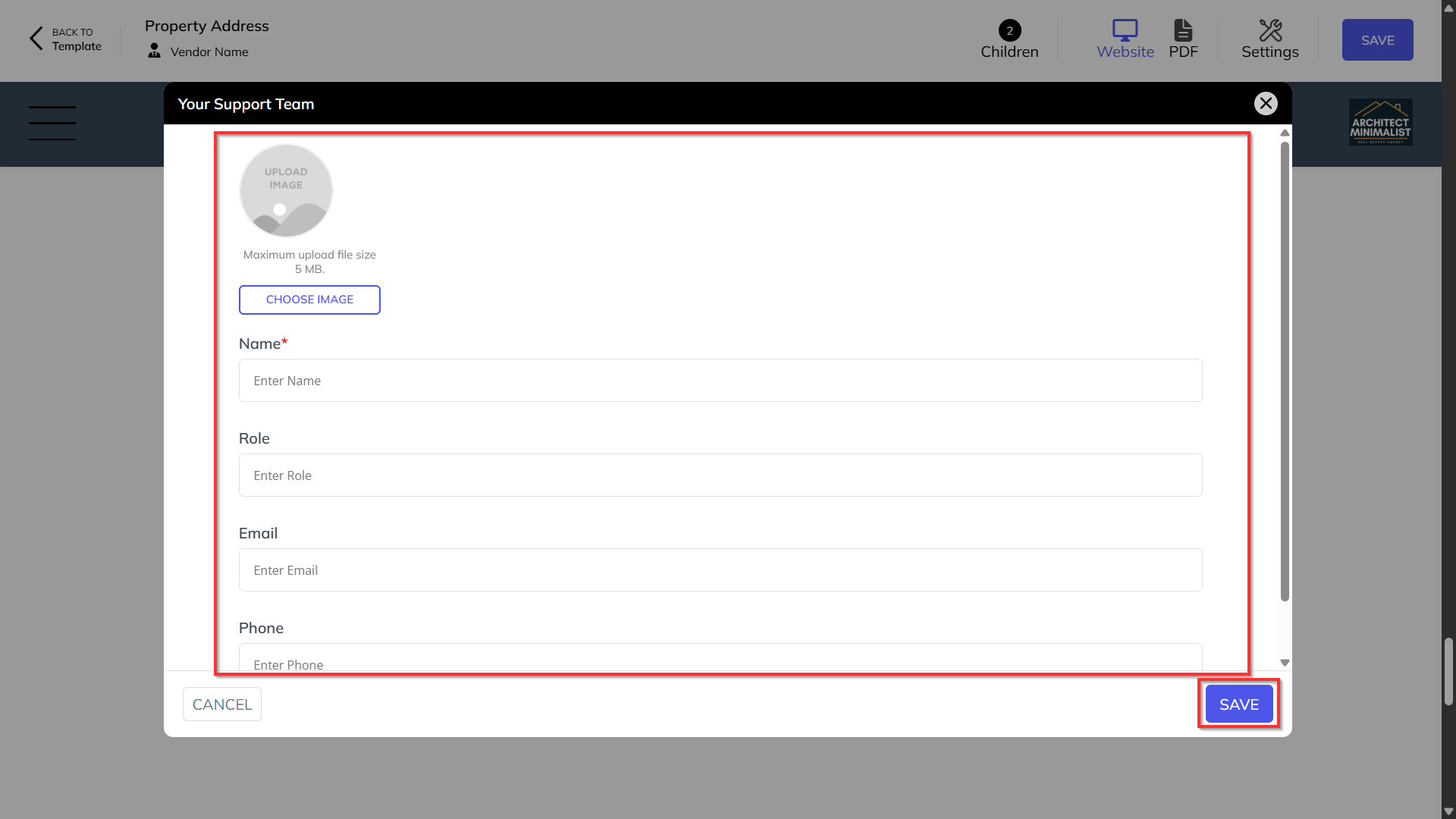
Choose an image, as well as enter name, role, email and phone number details. Click Save.
Note: Your new team member will appear under Others.