• Reapit ProposalsProduct docsWinning proposals in minutes

    Proposal Expiry

    An expiry date can be set on proposals to limit the amount of time a client can view and interact with the proposal. If an expiry date is set, once that date passes, the proposal will become disabled and the client will no longer be able to view it.

    Reapit ProposalsUpdated 2025-10-03
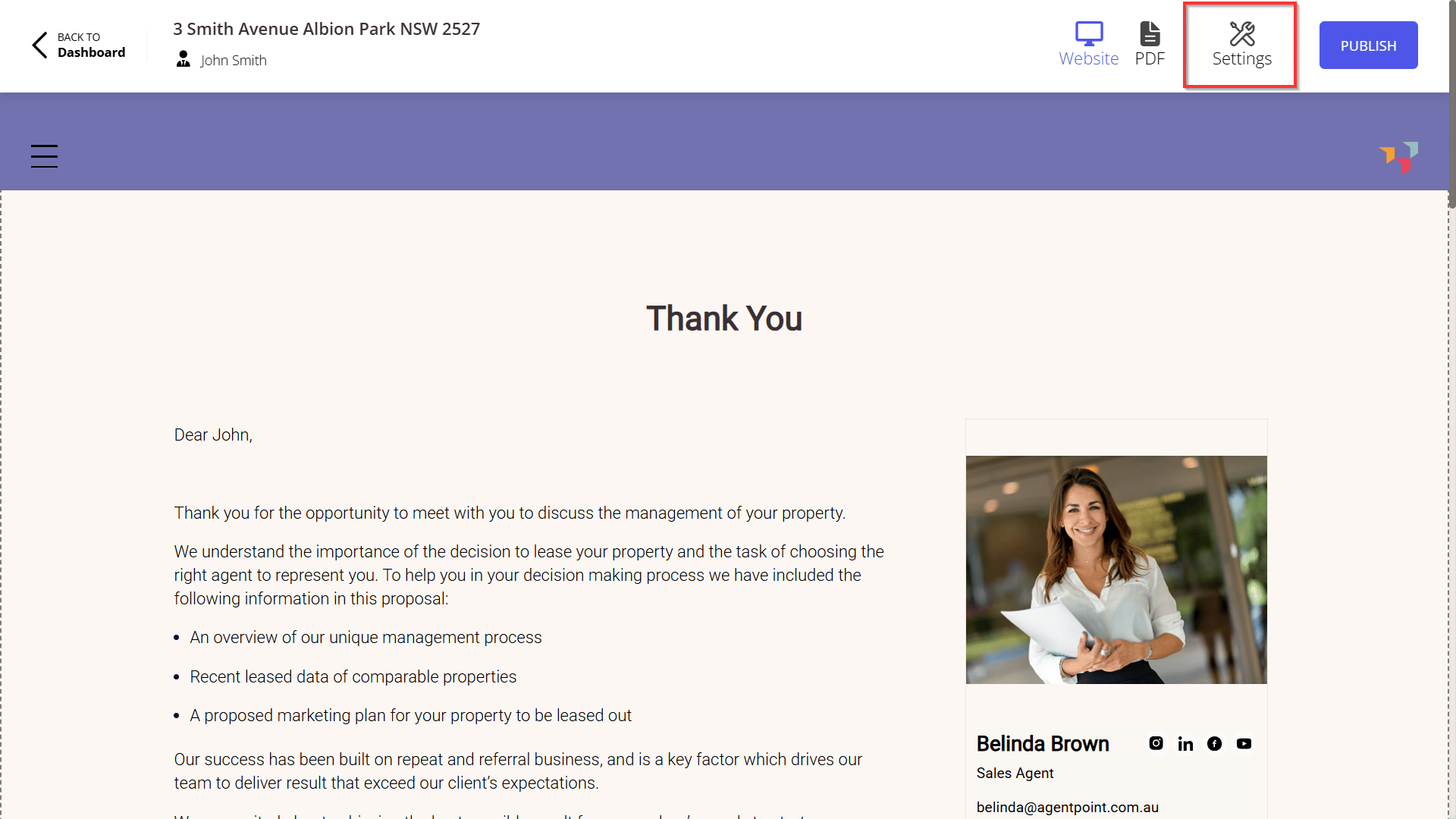
    1. To set an expiry date for a proposal, click Settings.
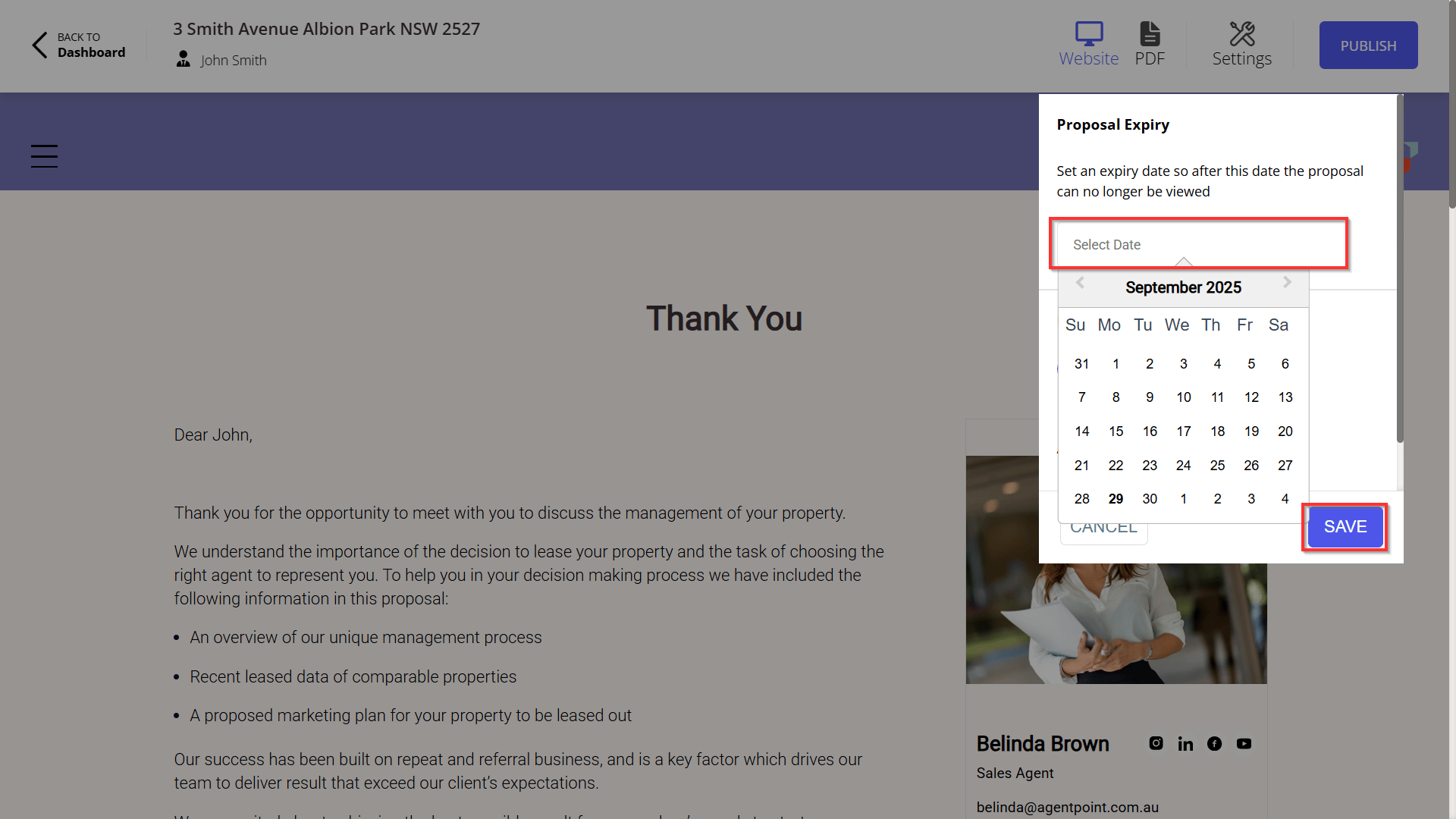
    1. Click Select Date.
    2. Click Save.

    Note: After this date, the proposal can no longer be viewed. If reactivation is required, the expiry date can be updated or removed using the Proposal Editor.
    Was this article helpful?

    Related articles

    Archiving / Unarchiving and Deleting a ProposalArchiving Proposals ensures the Current Proposals screen remains accurate, allowing efficient tracking of proposals currently actively being worked on.
    Creating a ProposalThis article will show you how to create proposal from Reapit Sales and Digital Proposals
    How to Use the Share Link FeatureThis feature enables users to easily copy a proposal link or include it within a pre-formatted email template. The sharing options are available exclusively for published proposals.
    Proposal Editing BasicsThis article covers how you can edit and update a proposal, including editing blocks, removing blocks and key steps to follow when an address has been manually entered during the Proposal creation
    Publishing Proposals + Generating URLsThis article will show you how to publish proposal and how to generate a proposal URL