
Activating Reapit Proposals
This article will show you how to activate Reapit Proposals
Prior to using Reapit Proposals, it must be activated within Reapit Sales. This article covers the steps to follow in Reapit Sales.
- Click on your name in the top right-hand corner of the screen.
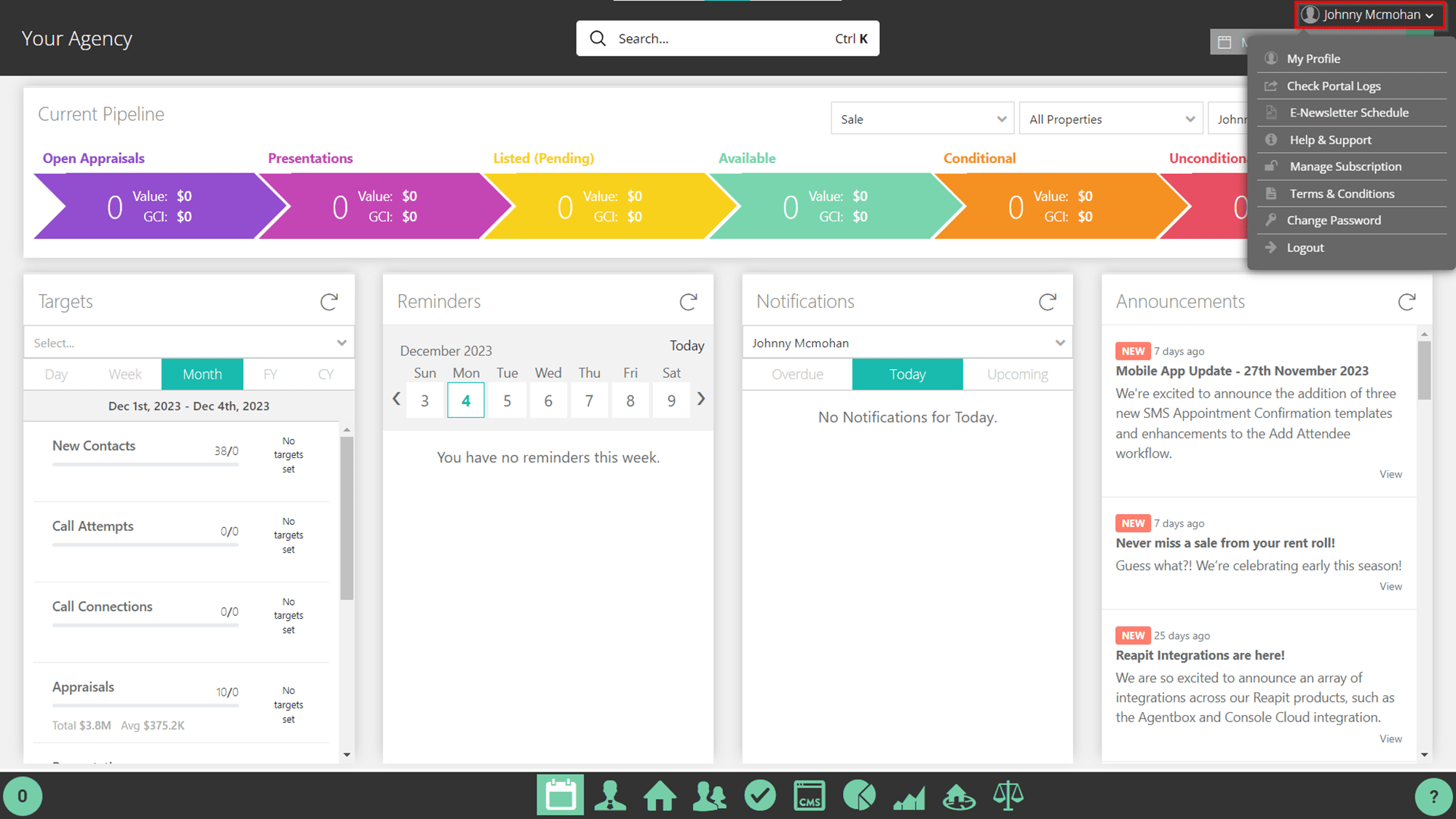
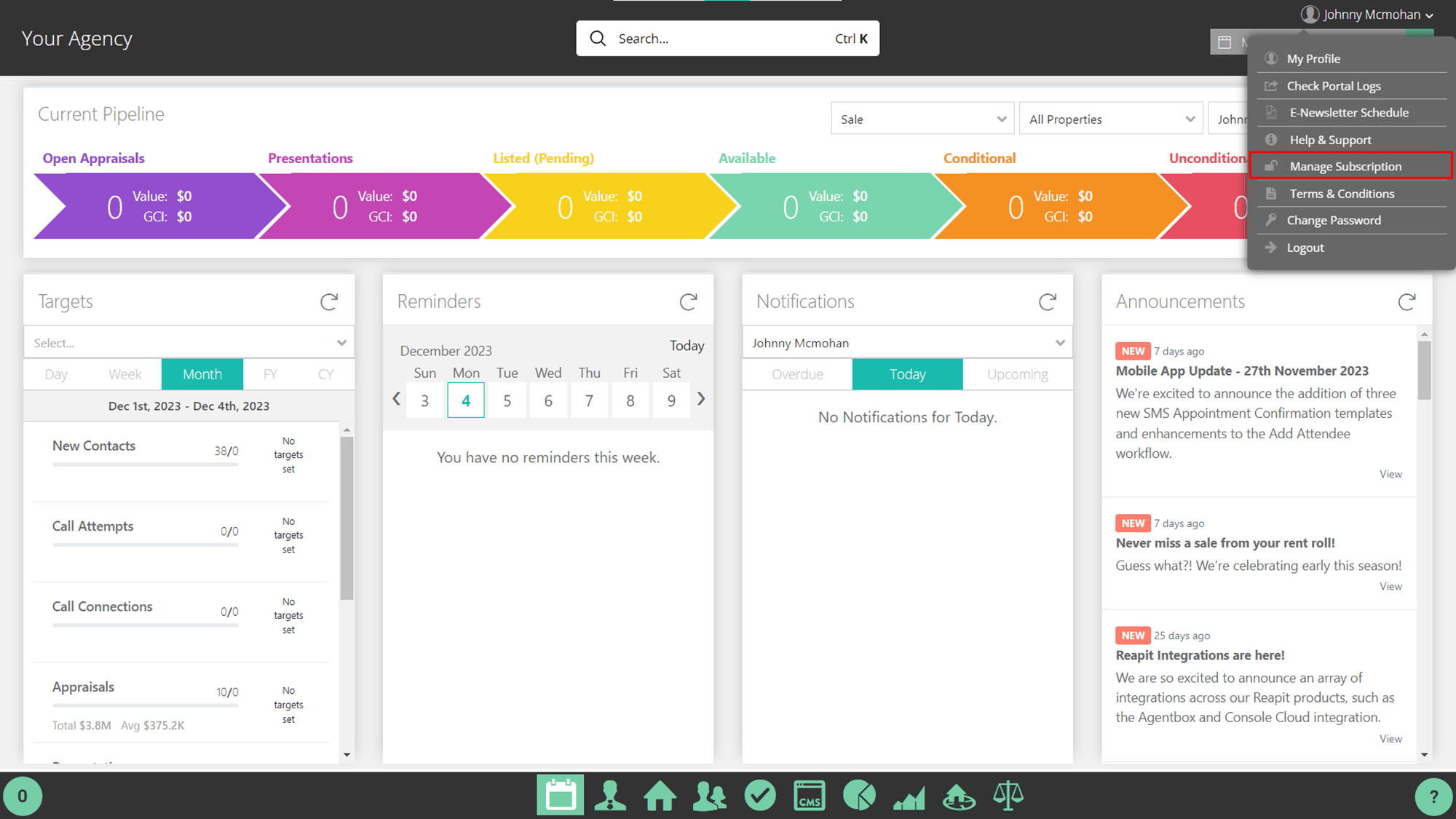
- Select Manage Subscriptions.
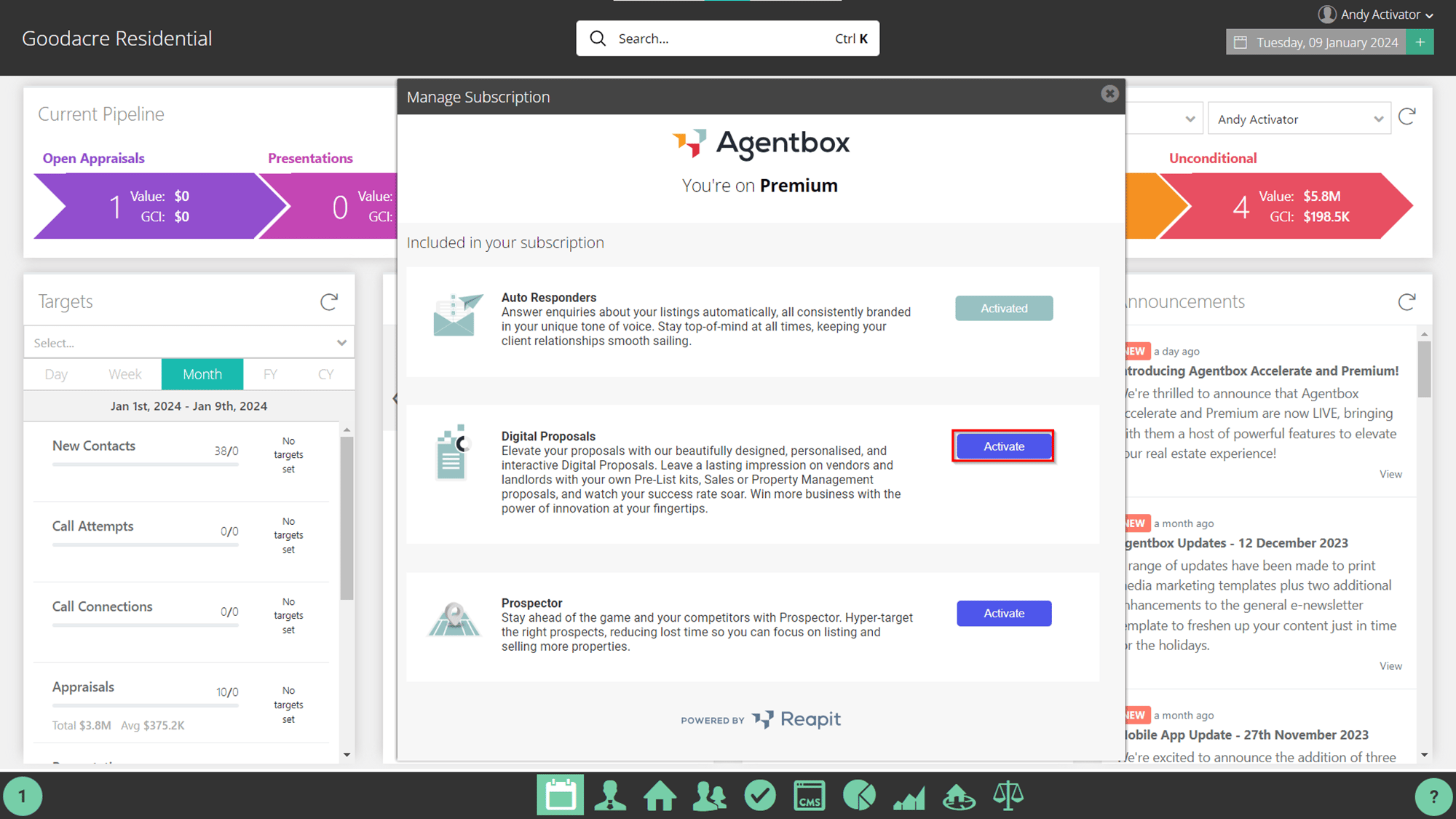
- Select the Activate button next to Agentbox Proposals.
- Select Activate.
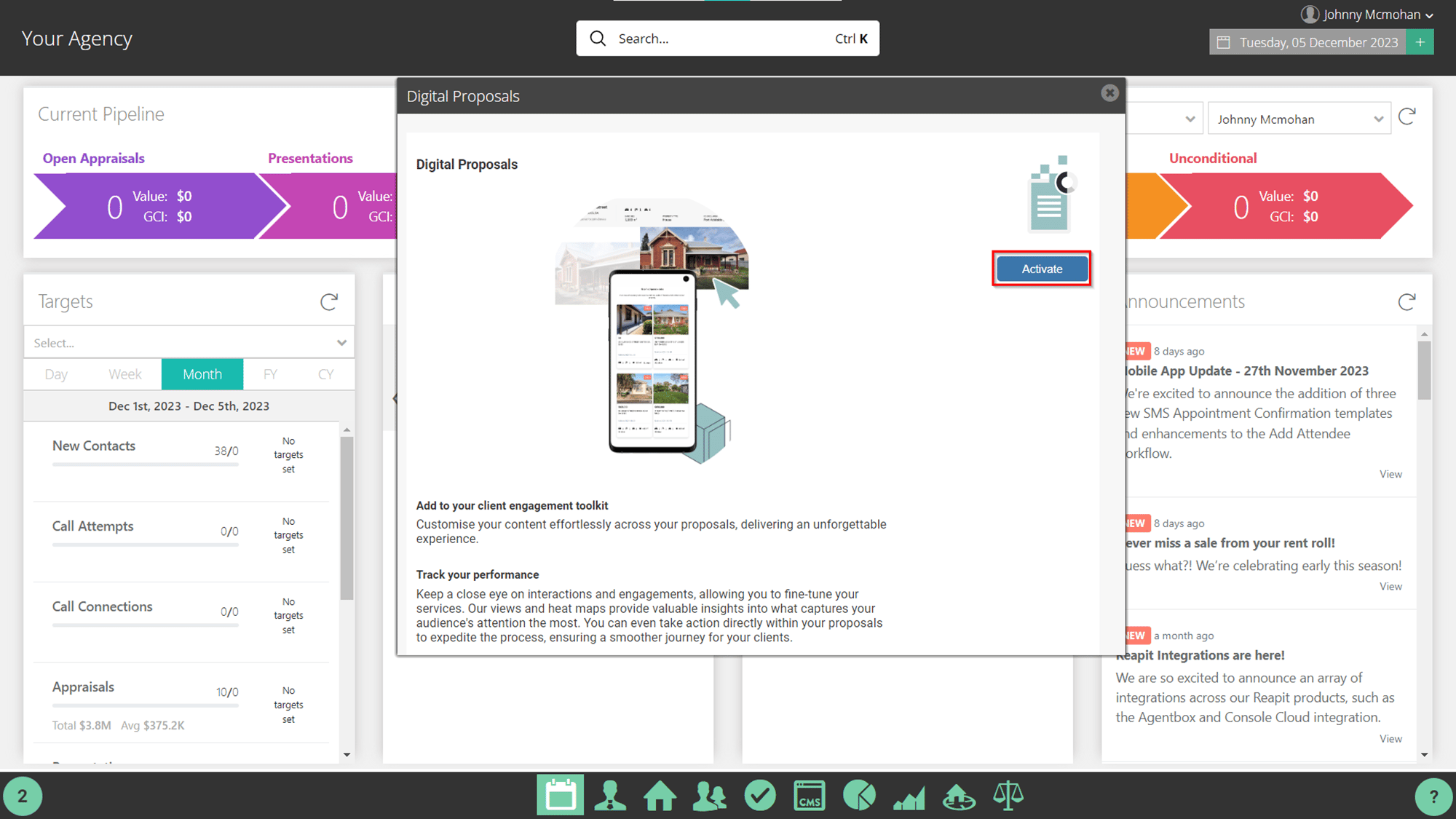
- The activation will then take place.
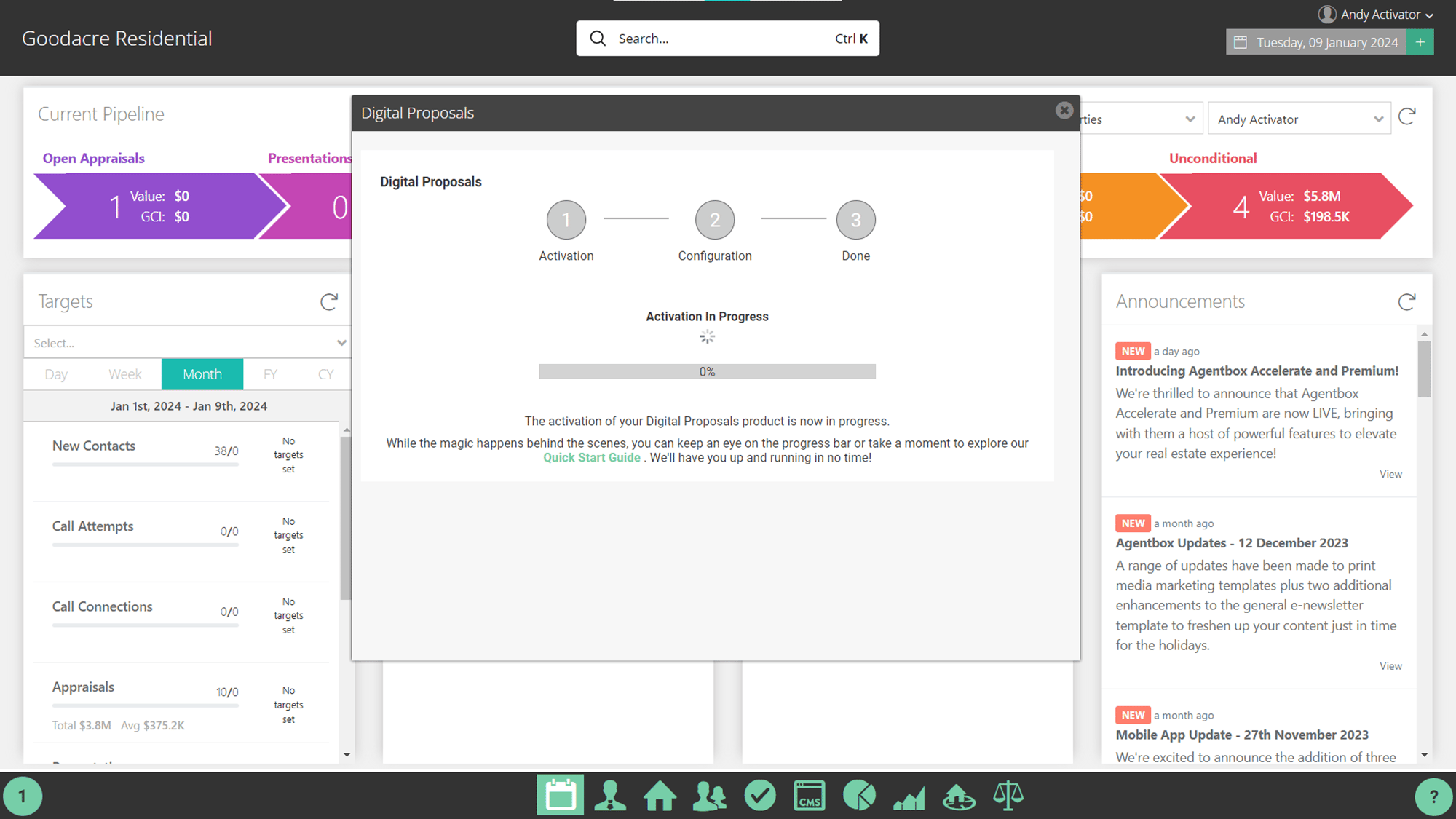
- Your Agentbox Proposals product is now activated.
Note: Before you begin generating proposals, please log in to the platform and configure your theme.
Click here to access the Themes User Manual.
Click hereto access the Templates User Manual.
Once completed, return to this screen and confirm your readiness to enable for all Agentbox users.
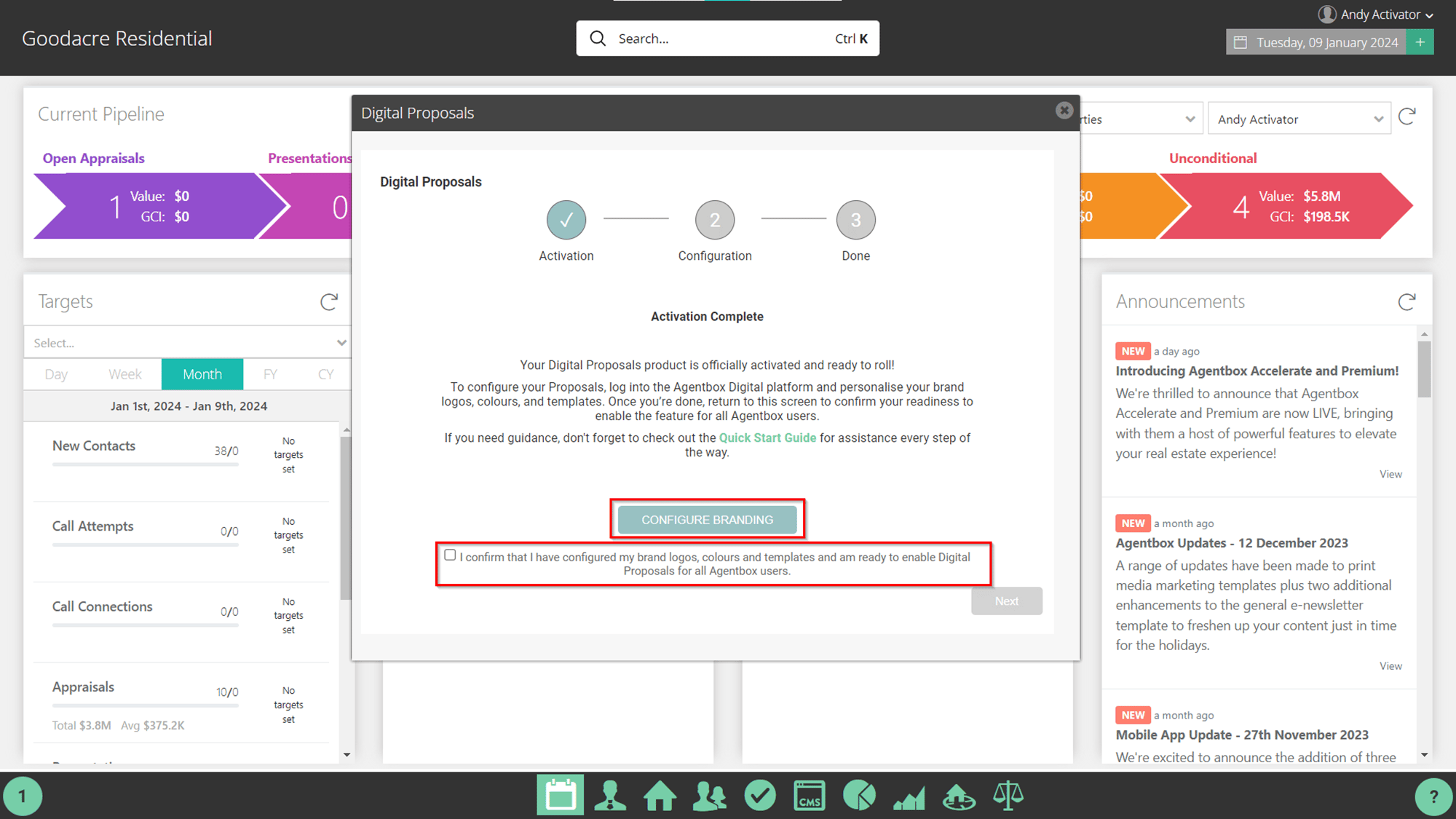
- Click Next.
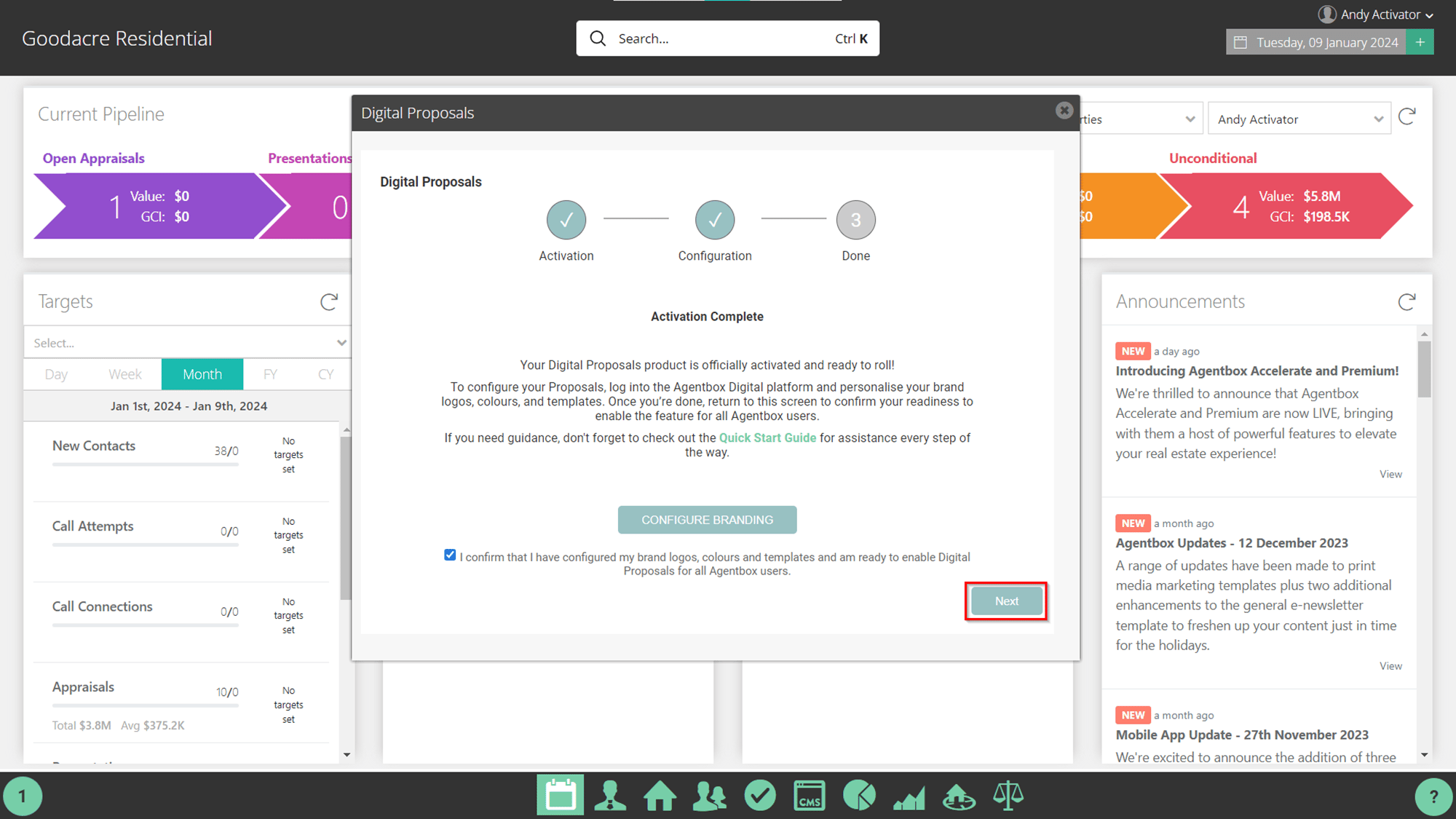
- Your Digital Proposals product is activated. Click Ok. All users in the system will now be able to access and create digital proposals.
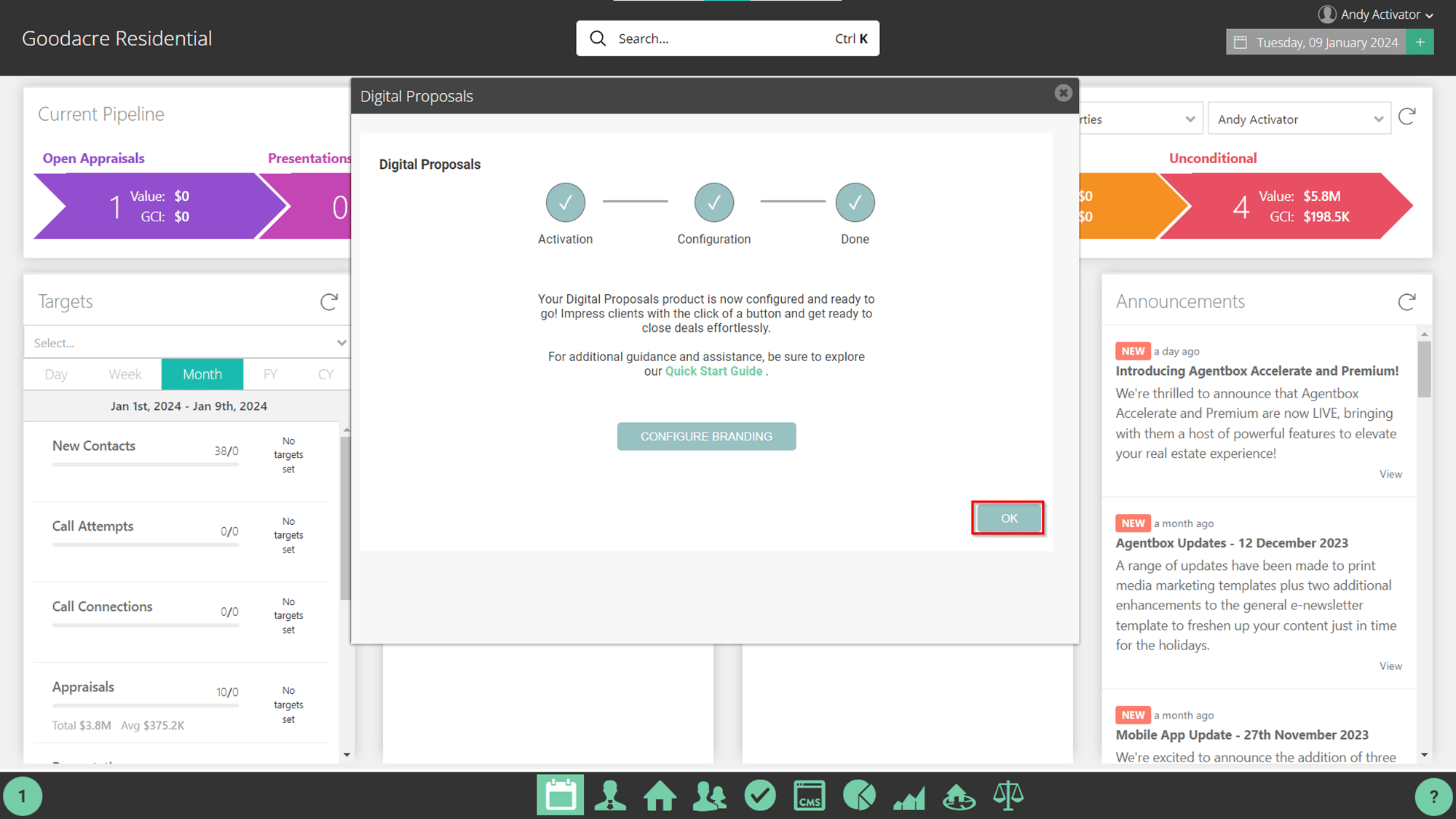
- Within Manage Subscription, Digital Proposal will say Activated.