Managing Slideshow
An slideshow is an Reapit Sales Digital specific feature, which allows users to select the background images displayed on their website
The processes in this article include:
- Editing a Slideshow
- Quick Edit an Slideshow
- Deleting a Slideshow
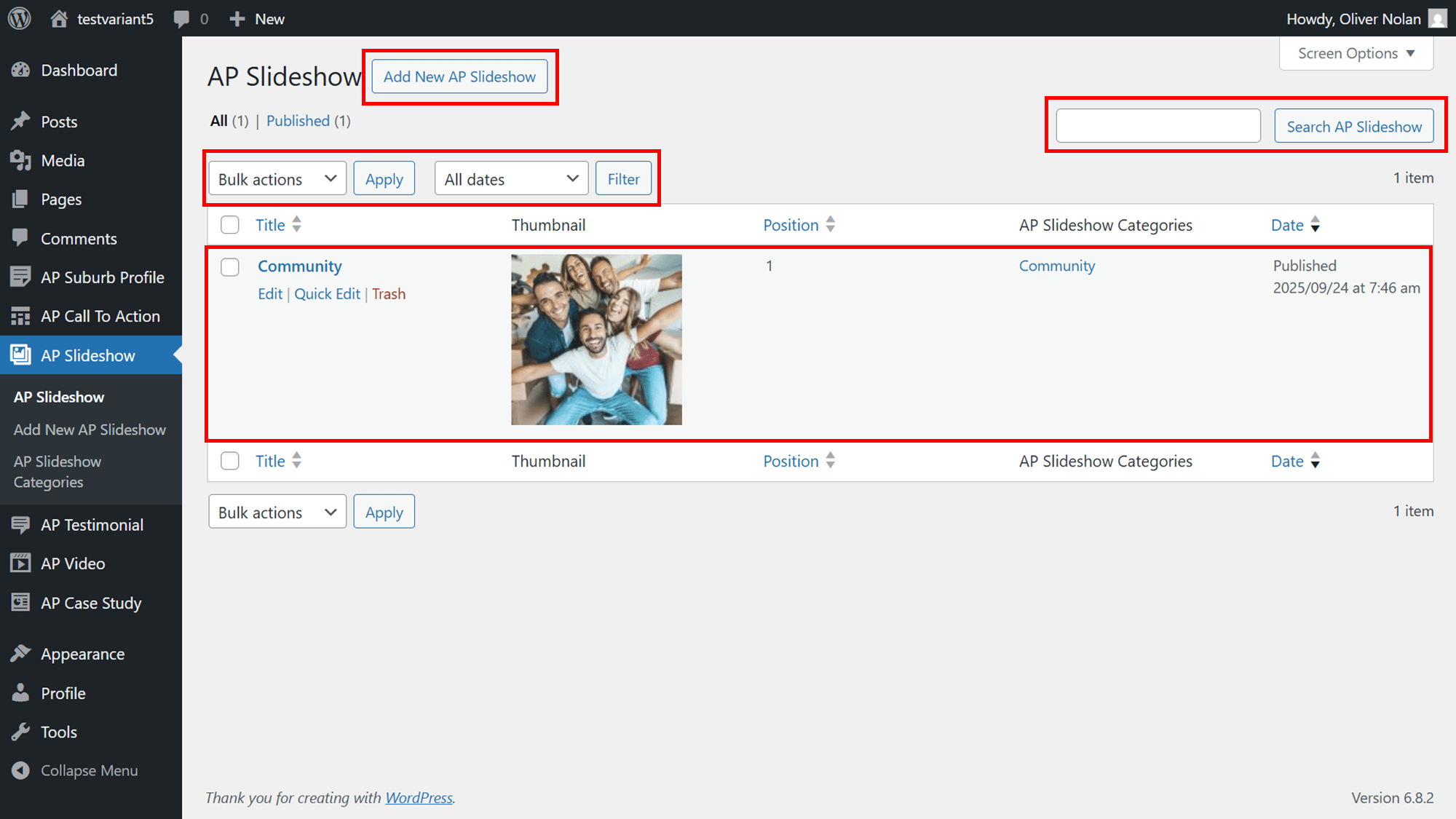
Within your Slideshow menu, you can:
- Add a new Slideshow.
- Search for an existing Slideshow
- Filter and/or apply bulk actions to Slideshows.
- View Slideshow title, thumbnail, position, categories and published date
- Edit, quick edit and delete the images previously added to the slideshows
Editing a Slideshow
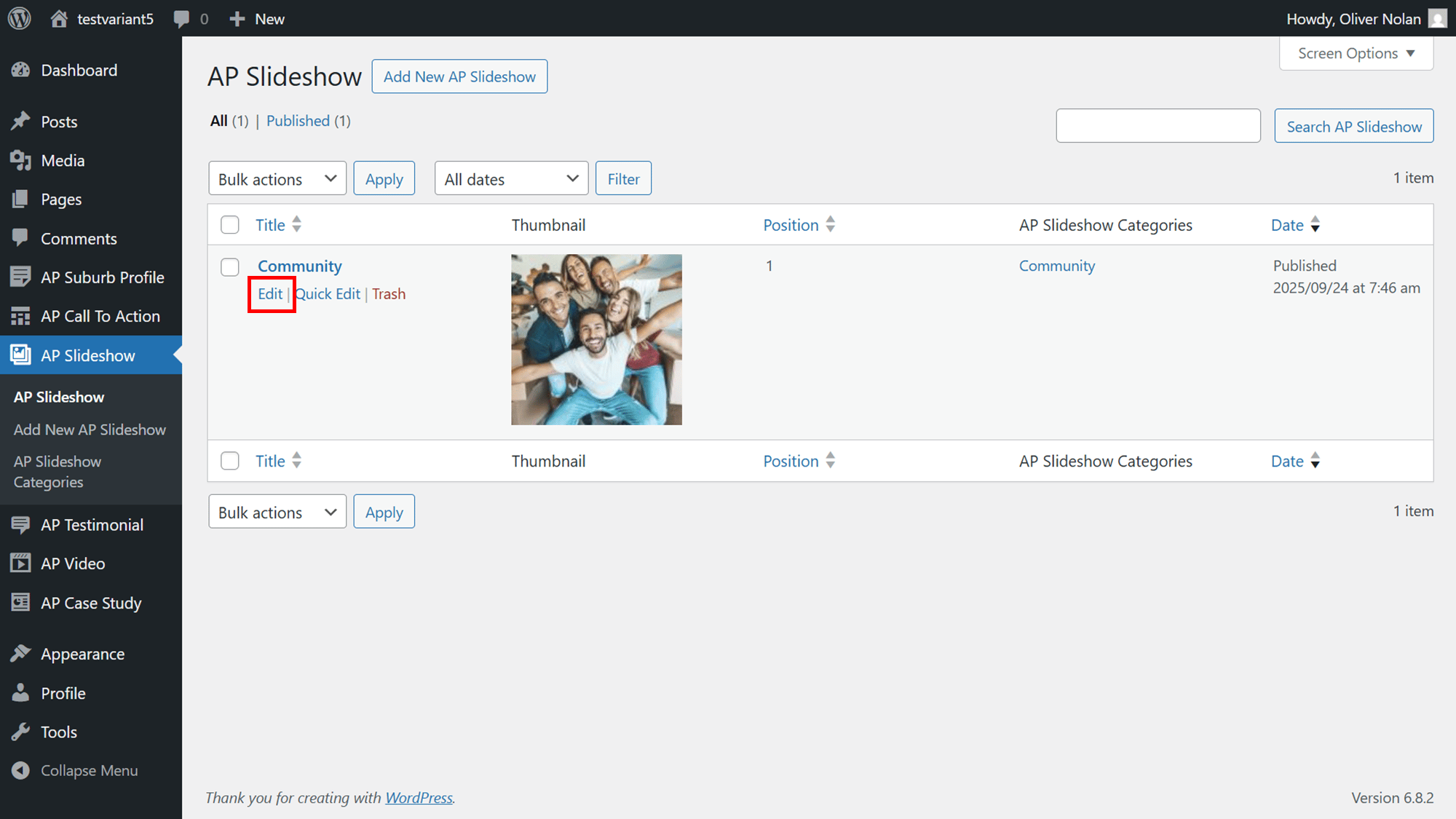
- Hover the cursor over the Slideshow and click on Edit.
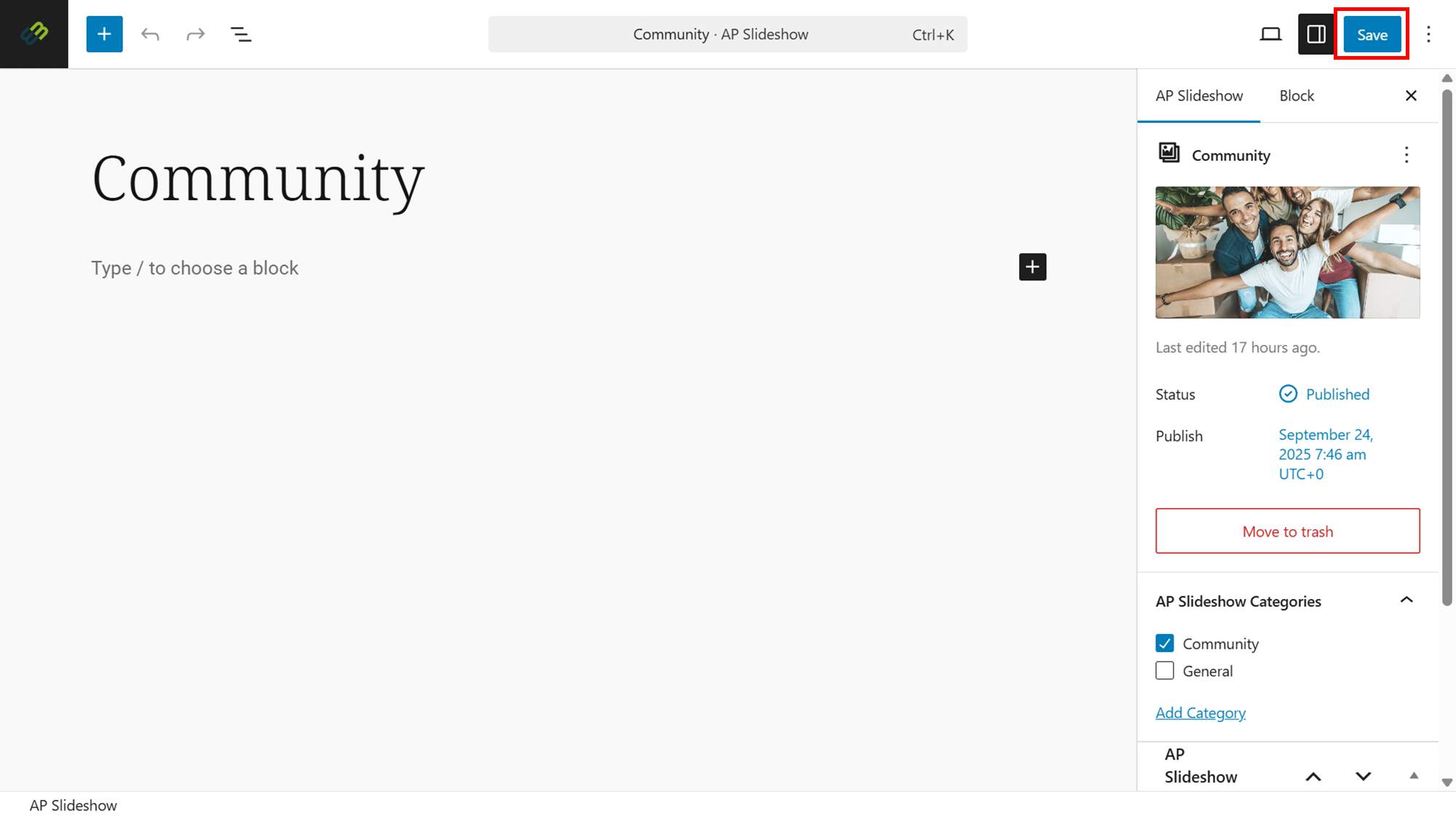
- Edit the Slideshow as required.
- Click on Save.
Quick Edit an Slideshow
- Hover the cursor over the Slideshow and click on Quick Edit.
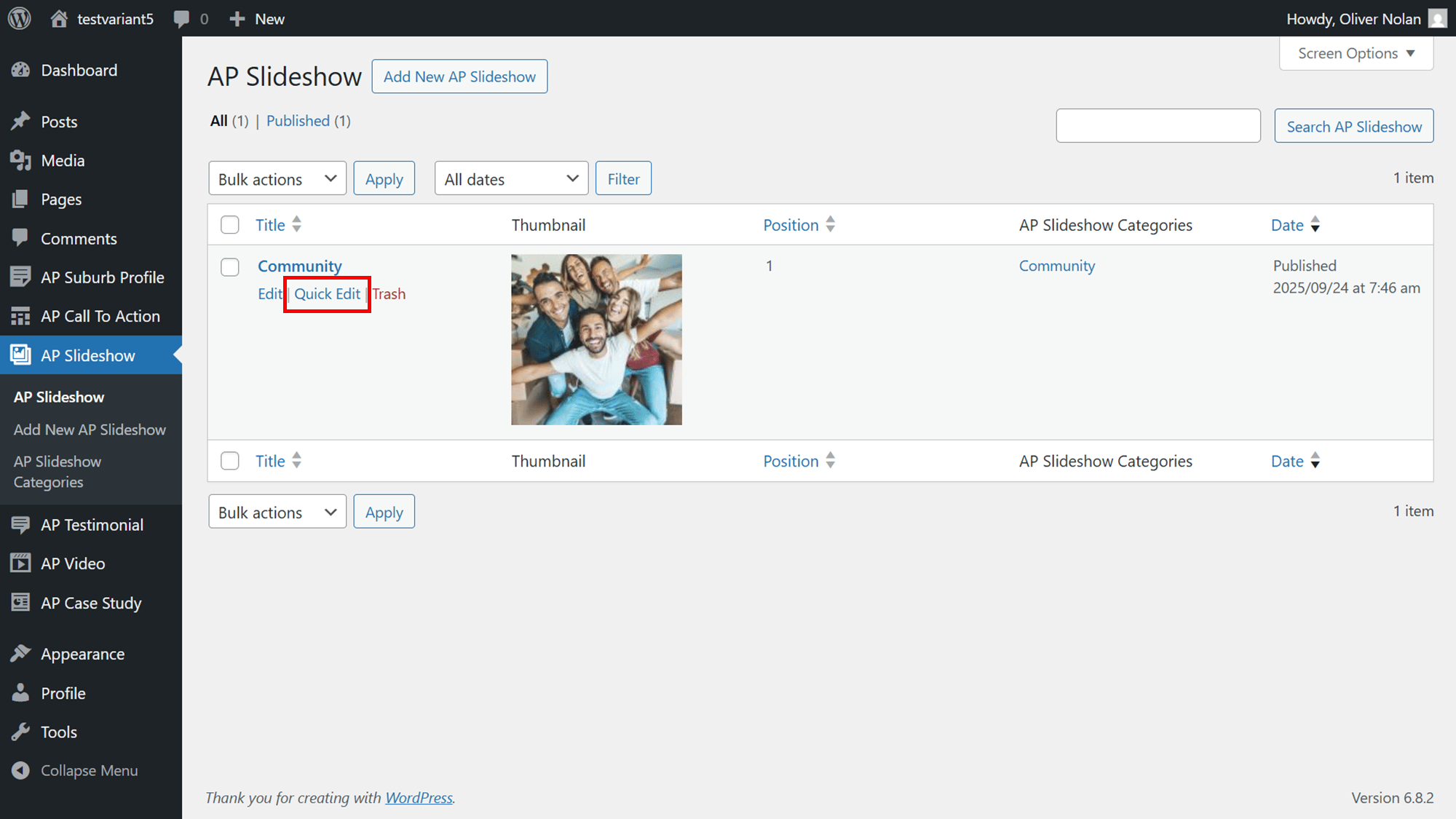
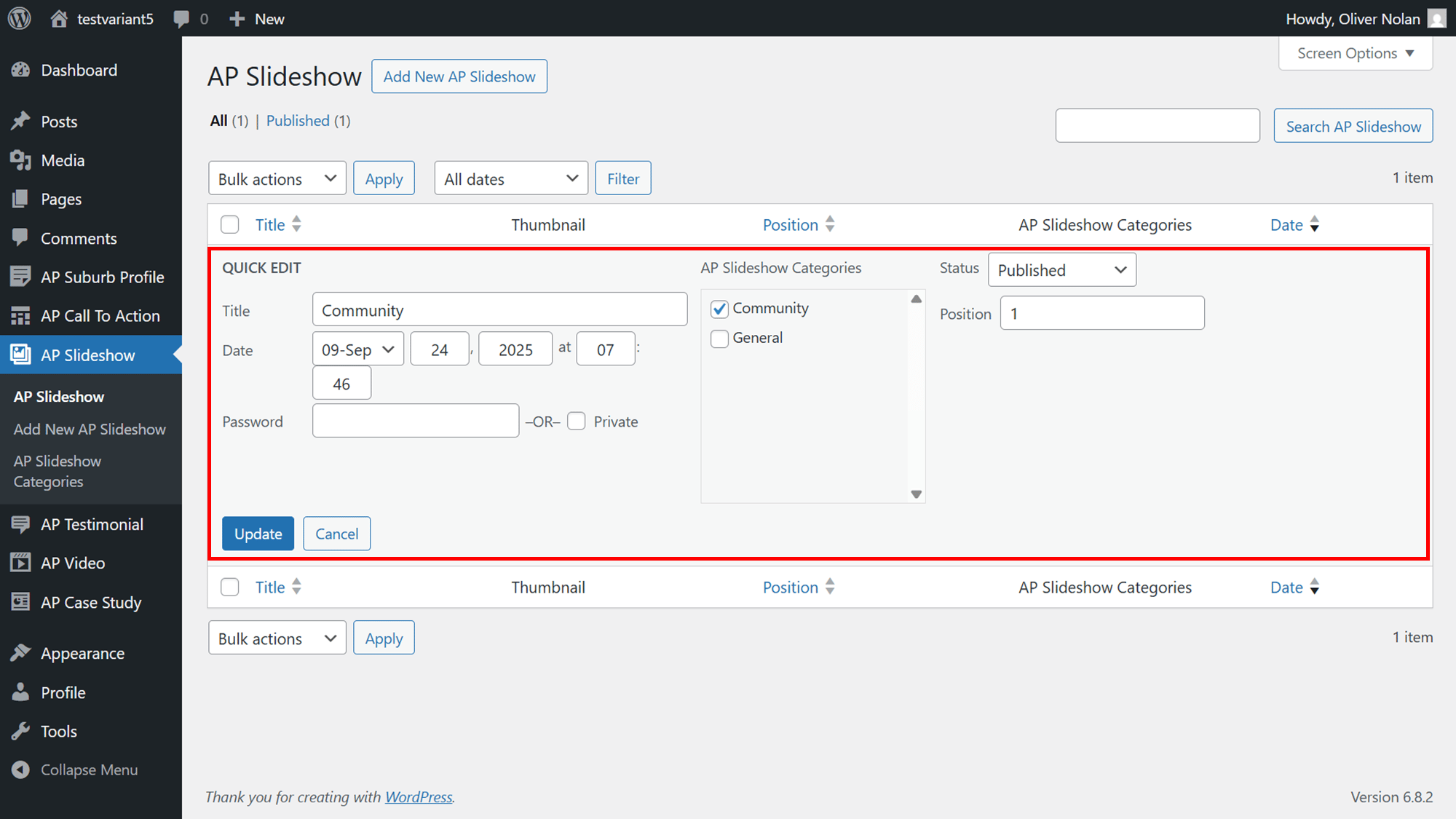
- In the Quick Edit section, you can edit the Slideshow or the url, as well as the name and email of the author.
- Click on Update.
Deleting a Slideshow
- Hover the cursor over the Slideshow and click on Trash. The Slideshow will then be deleted.
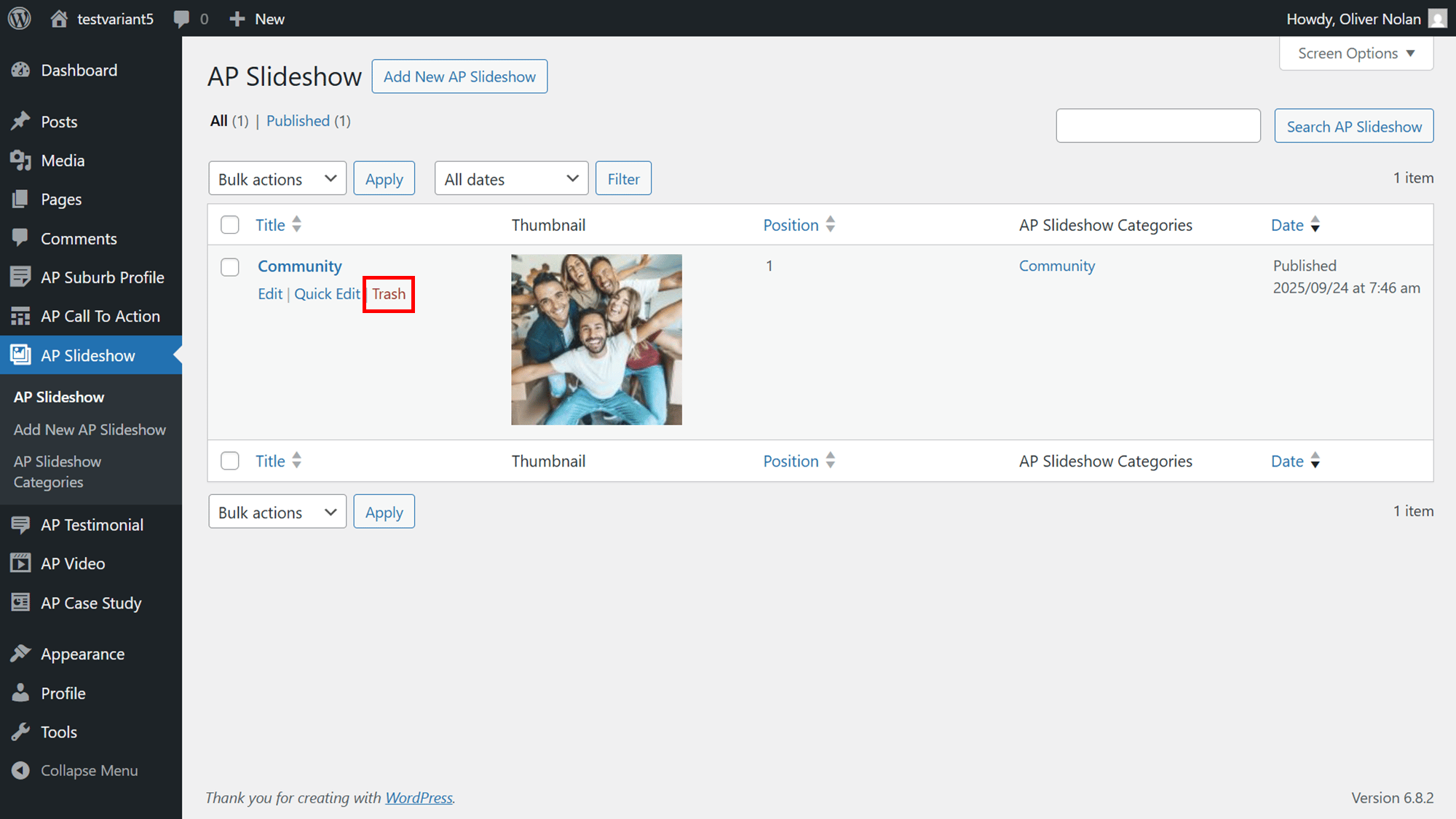
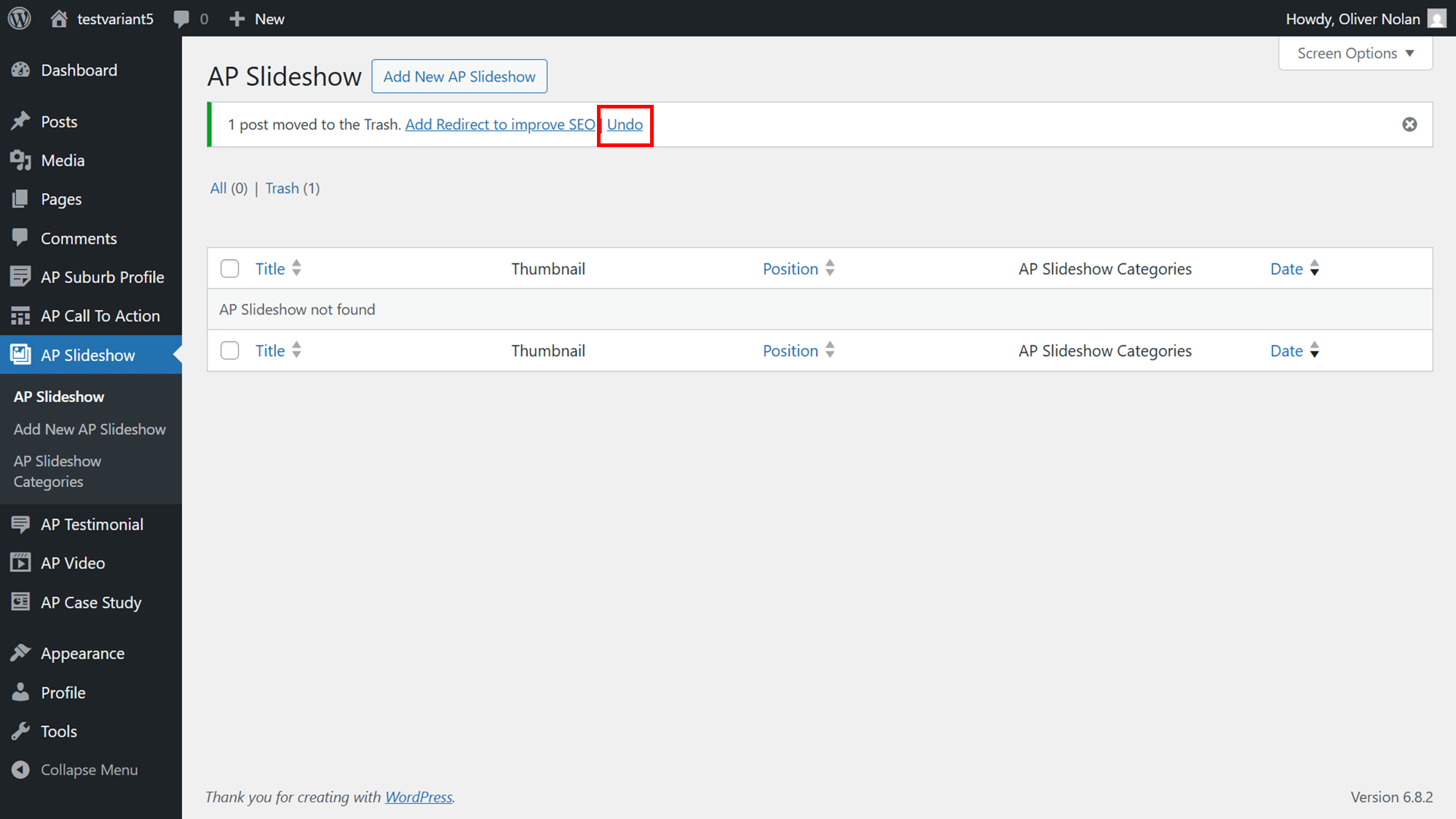
- To retrieve the Slideshow, click Undo.