AML Listing Gate
The AML Listing Gate is an office-level setting that lets an office enforce mandatory vendor identity verification before a sale listing can be made Available. It's part of the Reapit Verify integration and supports AML (Anti-Money Laundering) compliance requirements.
Enable / Disable AML Listing Gate
Note: This setting will only be visible id Reapit Verify has been enabled.
User Permissions
This process can be actioned by:
- Master Users – All applicable offices available to them in the dropdown field.
- Office Admin Users with Manage Office Configuration permission – Assigned office(s) only. If they only have one office, it's pre-selected with no dropdown. If they have several, they can only choose among their own offices.
Process
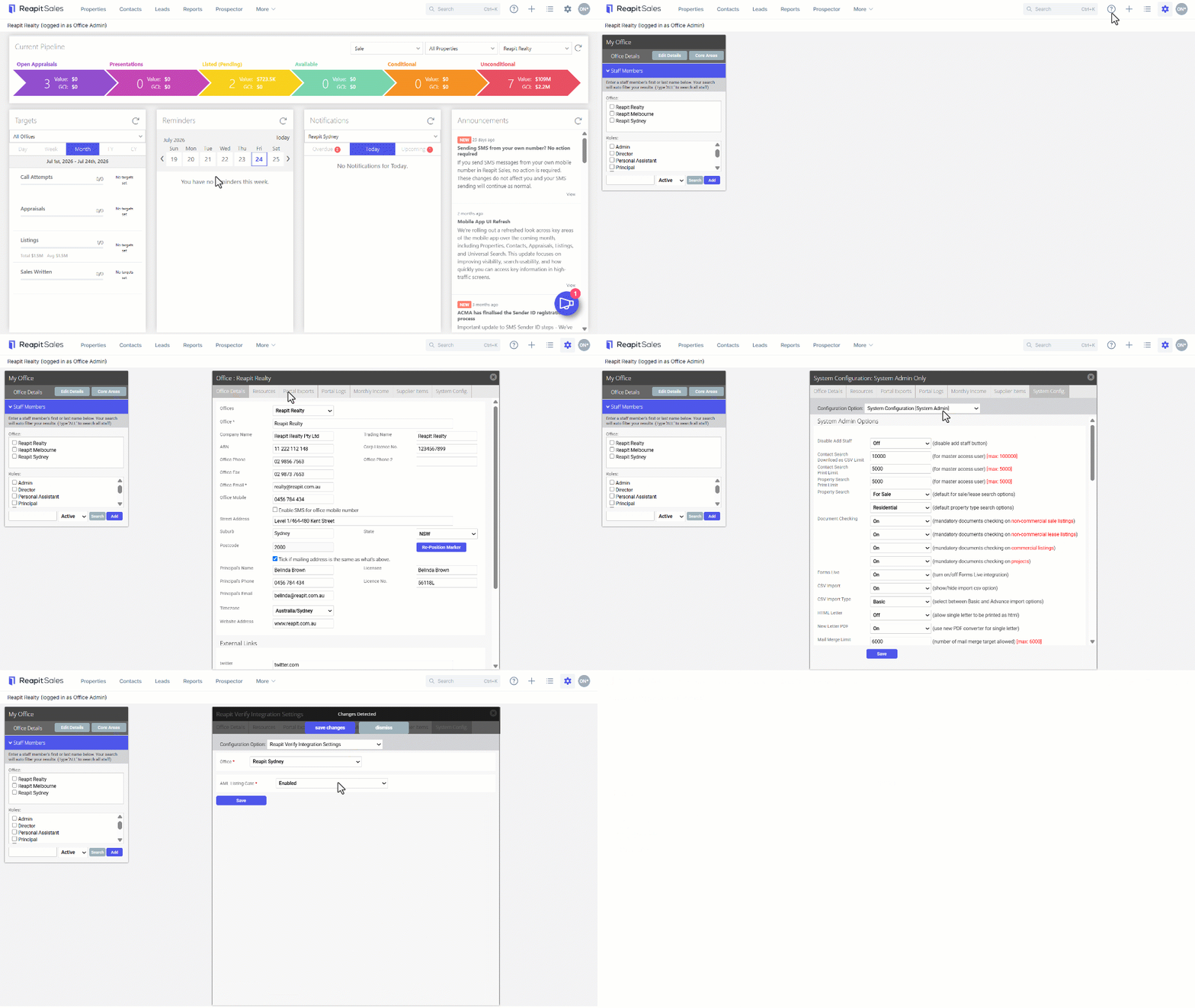
- Click on the My Office Cog.
- Click on Edit Details
- Select the System Config. Tab.
- From the dropdown, select Reapit Verify Integration Settings.
- If required, select the required Office name
- Select the desired status from the AML Listing Gate Dropdown.
- Click on Save.
When the feature is enabled, and the vendor has one of the following Verification Status:
- Verified
- VerifiedAdmin
- VerifiedWithChanges
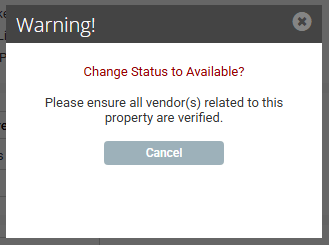
The following message will appear when a listing status is changed from Offline to Available.
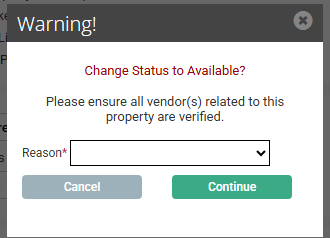
When the feature is enabled, and the Vendor verification status on not one of the previous, the status change will be blocked. The following message will appear: