• Reapit FormsProduct docsDigital forms and agreements, signed faster

    How to Activate Reapit Forms in Reapit Lettings

    This article will guide you through the activation of the Reapit Forms integration in Reapit Lettings

    Reapit FormsUpdated 2026-08-25

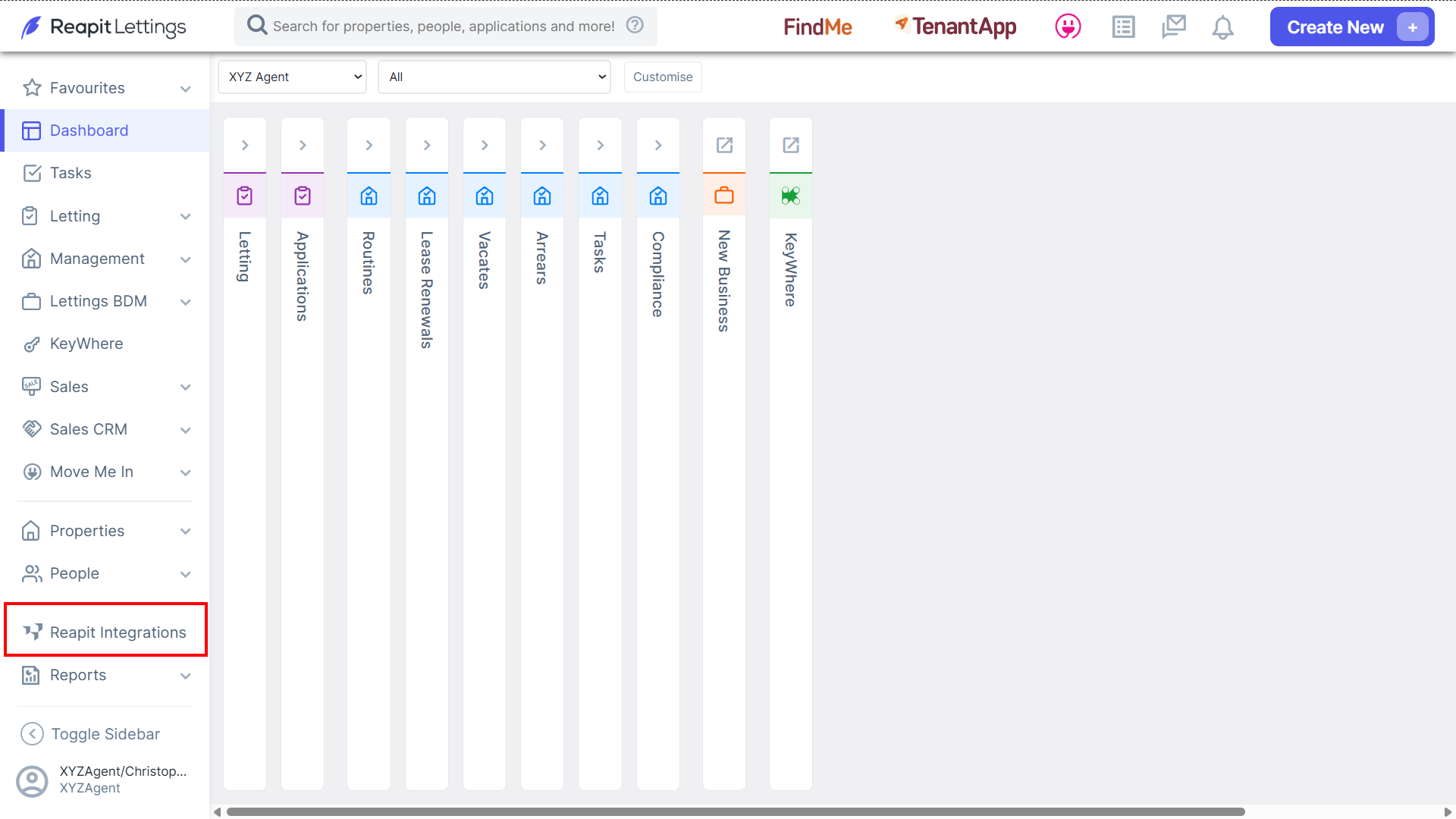
    1. Navigate to Reapit Integrations.

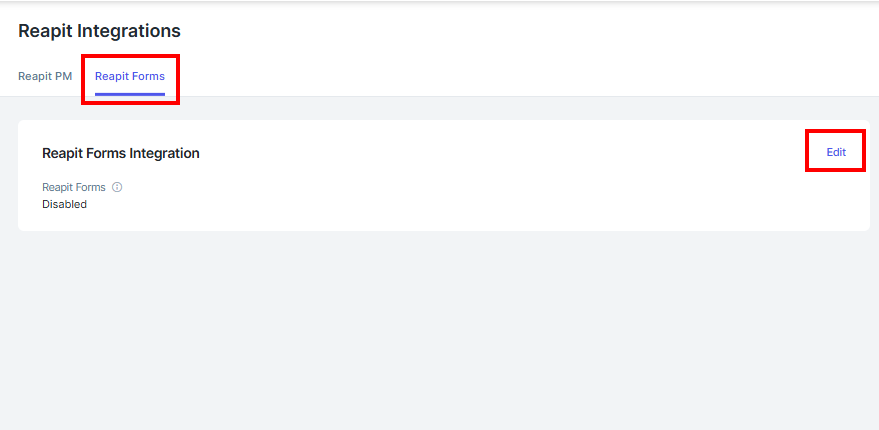
    2. Click Reapit Forms

    3. Click Edit.
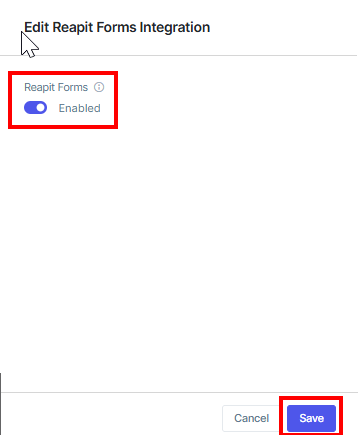
    4. Click the switch to Enable Reapit Forms.

    5. Click Save.
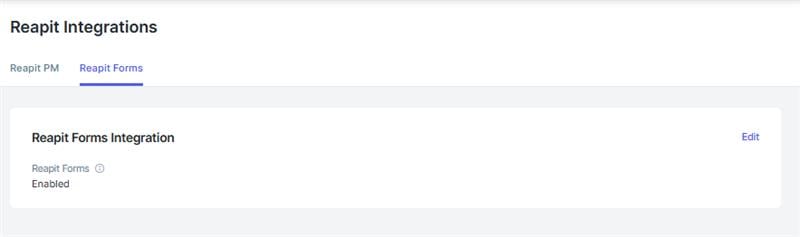
    The Reapit Forms Integration will now be enabled in your office.
    To activate Reapit Forms in Reapit PM, please see - https://help.console.com.au/s/article/How-to-Activate-Reapit-Forms-in-Reapit-PM

    Was this article helpful?

    Related articles

    Getting Started in Reapit FormsThis article will cover the important areas for getting started in Reapit Forms.
    How to Print and Sign Tenancy AgreementsThis article will cover printing and signing tenancy agreements in Reapit Forms.
    Owner Signing for Victorian (VIC) Rental AgreementsThis article explains how Victorian agencies can send a Residential Tenancy Agreement to the owner for signing in Reapit Forms.