'%3e%3cpath%20fill='%23ECF3FF'%20d='M0%208a8%208%200%200%201%208-8h24a8%208%200%200%201%208%208v24a8%208%200%200%201-8%208H8a8%208%200%200%201-8-8V8Z'/%3e%3cpath%20fill='%234E56EA'%20d='M20%207.769c7.183%200%2013%205.694%2013%2012.692%200%205.122-3.115%209.702-7.946%2011.706-.159.032-.254.064-.381.064a.821.821%200%200%201-.795-.541c-.19-.445.032-.923.477-1.113%204.195-1.718%206.897-5.694%206.897-10.116%200-5.885-4.743-10.697-10.703-10.992l-.581-.013c-6.23%200-11.283%204.962-11.283%2011.005%200%203.881%202.13%207.508%205.562%209.48l.223.096c.381.19.826.286%201.303.286%201.623%200%202.933-1.227%203.317-2.952a5.515%205.515%200%200%201-1.251-.324%206.644%206.644%200%200%201-4.164-4.326c-.254-.89.414-1.813%201.4-1.813h10.107c.985%200%201.652.922%201.398%201.813-.75%202.495-2.978%204.392-5.716%204.674-.442%202.672-2.5%204.613-5.06%204.613-.73%200-1.43-.159-2.034-.445l-.318-.127C9.48%2029.177%207%2024.946%207%2020.461%207%2013.463%2012.816%207.77%2020%207.77Zm-2.701%206.774c.35%200%20.635.286.636.635v4.2h-2.512v-4.2c0-.35.286-.635.636-.636h1.24Zm6.96%200c.35%200%20.636.286.636.635v4.2h-2.51v-4.2c0-.35.286-.636.635-.636h1.24Z'/%3e%3c/g%3e%3cdefs%3e%3cclipPath%20id='a'%3e%3cpath%20fill='%23fff'%20d='M0%200h40v40H0z'/%3e%3c/clipPath%3e%3c/defs%3e%3c/svg%3e)
Understanding the Numbers
This article will help you with better understanding the numbers from the Move Me In dashboard.
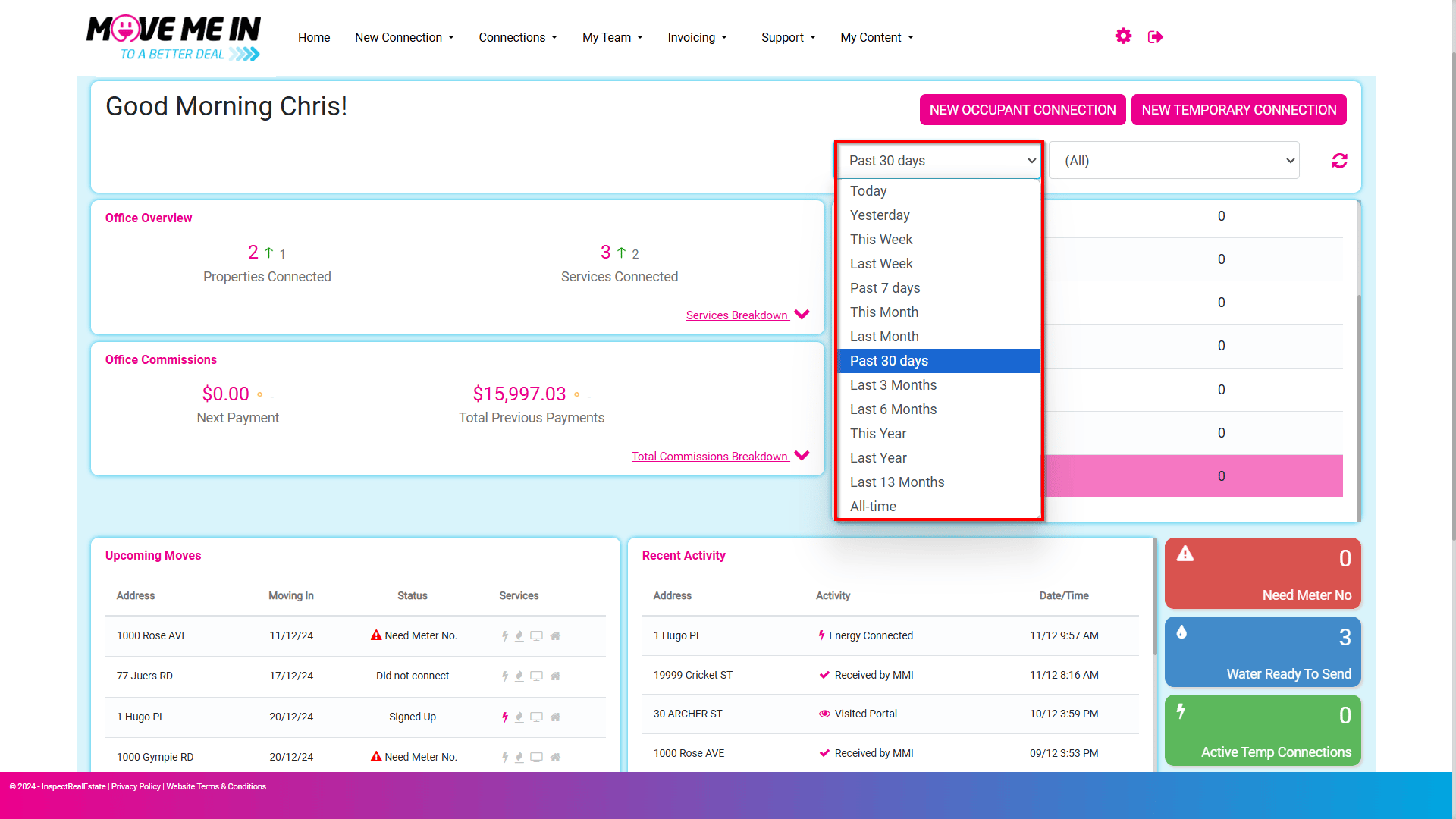
1. By default, the system will display the dashboard data from the past 30 days. Using the drop-down menu, you will have the option to filter to the desired timeframe.
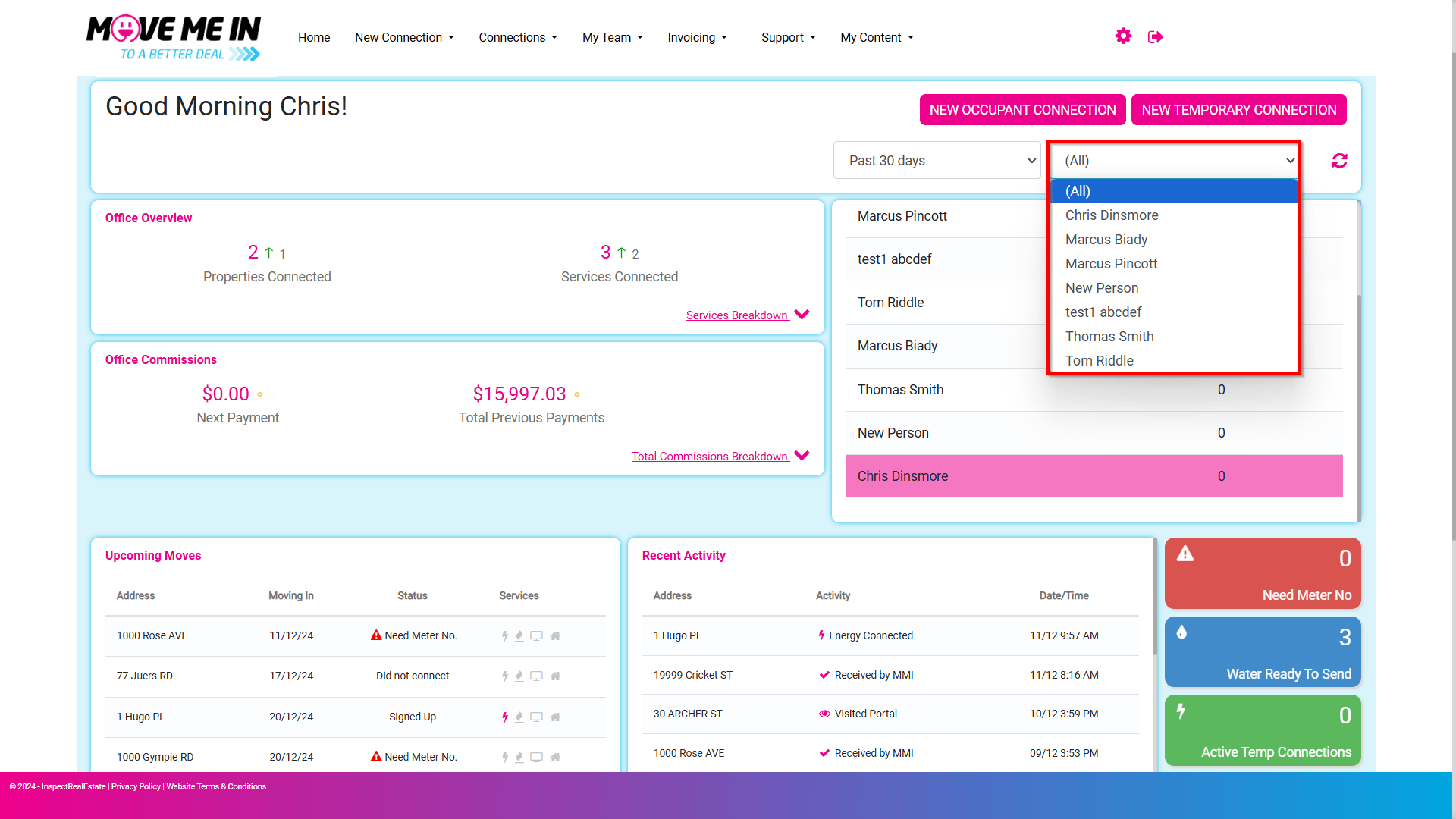
2. The Dashboard will display all user connections by default. Select the drop-down menu to choose a specific agent if required.
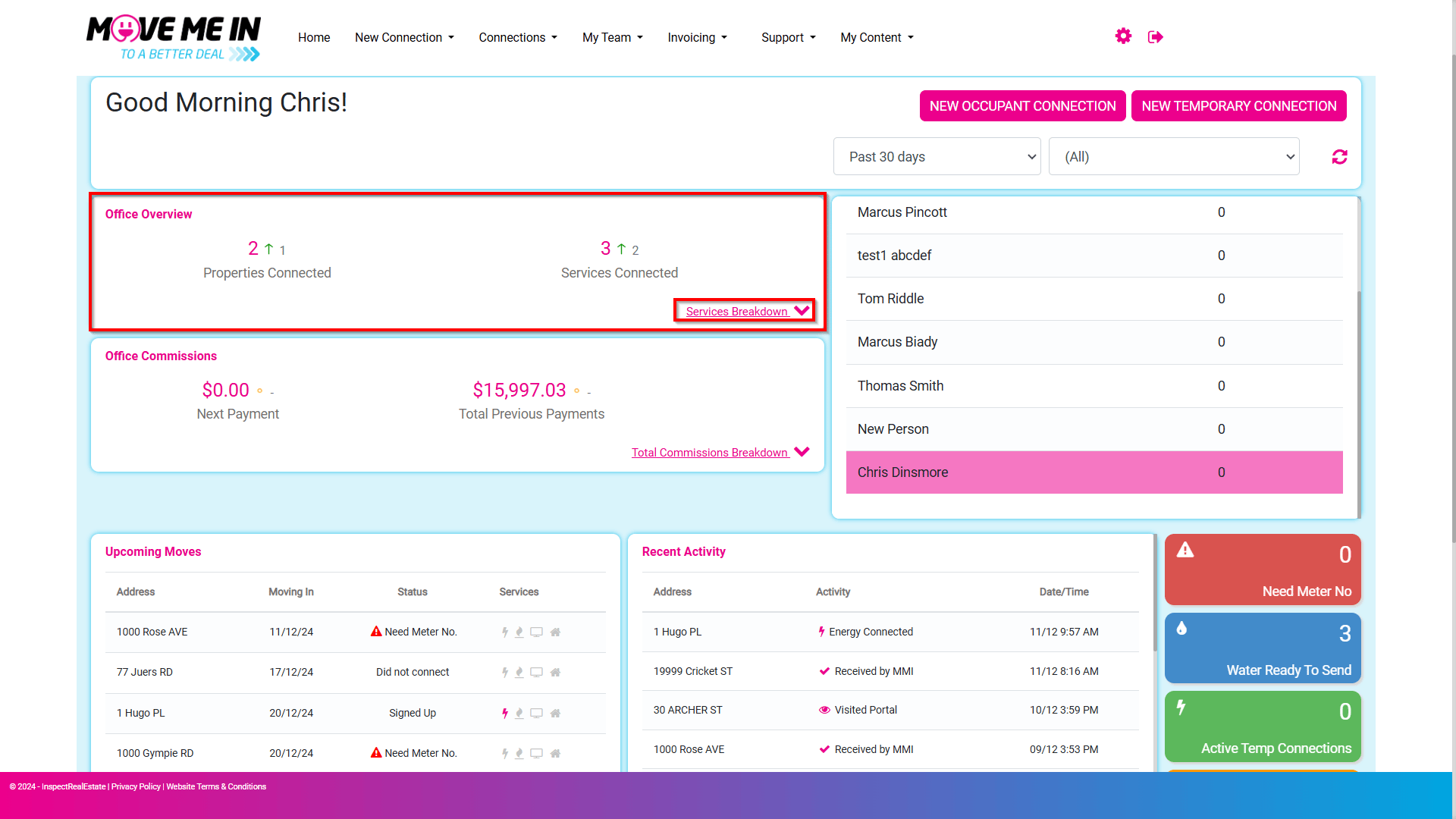
3. Office Overview will display data using the date range provided to show a summary of properties and services connected. Use the Services Breakdown to display a more detailed summary showing the specific types of connections which have been connected during this period.
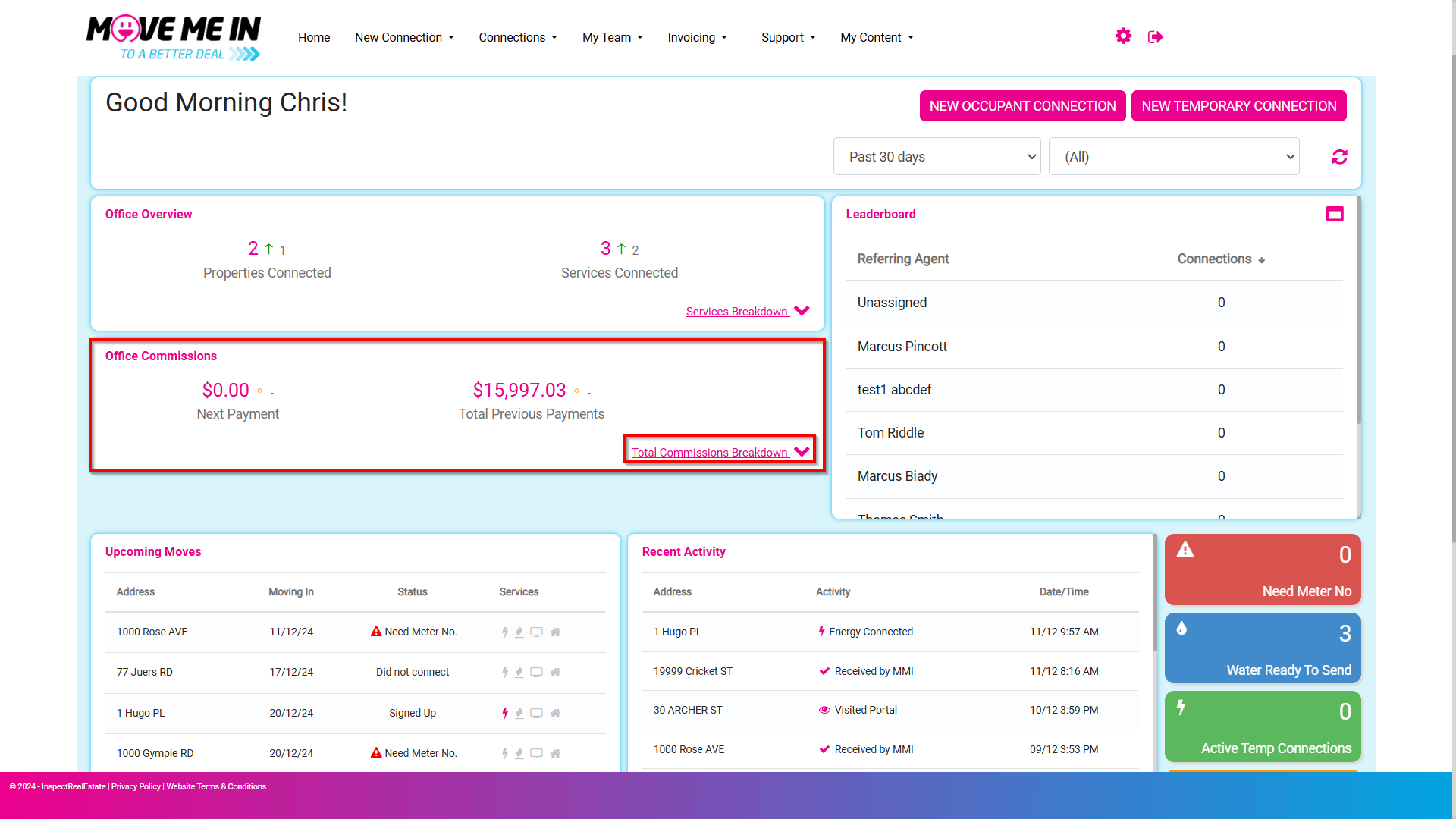
4. Office Commissions will display the next payment to be paid out along with total previous payments based on the time range selected. The Total Commissions Breakdown will provide you with a data chart displaying which services the commissions have come from based on the time range selected.
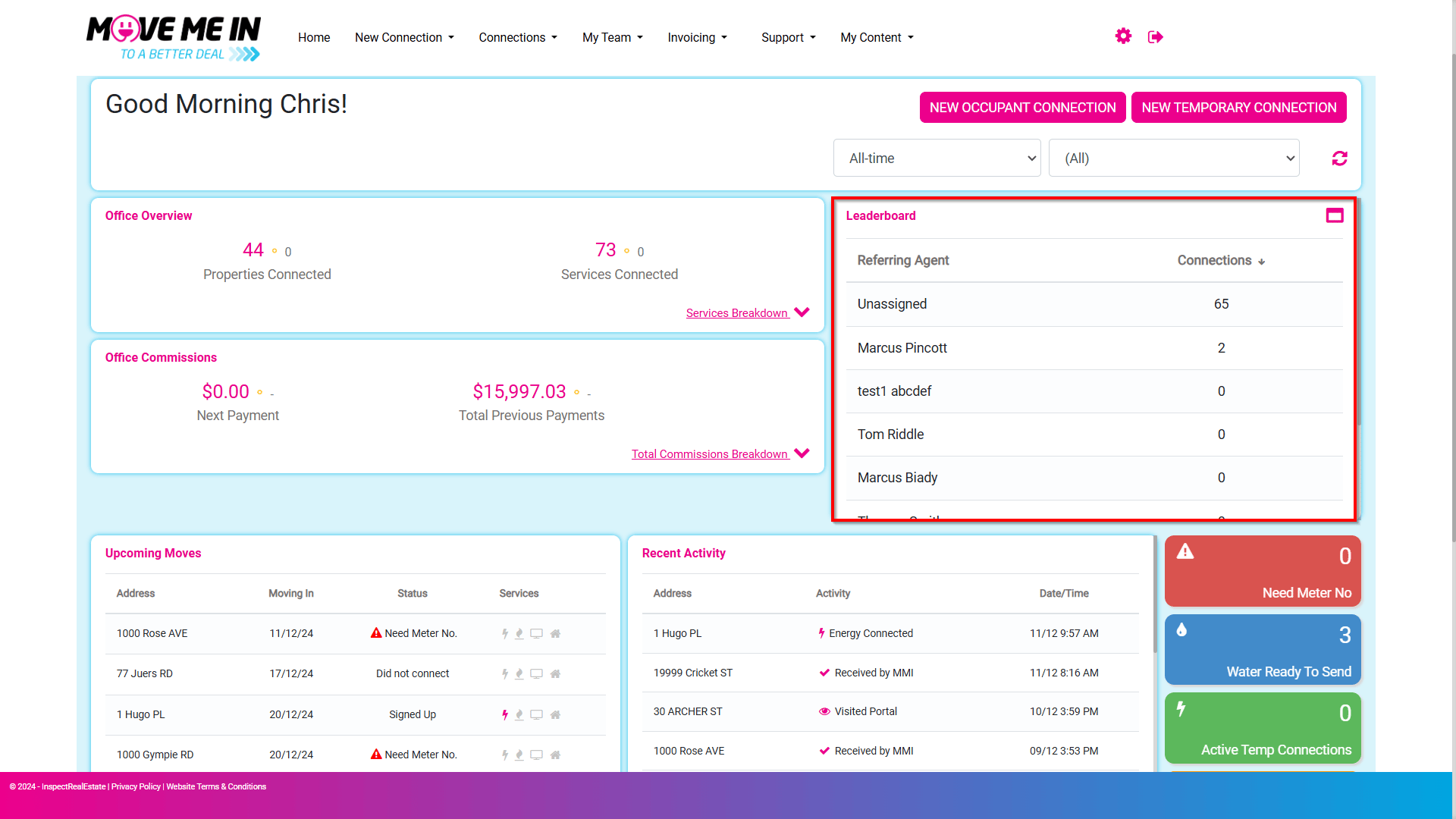
5. The Leaderboard will display the total amount of connections created by the referring agent based on the time range specified.
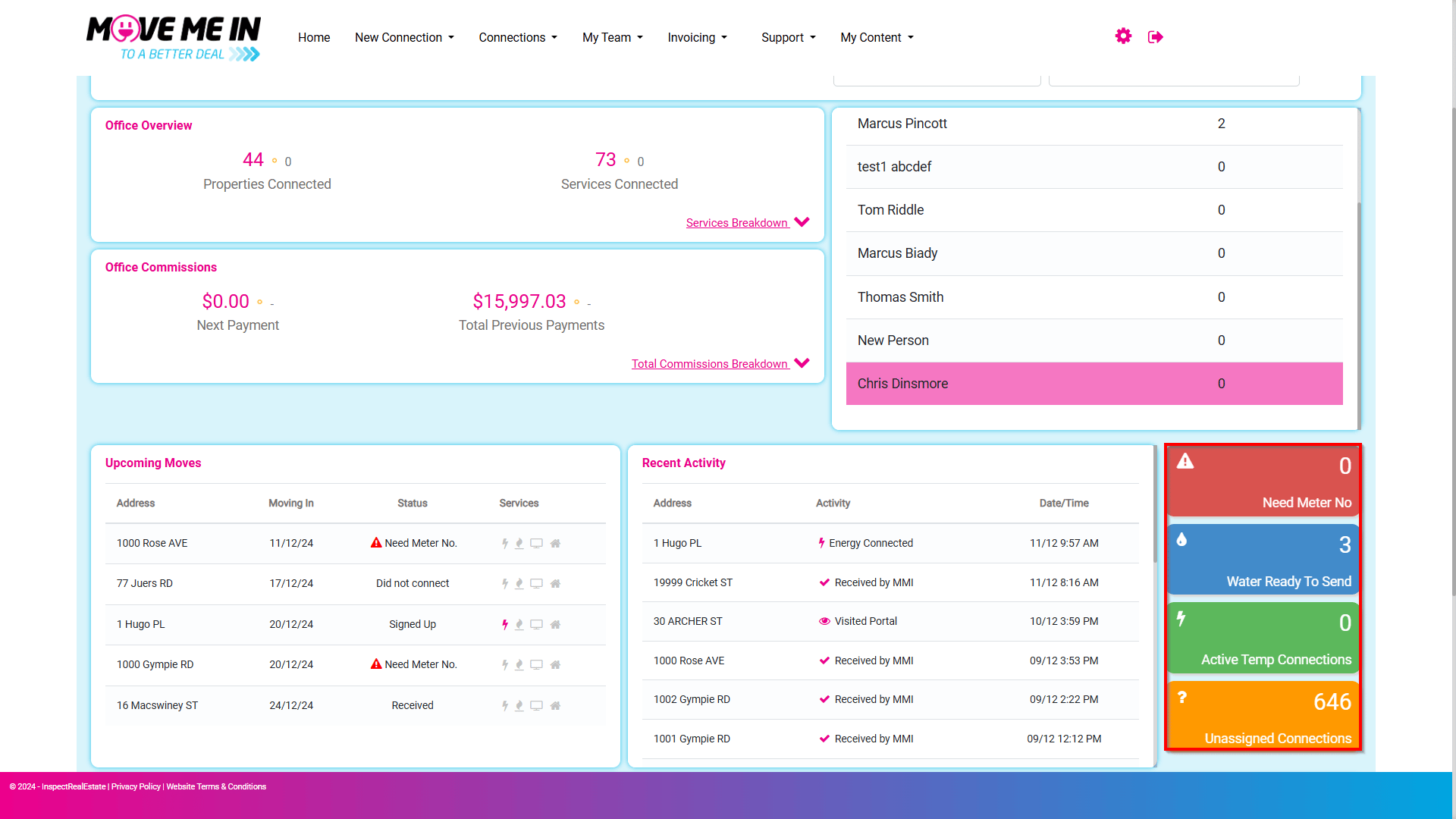
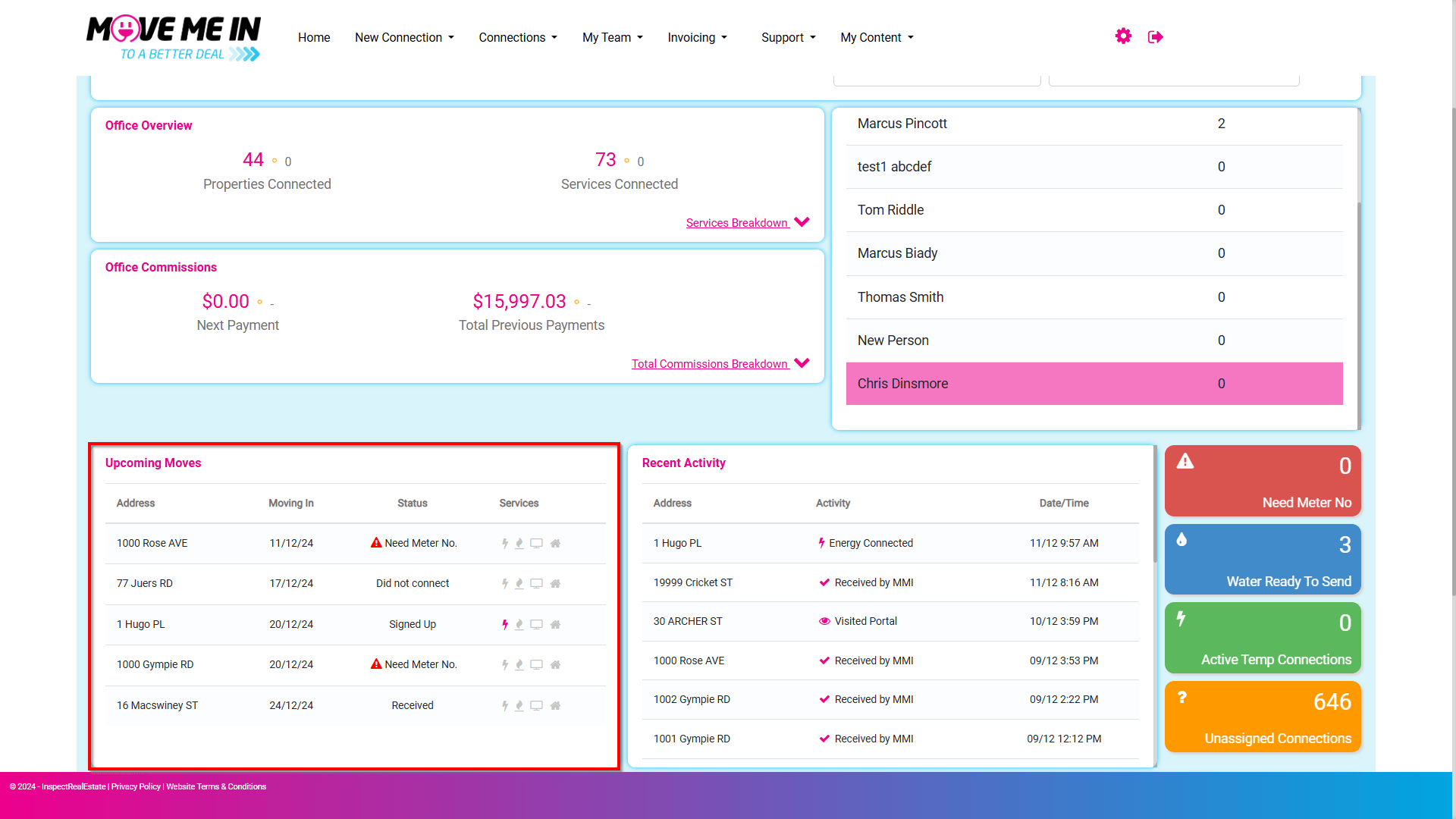
6. The Upcoming Moves field is for connections set up in the system with a Moving In date scheduled to occur soon.
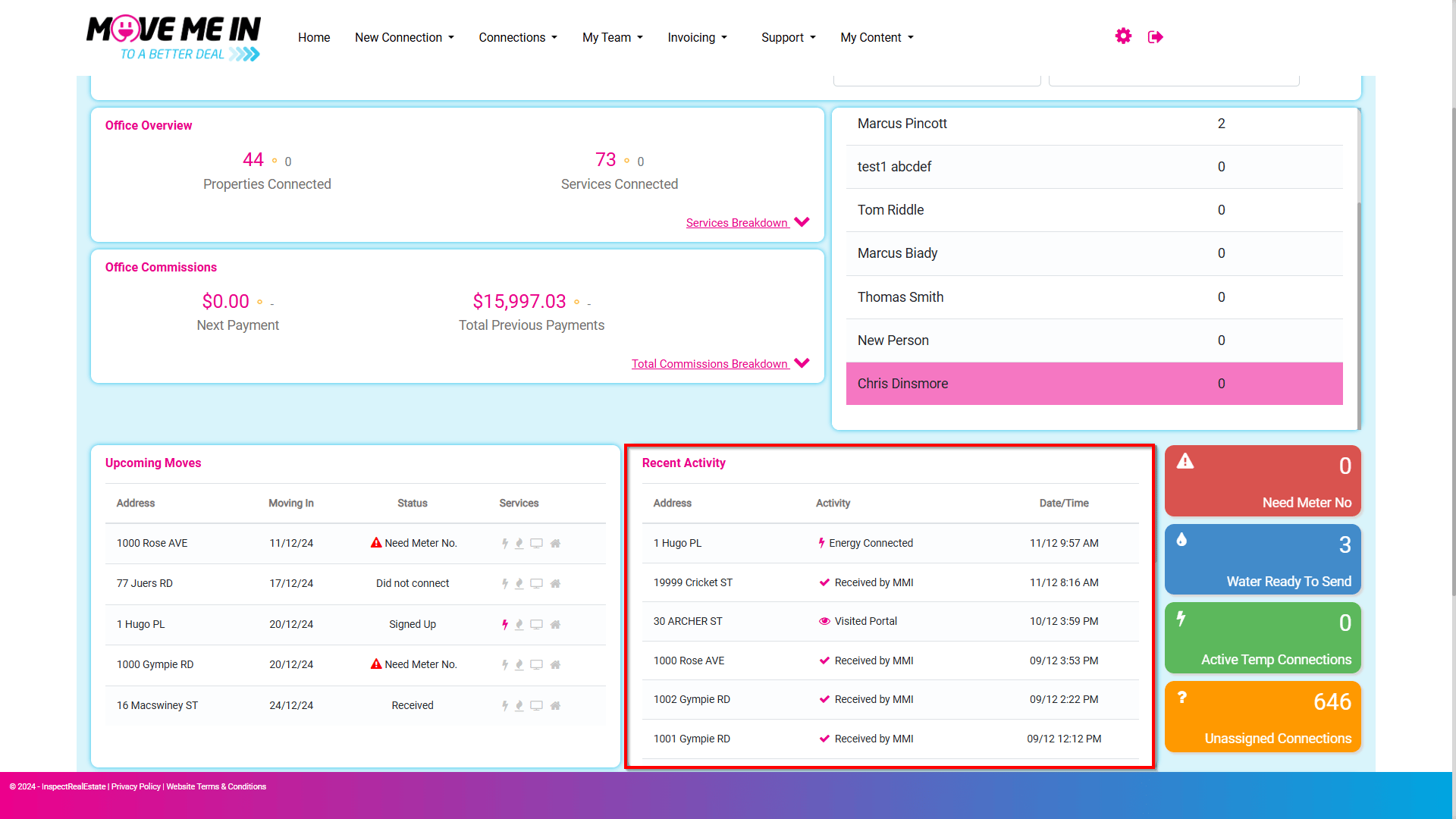
7. The Recent Activity field is for any properties which have had recent connection activity and the date/time stamp of when the activity occurred.
8. The Need Meter No, Water Ready To Send, Active Temp Connections, and Unassigned Connections are all quick glances of the status connections. Hovering over each of these fields will provide a description of the functionality and take you into the filter for that type of data.