'%3e%3cpath%20fill='%23ECF3FF'%20d='M0%208a8%208%200%200%201%208-8h24a8%208%200%200%201%208%208v24a8%208%200%200%201-8%208H8a8%208%200%200%201-8-8V8Z'/%3e%3cpath%20fill='%234E56EA'%20d='M20%207.769c7.183%200%2013%205.694%2013%2012.692%200%205.122-3.115%209.702-7.946%2011.706-.159.032-.254.064-.381.064a.821.821%200%200%201-.795-.541c-.19-.445.032-.923.477-1.113%204.195-1.718%206.897-5.694%206.897-10.116%200-5.885-4.743-10.697-10.703-10.992l-.581-.013c-6.23%200-11.283%204.962-11.283%2011.005%200%203.881%202.13%207.508%205.562%209.48l.223.096c.381.19.826.286%201.303.286%201.623%200%202.933-1.227%203.317-2.952a5.515%205.515%200%200%201-1.251-.324%206.644%206.644%200%200%201-4.164-4.326c-.254-.89.414-1.813%201.4-1.813h10.107c.985%200%201.652.922%201.398%201.813-.75%202.495-2.978%204.392-5.716%204.674-.442%202.672-2.5%204.613-5.06%204.613-.73%200-1.43-.159-2.034-.445l-.318-.127C9.48%2029.177%207%2024.946%207%2020.461%207%2013.463%2012.816%207.77%2020%207.77Zm-2.701%206.774c.35%200%20.635.286.636.635v4.2h-2.512v-4.2c0-.35.286-.635.636-.636h1.24Zm6.96%200c.35%200%20.636.286.636.635v4.2h-2.51v-4.2c0-.35.286-.636.635-.636h1.24Z'/%3e%3c/g%3e%3cdefs%3e%3cclipPath%20id='a'%3e%3cpath%20fill='%23fff'%20d='M0%200h40v40H0z'/%3e%3c/clipPath%3e%3c/defs%3e%3c/svg%3e)
How to set up Console and MMI Integration
This article will run through the integration between Reapit PM and Move Me In.
How to set up PM and MMI Integration
Activation
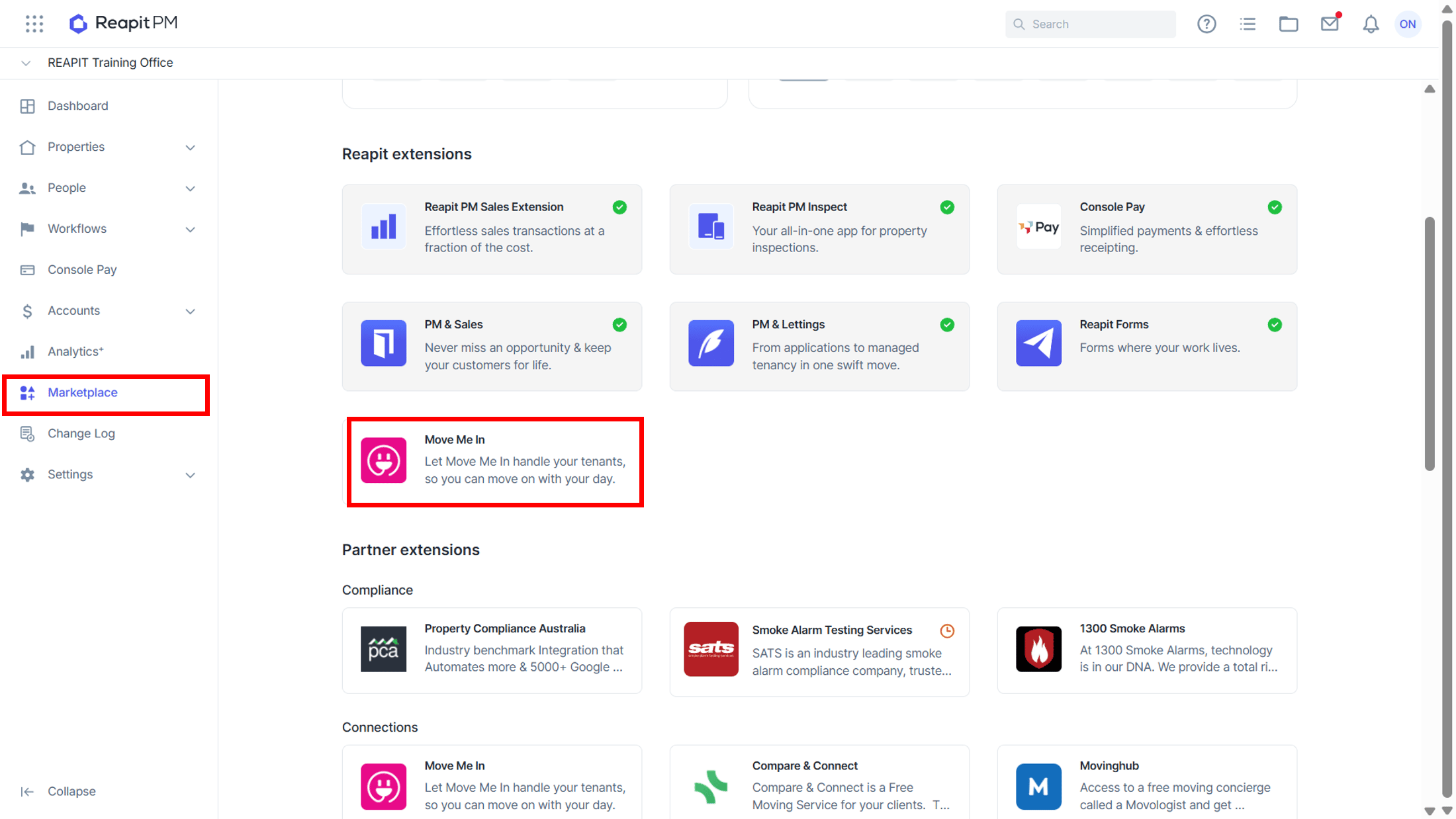
1. On the left hand side, navigate to Marketplace.
2. Navigate to the Partner Extensions section and click on the Move Me In tile.
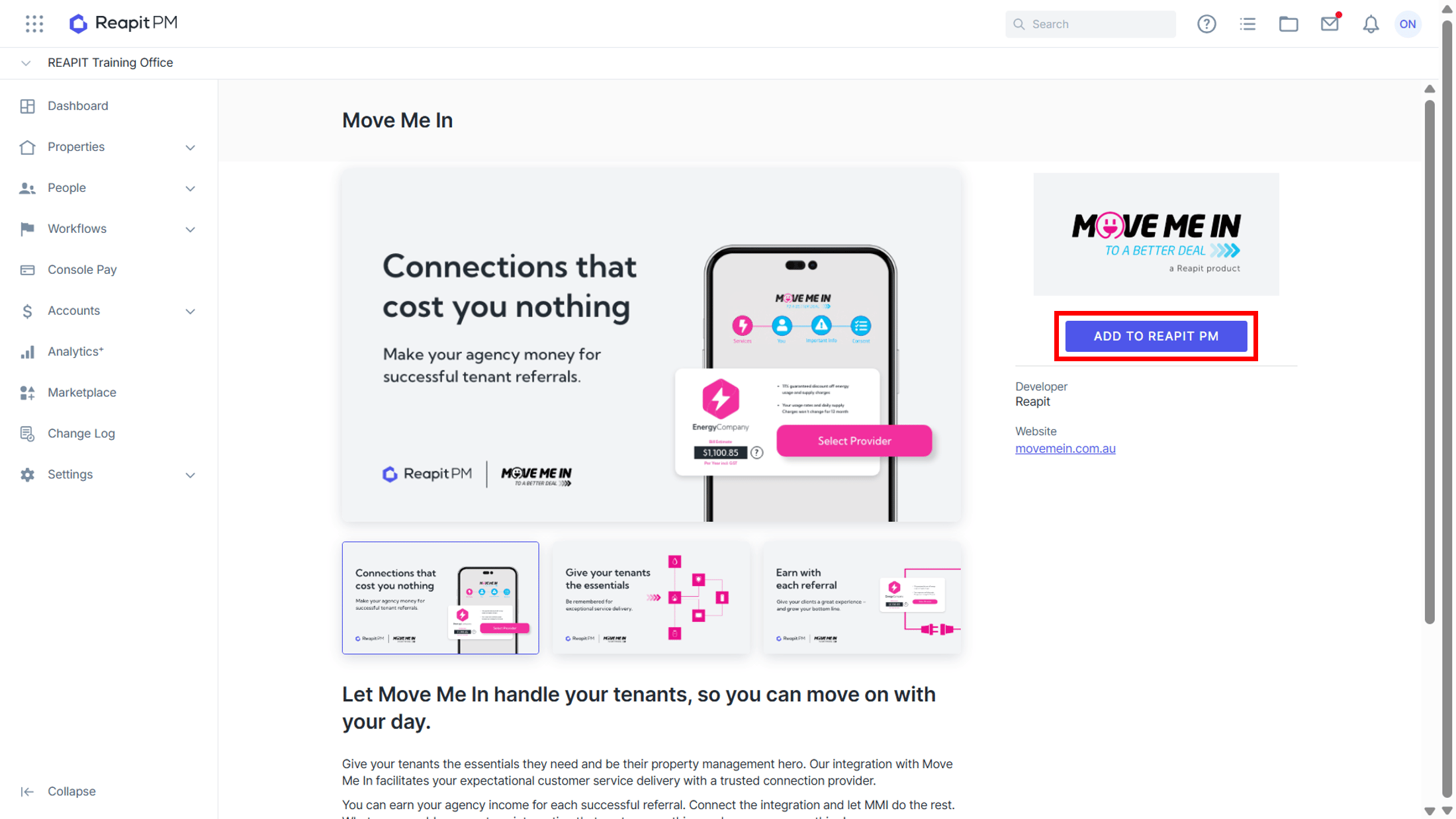
3. Click Add to Console Cloud.
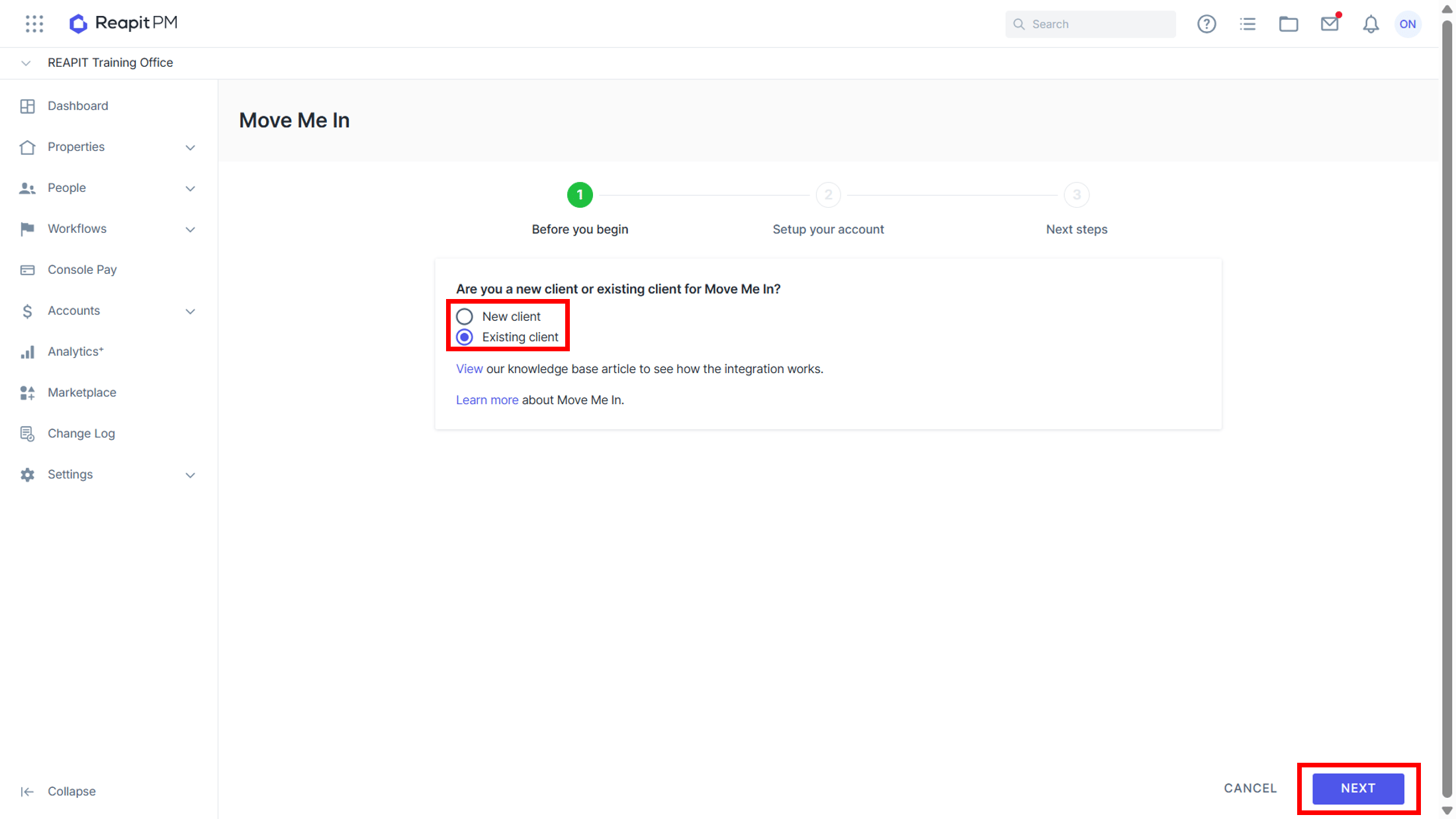
4. Select if you are a New or Existing Client.
5. Click Next.
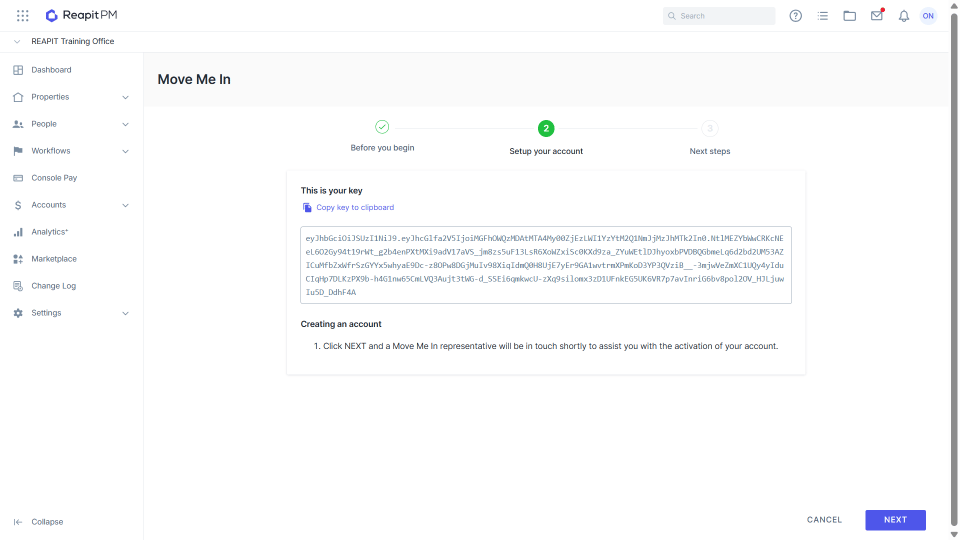
6. If you are a New Client, the API key is displayed (and can be copied once you have a MMI account). Clicking Next will trigger an email to: support@movemein.com.au
- If you are an Existing Client, the API key is displayed and can be copied from Console and put into Move Me In.
How the New Leads are Sent
Once the integration is active, users will see an option on new tenant agreements to “Allow leads to be submitted for this tenant to Move Me In”.
By default, neither “Allowed” nor “Not Allowed” will be selected, and you will not be able to save until you have indicated your preference.
Viewing Leads that have been Sent Leads that have been sent can be viewed by logging into the agencies' Move Me In account.
The Property Manager may also be receiving commissions and can see this on their business portal.