'%3e%3cpath%20fill='%23ECF3FF'%20d='M0%208a8%208%200%200%201%208-8h24a8%208%200%200%201%208%208v24a8%208%200%200%201-8%208H8a8%208%200%200%201-8-8V8Z'/%3e%3cpath%20fill='%234E56EA'%20d='M20%207.769c7.183%200%2013%205.694%2013%2012.692%200%205.122-3.115%209.702-7.946%2011.706-.159.032-.254.064-.381.064a.821.821%200%200%201-.795-.541c-.19-.445.032-.923.477-1.113%204.195-1.718%206.897-5.694%206.897-10.116%200-5.885-4.743-10.697-10.703-10.992l-.581-.013c-6.23%200-11.283%204.962-11.283%2011.005%200%203.881%202.13%207.508%205.562%209.48l.223.096c.381.19.826.286%201.303.286%201.623%200%202.933-1.227%203.317-2.952a5.515%205.515%200%200%201-1.251-.324%206.644%206.644%200%200%201-4.164-4.326c-.254-.89.414-1.813%201.4-1.813h10.107c.985%200%201.652.922%201.398%201.813-.75%202.495-2.978%204.392-5.716%204.674-.442%202.672-2.5%204.613-5.06%204.613-.73%200-1.43-.159-2.034-.445l-.318-.127C9.48%2029.177%207%2024.946%207%2020.461%207%2013.463%2012.816%207.77%2020%207.77Zm-2.701%206.774c.35%200%20.635.286.636.635v4.2h-2.512v-4.2c0-.35.286-.635.636-.636h1.24Zm6.96%200c.35%200%20.636.286.636.635v4.2h-2.51v-4.2c0-.35.286-.636.635-.636h1.24Z'/%3e%3c/g%3e%3cdefs%3e%3cclipPath%20id='a'%3e%3cpath%20fill='%23fff'%20d='M0%200h40v40H0z'/%3e%3c/clipPath%3e%3c/defs%3e%3c/svg%3e)
How to Send a Rental Lead
This article will guide you through how to send a rental lead out of the Move Me In system.
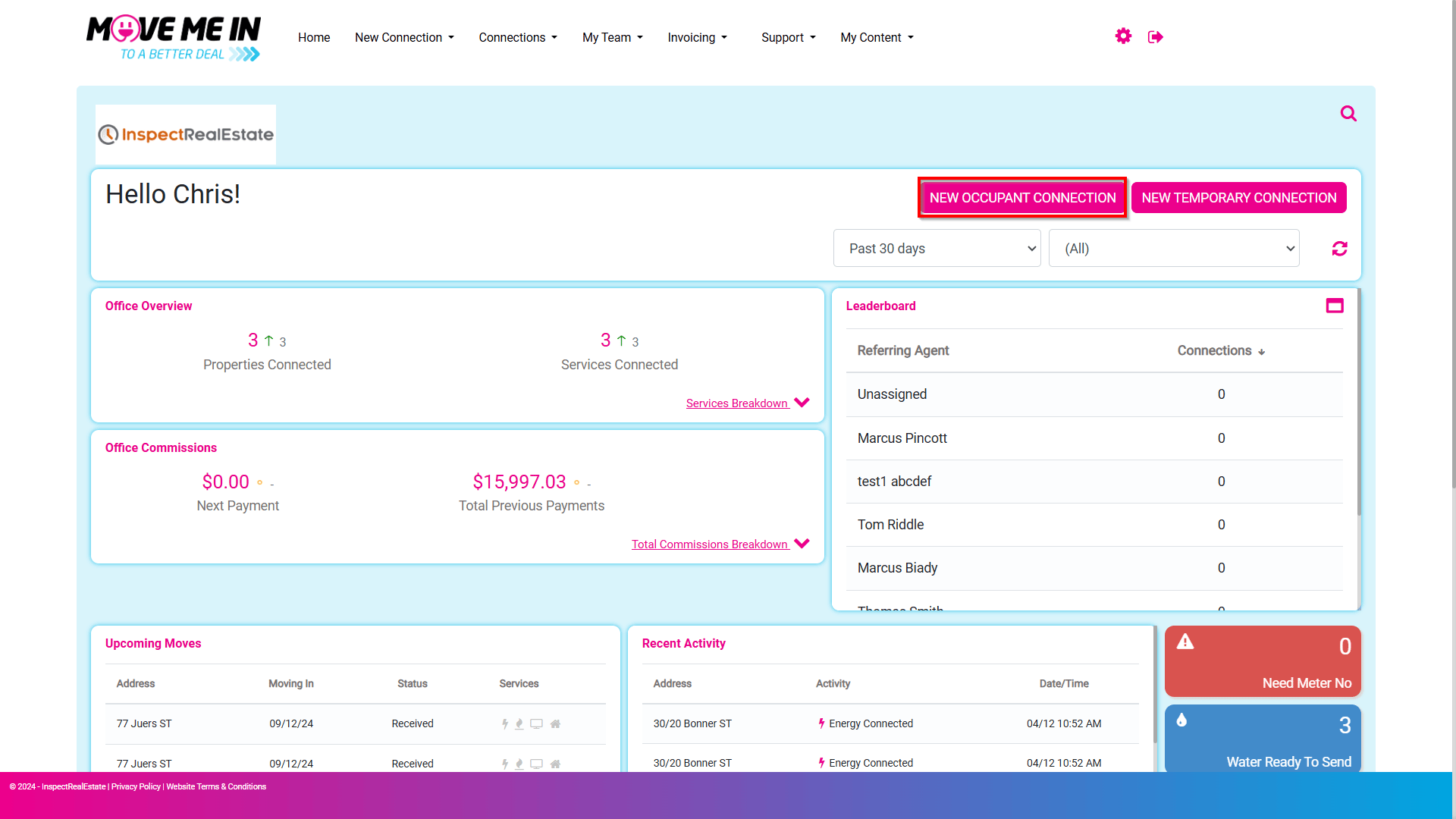
1. Navigate to New Occupant Connection.
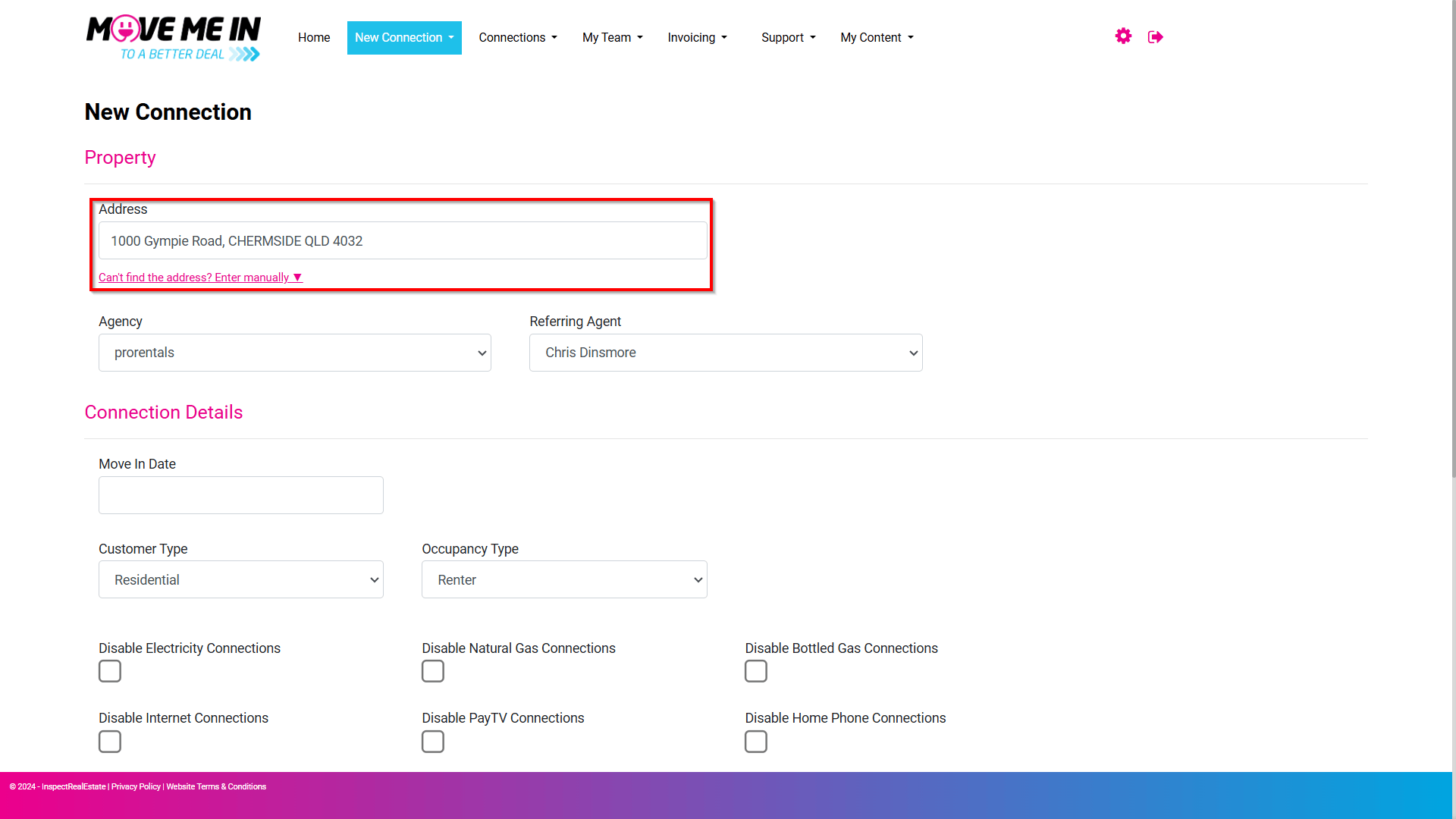
2. Enter the Property Address. If the address does not populate, you can enter the address manually.
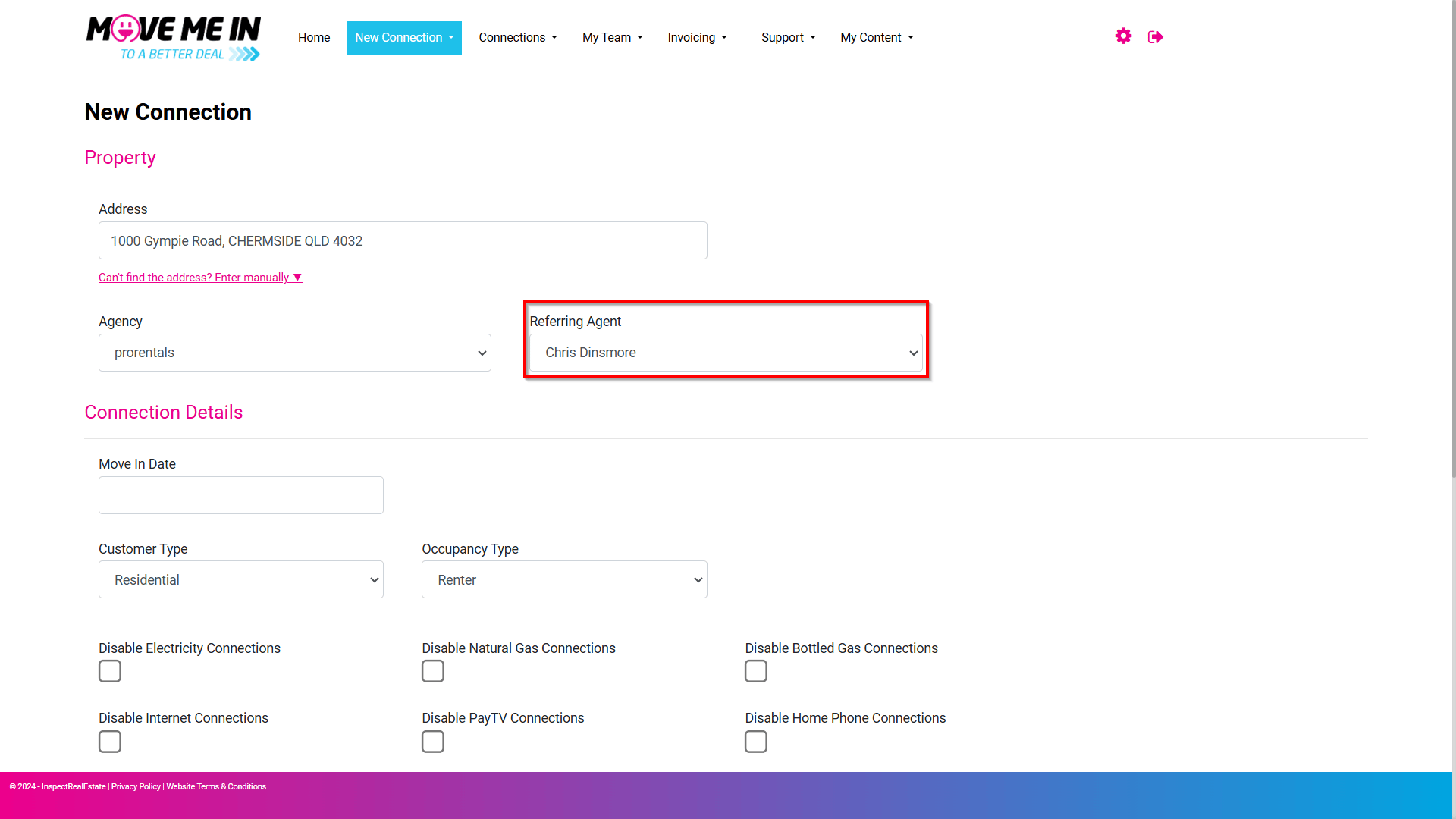
3. Enter the referring agent if applicable.
4. Select the Move in Date. This will be the date we want the connections to be enabled for the property.
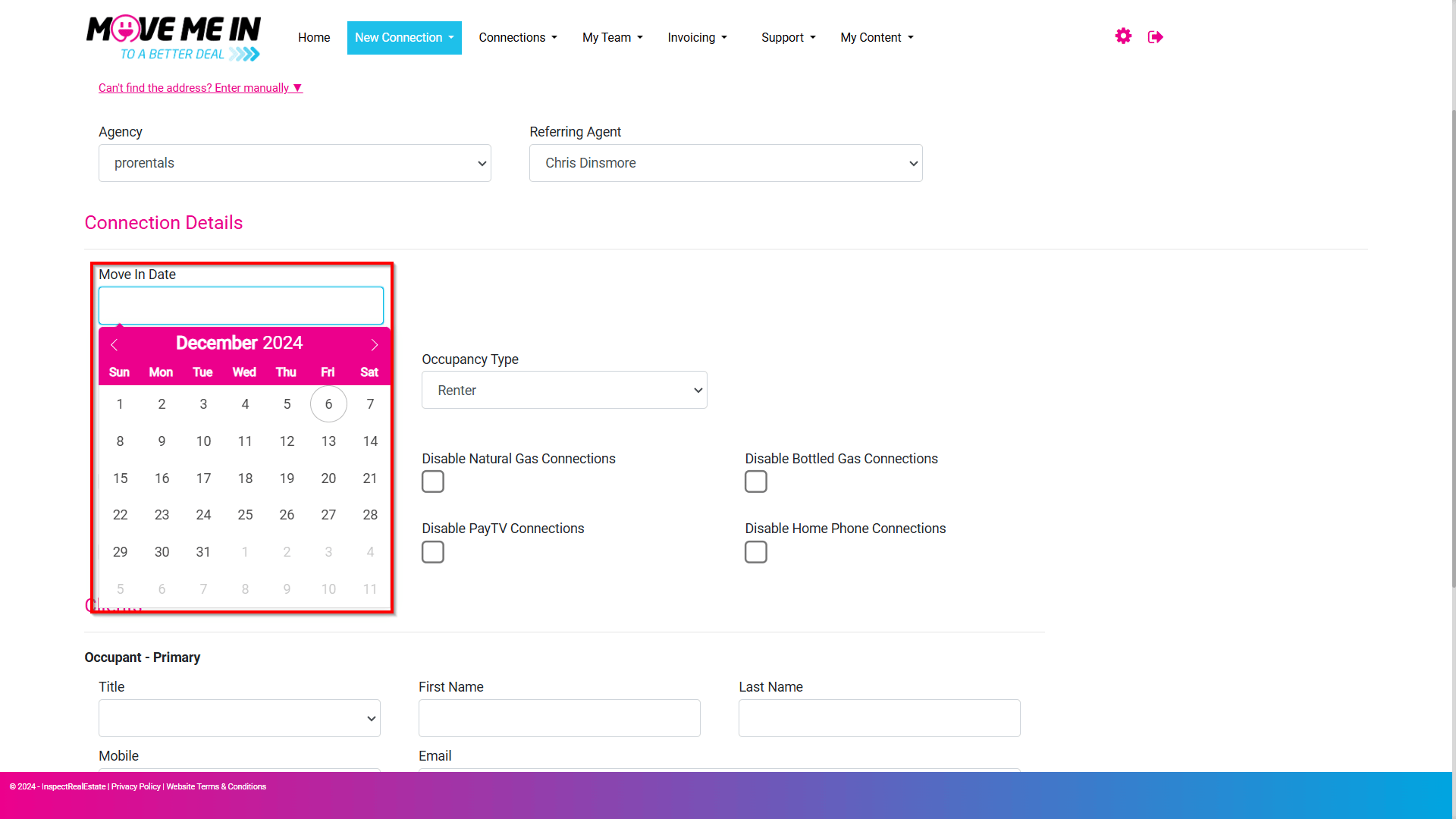
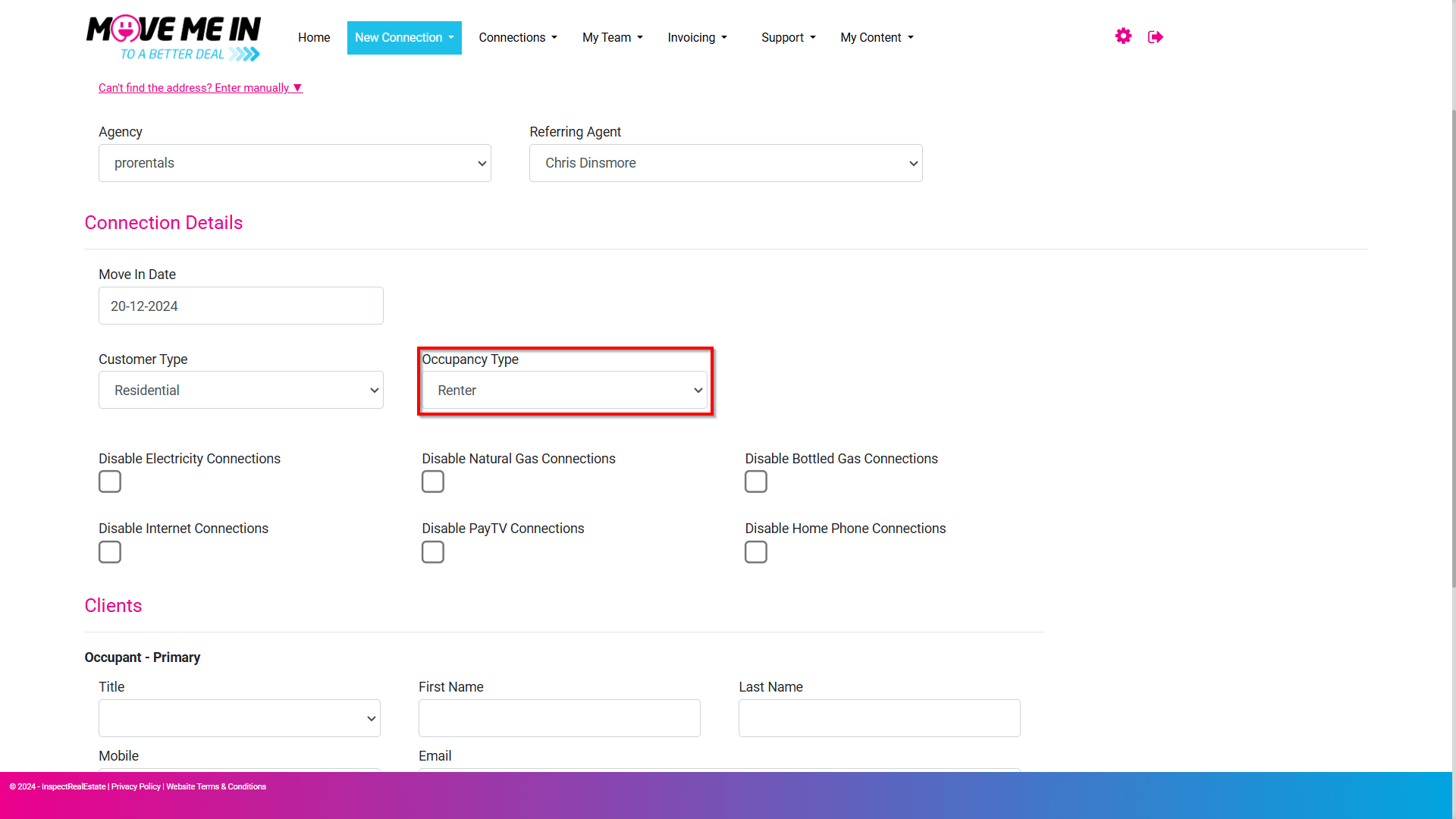
5. Ensure the Occupancy Type is set to Renter for Rental Leads.
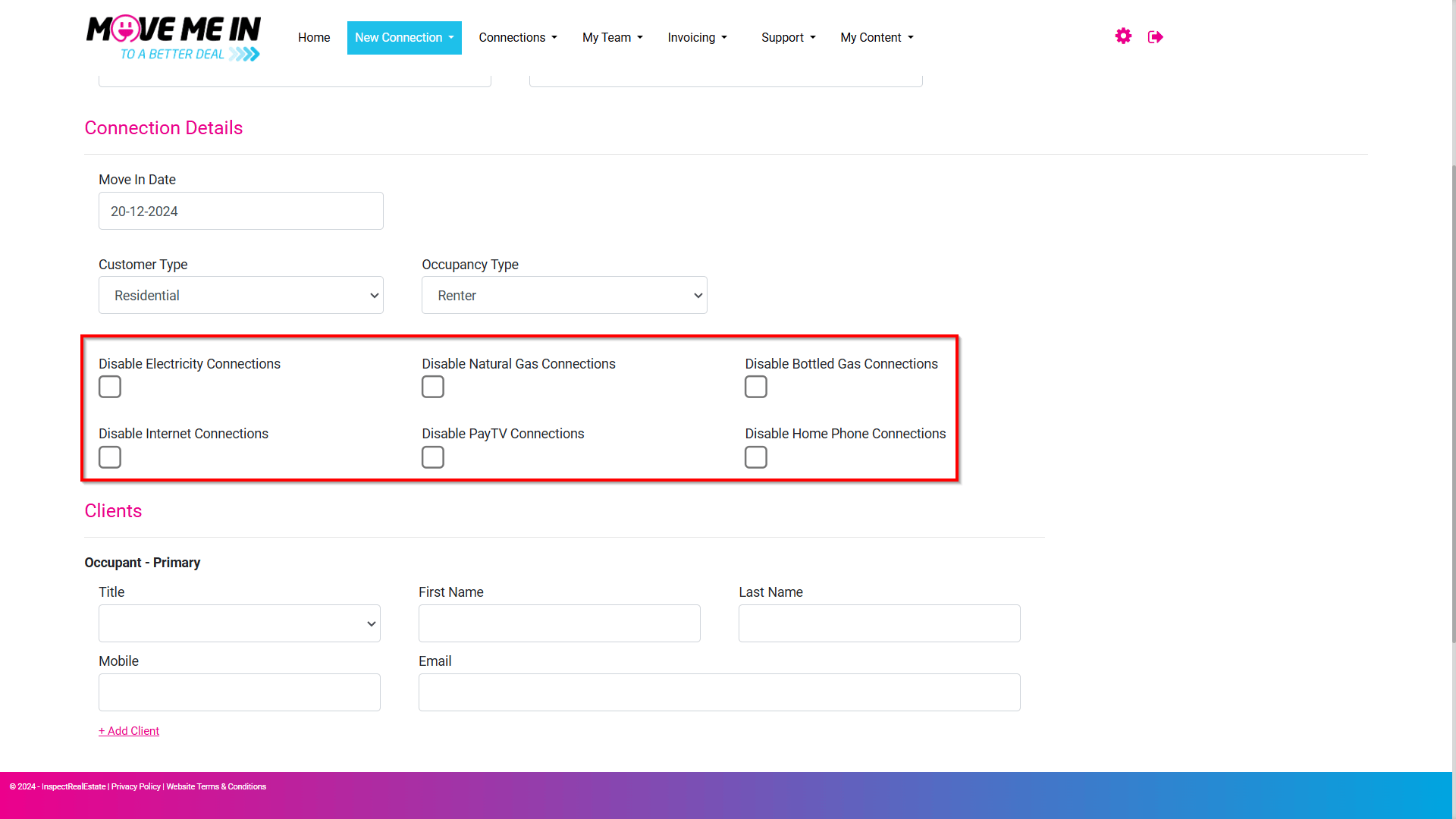
6. By default, the system will send a connection request for all connection types. However, if you are aware that any connections are not required, you will be able to tick the box against the connection type to disable the connection request from going out.
7. Enter the primary occupant's details. If you have more than one occupant, click the +Add Client toggle to display additional occupant detail fields.
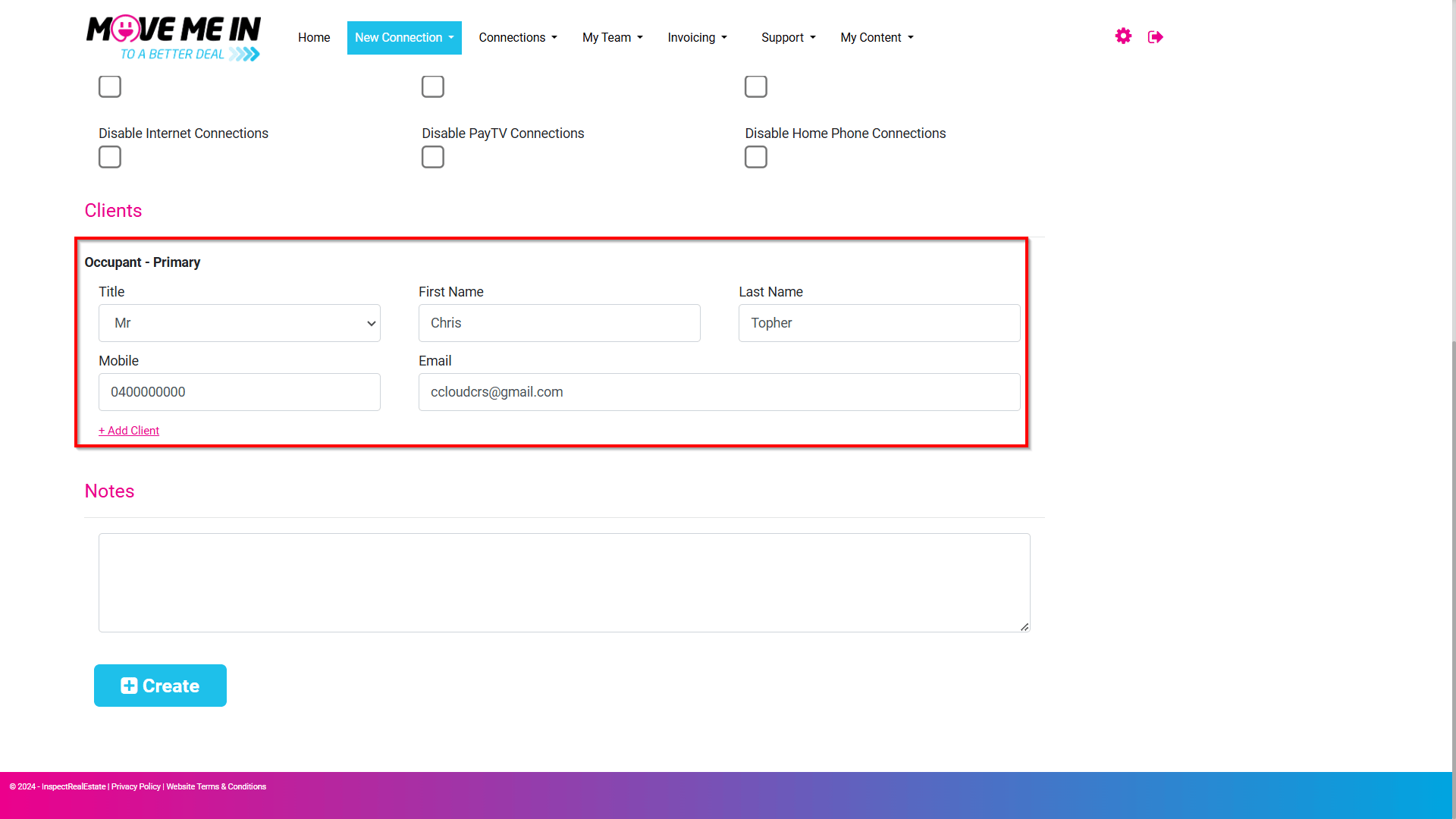
8. Enter any notes for the connection request if required.
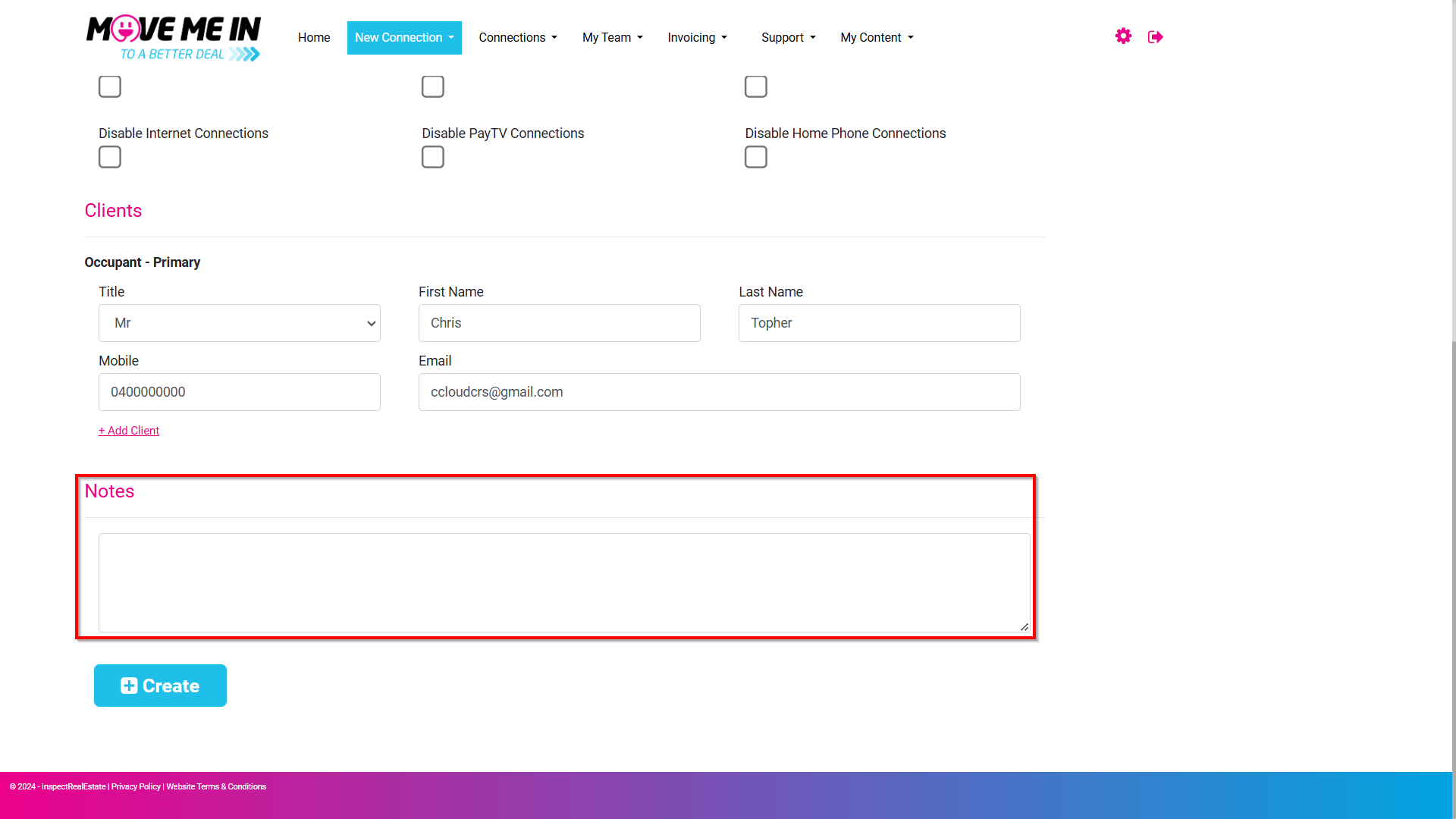
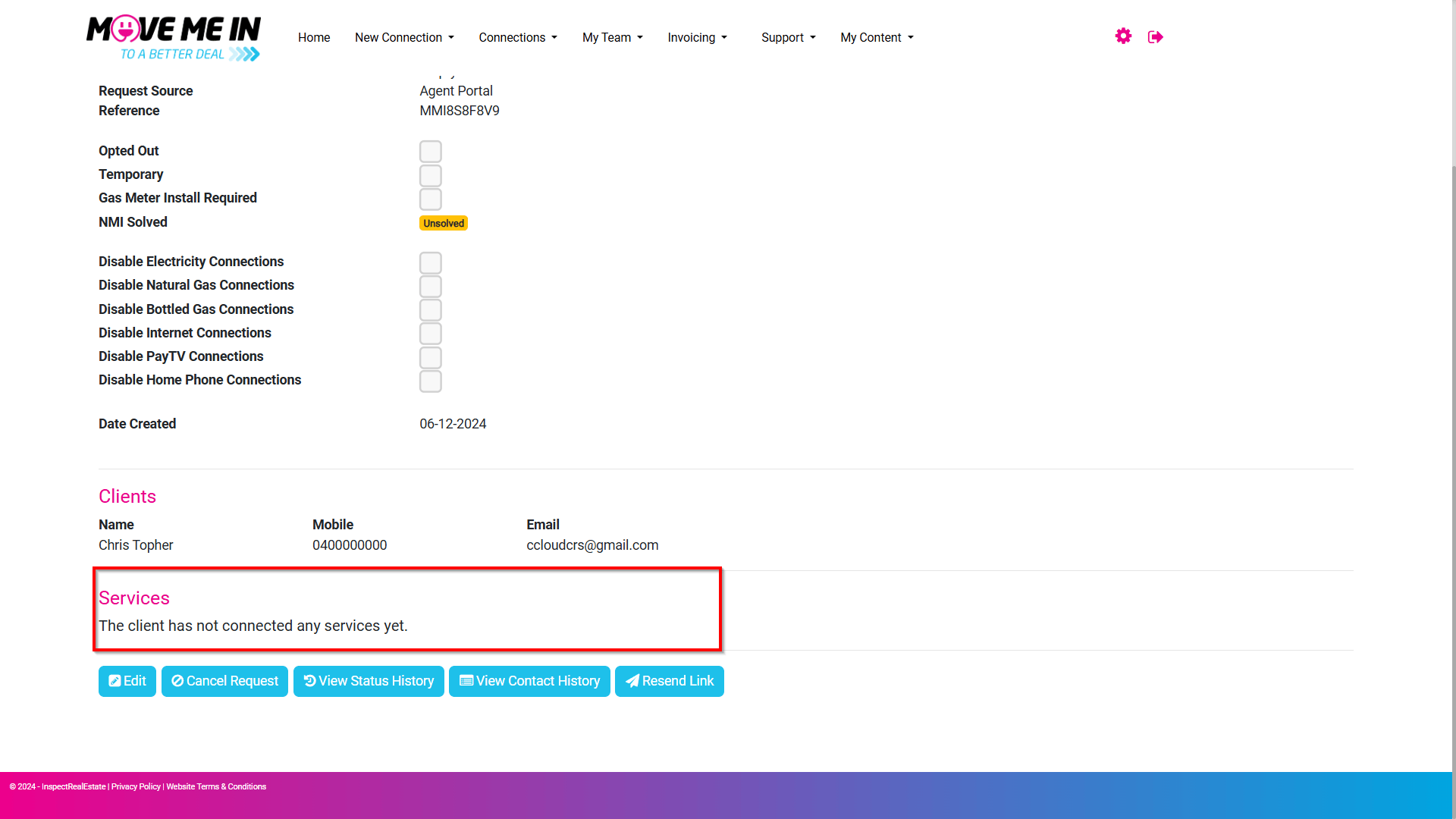
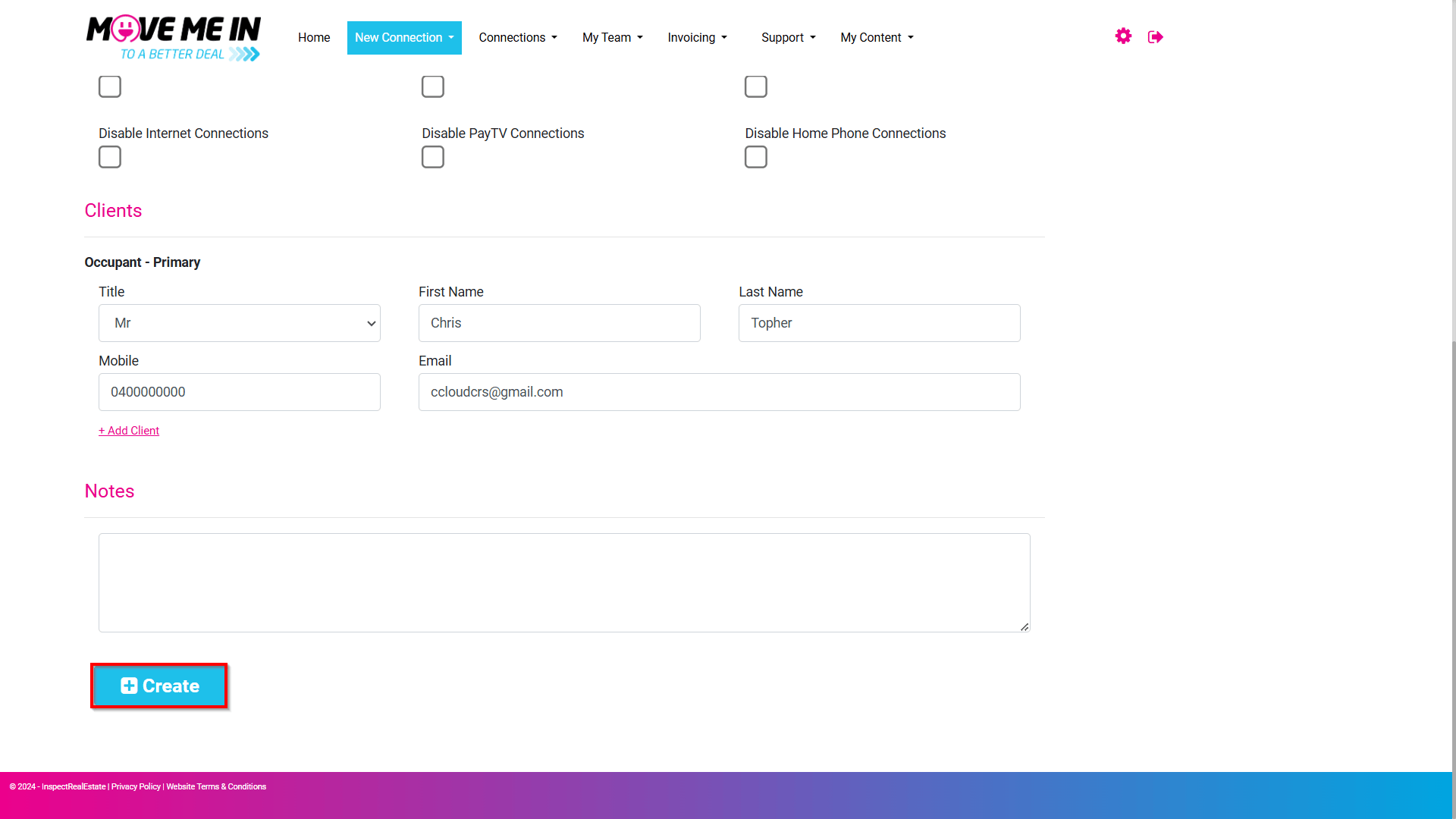
9. To complete the new connection process, click Create.
10. The created lead information will appear, display providing a summary of the provided details for the connection request.
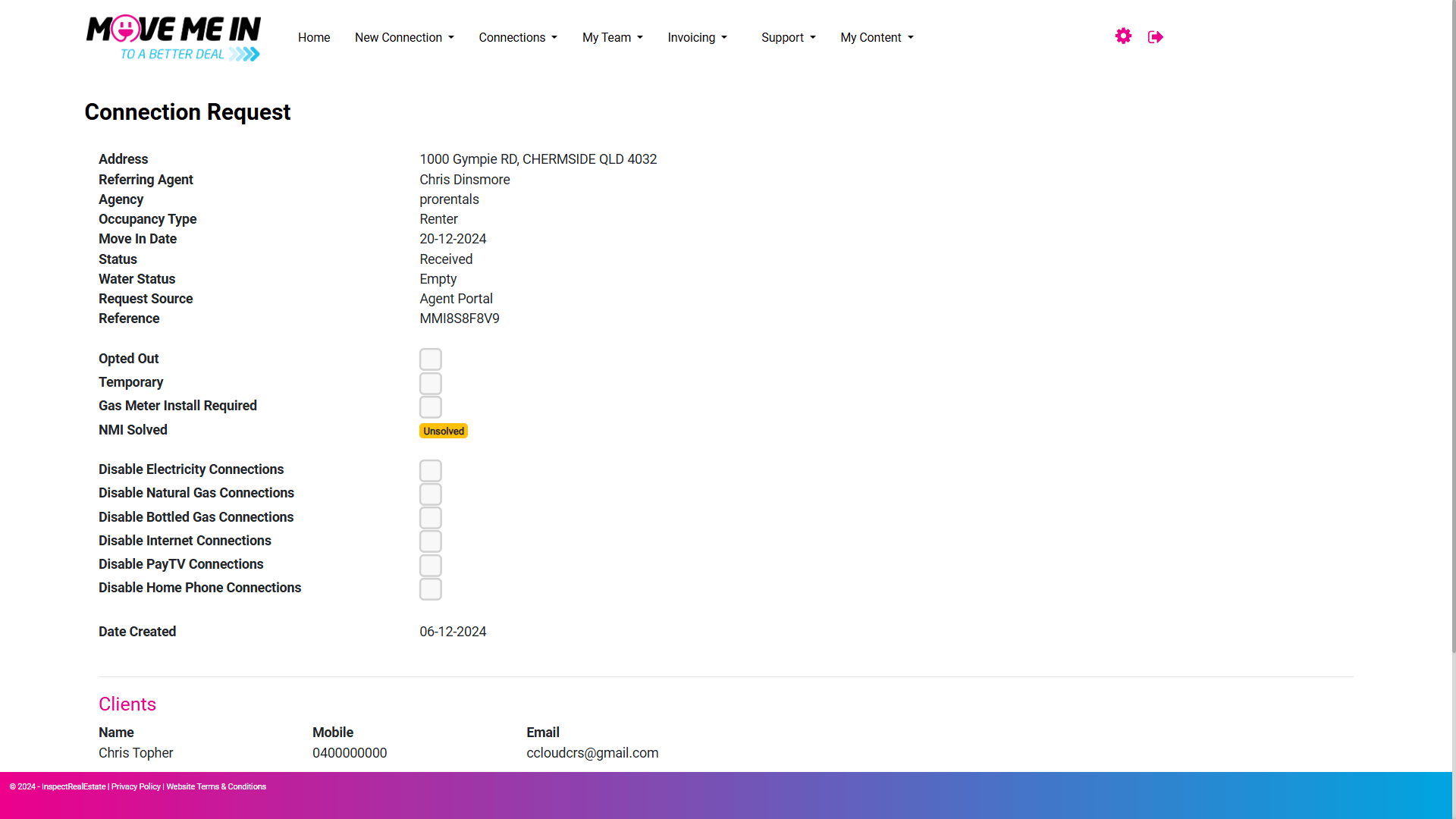
11. On the bottom half of the page, the lead details will display when any services have been connected.