Enable / Disable Autoresponder
This article will guide you on enabling and disabling the Autoresponder feature in Content+
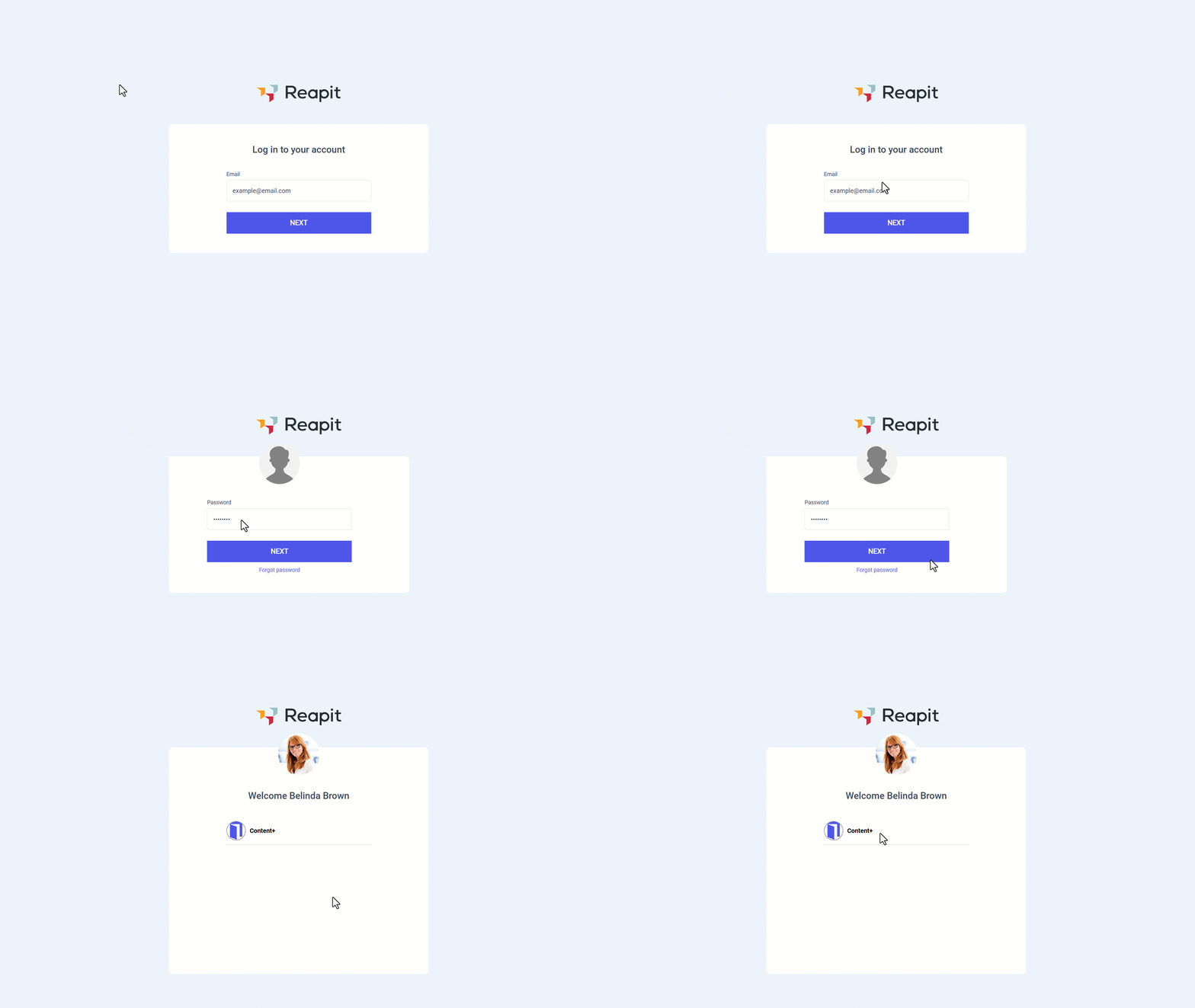
- Enter your email address. Click Next.
- Enter your password.Click Next.
- Click Content +.
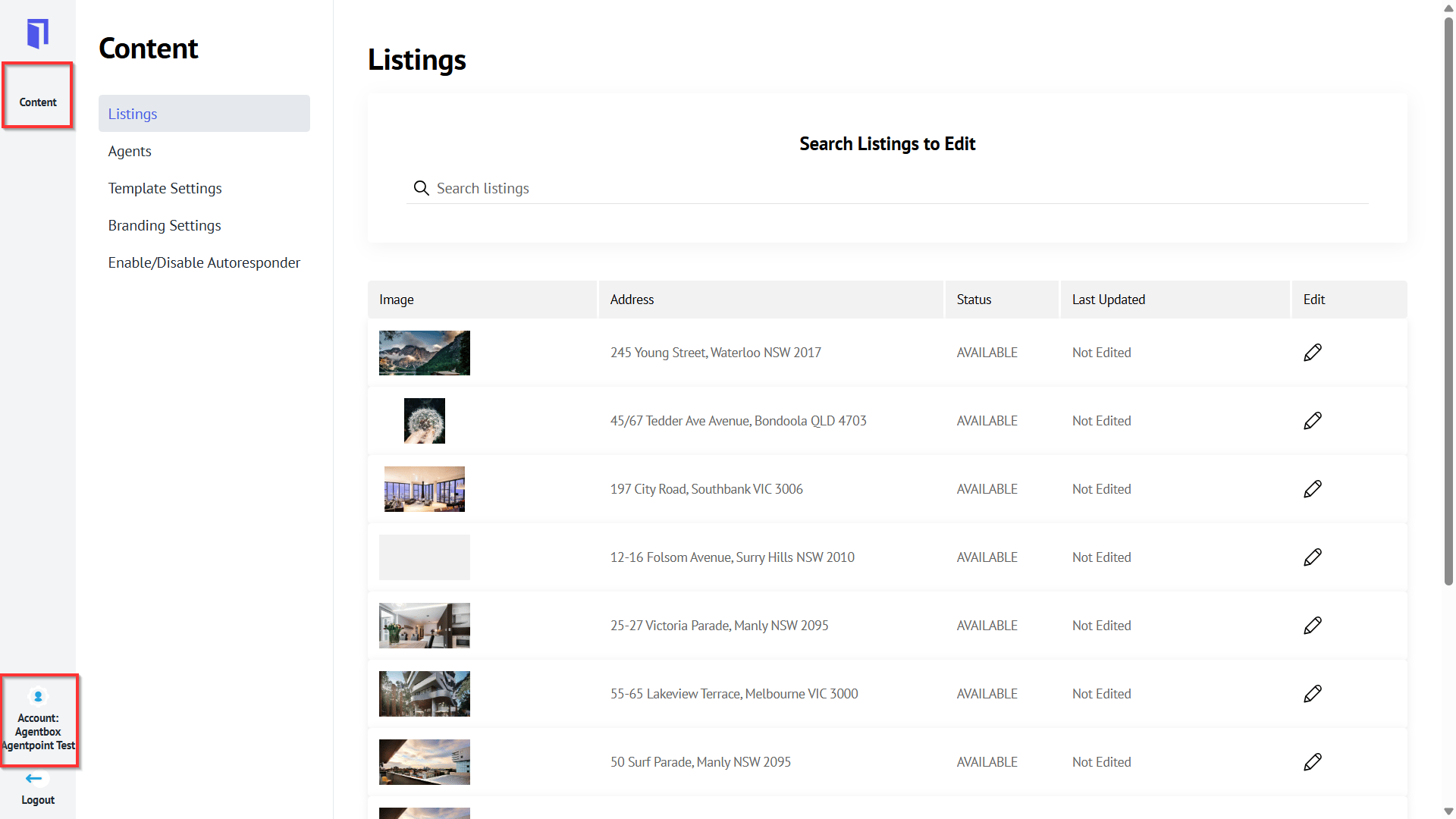
- Navigate to your office by clicking the Account tab.
- Click Content.
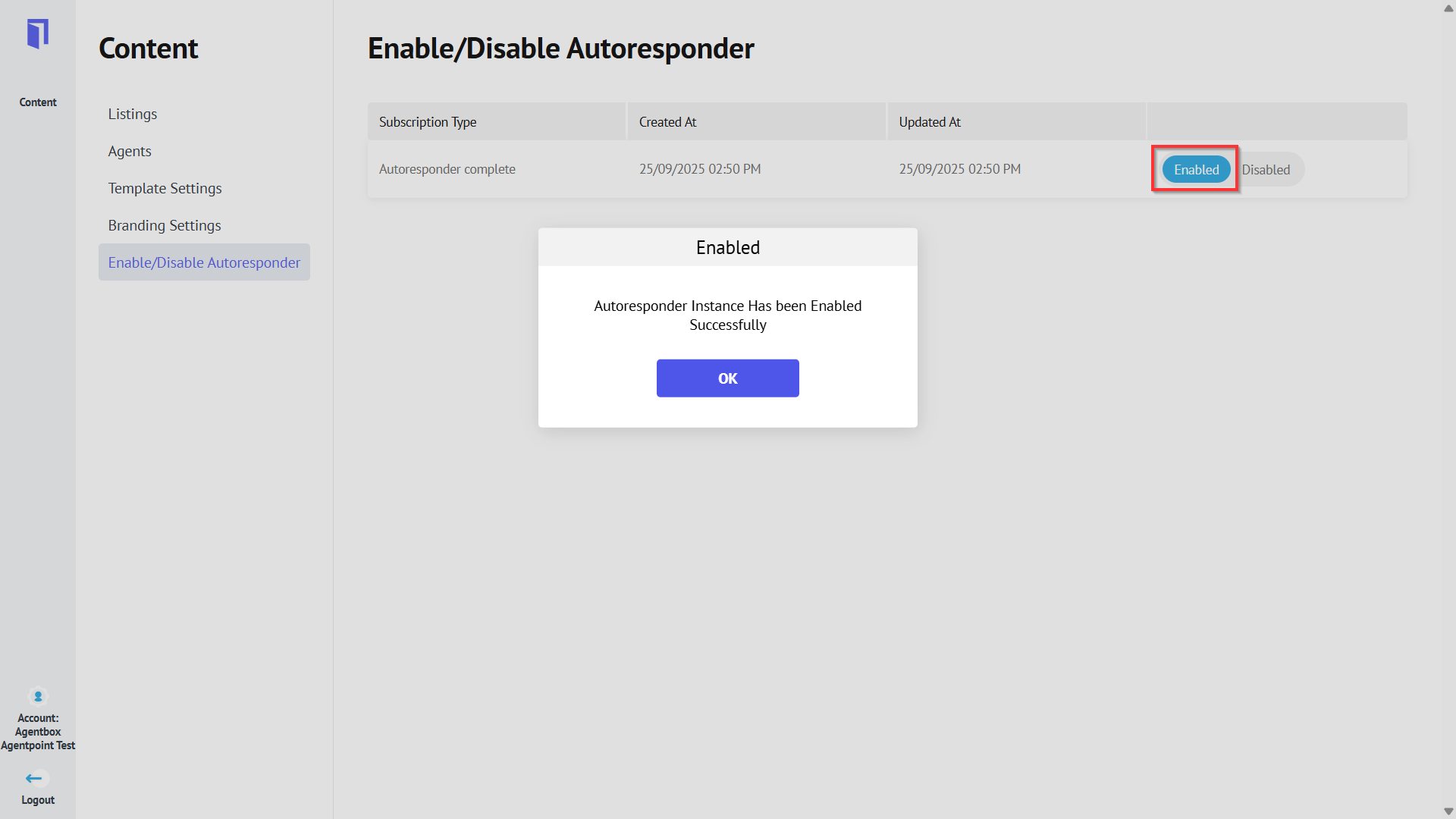
- Navigate to Content, select Enable/Disable Autoresponder and click Enable. Once enabled, a confirmation pop-up will appear; click OK.
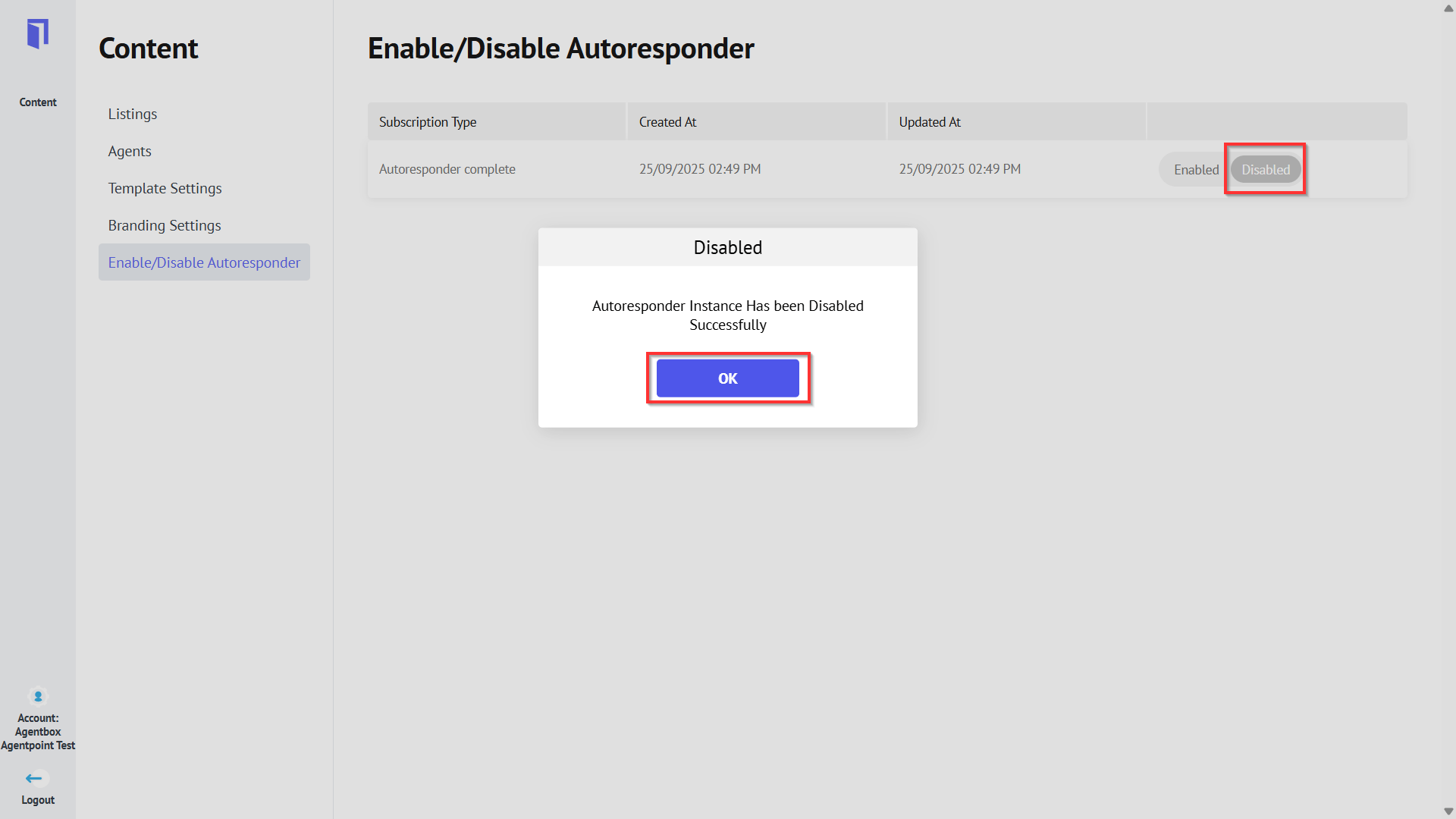
- Alternatively, click Disable to disable the product. Once completed, a confirmation pop-up will appear; click OK.