Agent
This article will show you about this feature's flexibility, and how it allows individual agents within your agency to choose whether to enable the autoresponder for their listings
Autoresponder Agents
Note: Agents on this list will be pulled from your CRM.
This feature offers flexibility, allowing individual agents within your agency to choose whether to enable the autoresponder for their listings.
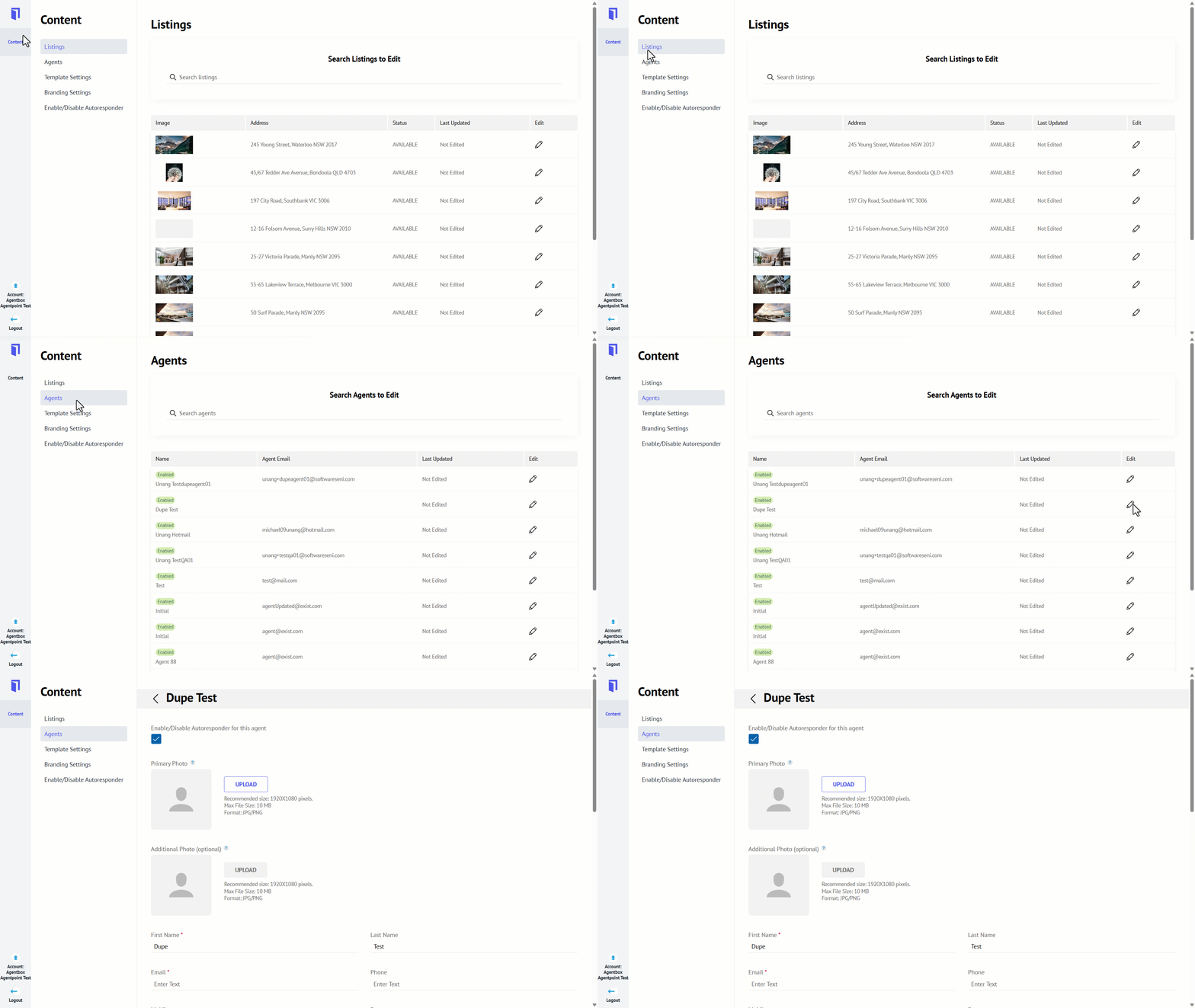
- Navigate to Content.
- Click Agents.
- Click on the pencil icon against the relevant agent profile you wish to access.
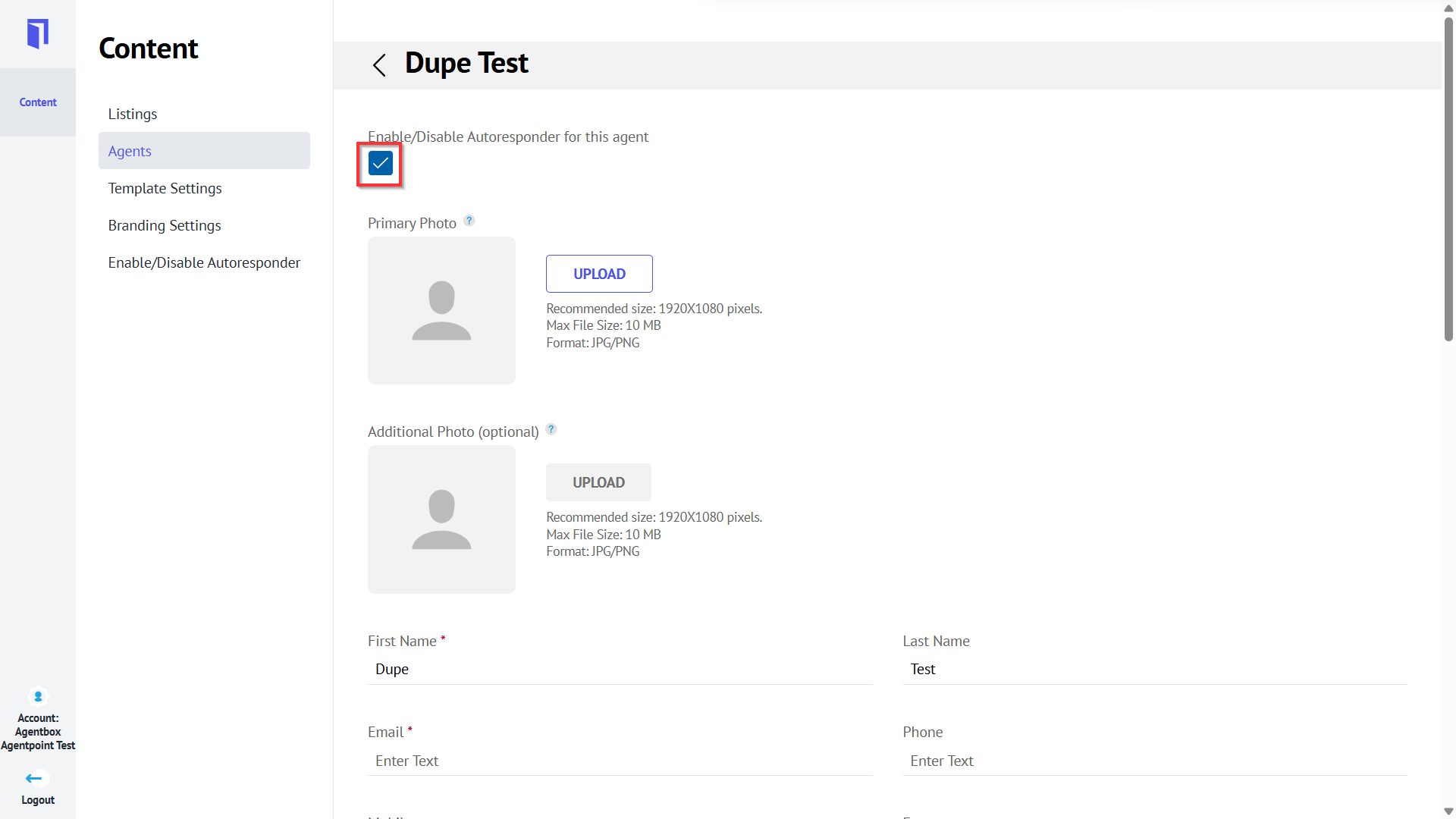
- To enable the autoresponder per agent, click the box, and you will be presented with the tick, click Save.
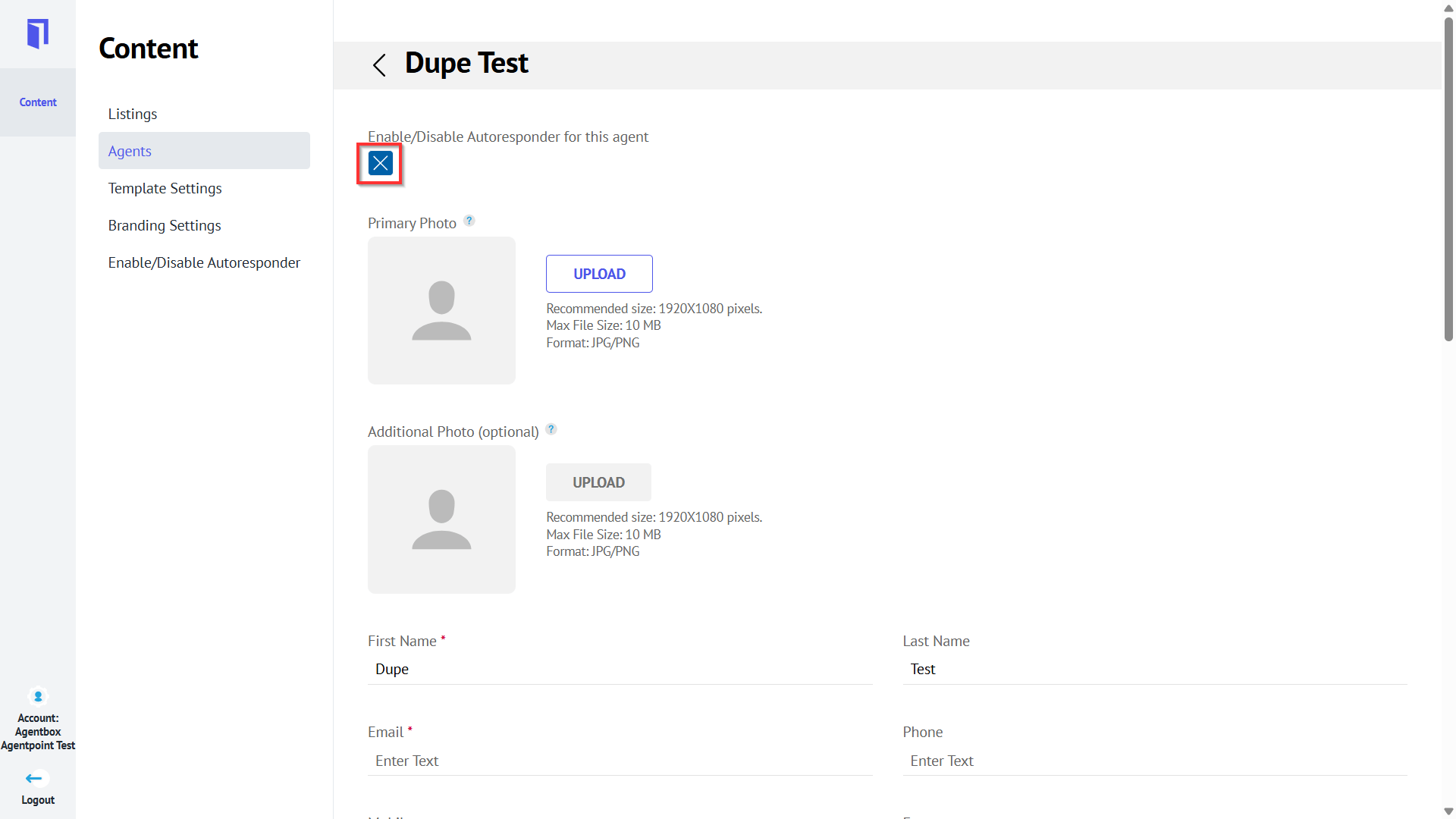
- To disable the autoresponder per agent, double-click to get the X icon.
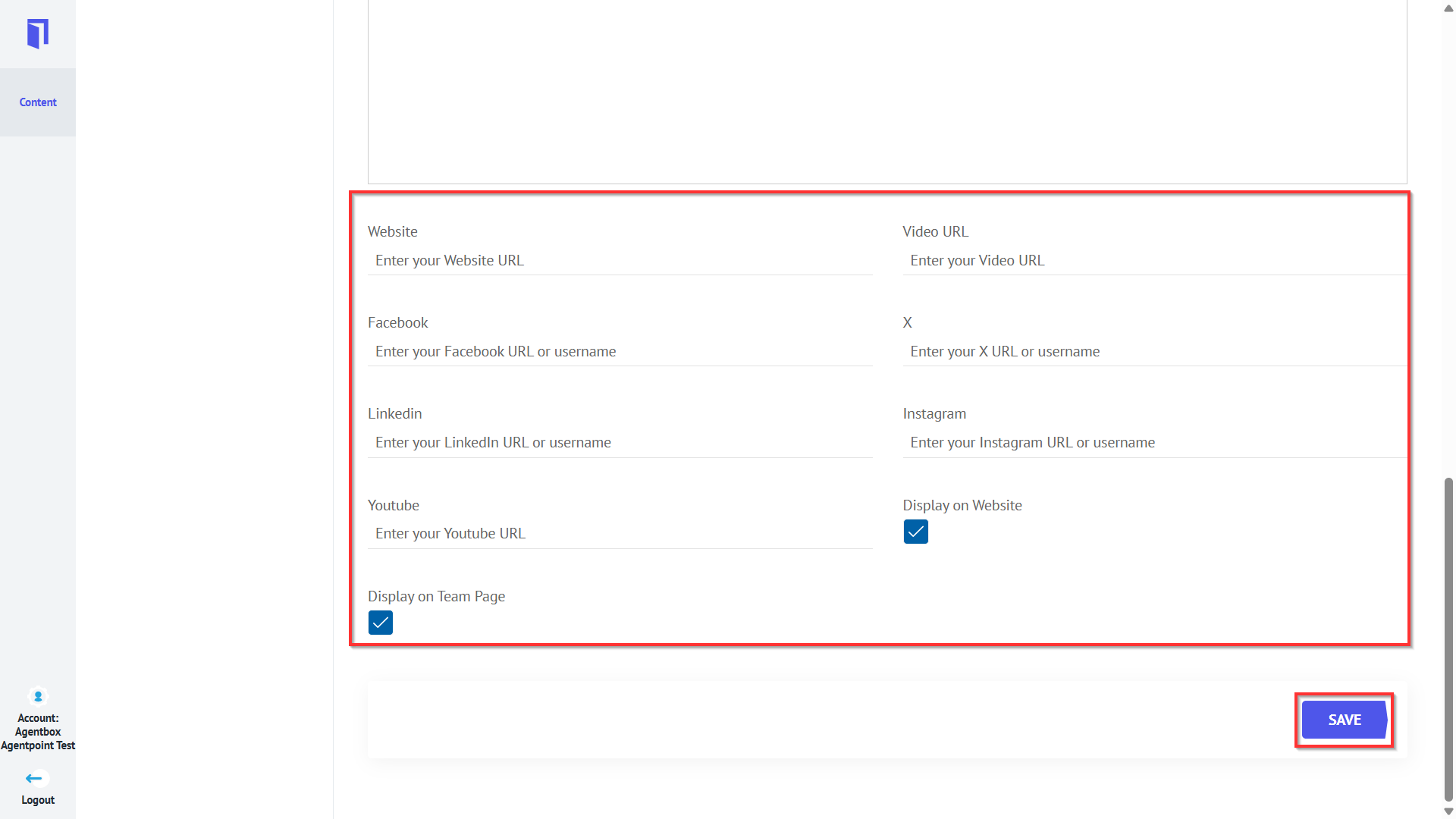
- Scroll down to enter additional agent details, such as social media links. Click Save.