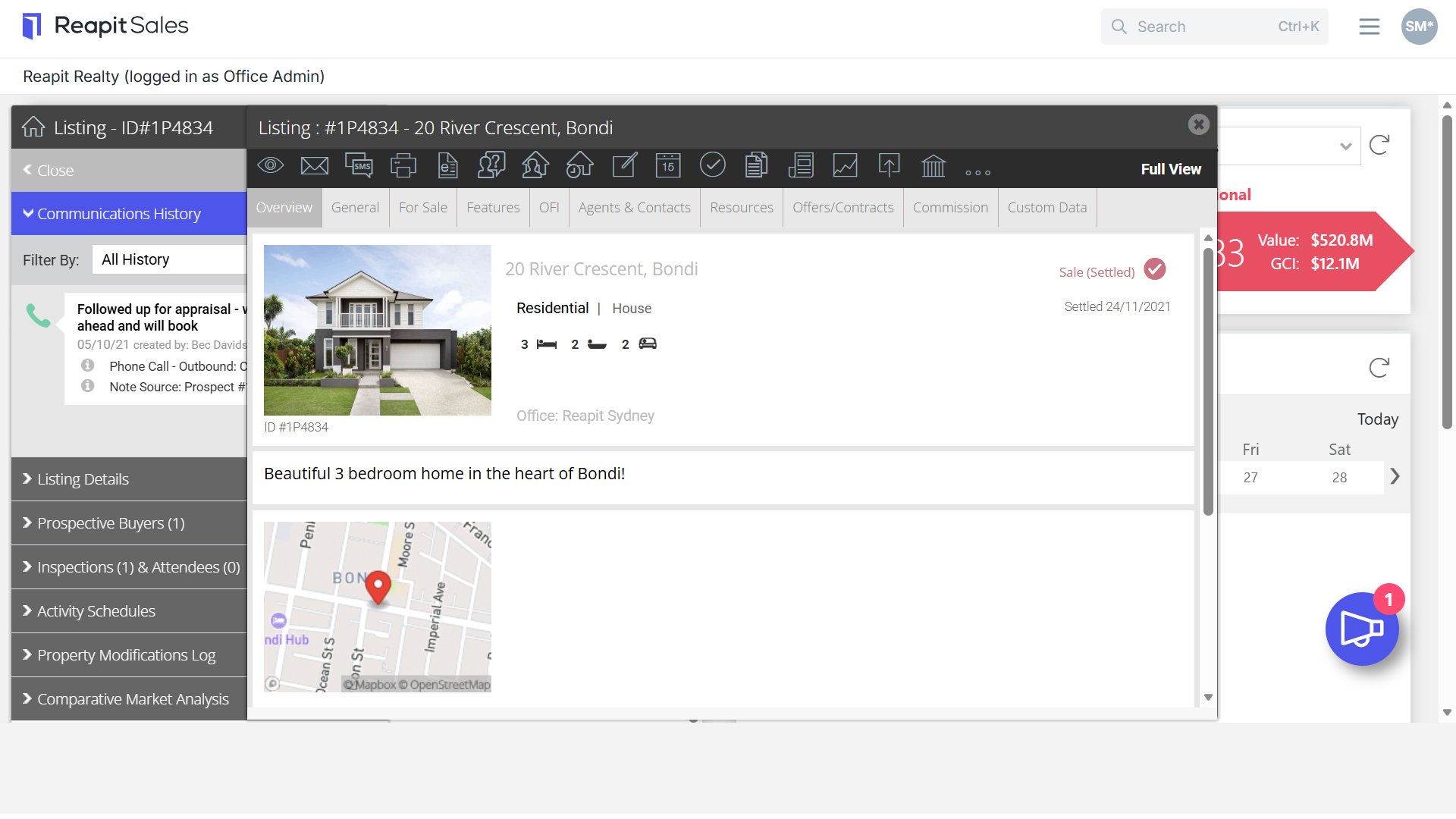
Updating Listings to Settled Status
This article shows updating listings to settled status in Reapit Sales.
Note: The Debits & Credit Commission Module is an add-on module. Request more information via our Client Change Request Form.
Once a property has settled, ensure that you update the listing status accordingly.
Your Agent's net commission is calculated on Settled sales in each reporting period, so you will need to update the status of your listings and ensure that the sale information and commissions are outlined correctly.
1. Search and open the listing you would like to update to settled.
2. Navigate to the Offers & Contracts tab and Commissions tab to review and ensure the details are correct.
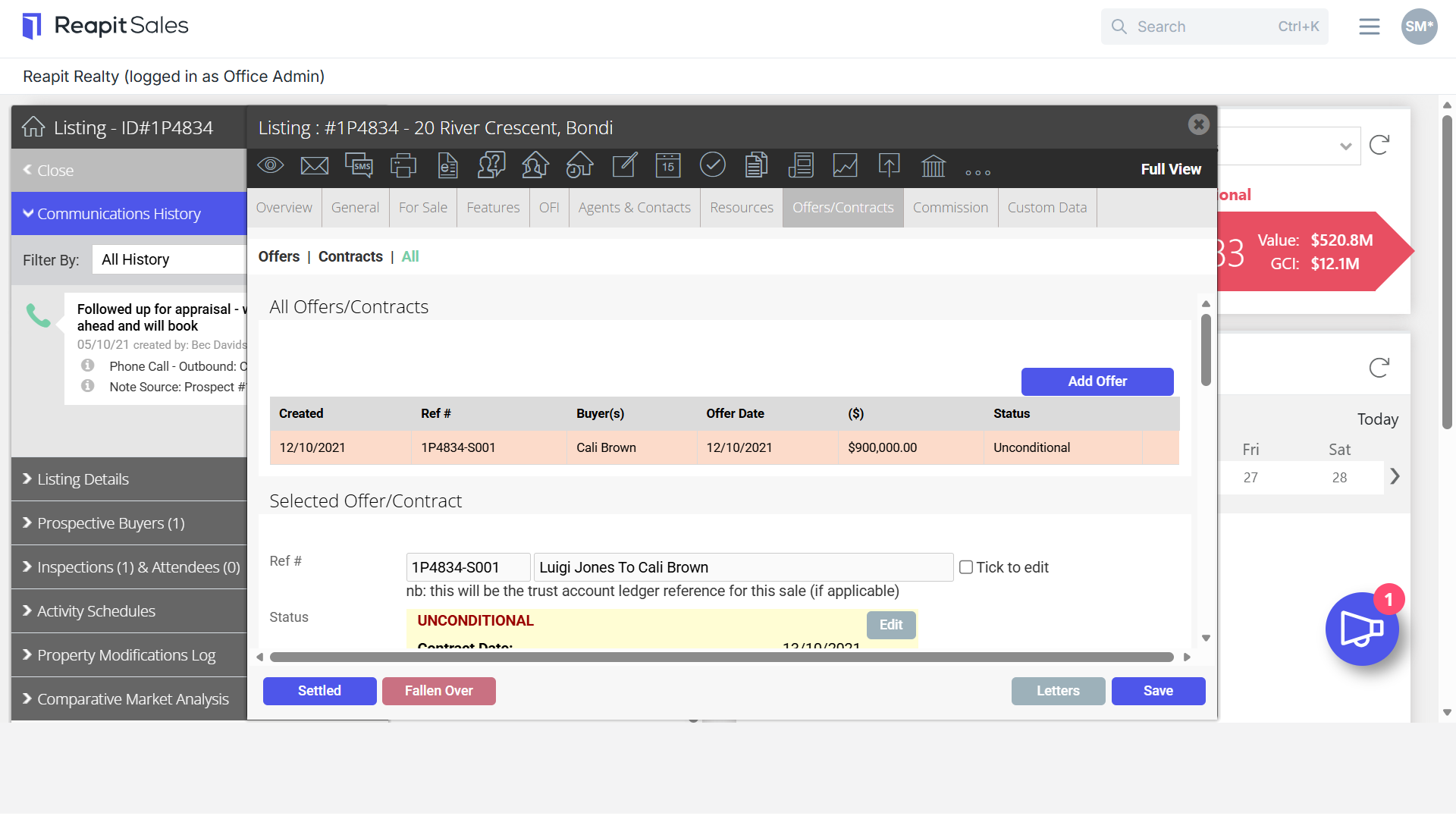
3. Navigate to the Offers & Contracts Tab and select Settled.
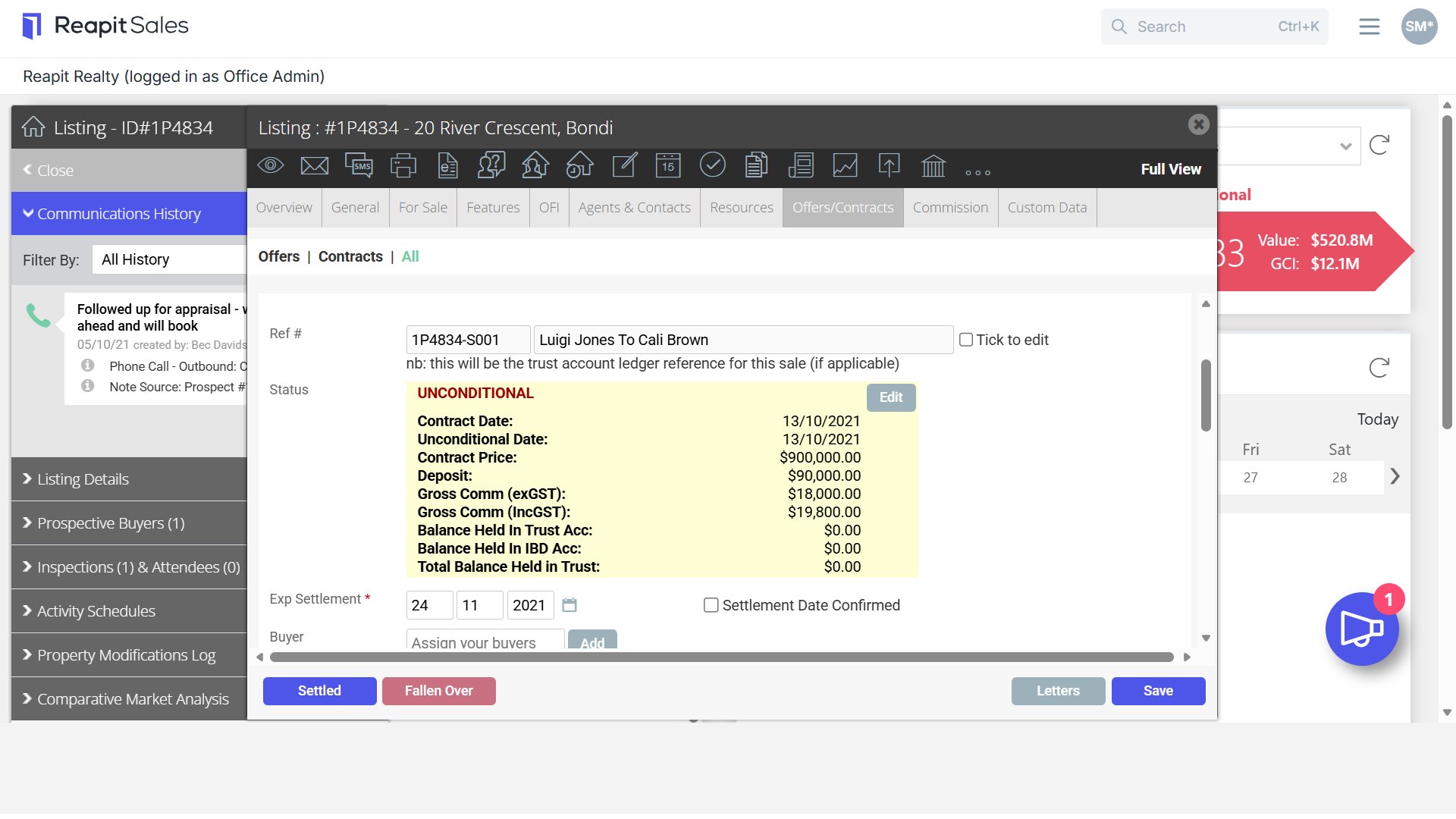
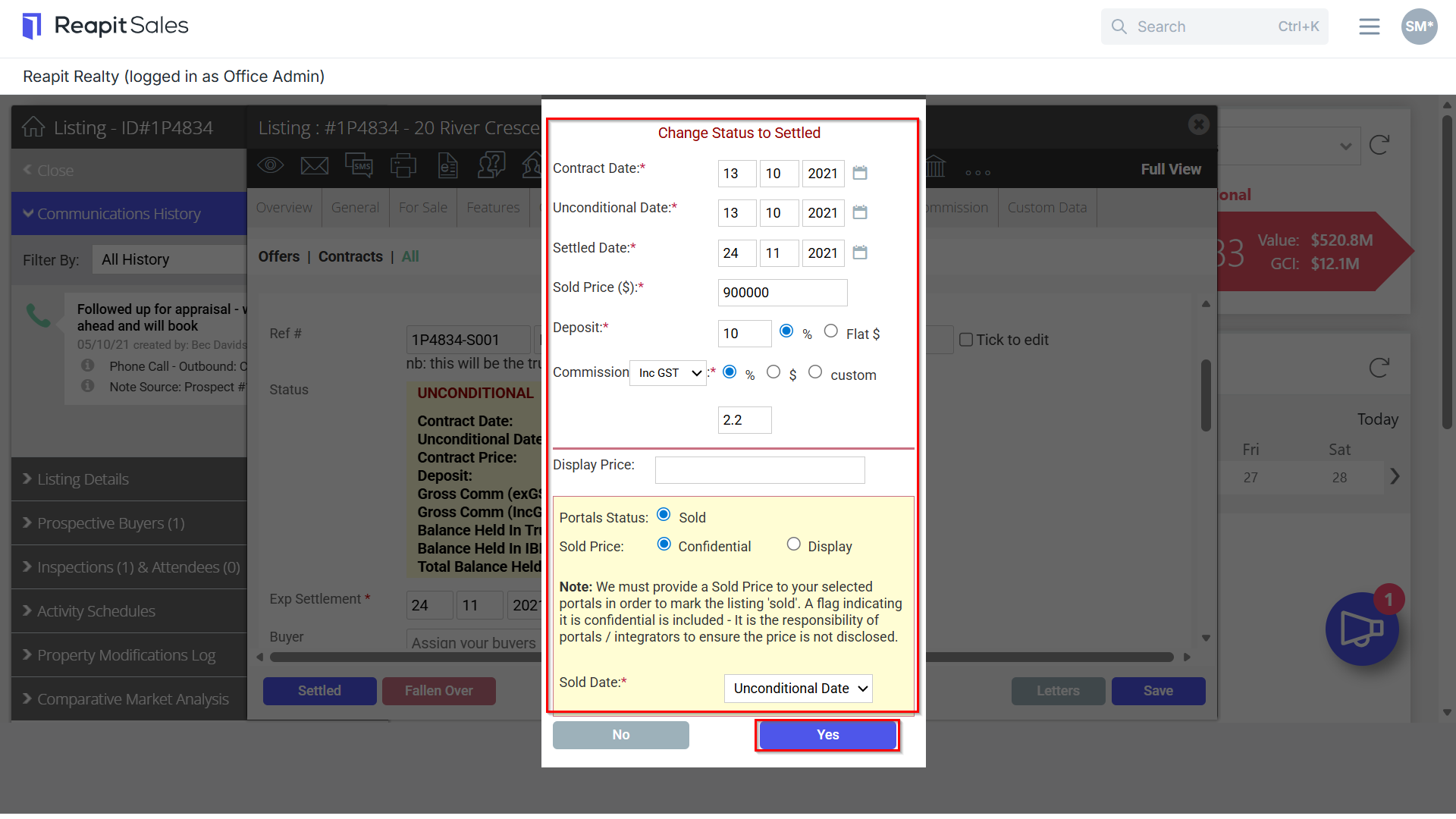
4. Review the sale details and once satisfied, click Yes.
5. The listing will now be updated to Settled Status and included in the relevant assigned Agent's Net Commission Reporting.