Sale Details Adjustments
This article shows how to adjust the sale details in Reapit Sales.
Note: The Debit & Credit Commissions is an add-on module. Request more information via our Client Change Request Form.
Once a settled listing has been submitted in an Agent's Net Commission Payment report any changes to the sale details will be credited or debited to the agent(s) in the form of an adjustment in their next report.
1. Search for the listing you want to adjust.
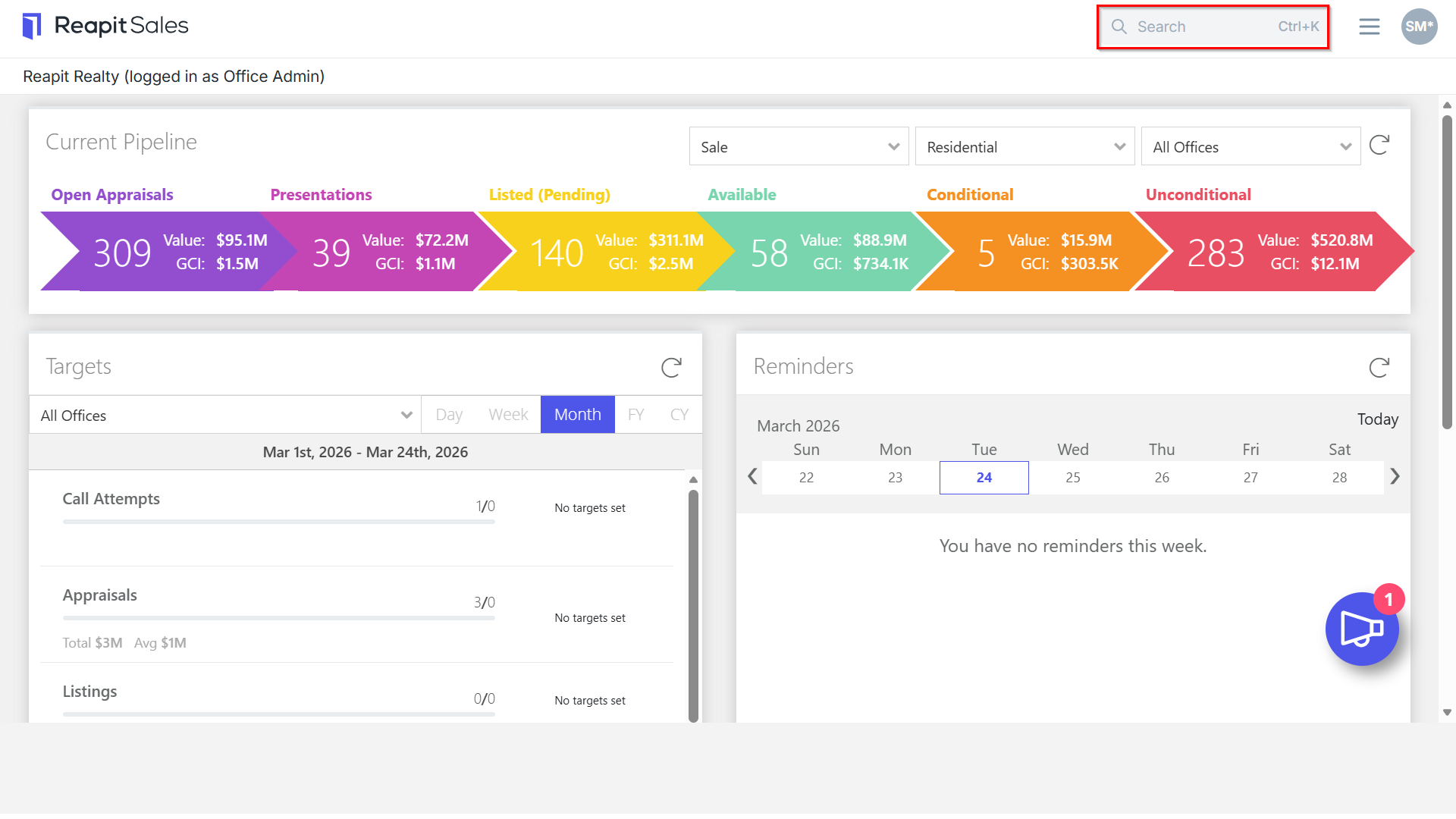
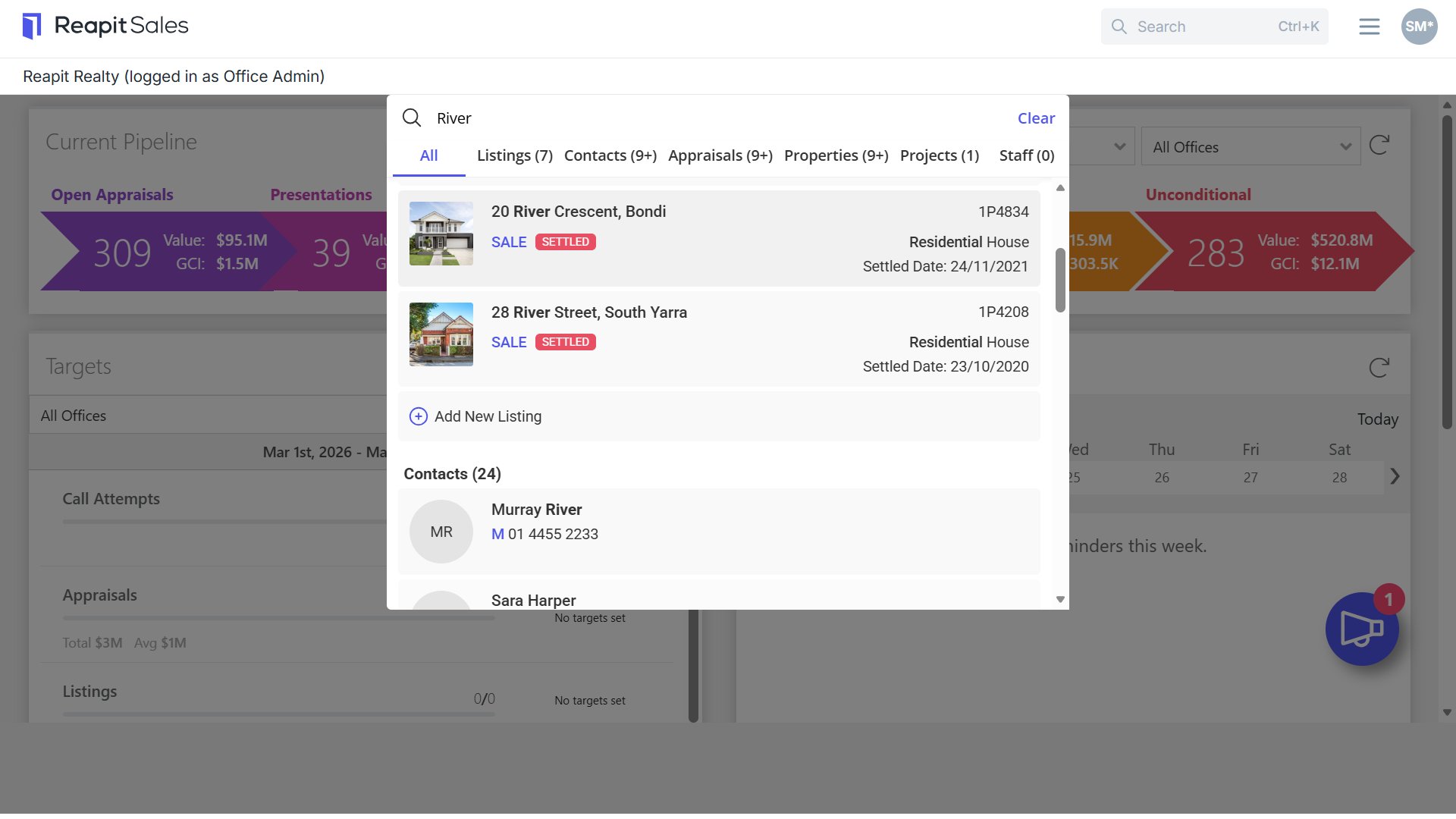
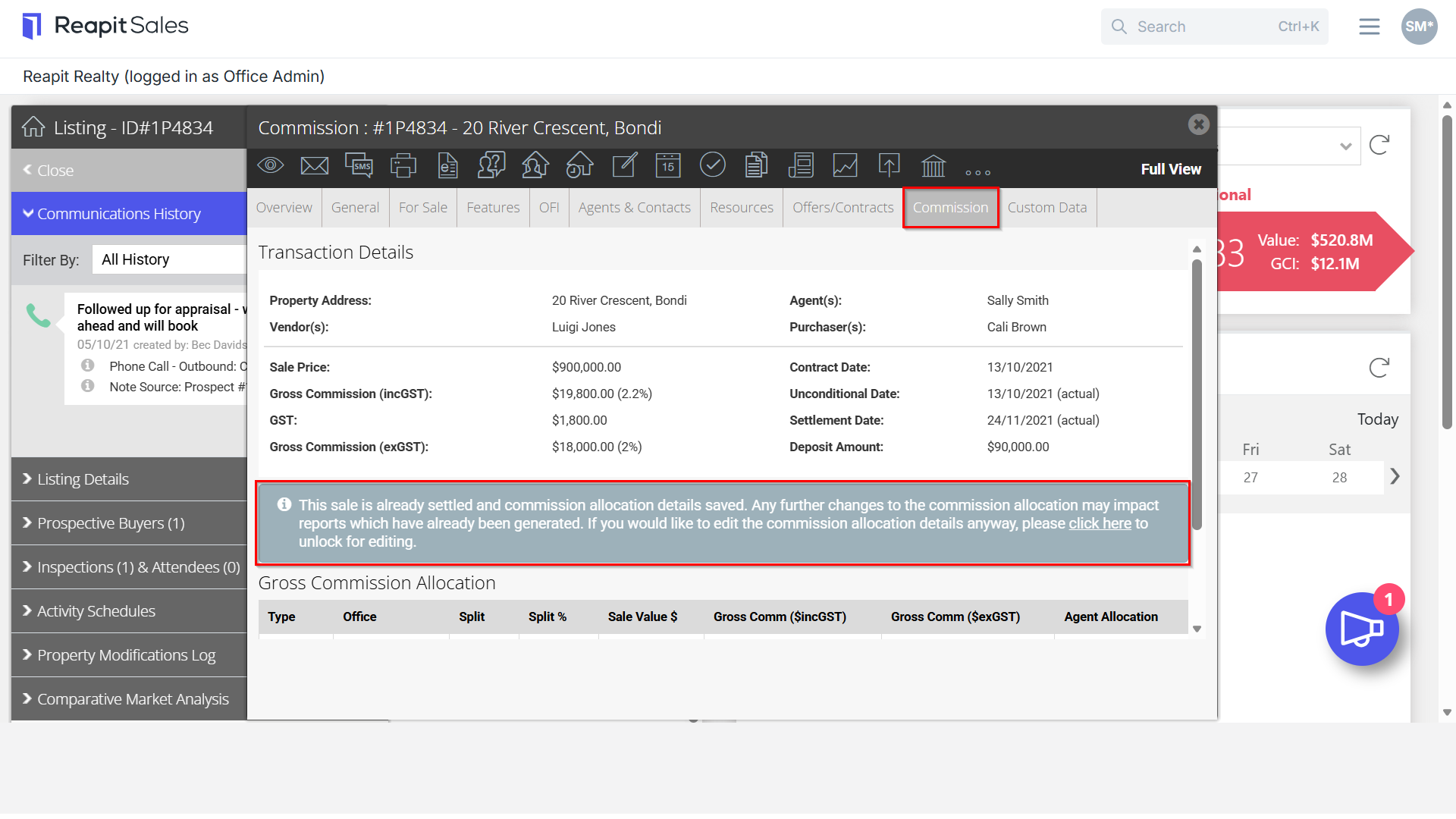
2. Navigate to Commission tab of a previously reported listing. You will need to click the info section to make changes.
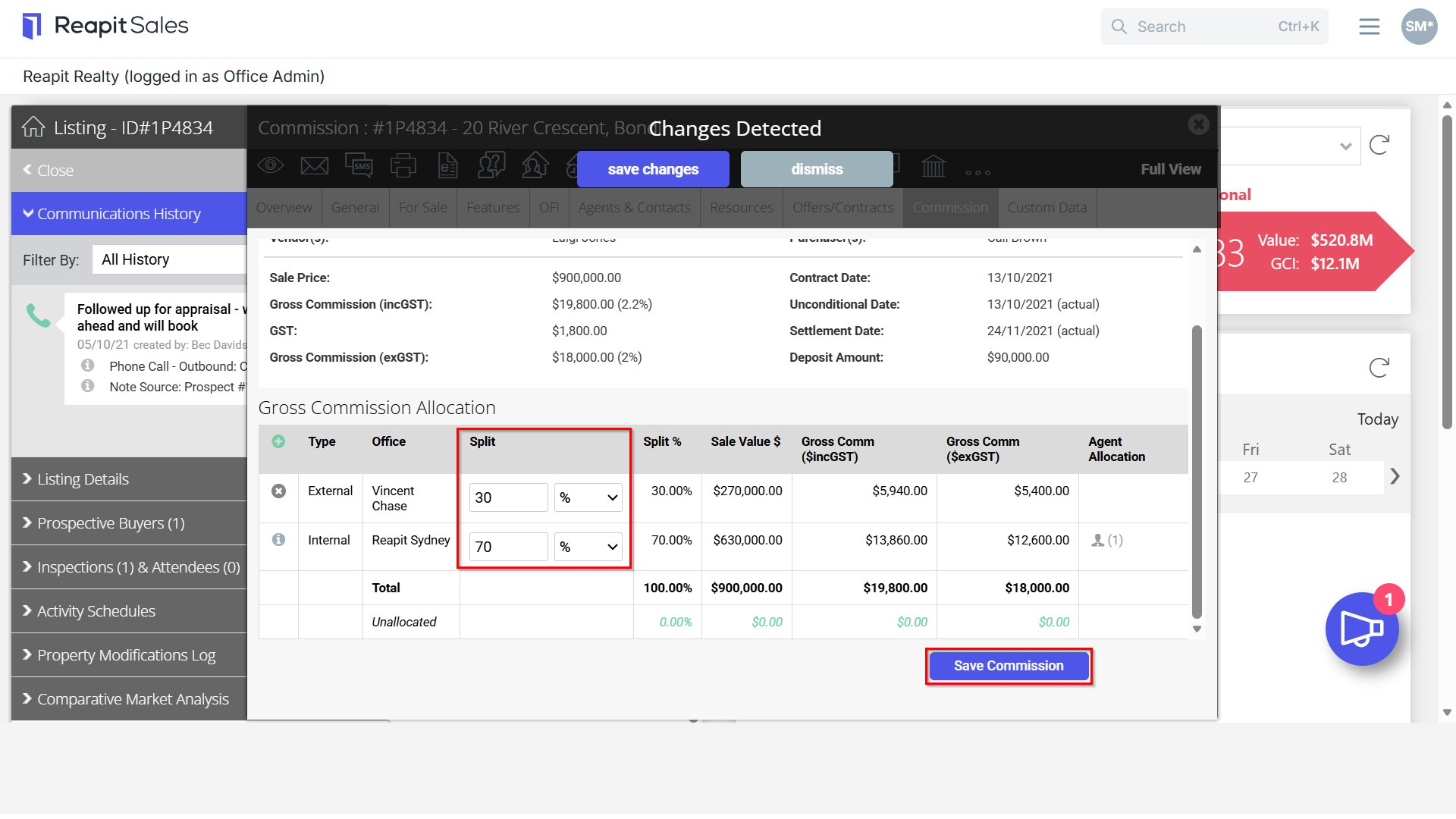
3. Update the sales details.
4. Click Save Commission.
5. In the next Agent Net Commission Payment report that you generate for the assigned agents, you will see the property listed with Adj. alongside. The figures outlined are based on the change made and will be reflected as either a positive or negative adjustment.
Note: Ensure that prior to making any changes to previously reported properties that the updated information is correct and accurate. This will ensure accurate commission reporting for agents.
Historic Sales
If you are wanting to add historically settled listings to your system, please note that once added, any adjustments to these listings will reflect as a positive or negative adjustment to the commission payable to the agent(s) within the next reporting period.