Mobile App: Access
This article explains how to access, log in to, and log out of the Reapit Sales App.
Note: This process applies to users who have already set up their Multi-Factor Authentication. If you need to set up MFA, please follow this process here.
Log In
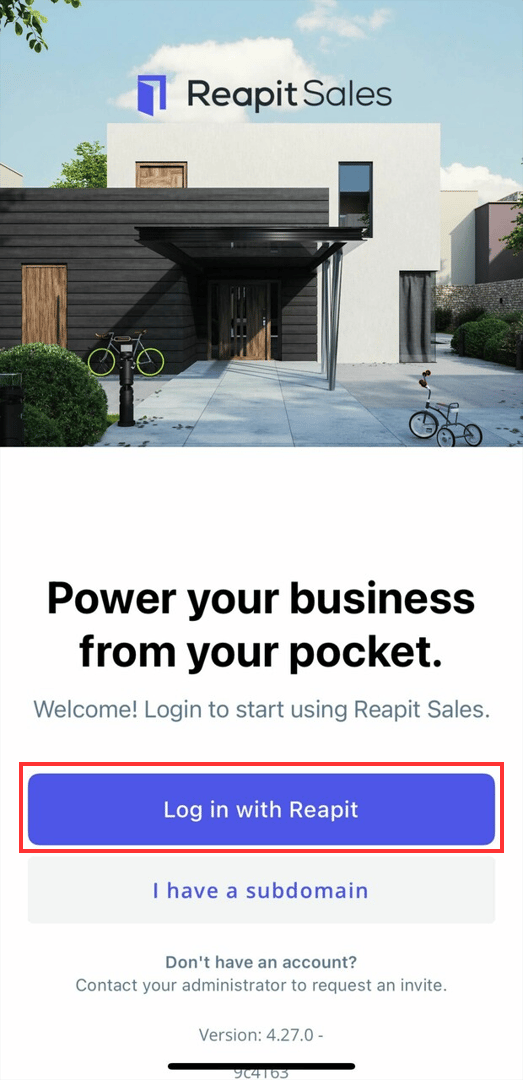
1. After you have installed and opened the app for the first time, you will be greeted with the login screen to Reapit Sales. Click Log in With Reapit.
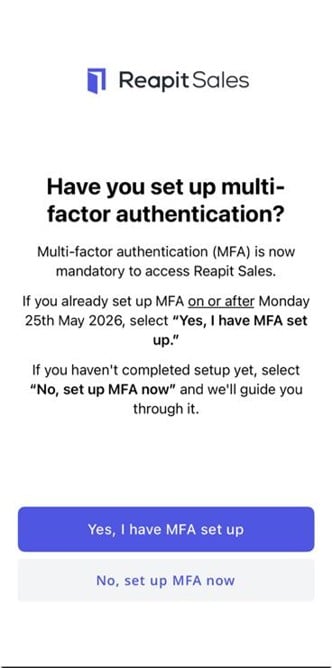
2. Click on Yes, I have MFA set up.
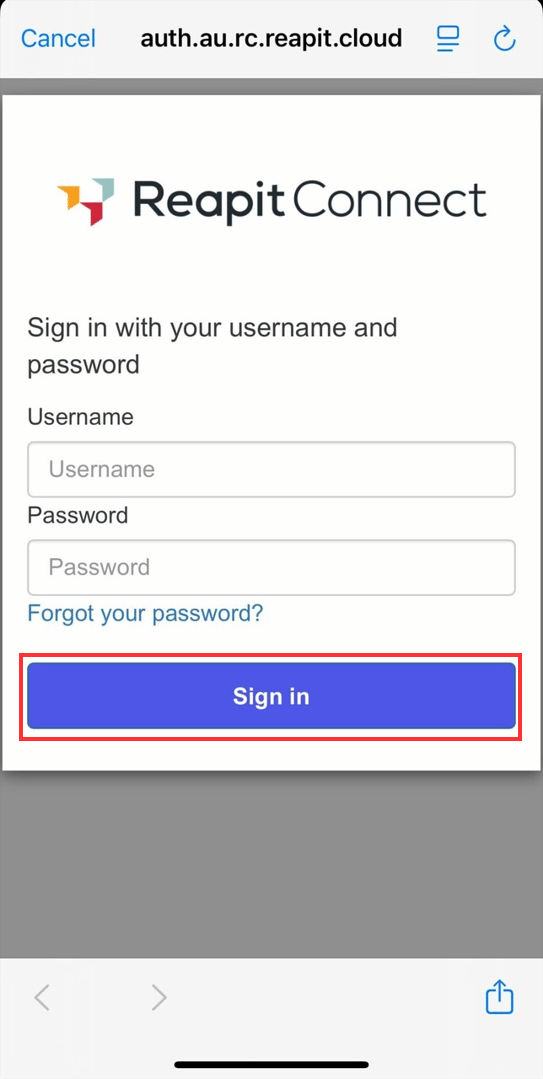
3. From the login screen, enter your Username and Password. Click Sign in.
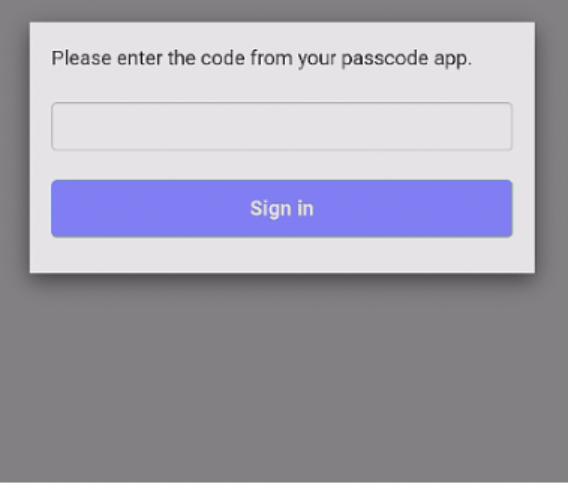
Note: Users with Multi Factor Authentication (MFA) enabled will need to switch to their authenticator app and enter the code.
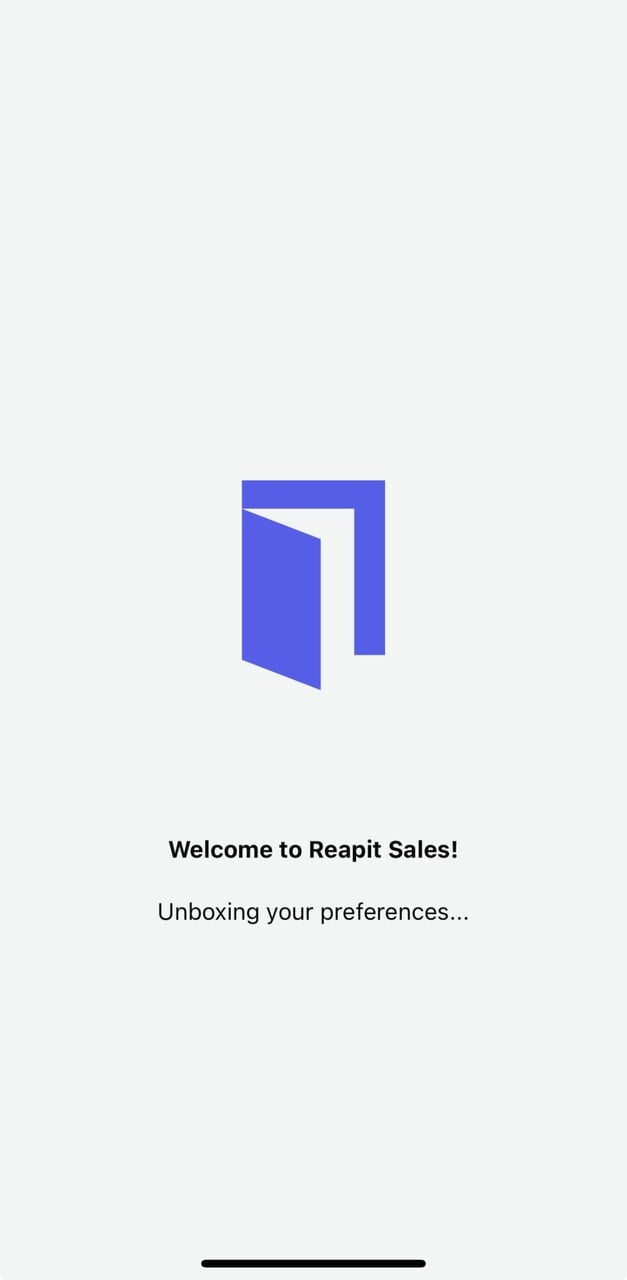
4. The Welcome to Reapit Sales screen will appear, and you will be signed in to your system.
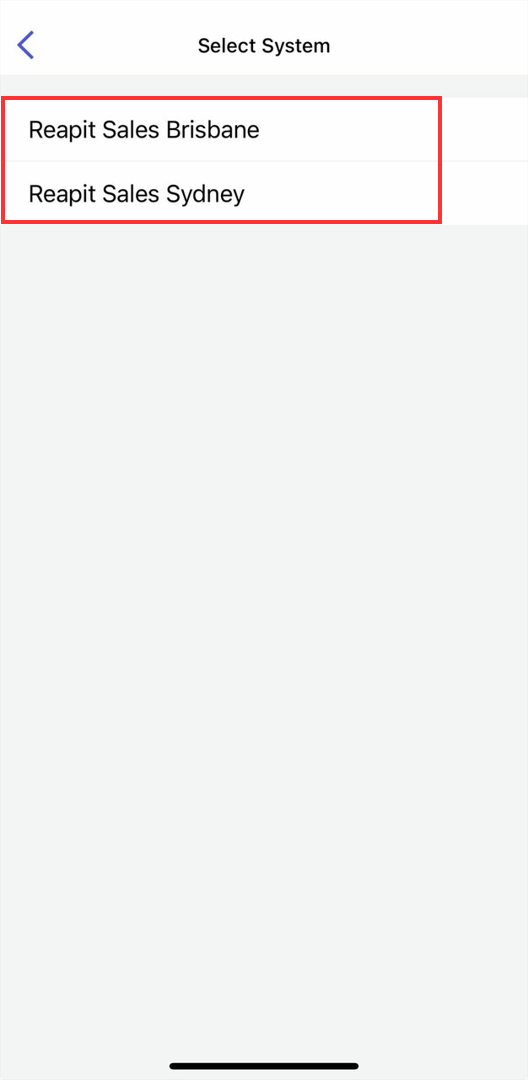
5. Users with access to multiple systems will be able to select the system they need to access.
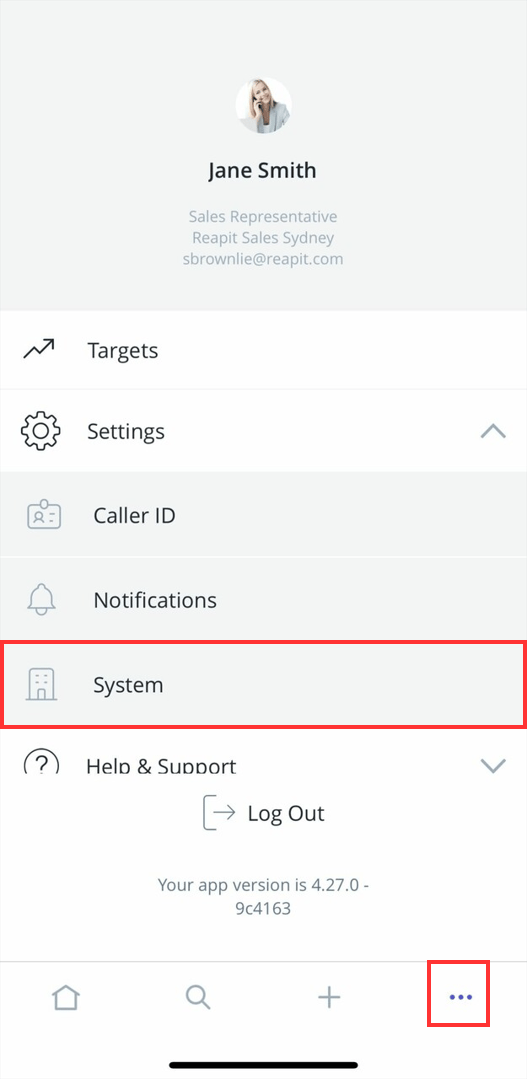
6. To switch between systems, click on the three dots and click System.
Log Out
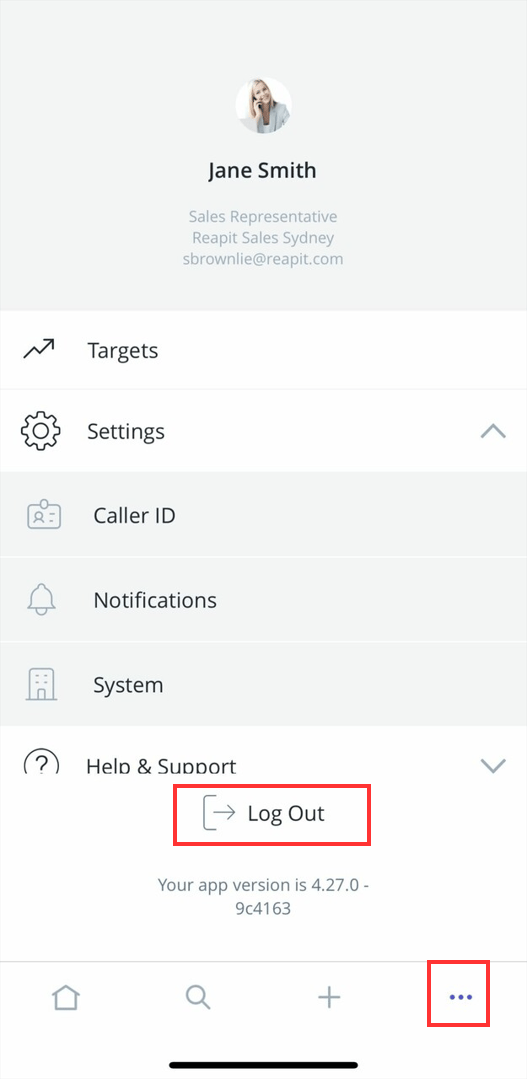
1. Click the three dots from the bottom main menu panel.
2. Tap Logout to sign out of the App.